

From my experience with MolyPix.AI, I found it excels at quickly generating creative and visually appealing images from simple text prompts. The platform’s ease of use makes it accessible for users without design backgrounds, which is a significant advantage for content creators and marketers needing fast visual content. However, the customization options are somewhat limited compared to more advanced AI art tools, and the lack of detailed company information may concern some users. Overall, if you want a straightforward AI image generator for creative projects, MolyPix.AI offers solid functionality at an affordable price.
MolyPix.AI AI Image Generator for Creative and Realistic Visuals
MolyPix.AI is a web-based AI tool that generates images from text prompts, offering style customization and high-resolution downloads for creative projects.
- Best for
- Creative Visual Content
- Key capability
- Text-to-Image Generation
Your actions
Save MolyPix.AI, follow its updates and vote on it — everything stays in your account.
Sign in or create a free account

What is MolyPix.AI?
MolyPix.AI is a web-based AI-powered image generation platform that transforms text prompts into high-quality, realistic, or artistic images. It leverages advanced machine learning models to synthesize visuals based on user input, enabling creators to produce unique graphics without needing traditional design skills.
Key features of MolyPix.AI
The platform offers intuitive text-to-image generation, style customization, and high-resolution output options. Users can generate images quickly, experiment with different prompts, and download results for various creative projects.
Text-to-Image Generation
Converts user text prompts into detailed and creative images.
Style Customization
Offers options to apply different artistic styles to generated images.
High-Resolution Outputs
Supports exporting images in high resolution suitable for professional use.
User-Friendly Interface
Simple and clean web interface designed for ease of use by all skill levels.
Pros and cons of MolyPix.AI
Pros
- Easy to use with minimal setup
- Produces high-quality and diverse images
- Affordable pricing with a free tier
- Supports creative experimentation
Cons
- Limited customization beyond style presets
- No mobile app available
- Country of origin and company details not clearly disclosed
Key use cases for MolyPix.AI
Creative Visual Content
Generate unique and artistic images for marketing, social media, and branding.
Concept Art and Design
Create concept visuals for projects, storyboards, and presentations.
Inspiration for Artists
Use AI-generated images as inspiration or starting points for further artistic work.
Rapid Prototyping
Quickly produce visual prototypes for client pitches or internal reviews.
How MolyPix.AI works
- 1
Enter Text Prompt
Users input descriptive text that defines the desired image content.
- 2
Select Style and Settings
Choose from available artistic styles or adjust parameters to influence image output.
- 3
Generate Image
The AI processes the prompt and creates an image matching the description.
- 4
Download or Refine
Users can download the generated image or modify the prompt to create variations.
Who is using MolyPix.AI
Graphic designers
Content creators
Marketing professionals
Artists seeking inspiration
Small business owners
MolyPix.AI pricing
Free
$0/month
Limited daily image generations with standard resolution and watermark.
Pro
$15/month
Increased generation limits, high-resolution downloads, and no watermarks.
Plans and prices are as published by the vendor and can change. Check the official site before you buy. Open the pricing page (opens in a new tab)
Frequently asked questions about MolyPix.AI
Yes, images generated under the Pro plan can be used commercially according to the platform’s terms.
The Free plan has daily limits, while the Pro plan offers higher or unlimited generation quotas.
No, the platform is designed for users without prior design experience.
It depends on your specific needs and how you plan to use the tool. The official website and documentation are the best sources for the latest details.
Pricing depends on the plan and included features. For the most accurate and up-to-date details, check the official pricing page.
Sign in to review this tool.
Sign In to ReviewNo reviews yet
Be the first to share how this tool worked for you.
Ask about pricing, limits, or how it compares — or answer someone else.
Sign In to AskNo questions yet
Have a question about using or paying for this tool? Be the first to ask.
Featured on TiorAI



More AI Design & Creative Tools tools
Other tools in the same category, for when this one is not quite the fit.

Free
Pixel-Art.ai
Pixel-Art.ai is an AI-driven web tool that generates custom pixel art and sprites from user prompts, ideal for game developers and digital artists seeking quick pixel art creation.
Free
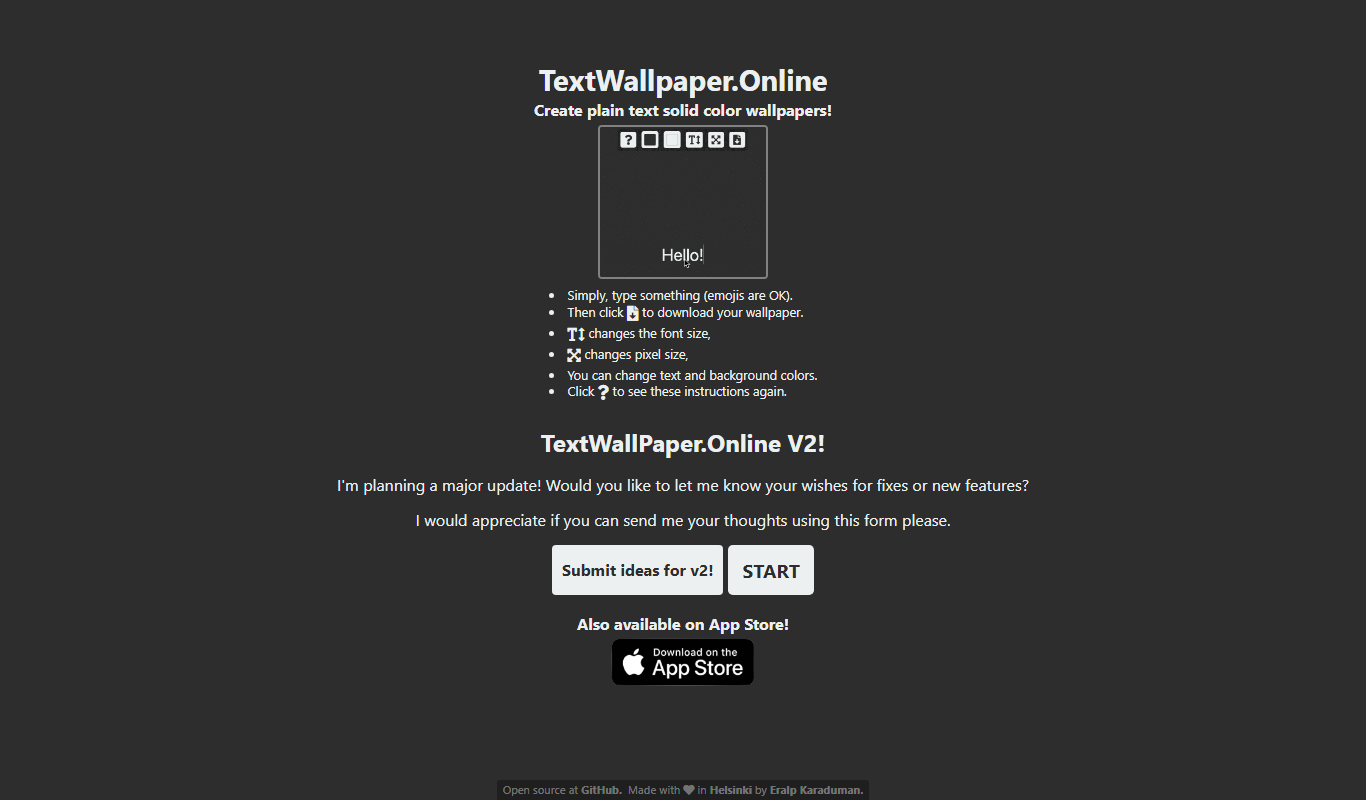
TextWallpaper
TextWallpaper is a free web-based tool that lets you create personalized wallpapers using custom text, fonts, and colors without needing to sign up.
Free
Emojifyer | AI Emoji Generator
Emojifyer is an AI-based tool that generates custom emojis from text descriptions, allowing users to create personalized emojis for social media, messaging, and branding.
Freemium
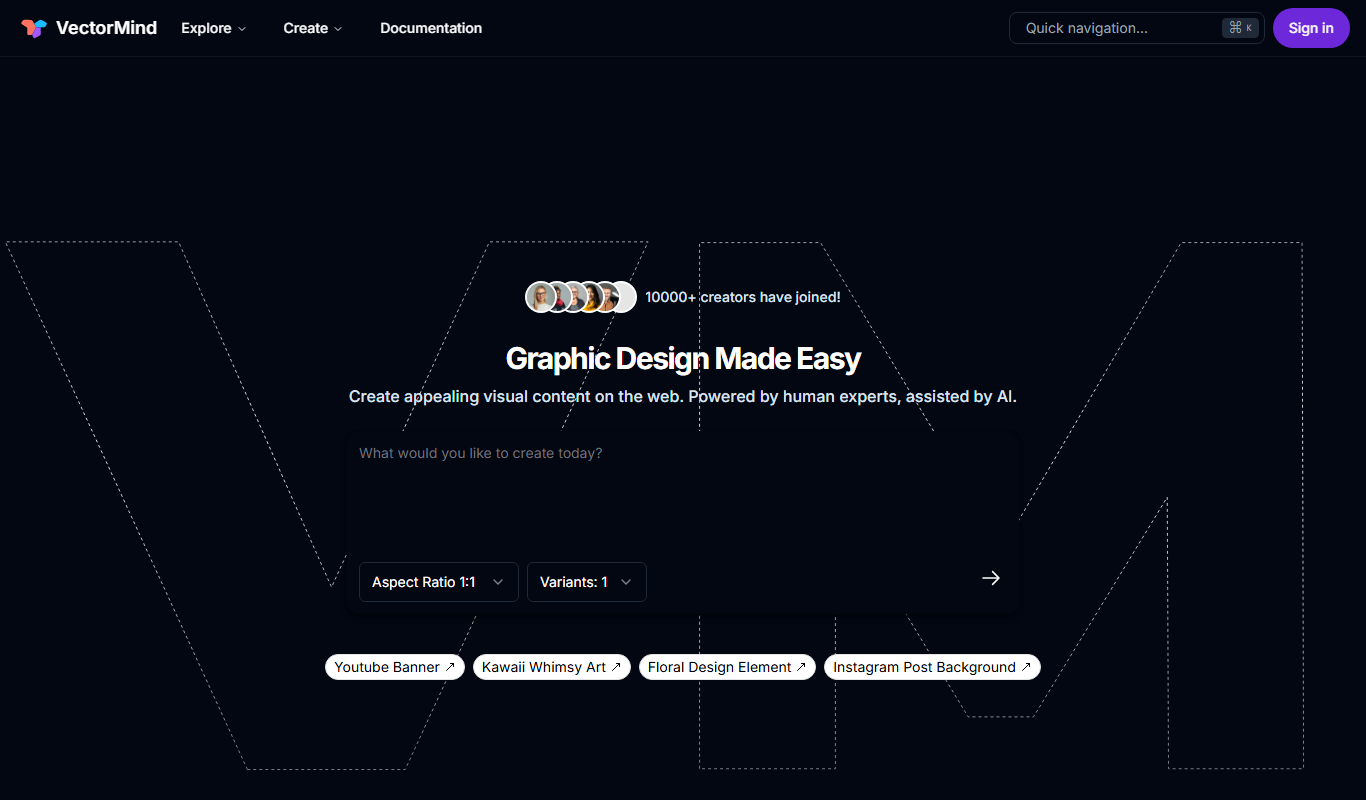
VectorMind AI
VectorMind AI is a web-based platform that uses artificial intelligence to generate and customize vector graphics, helping designers create logos, illustrations, and marketing materials efficiently.

Freemium
PlusVector
PlusVector is an AI-powered web platform that generates high-quality vector images from text prompts, ideal for designers and marketers needing scalable creative assets.

Free Trial
UserWatch
UserWatch is an AI agent that reviews session replays, says what needs fixing and analyzes funnels.
Free
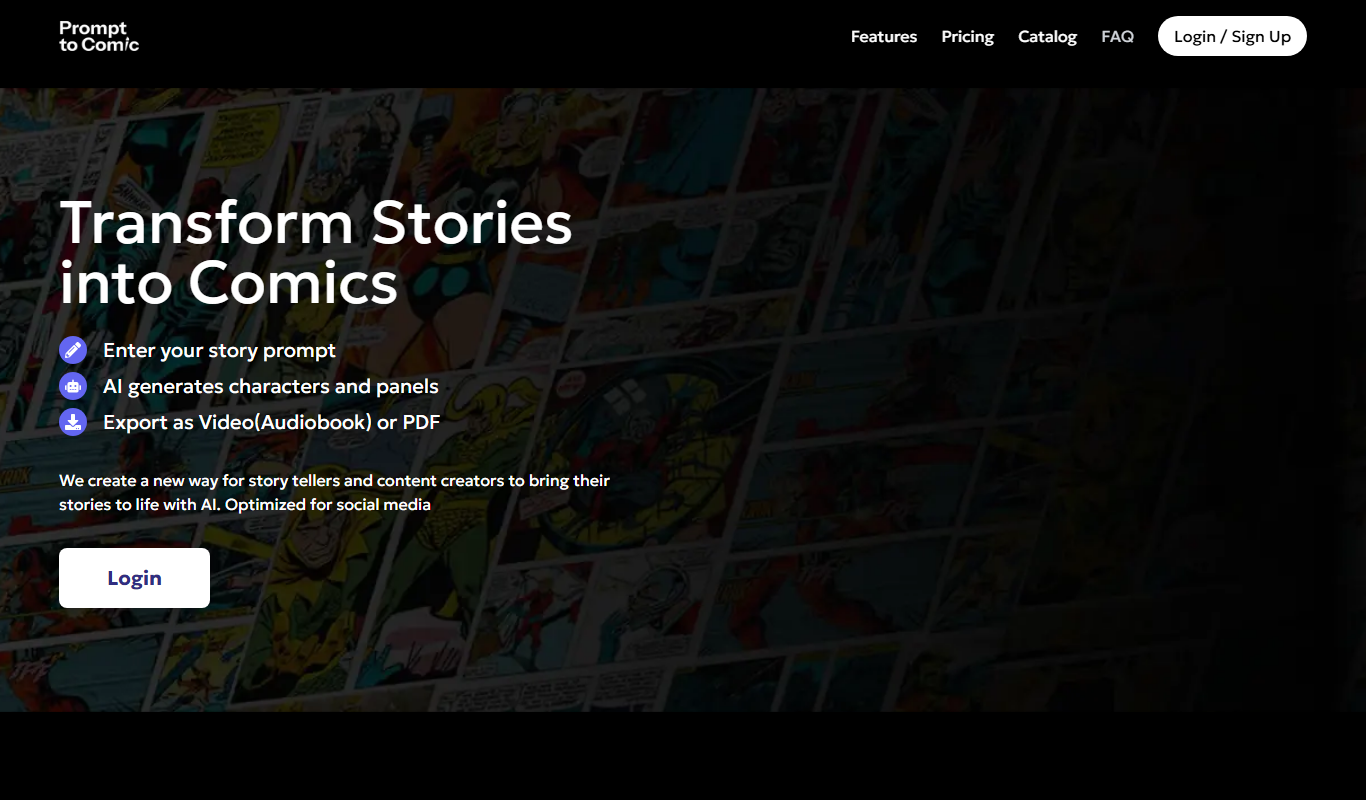
PromptToComicAI
PromptToComicAI is an AI-powered web tool that converts text prompts into comic-style images, enabling users to create visual stories without drawing skills.

Freemium
Photoleap
Photoleap is a mobile photo editing app by Lightricks that provides advanced layer-based editing, AI-powered effects like sky replacement, and creative tools for enhancing photos on iOS and Android devices.