

Tubly: AI YouTube summaries and daily digest Chrome extension
Tubly is a free Chrome extension that turns new videos from your YouTube subscriptions into AI summaries, direct answers, key moments and transcripts.
- Best for
- Keeping up with subscriptions
- Key capability
- Video answer
Save Tubly, follow its updates and vote on it — everything stays in your account.
Sign in or create a free account
What is Tubly?
Tubly is a free Chrome extension that uses AI and the YouTube API to summarize new videos from your subscribed channels. It gives each video a direct answer to its title, a summary, clickable key moments and a transcript, and adds a summary block on YouTube watch pages.
Key features of Tubly
Tubly offers direct answers to video titles, AI summaries, clickable key moments, saved highlights, downloadable transcripts, a digest of new uploads from your channels and an AI chat that answers questions about a video.
Video answer
The direct answer to the video title, to check if a video delivers before you watch.
AI summaries and key moments
Summaries of the most important insights plus key moments that jump straight to the exact scenes.
Subscription digest
With your permission, reads your subscriptions and compiles new uploads into a readable brief.
Transcripts
Full editable transcripts with one click for note-taking, studying or research.
Copilot chat
Ask questions about the video and get answers with clickable timestamps.
Pros and cons of Tubly
Pros
- Free to add to Chrome
- Clickable timestamps jump to the exact moment
- Google permissions can be revoked and deletion requested at any time
- Offers free and affordable premium plans
Cons
- Free version includes ads
- Transcripts are only shown when available
- Limited advanced editing or conversion features
Key use cases for Tubly
Keeping up with subscriptions
See new uploads from followed channels as a readable brief.
Checking a video before watching
Read the core answer suggested by the title before you watch.
Study and research notes
Download transcripts and save highlights for note-taking, studying or research.
Content Backup
Create backups of favorite videos to prevent loss.
Share Videos Easily
Download and share videos with friends or on other platforms.
How Tubly works
- 1
Install the extension
Add Tubly to Chrome from the official Web Store.
- 2
Connect your account
Sign in with Google to sync your YouTube subscriptions.
- 3
Check your feed
Open the dashboard to see the latest videos from your channels with AI-generated direct answers.
- 4
Read summaries on YouTube
A summary block appears on the YouTube watch page below the video player.
- 5
Manage and Share
Access your downloaded videos within the app and share as needed.
Who is using Tubly
Tubly pricing
Free
Free
Free Chrome extension.
Premium
$4.99/month
Ad-free experience, faster downloads, and higher quality options.
Plans and prices are as published by the vendor and can change. Check the official site before you buy. Open the pricing page (opens in a new tab)
Frequently asked questions about Tubly
It uses AI and the YouTube API to give direct answers and summaries of new videos from your subscribed channels.
Yes. Tubly is free to add to Chrome.
No. The official Tubly is tubly.app and its Chrome Web Store extension; it is not affiliated with tubly.download.
Yes. The AI Copilot answers questions about the video content with clickable timestamps.
It depends on your specific needs and how you plan to use the tool. The official website and documentation are the best sources for the latest details.
It depends on your specific needs and how you plan to use the tool. The official website and documentation are the best sources for the latest details.
Yes, it can help with that use case depending on how you configure it and what features are available. You’ll get the best results with clear inputs and a defined goal.
Conclusion
New uploads from a user’s YouTube subscriptions become a readable daily brief in Tubly, a free Chrome extension that works with AI and the YouTube API. Each video gets a direct answer to its title, a summary of the main ideas, clickable timestamps and a readable transcript when one is available. A summary block also appears below the player on the YouTube watch page, and a Copilot answers questions about a video with clickable timestamps.
Setup takes installing the extension and signing in with Google to sync subscriptions, and those Google permissions can be revoked at any time. The official site also points out that it is not affiliated with tubly.download.
Sources
Sign in to review this tool.
Sign In to ReviewNo reviews yet
Be the first to share how this tool worked for you.
Ask about pricing, limits, or how it compares — or answer someone else.
Sign In to AskNo questions yet
Have a question about using or paying for this tool? Be the first to ask.
Featured on TiorAI



Alternative Tools
Explore similar AI tools that might fit your needs
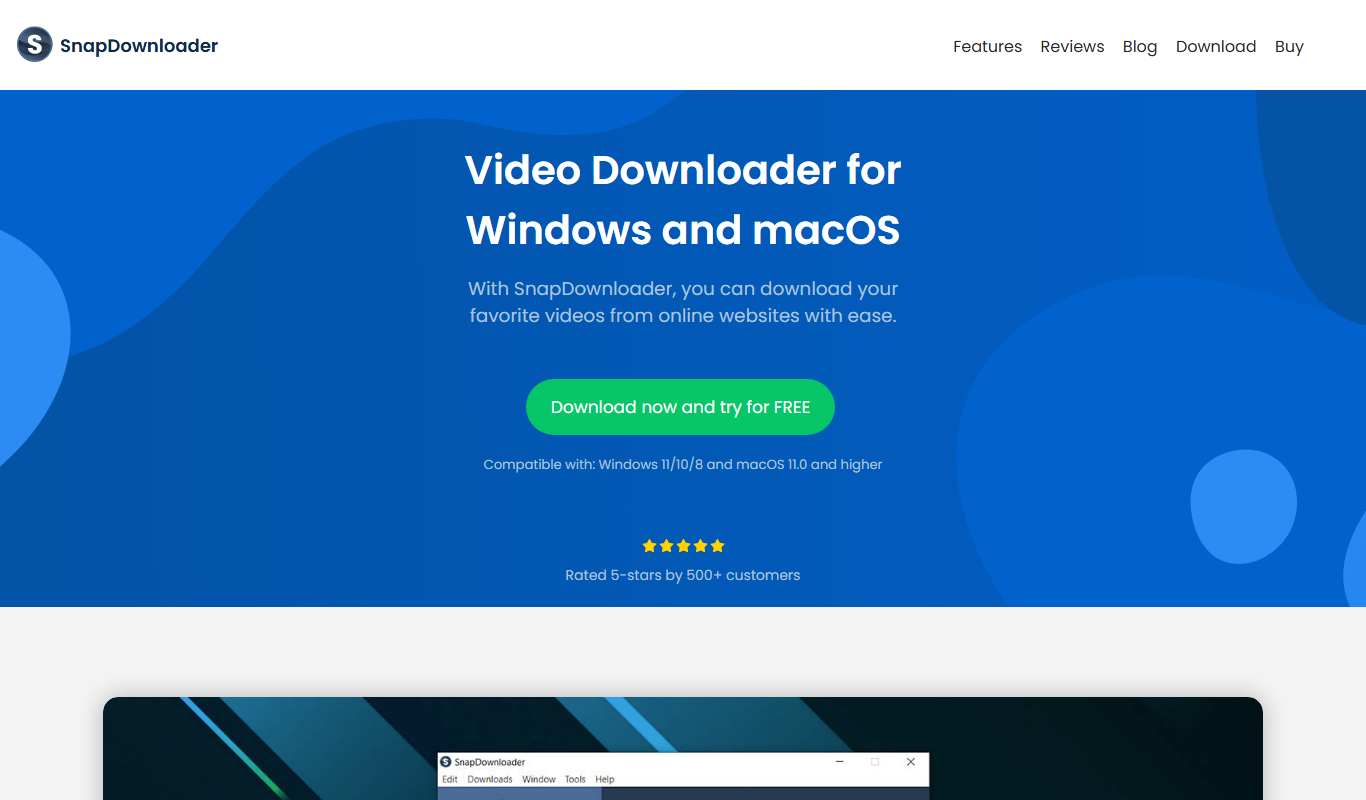
SnapDownloader
SnapDownloader is a desktop application that allows users to download videos and audio from YouTube and over 900 other websites in high quality, including 4K and 8K resolutions, with batch downloading and format conversion features.
More AI Productivity Tools tools
Other tools in the same category, for when this one is not quite the fit.

SAiY
SAiY is an AI keyboard for iPhone, Android, Mac, Windows and Chrome that helps write better messages, translate in 50+ languages and adjust tone inside every app.

Everyday AI Tools
Everyday AI Tools is a web app that uses OpenAI's GPT-5.5 text model to generate social media posts, cover letters, movie scripts and other content in seconds.

Klart AI
Klart AI lets teams deploy AI employees that execute real work across their tools, source-grounded, governed and scalable for teams and enterprises.

AICamp
AICamp is a collaborative AI workspace where teams use top LLMs in one place, build custom agents and share prompts, with control over data and costs.

lxi.ai
lxi.ai is a canvas to collaborate with AI and others on research papers, trip plans and organizing your thoughts, currently in beta.
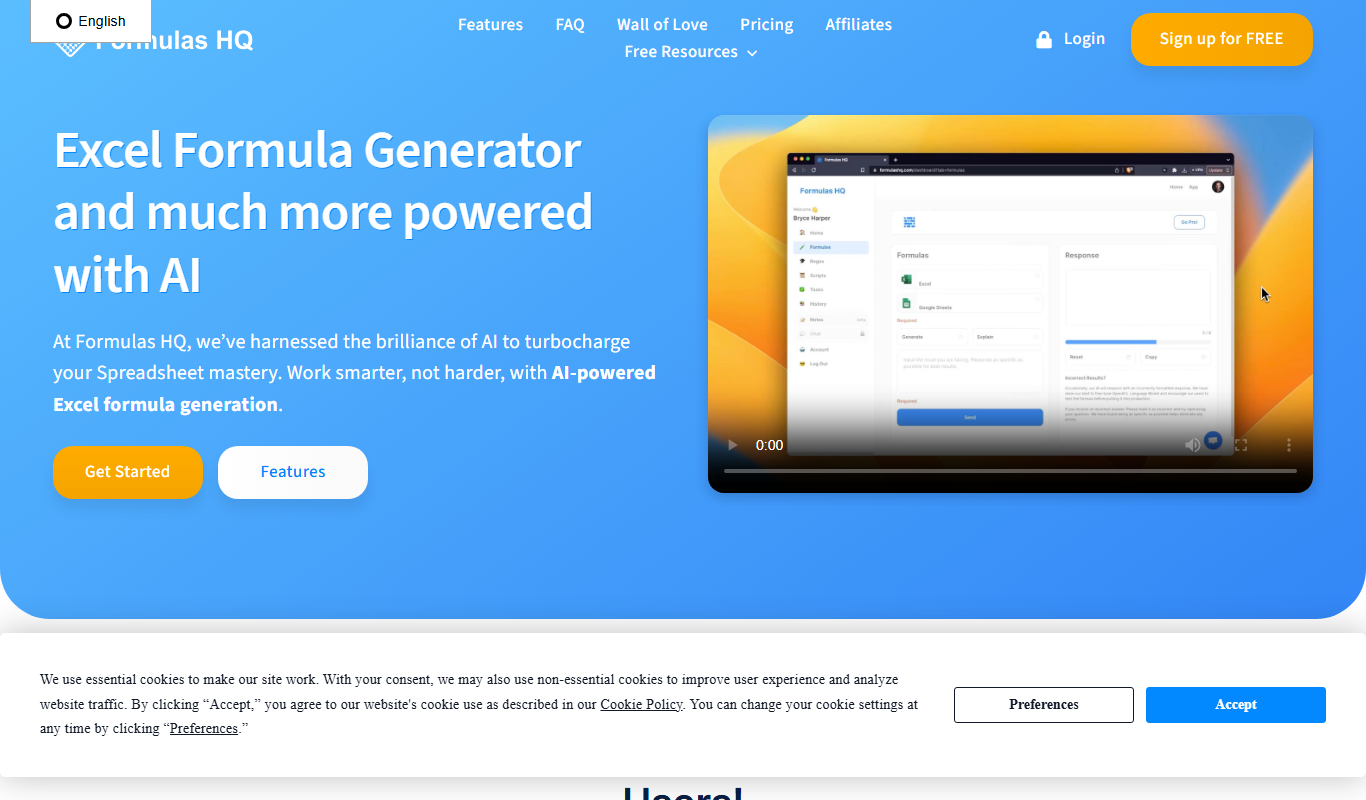
FormulasHQ
FormulasHQ generates Excel formulas, VBA macros, Python code, regex, and Salesforce formulas in plain English.
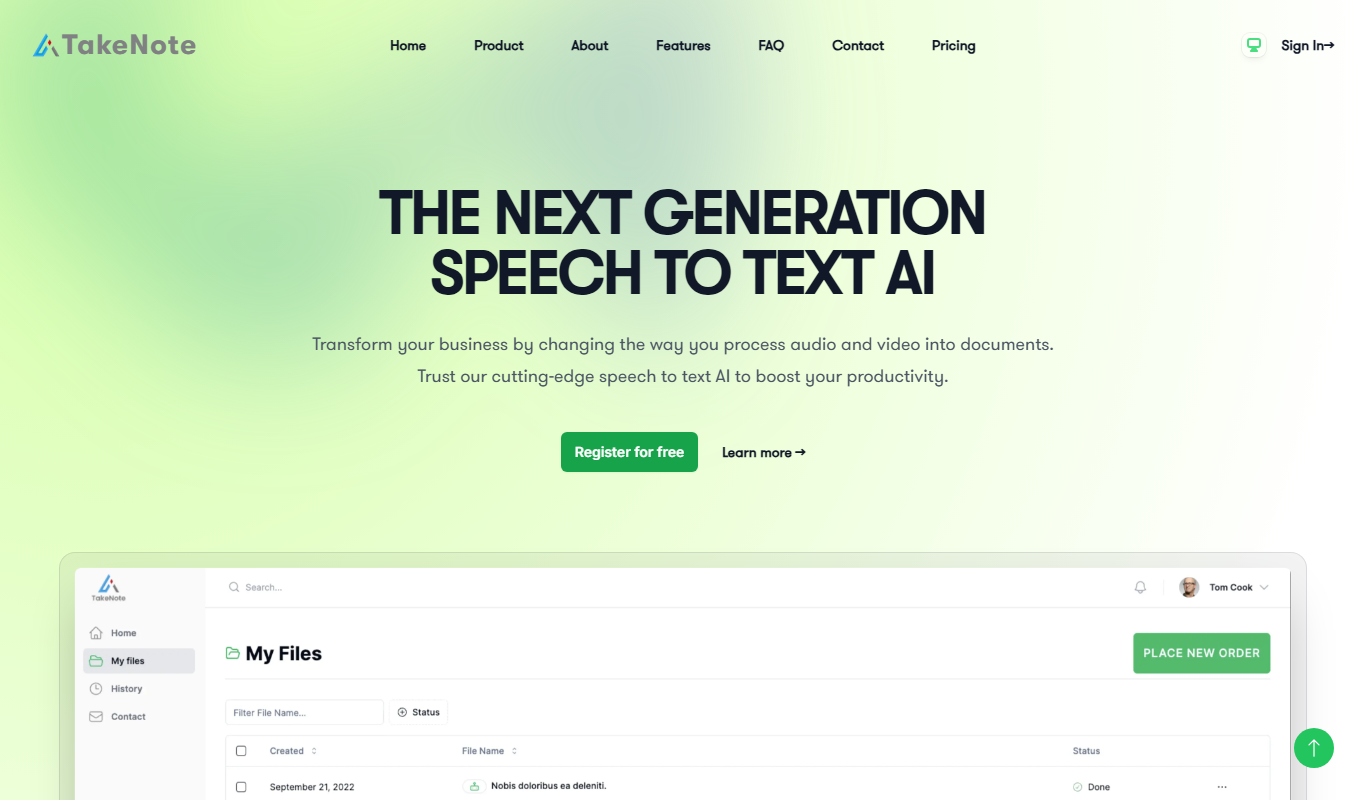
TakeNote
TakeNote provides AI meeting notes, client document extraction, and auto-filled provider forms for UK regulated financial advisers.

AppGen
AppGen offers thousands of AI apps made by teachers, students and creators: fill in a few blanks to get lesson plans or research titles, or build your own app without code.