
From my experience with Typeframes, I found it excels at quickly turning simple text prompts into usable UI wireframes, which significantly speeds up the initial design phase. The tool is especially helpful for product managers and developers who may not have strong design skills but need to visualize interface ideas fast. However, the trade-off is that customization options are limited compared to full-fledged design software, and collaboration features are still basic. Overall, if you need rapid prototyping with minimal effort, Typeframes delivers a practical and accessible solution.

Typeframes AI Text to UI Design Tool for Rapid Prototyping and Wireframes
Typeframes is an AI tool that transforms text descriptions into UI wireframes, helping users quickly prototype and visualize app or website interfaces without design skills.
What is Typeframes?
Typeframes is an AI-powered web application that transforms plain text descriptions into UI wireframes and prototypes. It enables designers, developers, and product teams to quickly visualize interface ideas by simply typing what they want, eliminating the need for manual sketching or complex design software.
Key Features of Typeframes
Text-to-UI Conversion
Convert simple textual descriptions into structured UI wireframes instantly.
Component Library
Access a variety of UI elements like buttons, inputs, and menus to refine designs.
Export Options
Export wireframes as images or code snippets for integration into development workflows.
Web-Based Interface
Use the tool directly in the browser without installation or setup.
Pros and Cons of Typeframes
Pros
- Speeds up early UI design with AI automation
- No design skills required to create wireframes
- Web-based with no installation needed
- Affordable pricing with a free tier
Cons
- Limited customization compared to full design tools
- Collaboration features are basic at present
- Export options are somewhat limited
Key Use Cases for Typeframes
Rapid UI Prototyping
Generate user interface wireframes quickly from simple text prompts to accelerate design workflows.
Wireframe Creation
Create clean and structured wireframes for websites and apps without manual drawing.
Design Exploration
Experiment with different UI layouts and components by describing your ideas in natural language.
Collaboration
Share generated UI concepts with team members or clients for early feedback and iteration.
How Typeframes Works
-
1
Enter Text Description
Describe the desired user interface or screen layout in natural language.
-
2
AI Generates Wireframe
The AI interprets the text and creates a corresponding UI wireframe automatically.
-
3
Customize and Edit
Adjust the generated design by modifying components or layout as needed.
-
4
Export or Share
Download the wireframe or share it with collaborators for feedback.
Who's Using Typeframes
UI/UX designers
Product managers
Startup founders
Developers needing quick mockups
Design agencies
Typeframes Pricing
Free
$0/month
Basic access with limited wireframe generations and features.
Pro
$15/month
Unlimited wireframe generations, advanced customization, and priority support.
Frequently Asked Questions About Typeframes
Yes, Typeframes is designed to be user-friendly and requires no prior design skills.
You can export wireframes as PNG images or copy code snippets for development.
The free plan has a limit, while the Pro plan offers unlimited generations.
Currently, sharing is done via export and external tools; real-time collaboration is planned.
It depends on your specific needs and how you plan to use the tool. The official website and documentation are the best sources for the latest details.
Some tools offer a free plan or trial with limited features. Availability can vary, so confirm on the official website.
Yes, it can help with that use case depending on how you configure it and what features are available. You’ll get the best results with clear inputs and a defined goal.
Share your review
Reviews are limited to one per logged-in user and are published after moderation.
You need an account to review this tool.
0.0
★
★
★
★
★
0 reviews
5 star
0
4 star
0
3 star
0
2 star
0
1 star
0
No reviews yet
Be the first to share how this tool worked for you.
Questions from the community
Read questions and answers about this tool, or ask your own.
No questions yet
Start the conversation by asking the first question about this tool.
Is this tool helpful?
Alternative Tools
Explore similar AI tools that might fit your needs

Free
Uizard
Uizard is an AI-driven design tool that converts sketches and screenshots into editable UI prototypes, enabling rapid app and website design without coding.
Free
Figma
Figma is a cloud-based design tool for creating user interfaces and prototypes collaboratively in real time, accessible via web and desktop apps.

Free
Disney Pixar AI Image Generator
The Disney Pixar AI Image Generator is a free web tool that creates images styled after Pixar animations using AI technology.

Free
Noah
Noah is an AI-powered art generation platform by Tavrn that creates unique digital images from text prompts, ideal for artists and content creators.

Freemium
Ghola AI – Character Visualization
Ghola AI is a web-based tool that uses AI to convert text descriptions into unique character images, aiding creators in storytelling and design.

Freemium
LogoAI
LogoAI is an AI-driven online logo maker that generates customizable logo designs based on your business details and style preferences, enabling quick creation of professional brand logos.

Free Trial
Vanity AI
Vanity AI is a web-based AI image generation tool that creates unique digital artwork from text prompts, designed for artists and marketers.
Free
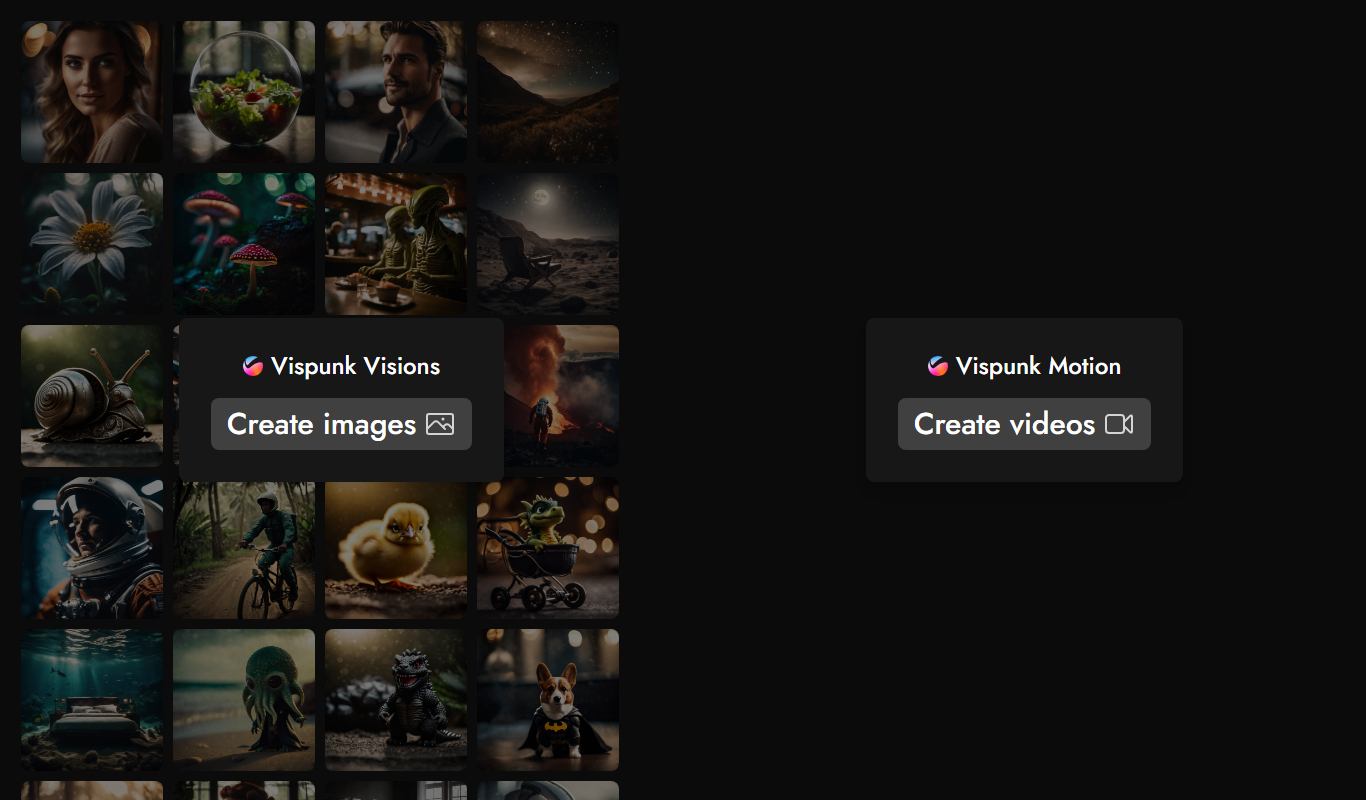
Vispunk
Vispunk is an AI-powered platform that converts text prompts into unique images, offering various artistic styles and easy-to-use tools for creative visual content generation.
Freemium
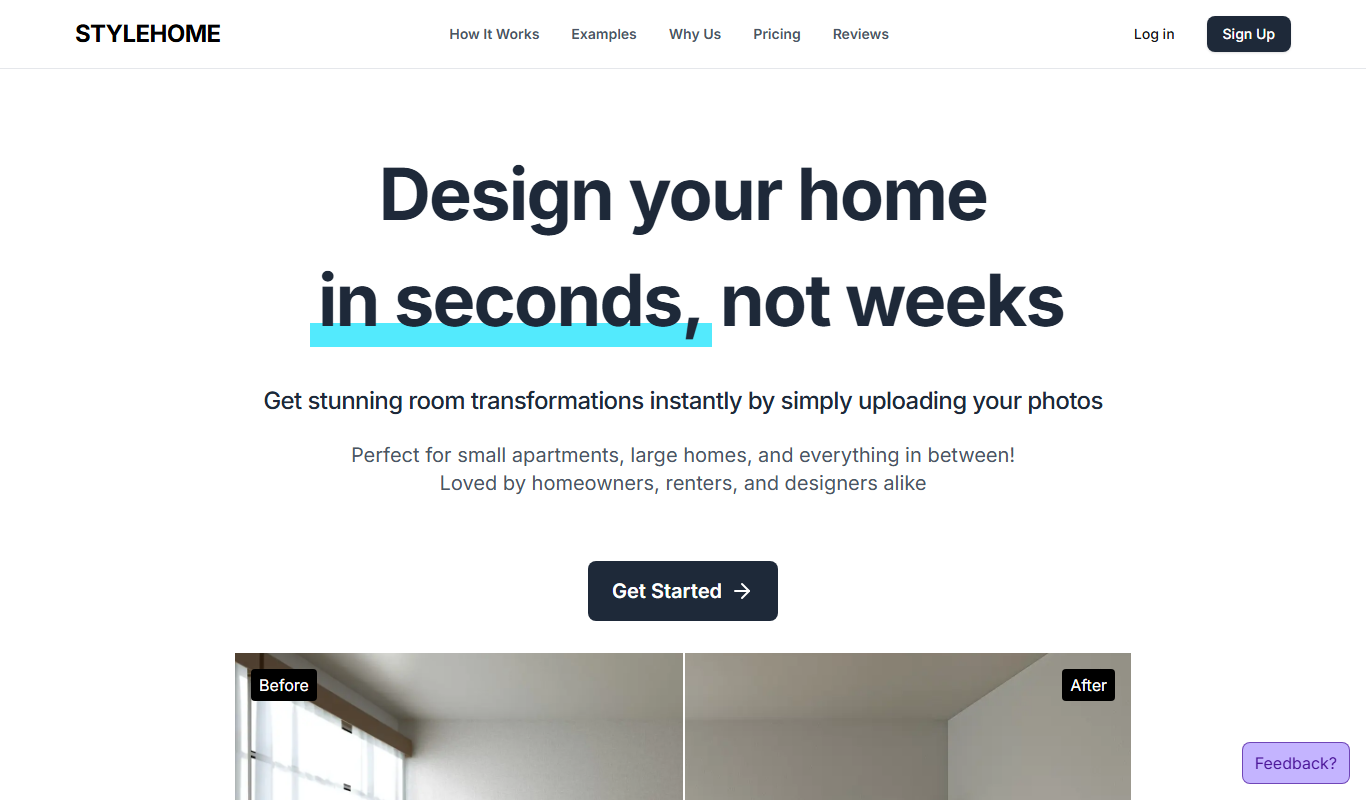
Style Home
Style Home is an AI-driven interior design tool that transforms your room photos into styled spaces with personalized furniture and decor suggestions.

Freemium
ARTROBOT
ARTROBOT is an AI-powered platform that generates unique digital artworks from text prompts and style inputs, designed for artists and designers.