

Writeseed AI Writing Assistant for Content Creation and Copywriting
Writeseed is an all-in-one AI content platform that helps you write authentic content in your own voice and write, design, and schedule posts in one place.
- Best for
- Blog Content Creation
- Key capability
- AI Content Generation
Save Writeseed, follow its updates and vote on it — everything stays in your account.
Sign in or create a free account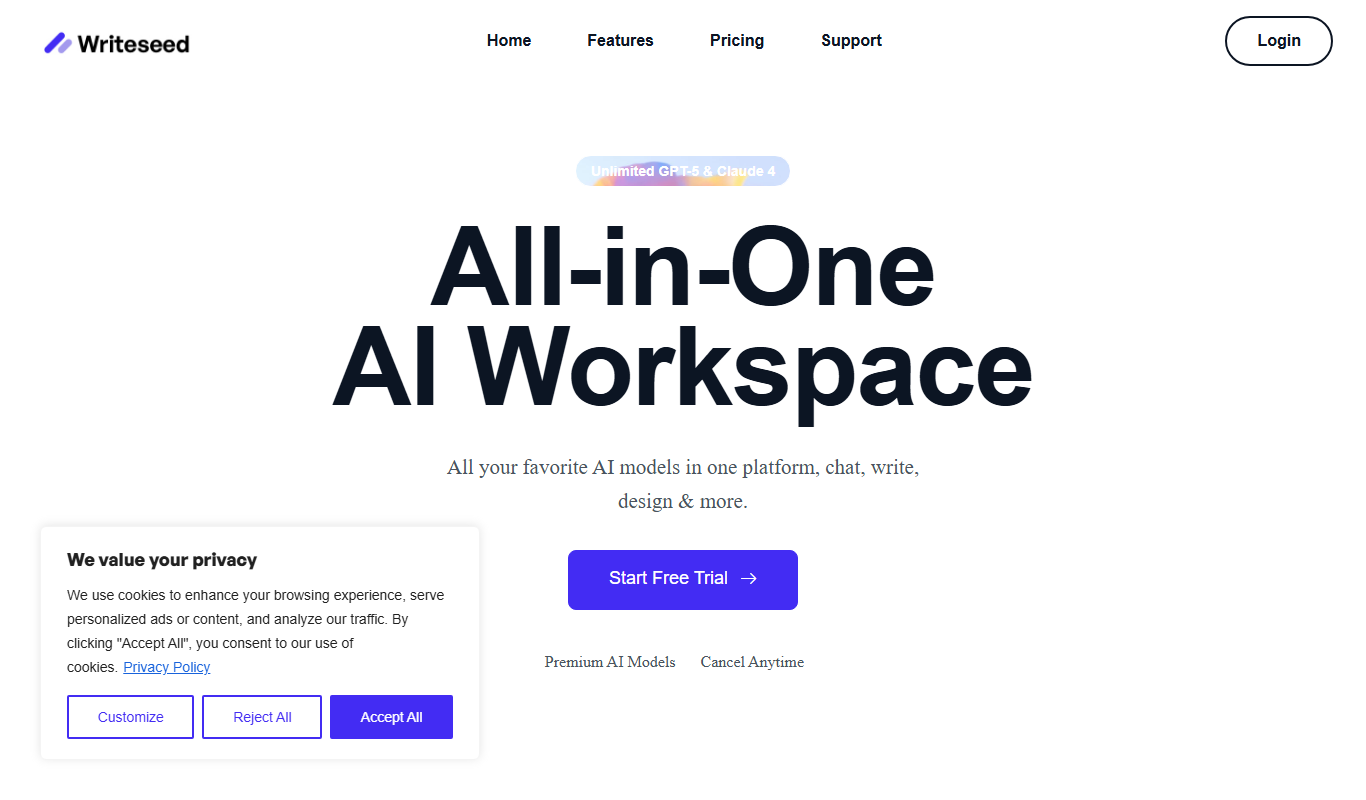
What is Writeseed?
Writeseed is an all-in-one AI platform that helps you write authentic content in your own voice, and lets you write, design, and schedule posts in one place.
Key features of Writeseed
Writeseed offers features such as AI-generated content templates, SEO optimization tools, multi-format content creation, and an intuitive web interface that supports quick content generation and editing.
AI Content Generation
Automatically create drafts for various content types using advanced AI models.
SEO Optimization
Tools to help optimize content for search engines to improve visibility.
Multiple Content Templates
Pre-built templates for blogs, ads, emails, and product descriptions.
User-Friendly Interface
Clean and intuitive web platform for easy content creation and editing.
Content Customization
Edit and personalize AI-generated content to fit specific needs and tone.
Pros and cons of Writeseed
Pros
- Easy to use with a clean interface
- Supports multiple content types and templates
- Includes SEO optimization tools
- Allows content customization after generation
Cons
- Limited language support (English only)
- No mobile app available currently
- Pricing may be high for small businesses
Key use cases for Writeseed
Blog Content Creation
Generate high-quality blog posts and articles quickly using AI-powered writing tools.
Marketing Copywriting
Create persuasive marketing copy for ads, emails, and social media campaigns.
SEO Content Optimization
Produce SEO-friendly content that helps improve search engine rankings.
Creative Writing Assistance
Get help with brainstorming ideas, drafting stories, and refining creative writing projects.
Product Descriptions
Generate compelling product descriptions that attract and convert customers.
How Writeseed works
- 1
Sign Up
Create a free account on the Writeseed website to access the AI writing tools.
- 2
Select Content Type
Choose the type of content you want to generate, such as blog posts, ads, or product descriptions.
- 3
Input Keywords or Brief
Provide keywords, topics, or a brief description to guide the AI in generating relevant content.
- 4
Generate Content
Use the AI engine to create drafts and suggestions based on your input.
- 5
Edit and Customize
Refine the generated content to match your style and requirements before publishing.
Who is using Writeseed
Writeseed pricing
Growth
$20/month
For ambitious entrepreneurs and professionals: AI Post Writer, Chrome extension, 100+ standard templates, LinkedIn and WordPress integrations, custom brand voices, AI image generator, unlimited use
Plans and prices are as published by the vendor and can change. Check the official site before you buy. Open the pricing page (opens in a new tab)
Frequently asked questions about Writeseed
Yes, Writeseed offers a Free 7-Day Trial.
Yes, the tool includes SEO optimization features to help improve your content’s search rankings.
Writeseed can generate blog posts, marketing copy, product descriptions, emails, and more.
Yes, its user-friendly interface makes it accessible for users with no prior AI or writing experience.
This tool is designed to help users accomplish its core tasks more efficiently. It is typically used by individuals or teams looking to improve productivity and workflow.
Yes, it can help with that use case depending on how you configure it and what features are available. You’ll get the best results with clear inputs and a defined goal.
Some tools offer a free plan or trial with limited features. Availability can vary, so confirm on the official website.
Conclusion
Custom voice training sits at the centre: users upload their own texts or link a website, and the trained AI then works across all templates. Drafts can come from top AI models such as GPT-5, Gemini, Claude and Llama, while an SEO and NLP editor tracks key metrics during writing. Posts are written, designed and scheduled in one place, and a Chrome extension brings the AI into Gmail and other sites. LinkedIn posts that get likes and attention can also be generated.
Content marketers, freelance writers and e-commerce businesses are the intended users. Pricing comes down to a single Growth plan with unlimited use, and new users start with a free 7-day trial rather than a free plan.
Sources
Sign in to review this tool.
Sign In to ReviewNo reviews yet
Be the first to share how this tool worked for you.
Ask about pricing, limits, or how it compares — or answer someone else.
Sign In to AskNo questions yet
Have a question about using or paying for this tool? Be the first to ask.
Featured on TiorAI



More AI Content Creation Tools tools
Other tools in the same category, for when this one is not quite the fit.
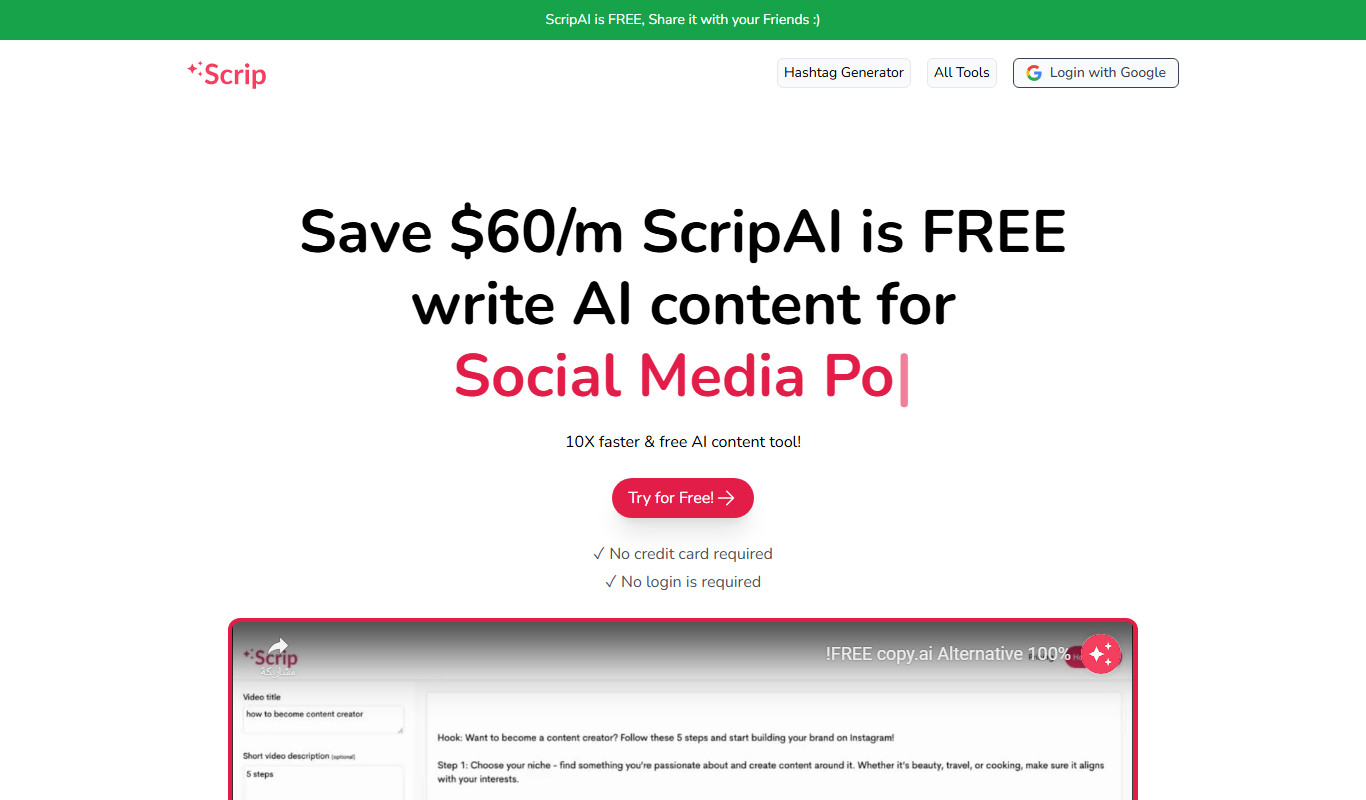
Scrip AI
ScripAI is a free AI writer that offers 100+ free AI tools for social media, content creation and marketing, with no login required.

UGC Scripts
UGC Scripts is an AI-driven platform that helps content creators and marketers generate authentic video scripts optimized for social media platforms like TikTok and Instagram, streamlining the content creation process.

Publer
Publer is a social media management platform that combines scheduling, AI content creation, and team collaboration to streamline social media marketing across multiple platforms.

TextFlip AI
TextFlip AI is an AI-based online tool that rewrites and paraphrases English text to improve clarity, avoid plagiarism, and generate unique content efficiently.

Quizbot.ai
Quizbot.ai is an AI-driven platform that helps users create interactive quizzes by generating questions from input content, enabling quick and engaging assessments.
SermonGPT
SermonGPT is an AI tool designed to help pastors and religious leaders create sermon outlines and full sermons based on scripture and topics, saving time and enhancing sermon preparation.

PromptBox
PromptBox is a text snippet manager that stores AI prompts and other text, syncs them between phone and computer and expands text shortcuts in any app.

PromptBase
PromptBase is an online marketplace where users buy and sell AI prompts for Midjourney, ChatGPT, Claude, Gemini and video.