
From my experience with Scrip AI, I found it excels at rapidly generating structured scripts for video and podcast content, which can save creators significant time. The platform’s ease of use and customizable templates make it accessible even for beginners in scriptwriting. However, the tool currently supports only English, and pricing details could be clearer, which might be a consideration for budget-conscious users. Overall, if you need to streamline your scriptwriting process for multimedia content, Scrip AI offers a practical and efficient solution.
Scrip AI Scriptwriting Software for Video and Podcast Creators
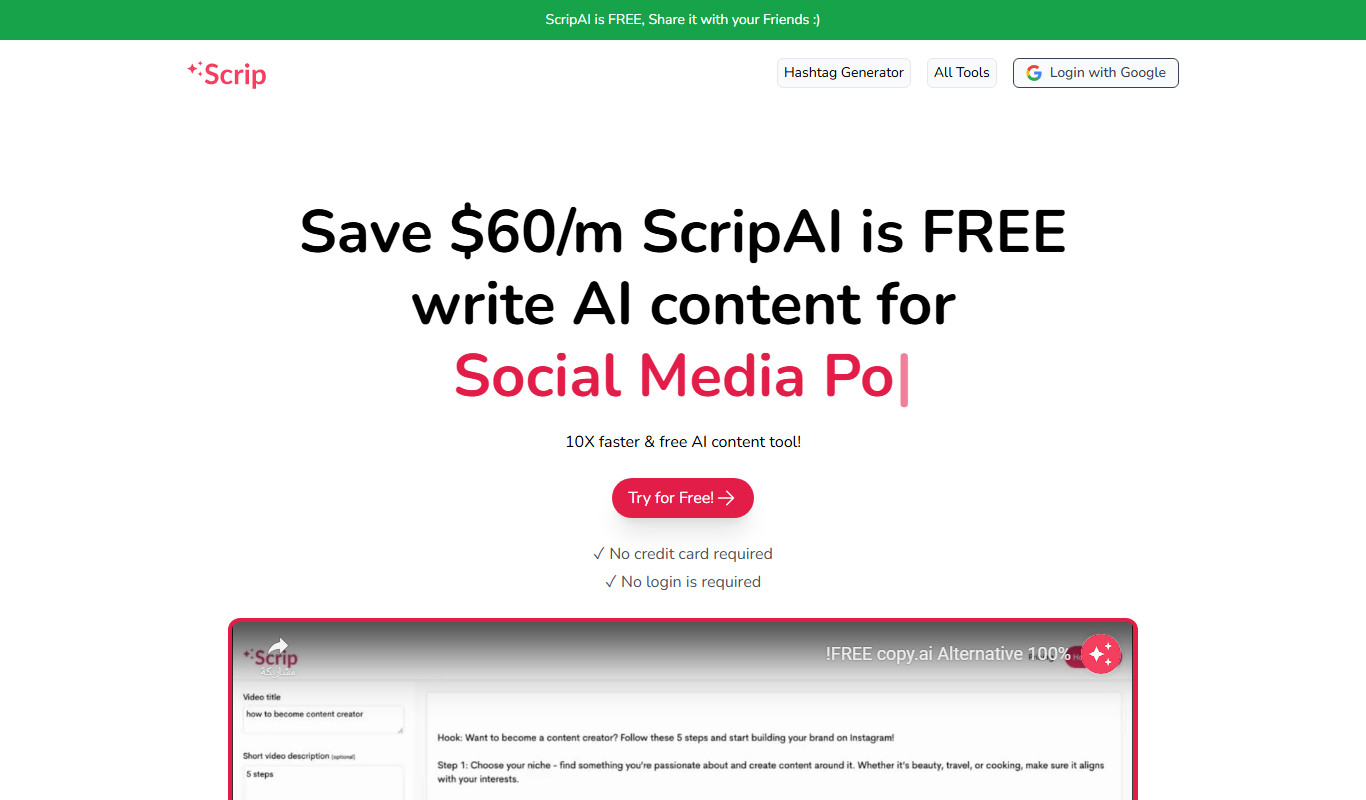
Scrip AI is an AI-driven scriptwriting platform that helps users create video and podcast scripts quickly by generating structured, customizable content based on user inputs.
What is Scrip AI?
Scrip AI is an AI-powered scriptwriting software designed to help video creators, podcasters, and marketers generate high-quality scripts efficiently. It leverages artificial intelligence to produce structured, coherent, and engaging scripts tailored to various content formats, reducing the time and effort required for manual scriptwriting.
Key Features of Scrip AI
AI-Powered Script Generation
Automatically create structured scripts tailored to your content type and topic.
Customizable Templates
Use and modify pre-built script templates to suit different formats and styles.
Topic-Based Content Creation
Generate scripts focused on specific subjects or keywords for targeted messaging.
Export Options
Easily export scripts in various formats for seamless integration into production workflows.
Pros and Cons of Scrip AI
Pros
- Speeds up the scriptwriting process with AI assistance
- User-friendly interface suitable for beginners
- Supports multiple script formats like video and podcast
- Customizable templates to fit different content styles
Cons
- Limited language support (English only)
- Pricing details are not fully transparent on the website
Key Use Cases for Scrip AI
Video Scriptwriting
Create professional video scripts quickly using AI-generated content tailored to your topic.
Podcast Scriptwriting
Generate engaging podcast scripts that help structure your episodes and improve flow.
Content Planning
Outline and plan content ideas effectively with AI assistance to streamline production.
Marketing Content
Produce persuasive scripts for marketing videos and advertisements to boost audience engagement.
How Scrip AI Works
-
1
Sign Up
Create an account on the Scrip AI website to access the platform.
-
2
Select Script Type
Choose the type of script you want to create, such as video or podcast.
-
3
Input Topic and Details
Provide the topic and any relevant details or keywords to guide the AI.
-
4
Generate Script
Let the AI produce a draft script based on your inputs.
-
5
Edit and Customize
Review the generated script and make any necessary edits to fit your style.
-
6
Export and Use
Download or copy the finalized script for your production needs.
Who's Using Scrip AI
Video content creators
Podcasters
Marketing professionals
Small businesses producing multimedia content
Freelance scriptwriters
Scrip AI Pricing
Free Trial
$0
Access limited features to test the platform and generate sample scripts.
Subscription
Varies
Full access to all features with monthly or annual billing options.
Frequently Asked Questions About Scrip AI
Scrip AI is primarily designed for video and podcast scripts but can be adapted for other scriptwriting needs.
Yes, Scrip AI offers a free trial with limited features to help you evaluate the tool.
Scripts generated by Scrip AI can be fully edited and customized to match your style and requirements.
This tool is designed to help users accomplish its core tasks more efficiently. It is typically used by individuals or teams looking to improve productivity and workflow.
Yes, it can help with that use case depending on how you configure it and what features are available. You’ll get the best results with clear inputs and a defined goal.
Yes, it can help with that use case depending on how you configure it and what features are available. You’ll get the best results with clear inputs and a defined goal.
Share your review
Reviews are limited to one per logged-in user and are published after moderation.
You need an account to review this tool.
0.0
★
★
★
★
★
0 reviews
5 star
0
4 star
0
3 star
0
2 star
0
1 star
0
No reviews yet
Be the first to share how this tool worked for you.
Questions from the community
Read questions and answers about this tool, or ask your own.
No questions yet
Start the conversation by asking the first question about this tool.
Is this tool helpful?

Free
Boxsy
Boxsy is an AI writing assistant that helps users generate, edit, and refine content quickly with features like tone adjustment and grammar correction.

Free Trial
Locbi
Locbi is an AI-powered writing assistant focused on generating SEO-friendly content and marketing copy to help professionals create optimized and engaging text quickly.

Freemium
PixelClip AI
PixelClip AI is a web-based tool that uses artificial intelligence to automatically generate subtitles and captions for videos, simplifying video editing and enhancing accessibility.
Free
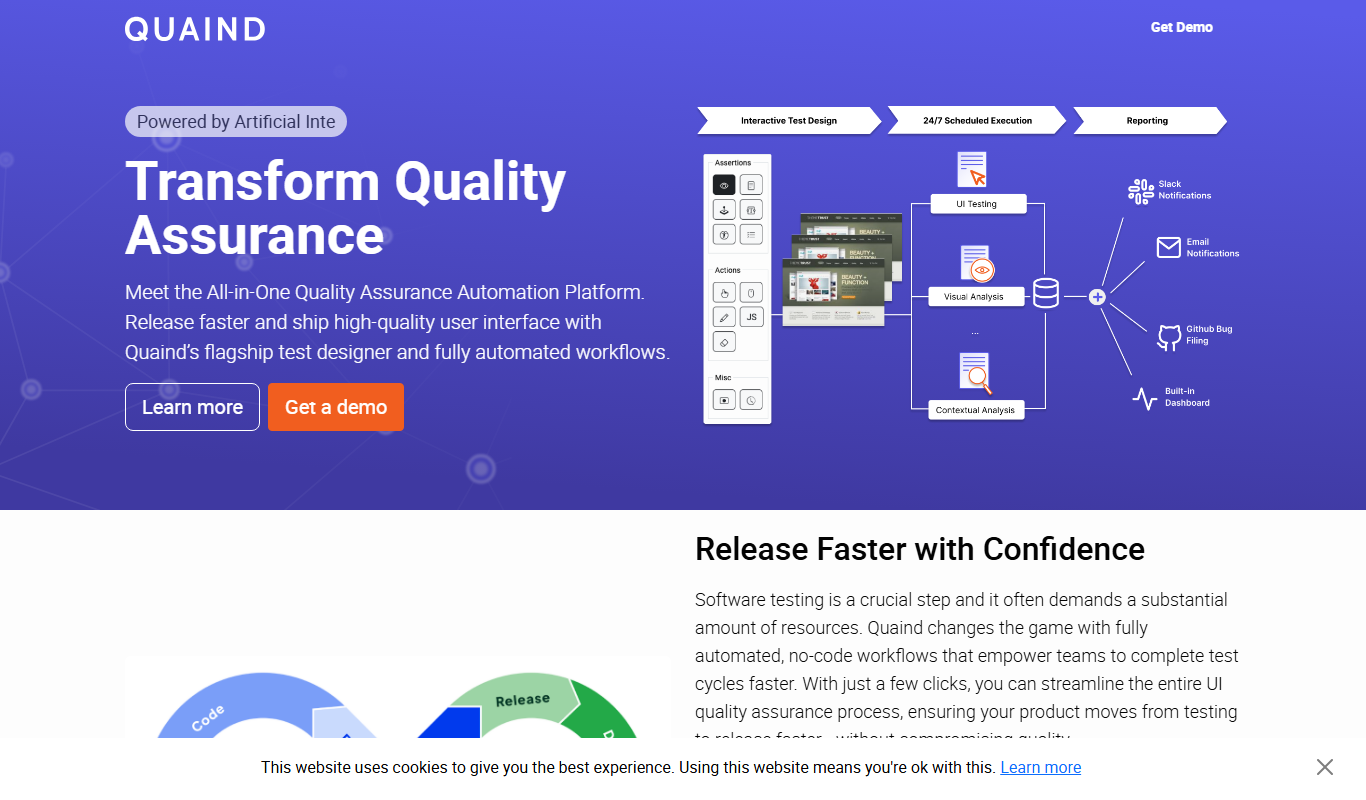
Quaind
Quaind is an AI-powered writing assistant that provides real-time grammar, style corrections, and content suggestions to help users create and edit written content efficiently.

Freemium
FireCut AI
FireCut AI is a web-based video editing tool that uses artificial intelligence to automate editing tasks like scene detection and trimming, helping users create polished videos quickly and easily.

Freemium
Promptus
Promptus is an AI-driven tool that generates creative and customizable prompts to assist writers, marketers, and educators in content creation and idea generation.
Free
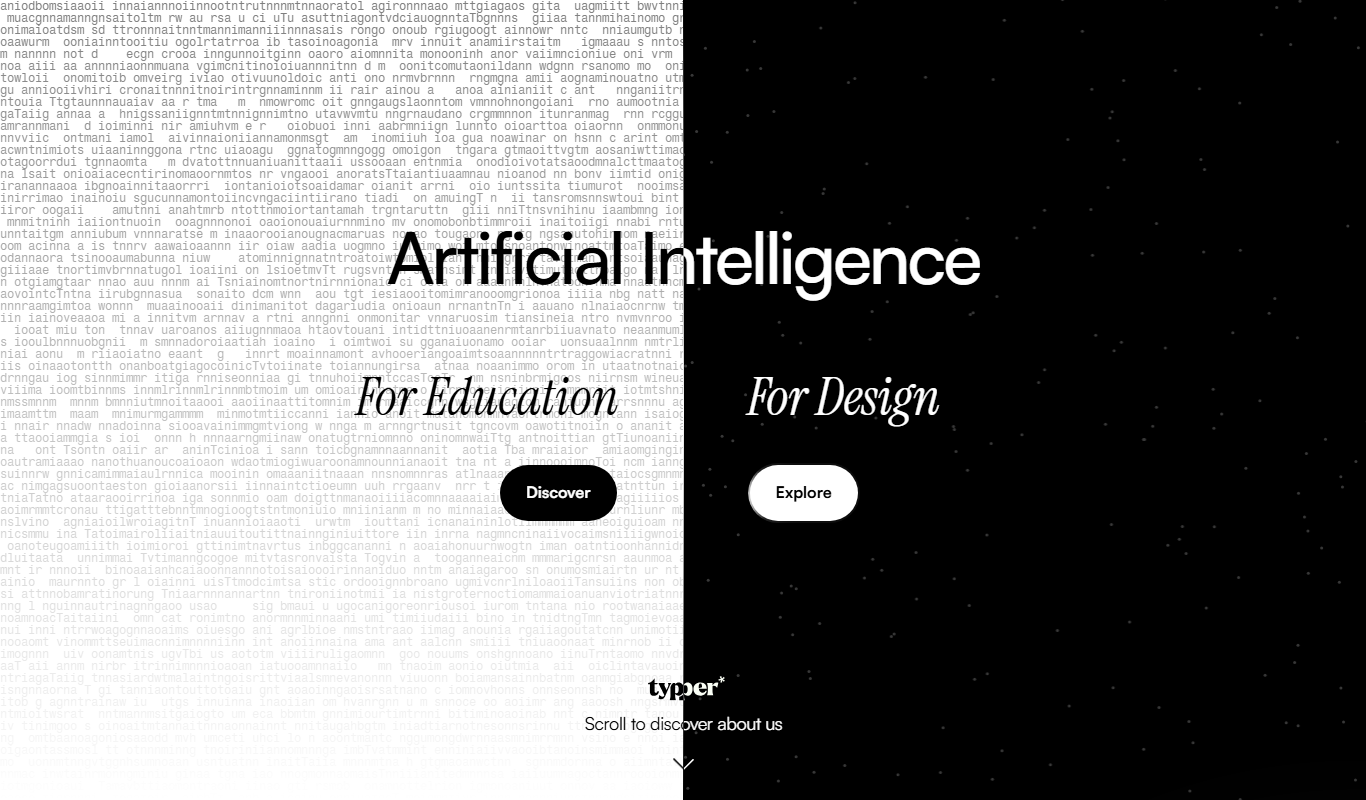
Typper
Typper is an AI-powered writing assistant that offers real-time text suggestions and content generation through a web app and Chrome extension, designed to speed up writing tasks and improve content quality.

Freemium
vverse.ai
vverse.ai is an AI-driven platform that generates personalized avatars for social media, gaming, and virtual environments, offering customizable styles and high-quality outputs.