

Automated Software Testing Platform with No-Code Test Creation | testrigor
testrigor is a no-code AI-powered automated testing platform that allows users to create and run software tests using plain English, supporting cross-browser and API testing with CI/CD integration.
- Best for
- Automated Regression Testing
- Key capability
- No-Code Test Creation
Save testrigor.com, follow its updates and vote on it — everything stays in your account.
Sign in or create a free account
What is testrigor.com?
testRigor is a test automation platform where tests are written in plain English. It covers web and API testing as well as mobile, desktop and mainframe testing.
Key features of testrigor.com
testrigor offers no-code test creation, cross-browser testing, AI-driven test maintenance, integration with CI/CD tools, and API testing capabilities. Its user-friendly interface and natural language test scripting enable faster test development and easier collaboration between QA and development teams.
No-Code Test Creation
Allows users to write tests in plain English or use a visual editor, eliminating the need for programming knowledge.
AI-Powered Test Maintenance
Automatically updates tests when UI changes occur, reducing manual test upkeep.
Cross-Browser and Device Testing
Supports running tests on various browsers and devices to ensure consistent user experience.
API Testing
Enables automated testing of RESTful APIs to verify endpoint functionality.
CI/CD Integration
Seamlessly integrates with popular CI/CD tools like Jenkins, GitHub Actions, and GitLab for automated test execution.
Mobile, Desktop and Mainframe Testing
testRigor also offers Mobile Testing, Desktop Testing and Mainframe Testing.
Pros and cons of testrigor.com
Pros
- No coding required for test creation
- AI-driven test maintenance reduces manual updates
- Supports cross-browser and API testing
- Integrates well with CI/CD pipelines
- User-friendly interface for non-technical users
Cons
- Pricing details are not publicly listed and require contact
- Limited language support (English only)
- May have a learning curve for complex test scenarios
Key use cases for testrigor.com
Automated Regression Testing
Run automated regression tests to ensure new code changes do not break existing functionality.
Cross-Browser Testing
Test web applications across multiple browsers and devices without manual scripting.
No-Code Test Creation
Create and maintain automated tests without writing code, enabling non-technical team members to contribute.
Continuous Integration Support
Integrate automated tests into CI/CD pipelines for faster and reliable software delivery.
API Testing
Automate testing of REST APIs to validate endpoints and responses.
How testrigor.com works
- 1
Sign Up
Create an account on testrigor’s web platform to access the testing dashboard.
- 2
Create Tests Using Plain English
Write test scenarios in natural language or use the visual editor to define test steps without coding.
- 3
Run Tests Across Browsers and Devices
Execute automated tests on multiple browsers and devices to validate application behavior.
- 4
Integrate with CI/CD Pipelines
Connect testrigor tests with your continuous integration tools to automate testing during development cycles.
- 5
Analyze Results and Maintain Tests
Review detailed test reports and leverage AI-powered maintenance to keep tests up to date.
Who is using testrigor.com
testrigor.com pricing
Free
$0
Free plan for public projects.
Paid plans
From about $300/month
Paid plans start at about $300/month, with another tier at about $900/month, according to third-party sources; the official pricing page returned 404.
Plans and prices are as published by the vendor and can change. Check the official site before you buy. Open the pricing page (opens in a new tab)
Frequently asked questions about testrigor.com
No, testrigor allows you to create automated tests using plain English or a visual editor without coding.
Yes, it supports cross-browser testing on popular browsers like Chrome, Firefox, Safari, and Edge.
Yes, it integrates with tools such as Jenkins, GitHub Actions, and GitLab to automate testing in your development workflow.
Yes, there is a Free plan for public projects.
It depends on your specific needs and how you plan to use the tool. The official website and documentation are the best sources for the latest details.
Yes, it can help with that use case depending on how you configure it and what features are available. You’ll get the best results with clear inputs and a defined goal.
Yes, it can help with that use case depending on how you configure it and what features are available. You’ll get the best results with clear inputs and a defined goal.
Conclusion
Tests in this platform are written as plain English scenarios or built in a visual editor, so programming skills are not required. It covers web and API testing as well as mobile, desktop and mainframe testing. Tests run across multiple browsers and devices, and they plug into CI/CD pipelines through tools such as Jenkins, GitHub Actions and GitLab. When the UI changes, the tests are updated automatically, which cuts manual upkeep.
It targets QA teams seeking to automate testing without coding, along with DevOps teams wiring tests into CI/CD. A Free plan covers public projects, and paid plans start at about $300/month according to third-party sources, as the official pricing page returned 404.
Sources
Sign in to review this tool.
Sign In to ReviewNo reviews yet
Be the first to share how this tool worked for you.
Ask about pricing, limits, or how it compares — or answer someone else.
Sign In to AskNo questions yet
Have a question about using or paying for this tool? Be the first to ask.
Featured on TiorAI



Alternative Tools
Explore similar AI tools that might fit your needs
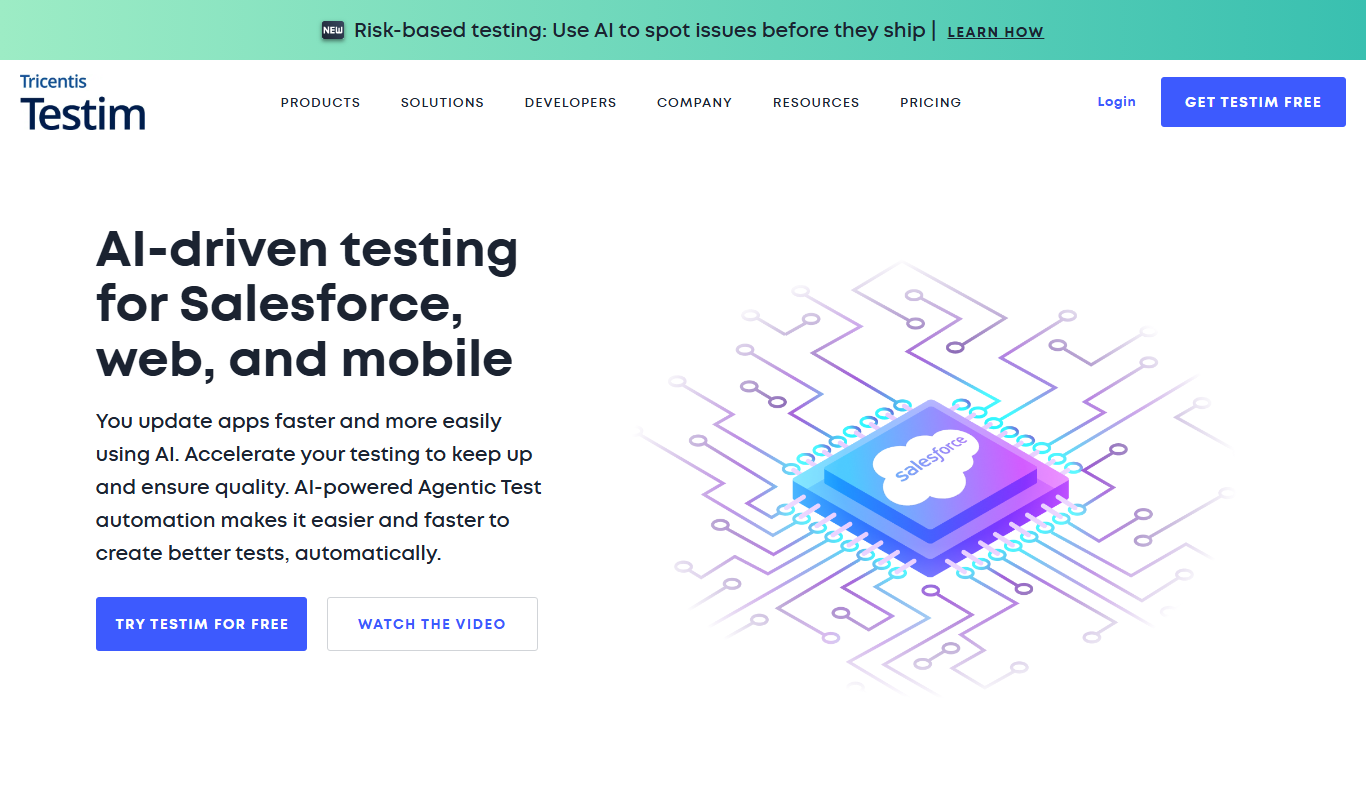
Testim
Testim is an AI-driven test automation platform that enables codeless test creation, self-healing tests, and seamless integration with CI/CD pipelines to improve software quality and reduce testing time.

Rainforest QA
Rainforest QA is a cloud-based no-code automated testing platform that combines AI-driven test automation with crowdsourced manual testing to help agile software teams accelerate quality assurance and release software faster.
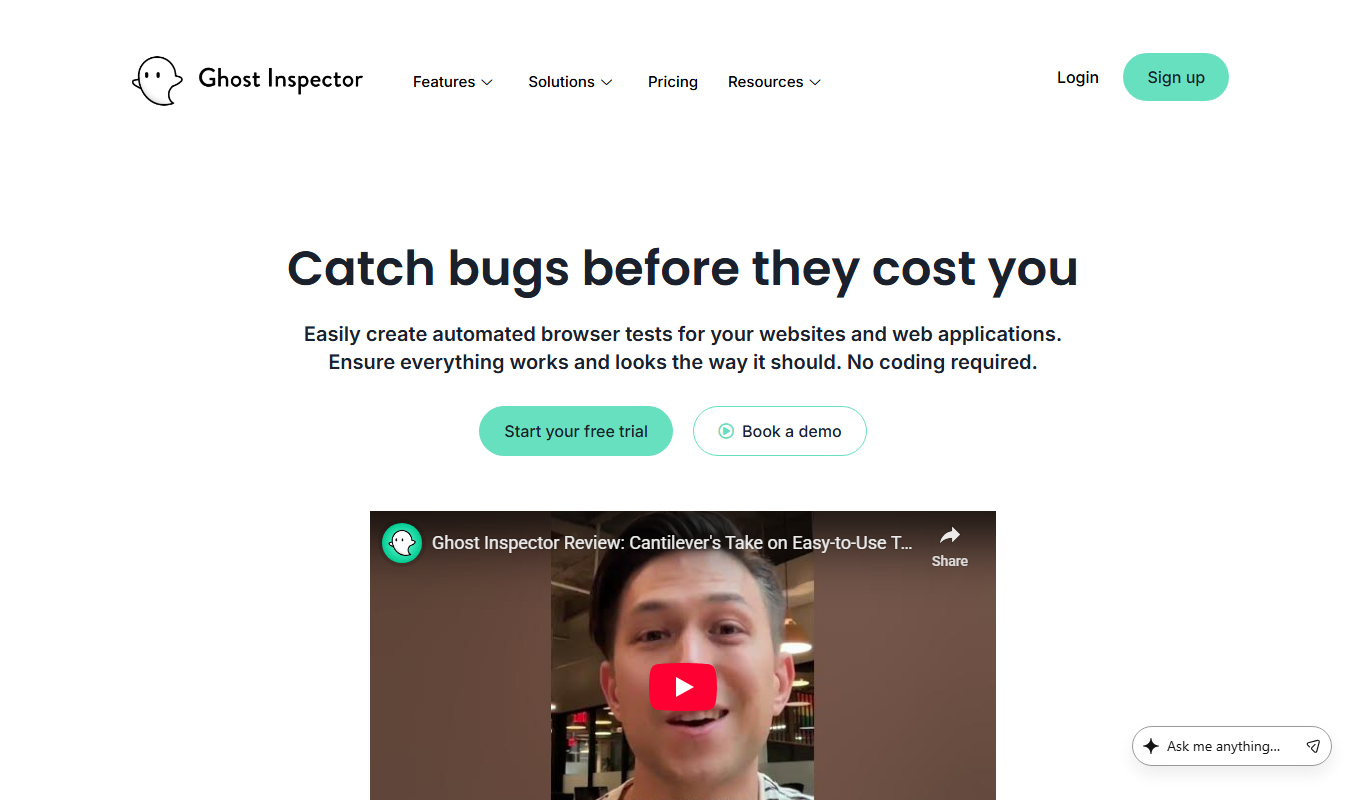
Ghost Inspector
Ghost Inspector is a cloud-based tool that automates browser testing by recording user interactions or scripting tests to ensure websites function correctly and look consistent across browsers. It integrates with CI/CD pipelines and supports scheduled monitoring.
More Software Testing tools
Other tools in the same category, for when this one is not quite the fit.
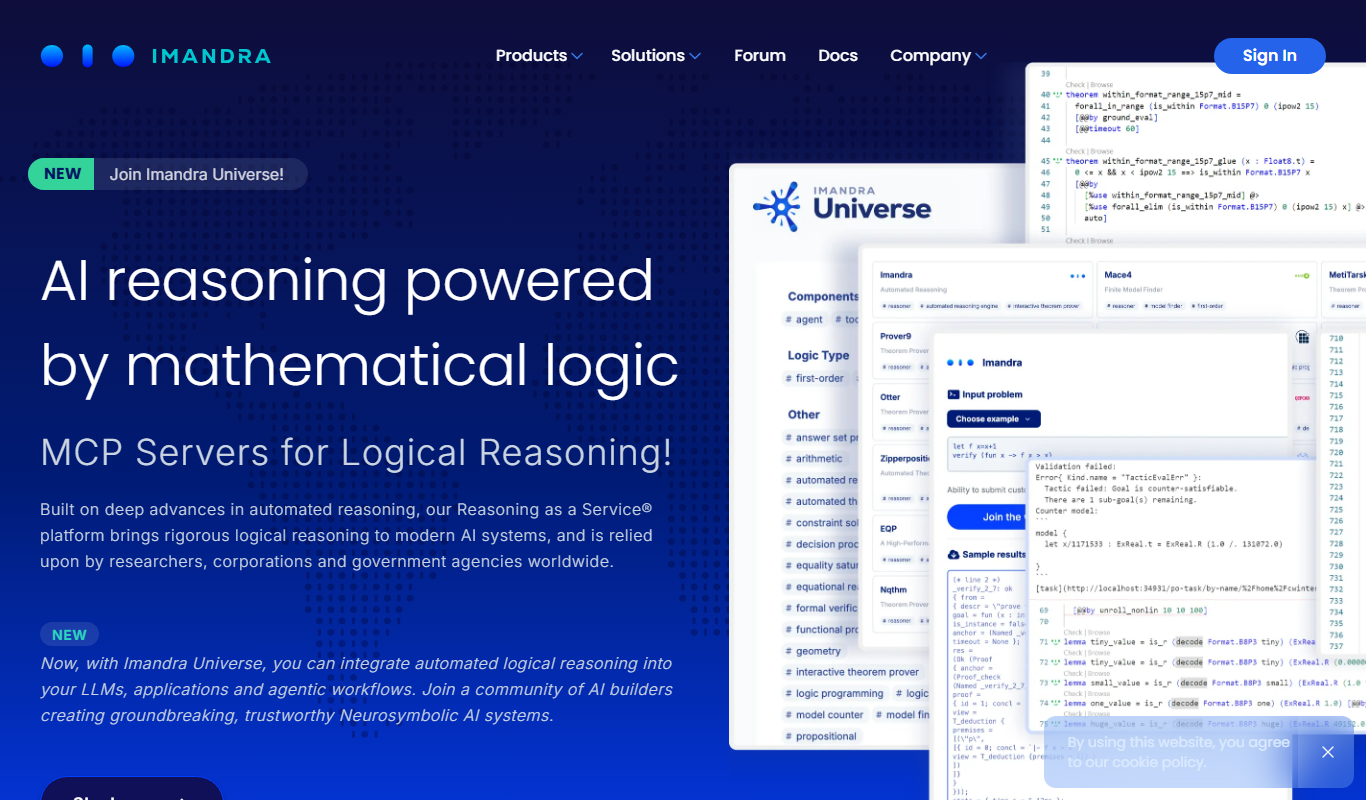
imandra.ai
Imandra AI is a platform that automates formal verification of software and algorithms using theorem proving and model checking to ensure correctness and detect bugs.

QA.tech
QA.tech is an AI QA testing platform whose autonomous QA agents run end-to-end, regression, exploratory and PR tests on web and native mobile apps from plain-language goals.

Flawless
Flawless audits your website and pinpoints usability, messaging, SEO and functionality issues on your pages, with AI fix prompts for coding tools.

KaneAI
KaneAI is a GenAI-native end-to-end AI testing agent from TestMu AI (formerly LambdaTest) that authors, runs and evolves tests in plain English on web and mobile.

autify.com
Autify is an AI platform for software testing whose Autify Aximo agent runs end-to-end tests on web, mobile and desktop applications using natural language and visual recognition.

R.test
R.test is an AI-powered SAT and ACT practice test platform that predicts your score from a short diagnostic test and shows your strengths and weaknesses.
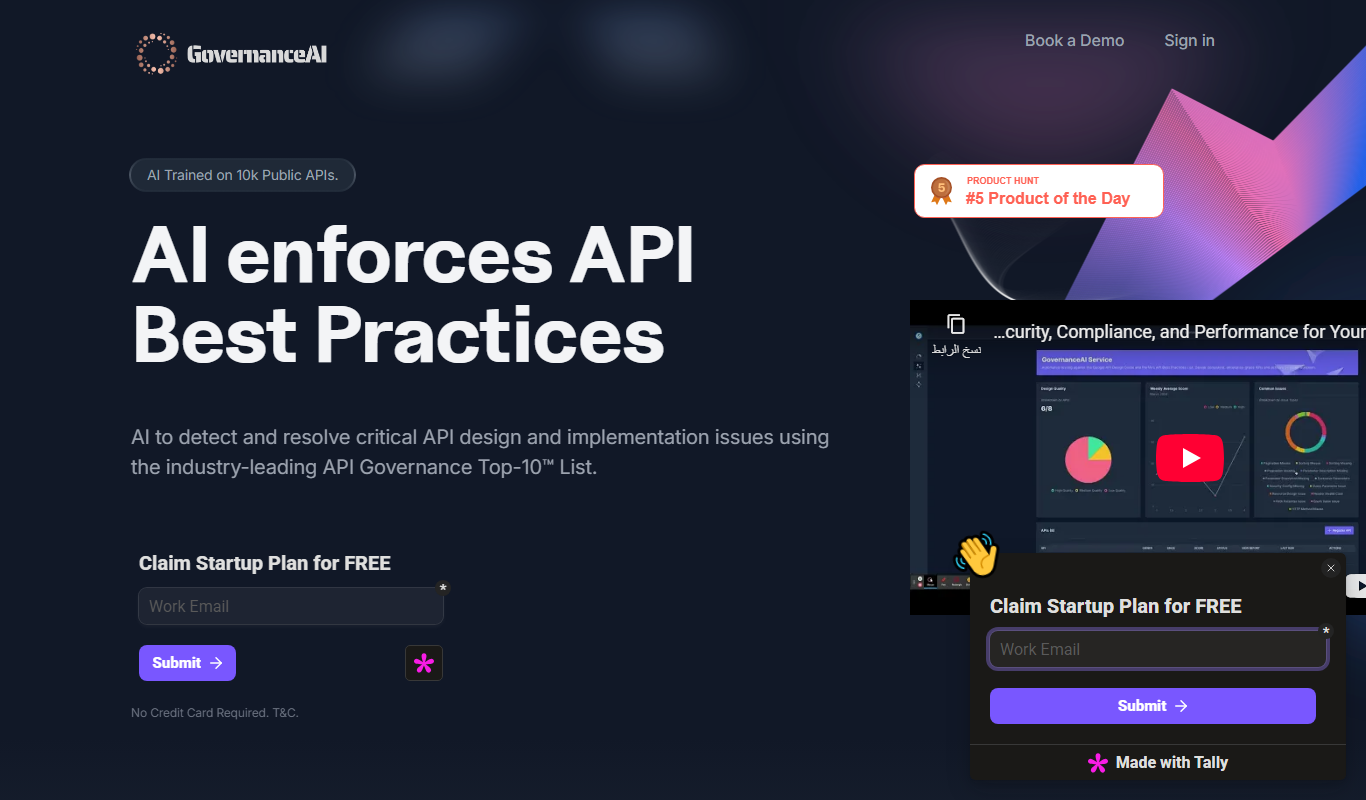
API Governance Testing
API Governance Testing is an AI platform that detects and resolves critical API design and implementation issues using the API Governance Top-10 List.
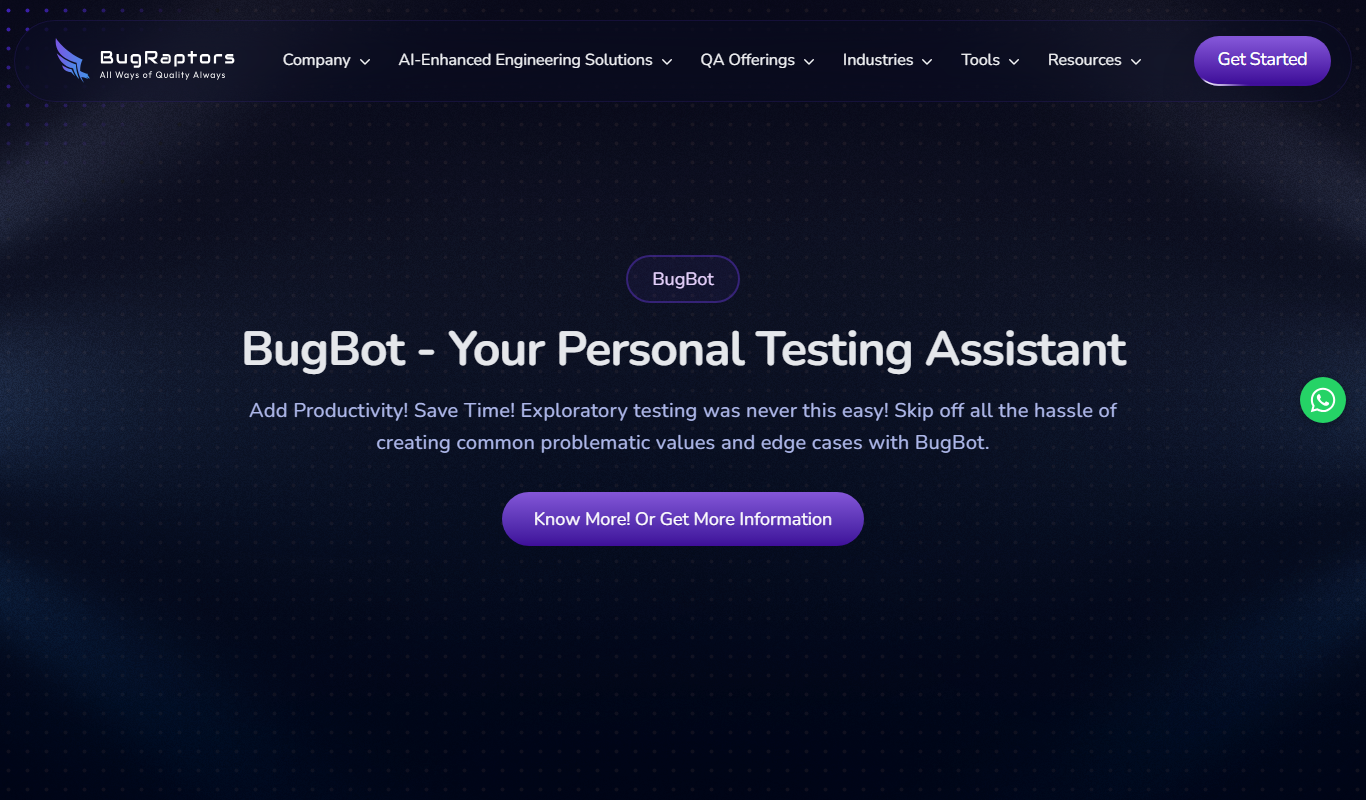
BugBot
BugBot is an AI-driven testing assistant by BugRaptors that automates bug detection, test case generation, and bug reporting to enhance software quality assurance.