

KaneAI by LambdaTest - AI-Powered Cross Browser Testing Tool
KaneAI is a GenAI-native end-to-end AI testing agent from TestMu AI (formerly LambdaTest) that authors, runs and evolves tests in plain English on web and mobile.
- Best for
- Cross Browser Testing
- Key capability
- AI-Powered Visual Regression Testing
Save KaneAI, follow its updates and vote on it — everything stays in your account.
Sign in or create a free account

What is KaneAI?
KaneAI is a GenAI-native end-to-end AI testing agent from TestMu AI (formerly LambdaTest). Teams plan, author, run and evolve tests in plain English with no code, across web and mobile.
Key features of KaneAI
KaneAI offers automated cross browser testing, AI-driven visual regression detection, integration with popular automation frameworks, detailed bug reporting, and seamless CI/CD pipeline compatibility to streamline web application testing.
AI-Powered Visual Regression Testing
Automatically detect UI changes and visual bugs across browser versions using AI algorithms.
Cross Browser Compatibility Testing
Test your web applications on over 3000+ real browsers and devices in the cloud.
Seamless CI/CD Integration
Integrate KaneAI with Jenkins, GitHub Actions, CircleCI, and other CI/CD tools for automated testing.
Detailed Bug Reporting
Generate comprehensive reports with screenshots and logs to facilitate faster debugging.
Parallel Test Execution
Run multiple tests simultaneously to reduce overall testing time.
Pros and cons of KaneAI
Pros
- AI-driven visual regression reduces manual testing effort
- Supports a wide range of browsers and devices in the cloud
- Easy integration with popular CI/CD tools
- Detailed and actionable bug reports
- Parallel test execution speeds up testing cycles
Cons
- Pricing can be high for small teams on advanced plans
- Limited offline or on-premise testing options
- Learning curve for users new to automated testing
Key use cases for KaneAI
Cross Browser Testing
Run automated tests across multiple browsers and devices to ensure consistent user experience.
Visual Regression Testing
Detect UI changes and visual bugs automatically using AI-powered screenshot comparisons.
Test Automation
Integrate with popular automation frameworks to speed up testing cycles and improve coverage.
Bug Detection and Reporting
Identify bugs early with AI assistance and generate detailed reports for faster resolution.
CI/CD Integration
Seamlessly integrate KaneAI into continuous integration and delivery pipelines for automated testing.
How KaneAI works
- 1
Sign Up
Create an account on the TestMu AI (formerly LambdaTest) platform to access KaneAI.
- 2
Upload or Connect Your Application
Upload your web app or connect your repository for testing.
- 3
Configure Tests
Select browsers, devices, and test parameters for automated execution.
- 4
Run AI-Powered Tests
Execute tests with KaneAI’s AI engine detecting visual and functional issues.
- 5
Analyze Reports
Review detailed test reports and screenshots highlighting detected bugs.
Who is using KaneAI
KaneAI pricing
KaneAI Starter
$17/month billed annually
2,000 credits per month per agent, local authoring through Kane CLI, 1 Test Manager seat per agent and AI-native test case generation; runs end-to-end flows on your local browser.
KaneAI Pro
$89/month billed annually
12,000 credits per month per agent, access to Cloud KaneAI Web, local authoring through Kane CLI and 100 execution minutes a month on HyperExecute across Linux, Windows and macOS.
KaneAI Max
$179/month billed annually
25,000 credits per month per agent, access to Cloud KaneAI Web + Mobile, local authoring through Kane CLI and 300 execution minutes a month on HyperExecute across Linux, Windows and macOS.
Enterprise
Contact Sales
Unlimited credits, custom Test Manager seats and authoring concurrency, negotiated HyperExecute execution minutes, single sign-on, IP allowlisting and customer success and onboarding.
Plans and prices are as published by the vendor and can change. Check the official site before you buy. Open the pricing page (opens in a new tab)
Frequently asked questions about KaneAI
KaneAI is used for AI-powered cross browser testing and visual regression testing to ensure web applications work flawlessly across different browsers and devices.
Yes, KaneAI supports integration with popular CI/CD tools like Jenkins, GitHub Actions, and CircleCI for automated testing workflows.
KaneAI provides testing on real browsers and devices hosted in the cloud, enabling accurate compatibility checks.
Yes, LambdaTest offers a 7-day free trial to test KaneAI features with limited usage.
It depends on your specific needs and how you plan to use the tool. The official website and documentation are the best sources for the latest details.
Yes, it can help with that use case depending on how you configure it and what features are available. You’ll get the best results with clear inputs and a defined goal.
Yes, it can help with that use case depending on how you configure it and what features are available. You’ll get the best results with clear inputs and a defined goal.
Integration support depends on the tool and its available connectors or API. Check the official documentation or integrations page to confirm what is supported.
Conclusion
Tests in KaneAI are written in plain English: the agent plans, authors, runs and evolves end-to-end tests on web and mobile with no code. Test cases can also be generated from a Jira ticket, PRD, PDF, screenshot or spreadsheet, or recorded from a flow clicked through once. A single run can cover UI, API, database, network and accessibility checks, and self-healing updates affected steps when locators change.
The agent now comes from TestMu AI, the new name of LambdaTest, and works natively inside Jira and Azure DevOps so test cases can be built and assigned in those trackers. Plans are priced per agent with monthly credits, moving from local authoring through Kane CLI on the Starter tier to cloud web and mobile authoring with HyperExecute execution minutes on Pro and Max. Unlimited credits, single sign-on and IP allowlisting are reserved for Enterprise, which goes through sales.
Sources
Sign in to review this tool.
Sign In to ReviewNo reviews yet
Be the first to share how this tool worked for you.
Ask about pricing, limits, or how it compares — or answer someone else.
Sign In to AskNo questions yet
Have a question about using or paying for this tool? Be the first to ask.
Featured on TiorAI



Alternative Tools
Explore similar AI tools that might fit your needs

BrowserStack
BrowserStack is a cloud testing platform that provides developers and QA teams access to real devices and browsers for manual and automated testing, supporting Selenium and Appium frameworks.

Sauce Labs
Sauce Labs is a cloud-based automated testing platform that enables developers and QA teams to run tests across multiple browsers and real mobile devices, supporting frameworks like Selenium and Appium, with integration into CI/CD pipelines.
Testim
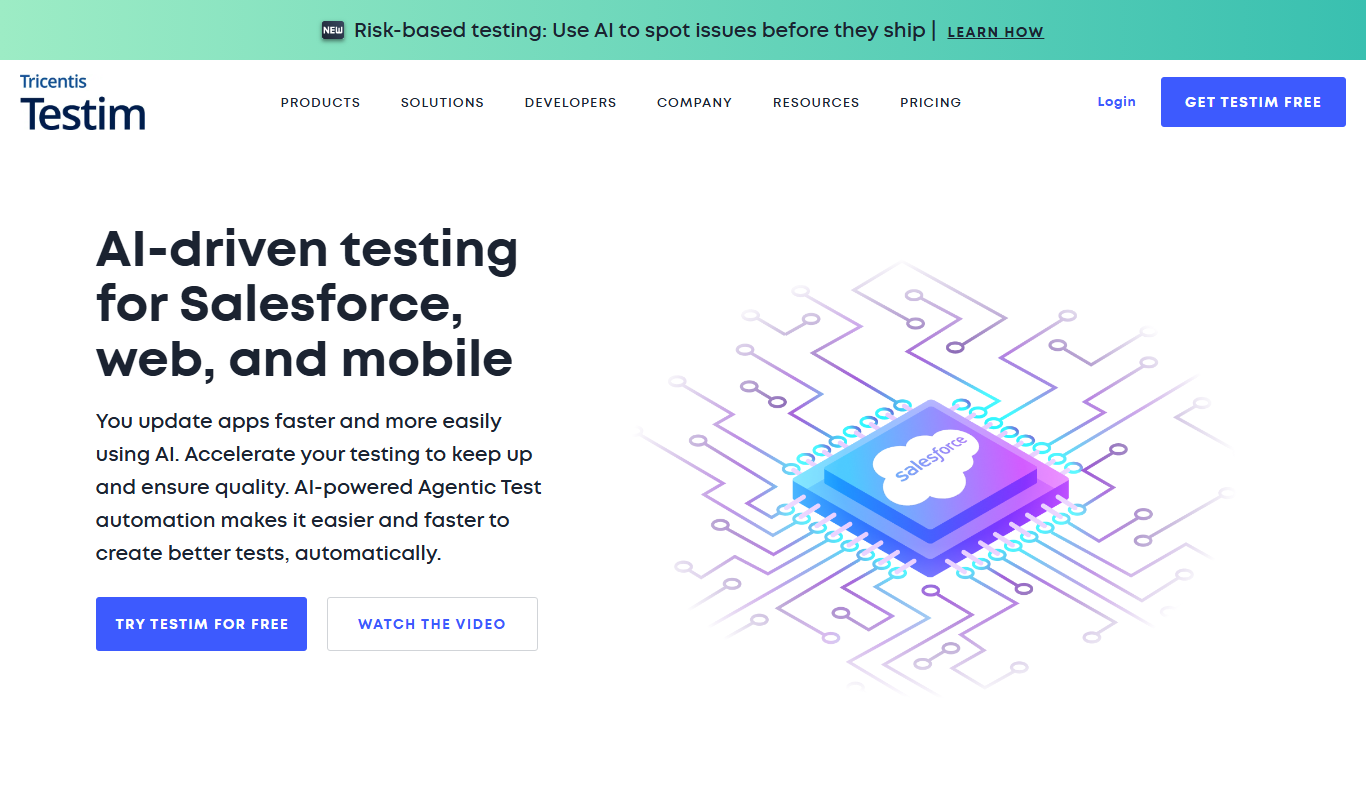
Testim is an AI-driven test automation platform that enables codeless test creation, self-healing tests, and seamless integration with CI/CD pipelines to improve software quality and reduce testing time.
More Coding & Development tools
Other tools in the same category, for when this one is not quite the fit.

Freed AI Medical Scribe
Freed AI Medical Scribe is an AI-driven tool that automates medical note-taking by transcribing and structuring physician-patient conversations, integrating seamlessly with EHR systems to improve clinical workflow.

ApplicantAI
ApplicantAI is an AI recruitment tool that automates resume screening and candidate matching to streamline hiring processes and improve candidate selection accuracy.

CrayEye
CrayEye is a free, open-source mobile app for crafting and sharing multimodal LLM vision prompts that use your camera plus sensor data such as location and weather.
Nightwatch
Nightwatch is a Node.js powered end-to-end testing framework for writing efficient end-to-end tests and running them against W3C WebDriver.
Plandek Intelligent Analytics
Plandek Intelligent Analytics is a software platform that provides real-time agile delivery metrics, predictive analytics, and comprehensive dashboards by integrating with development tools like Jira and Git to help teams optimize software delivery and DevOps processes.

TestLabs
TestLabs tests your app on 20 real devices for 14 days to meet the Google Play testing policy, with daily reports, device logs and screenshots.
Spectate
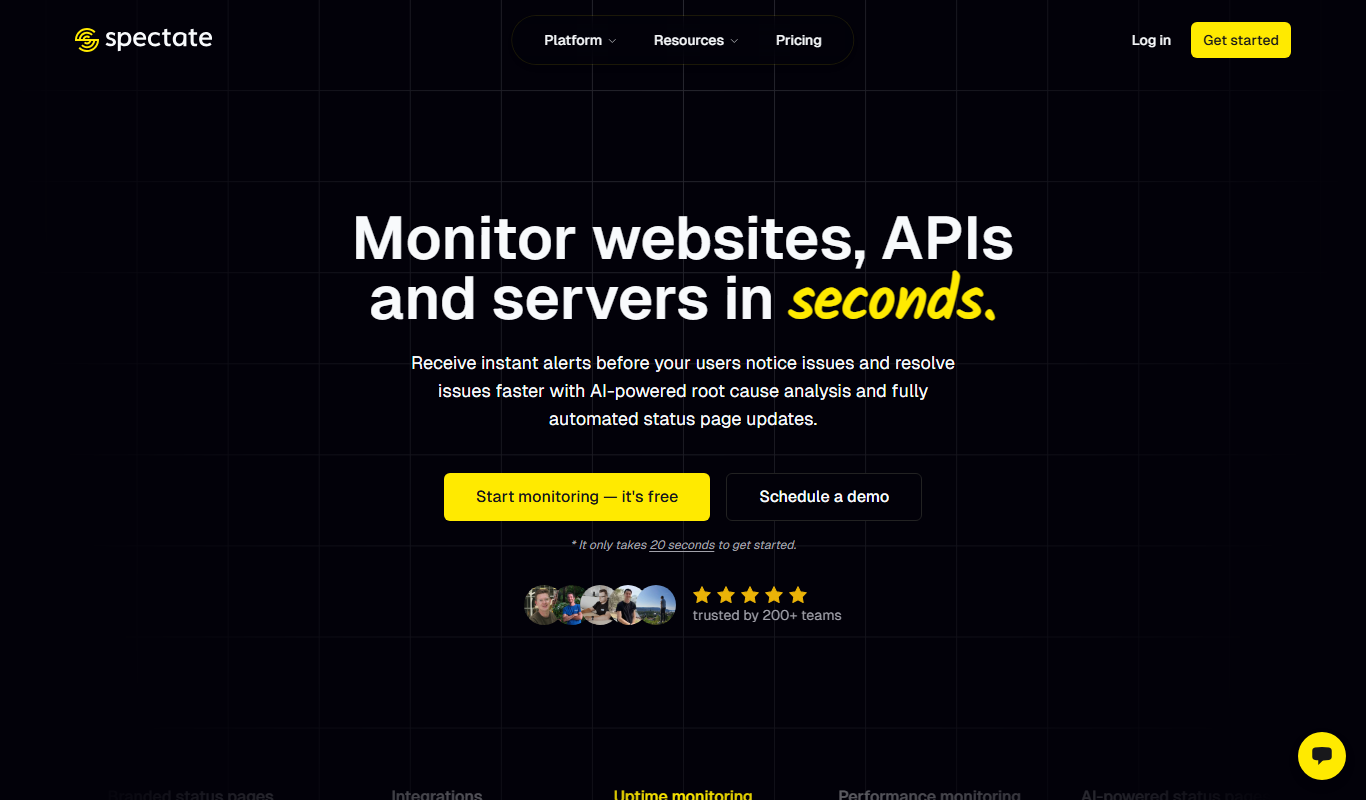
Spectate monitors websites, APIs and servers, alerts you before users notice issues and keeps status pages updated with AI, with a free plan.

Modly
Modly.ai trains, fine-tunes and hosts custom large language models on your business data, delivered as a managed service with API access.