

From my experience with WordfixerBot, I found it excels at providing straightforward grammar and style corrections through a simple web interface. It’s particularly well-suited for students, professionals, and content creators who need quick, reliable writing improvements without complex setups. However, the tool currently supports only English and lacks dedicated mobile or desktop apps, which may limit flexibility for some users. Overall, if you want an easy-to-use AI assistant to polish your writing with real-time suggestions, WordfixerBot delivers solid value.
WordfixerBot AI Writing Assistant for Grammar and Style Improvement
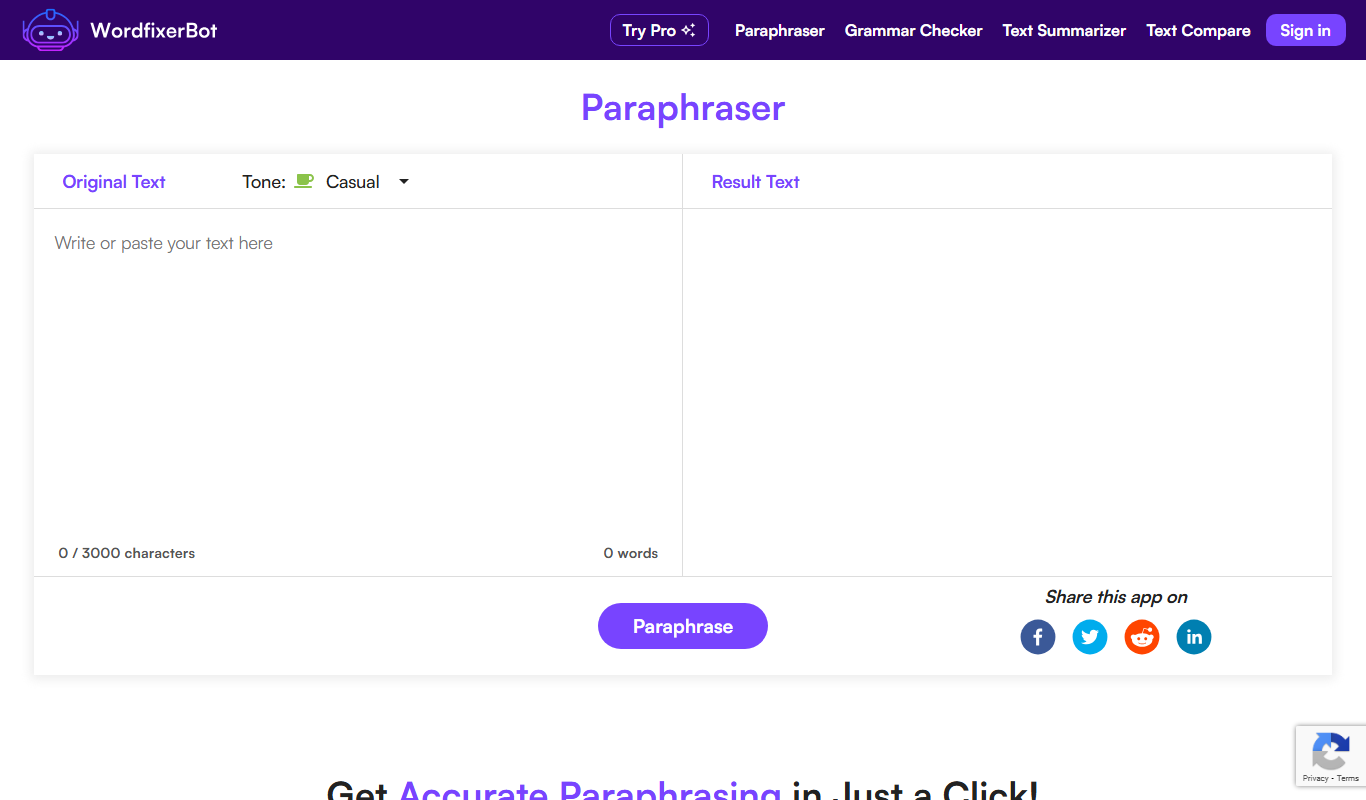
WordfixerBot is an AI writing assistant that helps users correct grammar, spelling, and improve writing style in English through a web-based interface.
- Best for
- Grammar and Spelling Correction
- Key capability
- Real-Time Grammar Correction
Do you recommend this tool?
What is WordfixerBot?
WordfixerBot is an AI-powered writing assistant designed to help users improve their written content by correcting grammar, spelling, and style issues. It provides real-time suggestions to enhance clarity, coherence, and overall quality of text, making it suitable for a wide range of writing needs from professional documents to creative projects.
Key features of WordfixerBot
WordfixerBot offers automated grammar and spelling correction, style improvement suggestions, and clarity enhancements through an intuitive web interface. It supports English language text and is accessible via any modern web browser.
Real-Time Grammar Correction
Instantly identifies and corrects grammatical errors as you write.
Style and Tone Suggestions
Provides recommendations to improve writing style and maintain appropriate tone.
User-Friendly Web Interface
Clean and intuitive design that requires no installation.
Contextual Spell Checking
Detects spelling errors considering the context to avoid false positives.
Pros and cons of WordfixerBot
Pros
- Easy to use with a clean web interface
- Provides real-time grammar and style suggestions
- Affordable premium plan with advanced features
Cons
- Supports only English language
- No dedicated mobile or desktop apps
- Limited free plan usage
Key use cases for WordfixerBot
Grammar and Spelling Correction
Automatically detects and corrects grammar and spelling errors in text to improve writing accuracy.
Style and Clarity Enhancement
Suggests improvements to sentence structure and word choice for clearer and more engaging writing.
Content Polishing for Professionals
Helps professionals refine emails, reports, and documents to maintain a polished and professional tone.
Academic Writing Support
Assists students and researchers in improving the quality and readability of academic papers.
Creative Writing Aid
Offers suggestions to enhance narrative flow and expression for creative writers.
How WordfixerBot works
- 1
Input Text
Users paste or type their text into the WordfixerBot web interface.
- 2
AI Analysis
The AI engine analyzes the text for grammar, spelling, and style issues.
- 3
Receive Suggestions
Users receive highlighted corrections and improvement suggestions.
- 4
Apply Changes
Users can accept or reject suggestions to refine their text.
Who is using WordfixerBot
Students and academics
Professional writers and editors
Business professionals
Content creators and bloggers
Creative writers
WordfixerBot pricing
Free
$0/month
Basic grammar and spelling checks with limited daily usage.
Premium
$9.99/month
Unlimited access with advanced style suggestions and priority support.
Plans and prices are as published by the vendor and can change. Check the official site before you buy. Open the pricing page (opens in a new tab)
Frequently asked questions about WordfixerBot
Yes, WordfixerBot offers a free plan with basic features and limited daily usage.
Currently, WordfixerBot supports English language text only.
WordfixerBot is accessible via web browsers on mobile devices but does not have a dedicated app.
WordfixerBot processes text securely and does not store user content beyond the session.
It depends on your specific needs and how you plan to use the tool. The official website and documentation are the best sources for the latest details.
Yes, it can help with that use case depending on how you configure it and what features are available. You’ll get the best results with clear inputs and a defined goal.
Sign in to review this tool.
Sign In to ReviewNo reviews yet
Be the first to share how this tool worked for you.
Ask about pricing, limits, or how it compares — or answer someone else.
Sign In to AskNo questions yet
Have a question about using or paying for this tool? Be the first to ask.
Featured on TiorAI



More AI Grammar Checker Tools tools
Other tools in the same category, for when this one is not quite the fit.
Free
EssayChecker.io
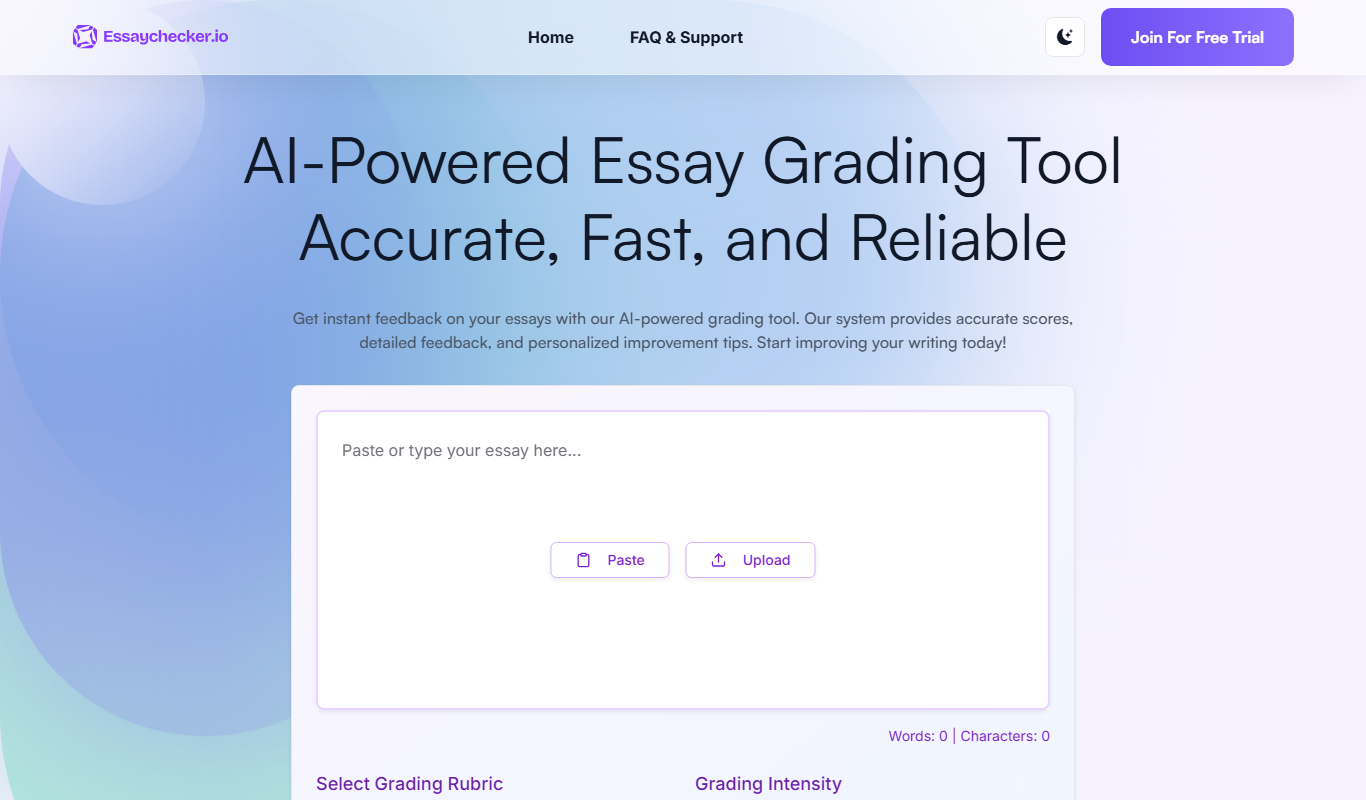
EssayChecker.io is an online tool that helps students and writers detect plagiarism and correct grammar mistakes in academic essays through a simple web interface.

Free
Fixkey
Fixkey is an AI writing assistant that provides real-time grammar, spelling, and style corrections to help users create clear and error-free written content.

Free
Correctify
Correctify is an AI-based online tool that provides real-time grammar, spelling, and punctuation corrections to help users improve their English writing.

Free
Revisely
Revisely is an online writing assistant that provides grammar, spelling, style corrections, and plagiarism detection primarily for English and Dutch texts through a web-based editor.

Free
BulkCorrector
BulkCorrector is a free web-based tool that allows users to correct grammar and spelling errors in multiple texts simultaneously without registration.

Freemium
Trinka AI – Grammar Checker Tool
Trinka AI is an AI-powered grammar checker specialized for academic and professional writing, offering advanced grammar, style, and plagiarism checks with detailed explanations.
Free
Linguix
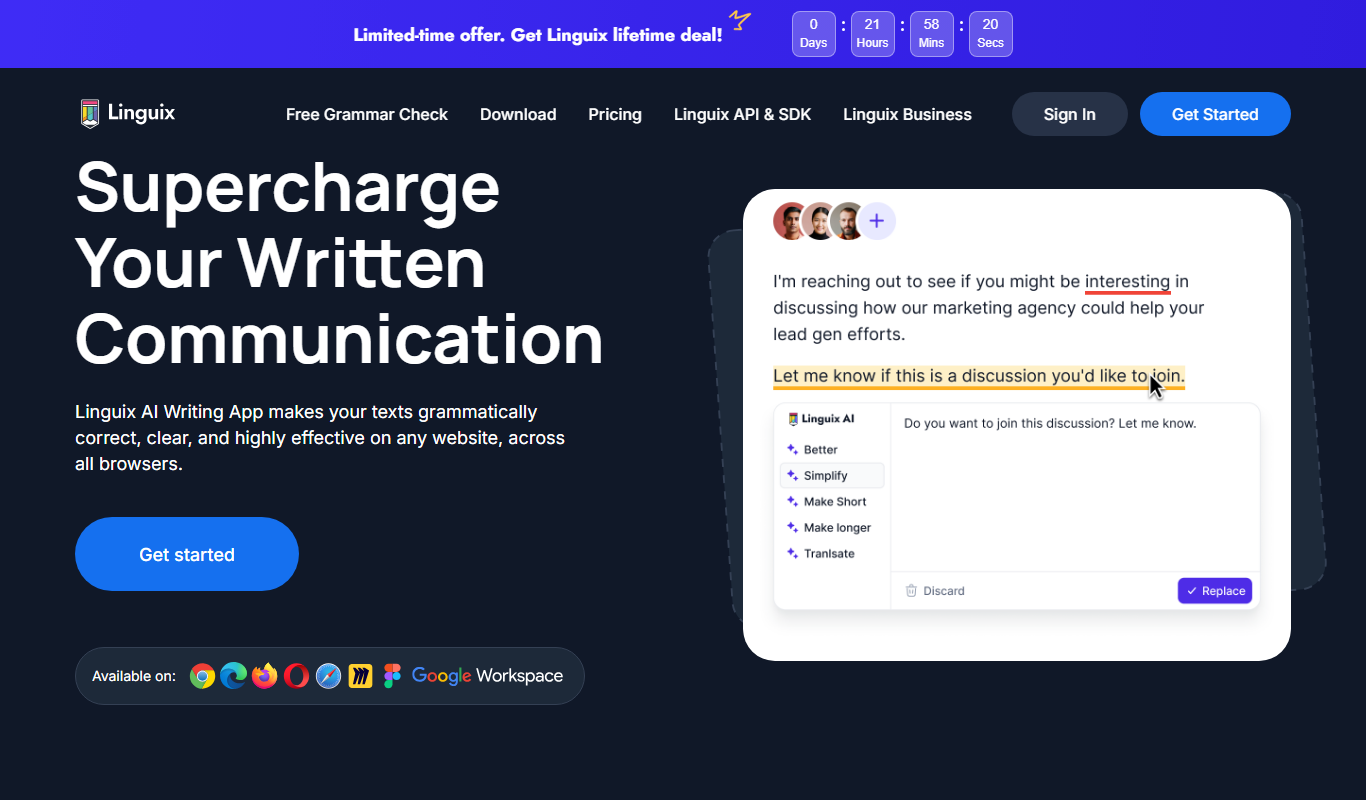
Linguix is an AI-based writing assistant that provides real-time grammar, spelling, punctuation, and style corrections to improve English writing via browser extensions, web editor, and API.

Freemium
editGPT
editGPT is an AI-powered web-based text editor that helps users correct grammar, improve writing style, and enhance clarity with real-time suggestions.