

SuperQuiz Online Quiz Maker for Interactive Learning and Engagement
SuperQuiz generates custom multiplayer quizzes with AI so you can play with your team, family and friends, with answers given by scanning a QR code.
Save SuperQuiz, follow its updates and vote on it — everything stays in your account.
Sign in or create a free account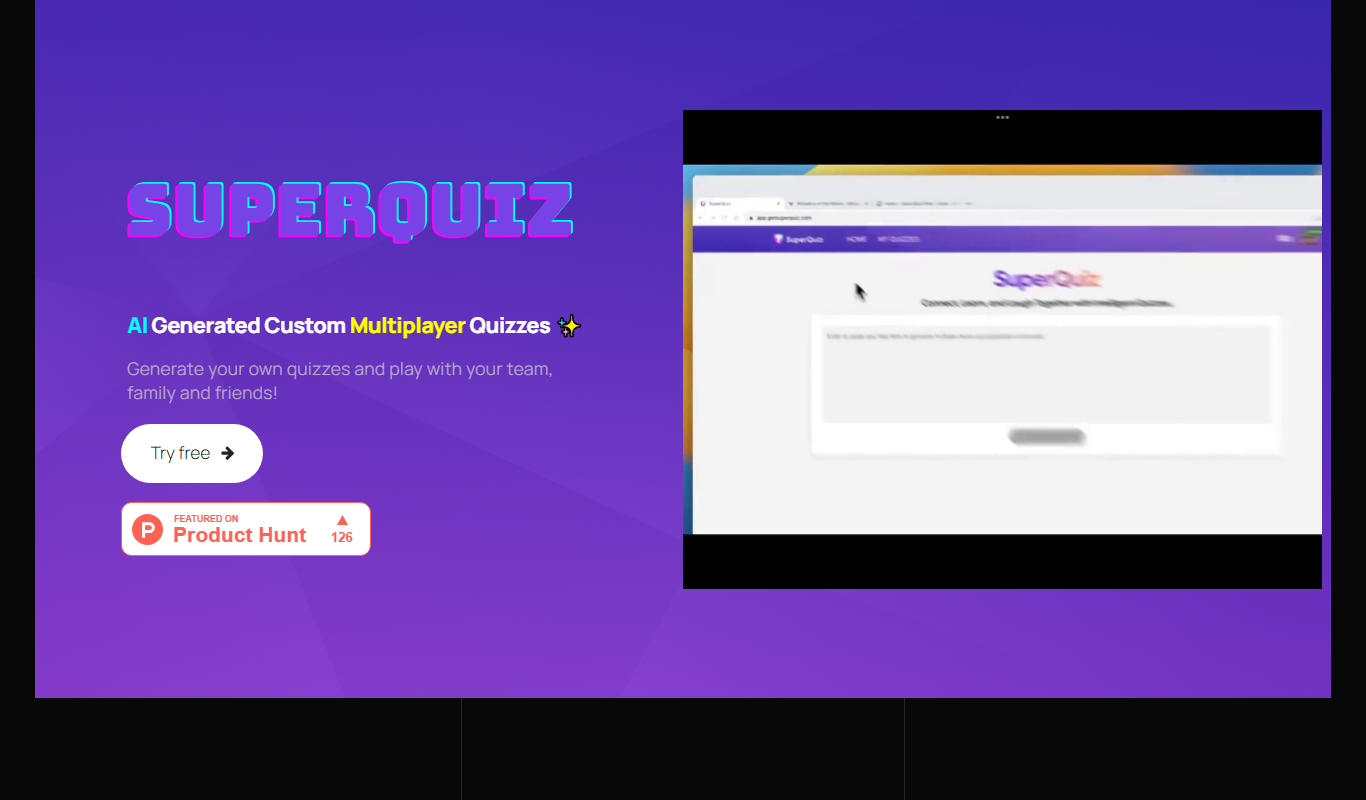
What is SuperQuiz?
SuperQuiz is an AI multiplayer quiz app that turns any text into a ready-to-play quiz. Hosts screen-share the quiz on Teams or Zoom, and participants answer in real time by scanning a QR code with their phone, for team building, classrooms and family games.
Key use cases for SuperQuiz
Educational Assessments
Create quizzes to assess student knowledge and track learning progress.
Employee Training
Design interactive quizzes for corporate training and employee skill evaluation.
Marketing Engagement
Build quizzes to engage customers, generate leads, and increase brand interaction.
Event and Conference Interaction
Use live quizzes to boost audience participation during events and webinars.
How SuperQuiz works
- 1
Create
Paste your text and let AI turn it into a ready-to-play quiz in seconds.
- 2
Present
Screen-share the quiz on Teams or Zoom and advance questions as participants cast their votes in real time.
- 3
Play
Participants scan the QR code with a mobile phone to respond to questions in real time, with no download required.
- 4
Analyze Results
Access detailed analytics to track participant performance and engagement metrics.
Who is using SuperQuiz
SuperQuiz pricing
Basic
Free
AI-powered quiz creation with 2 SuperQuizzes, multiplayer play and access control.
Unlimited
$7.99 monthly or $74.99 yearly
Unlimited quiz creation and play, multiplayer, access control, premium support and priority access to the latest features. Cancel anytime.
Plans and prices are as published by the vendor and can change. Check the official site before you buy. Open the pricing page (opens in a new tab)
Conclusion
Pasted text is the starting point: the AI extracts questions from it, and the host can add, remove or edit questions and answer options before playing. The quiz is then screen-shared on Teams, Zoom or another meeting platform, and participants vote in real time by scanning a QR code with their phone, with no app download needed.
Offices use it for team building with questions about company history, teachers build quizzes by subject, topic and difficulty level, and families play together across locations. The free Basic plan includes two SuperQuizzes, while the Unlimited subscription removes the limit on quiz creation and play. Educators can get three months free by writing to the team from a school email address.
Sources
Sign in to review this tool.
Sign In to ReviewNo reviews yet
Be the first to share how this tool worked for you.
Ask about pricing, limits, or how it compares — or answer someone else.
Sign In to AskNo questions yet
Have a question about using or paying for this tool? Be the first to ask.
Featured on TiorAI



Alternative Tools
Explore similar AI tools that might fit your needs
Typeform
Typeform is an online platform that enables users to create interactive, conversational forms and surveys to collect data, feedback, and leads with customizable templates and logic jumps.
Kahoot
Kahoot is a game-based learning platform that enables users to create and play interactive quizzes and games to boost engagement in education, training, and events.
More AI Education & Learning Tools tools
Other tools in the same category, for when this one is not quite the fit.

Planit Teachers
Planit Teachers generates lesson plans, slide decks, worksheets and marking feedback for primary and secondary teachers, aligned to the National Curriculum.

PIXTA AI – AI/ML Training data service
PIXTA AI is a service that provides custom annotated datasets and data labeling solutions to help train AI and machine learning models effectively.

QuizRise
QuizRise is an AI quiz generator that creates quizzes from content; the free plan allows 3 quizzes per month with 20 questions.

Create my test
Create My Test converts a document to a test with AI, and the site offers free registration.
whizz.com
Whizz.com is an adaptive online math tutoring platform for children aged 5-13 that personalizes lessons based on student ability and provides progress tracking for parents and teachers.
alevels.ai
alevels.ai is an AI-driven platform that helps A-Level students prepare for exams through personalized study plans, AI-generated practice questions, and instant doubt resolution.

Yeti Confetti Kids by Lirvana Labs
Yeti Confetti Kids by Lirvana Labs is an educational app with a curriculum of English, Math and Social Emotional Learning generated by AI.

Laion
Laion is a non-profit open-source AI research organization providing large-scale datasets for training machine learning models, focusing on democratizing access to high-quality AI data.