

ScriptRunner Automation Platform for PowerShell and IT Workflow Management
ScriptRunner is an automation platform that centralizes management, security, and execution of PowerShell scripts to streamline IT workflows and enable self-service automation.
- Best for
- IT Automation
- Key capability
- Centralized Script Management
Save ScriptRunner, follow its updates and vote on it — everything stays in your account.
Sign in or create a free account
What is ScriptRunner?
ScriptRunner is an enterprise-grade automation platform designed to manage, secure, and execute PowerShell scripts and IT workflows centrally. It empowers IT teams and DevOps professionals to automate complex tasks, enforce governance, and provide self-service automation capabilities across hybrid environments.
Key features of ScriptRunner
Key features include centralized script management, role-based access control, audit and compliance tracking, integration with DevOps tools, and a web-based self-service portal for end users to trigger automation safely.
Centralized Script Management
Organize and maintain all PowerShell scripts in a secure, centralized repository.
Role-Based Access Control
Granular permissions ensure only authorized users can execute or edit scripts.
Self-Service Portal
Non-technical users can safely run approved automation tasks via an intuitive interface.
Audit and Compliance
Comprehensive logging and reporting for regulatory compliance and security.
Integration with DevOps Tools
Seamlessly connect with CI/CD pipelines and ITSM platforms to automate workflows.
Pros and cons of ScriptRunner
Pros
- Robust security with role-based access control
- Enables self-service automation for non-technical users
- Centralized management of PowerShell scripts
- Strong integration with DevOps and ITSM tools
Cons
- Pricing details are not publicly available and require contact
- Primarily focused on PowerShell, limited support for other scripting languages
Key use cases for ScriptRunner
IT Automation
Automate repetitive IT tasks and workflows using PowerShell scripts managed centrally.
DevOps Workflow Management
Integrate and orchestrate scripts within DevOps pipelines to streamline deployment and operations.
Script Security and Governance
Control access and execution of scripts with role-based permissions and audit logging.
Self-Service Automation
Enable non-technical users to trigger approved scripts via a user-friendly portal.
Cross-Platform Script Execution
Run scripts across Windows, Linux, and cloud environments from a unified platform.
How ScriptRunner works
- 1
Script Repository Setup
Upload and organize PowerShell scripts within the ScriptRunner platform.
- 2
Define Permissions
Assign role-based access controls to determine who can execute or modify scripts.
- 3
Create Workflows
Build automation workflows by chaining scripts and integrating with external systems.
- 4
Enable Self-Service
Publish approved scripts to a portal where users can run them without direct IT involvement.
- 5
Monitor and Audit
Track script executions, view logs, and generate compliance reports.
Who is using ScriptRunner
ScriptRunner pricing
Typical deployment
About EUR 1,500/month (indicative)
Indicative cost published for a typical deployment.
Free trial
Free for 30 days
A 30-day free trial is available.
Plans and prices are as published by the vendor and can change. Check the official site before you buy. Open the pricing page (opens in a new tab)
Frequently asked questions about ScriptRunner
ScriptRunner primarily supports PowerShell scripts but can execute other scripts via custom integrations.
Yes, the self-service portal allows users to run pre-approved scripts without needing scripting knowledge.
Yes, it integrates with popular DevOps and ITSM platforms to automate and orchestrate workflows.
Comprehensive audit logs and reports are built-in to help with compliance and security.
This tool is designed to help users accomplish its core tasks more efficiently. It is typically used by individuals or teams looking to improve productivity and workflow.
Yes, it can help with that use case depending on how you configure it and what features are available. You’ll get the best results with clear inputs and a defined goal.
Data handling and security practices vary by provider. Review the official privacy policy to understand how your data is stored and used.
Integration support depends on the tool and its available connectors or API. Check the official documentation or integrations page to confirm what is supported.
Conclusion
Administrators upload PowerShell scripts into one platform and assign role-based access controls that decide who can execute or modify each script. Approved scripts are then published to a self-service portal, where users run them without scripting knowledge or direct IT involvement. Scripts can also be chained into automation workflows that connect with CI/CD pipelines and ITSM platforms. Audit logs and reports are built in to help with compliance and security.
It is aimed at IT operations teams, system administrators and managed service providers. PowerShell is the primary focus, and other scripts run only through custom integrations. Cost is published as an indicative figure of about EUR 1,500 a month for a typical deployment, and a 30-day free trial is offered.
Sources
Sign in to review this tool.
Sign In to ReviewNo reviews yet
Be the first to share how this tool worked for you.
Ask about pricing, limits, or how it compares — or answer someone else.
Sign In to AskNo questions yet
Have a question about using or paying for this tool? Be the first to ask.
Featured on TiorAI



Alternative Tools
Explore similar AI tools that might fit your needs

Ansible
Ansible is an open-source IT automation tool that uses simple YAML playbooks to automate configuration management, application deployment, and orchestration without requiring agents on managed nodes.
More AI DevOps Assistant tools
Other tools in the same category, for when this one is not quite the fit.
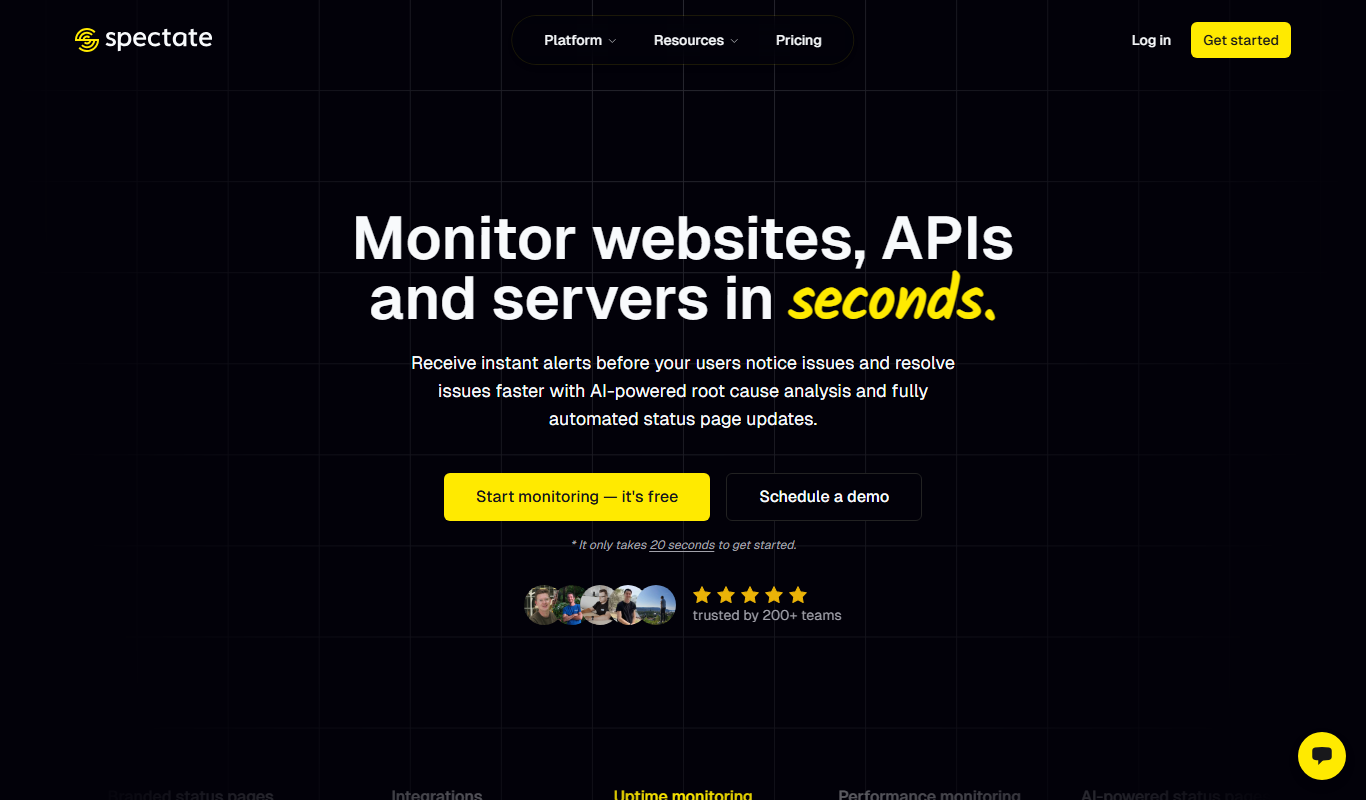
Spectate
Spectate monitors websites, APIs and servers, alerts you before users notice issues and keeps status pages updated with AI, with a free plan.

KubeHA
KubeHA is a GenAI-powered SaaS platform for Kubernetes monitoring, observability, remediation and exploration (MORE), with KubeHA GPT for plain English questions.

SRE.ai
SRE.ai is an AI-native systems integrator that automates enterprise systems delivery, with a Command Center for deployments and AI agents that code, test and deploy.

Warehouse Optimization
Keebo Warehouse Optimization uses agentic AI to rightsize Snowflake and Databricks warehouses 24/7, tuning size, auto-suspend and scaling within your SLAs.

Defang
Defang deploys your Compose file to your own AWS, GCP or Azure account, with preview environments and one path to production for people and agents.

Latitude
Latitude is an open-source AI agent observability platform that traces agents in production, discovers failing behavior, sends alerts and helps verify fixes.

Uniskai by Profisea Labs
Uniskai by Profisea Labs is a FinOps platform that reduces cloud costs across AWS, Azure and GCP with cost visibility, rightsizing, spot instances and waste management.

CockroachDB
CockroachDB is a distributed SQL database designed for cloud-native applications that require strong consistency, high availability, and horizontal scalability across multiple regions.