

From my experience with Slide Dish, I found it excels at breaking down complex cooking and plating processes into simple, visual steps that anyone can follow. The app is particularly well-suited for home cooks and beginners who want to improve both their cooking skills and food presentation without feeling overwhelmed. However, the free version offers limited content, which may require upgrading to premium for full access. Overall, if you want a practical tool to learn how to cook and plate dishes attractively, Slide Dish delivers clear guidance and inspiration.
Slide Dish App for Cooking and Plating Techniques with Step-by-Step Guides
Slide Dish is a cooking and plating app that provides step-by-step visual guides to help users prepare dishes and improve food presentation skills.
- Best for
- Learning Cooking Techniques
- Key capability
- Step-by-Step Cooking Instructions
Your actions
Save Slide Dish: cooking & plating, follow its updates and vote on it — everything stays in your account.
Sign in or create a free account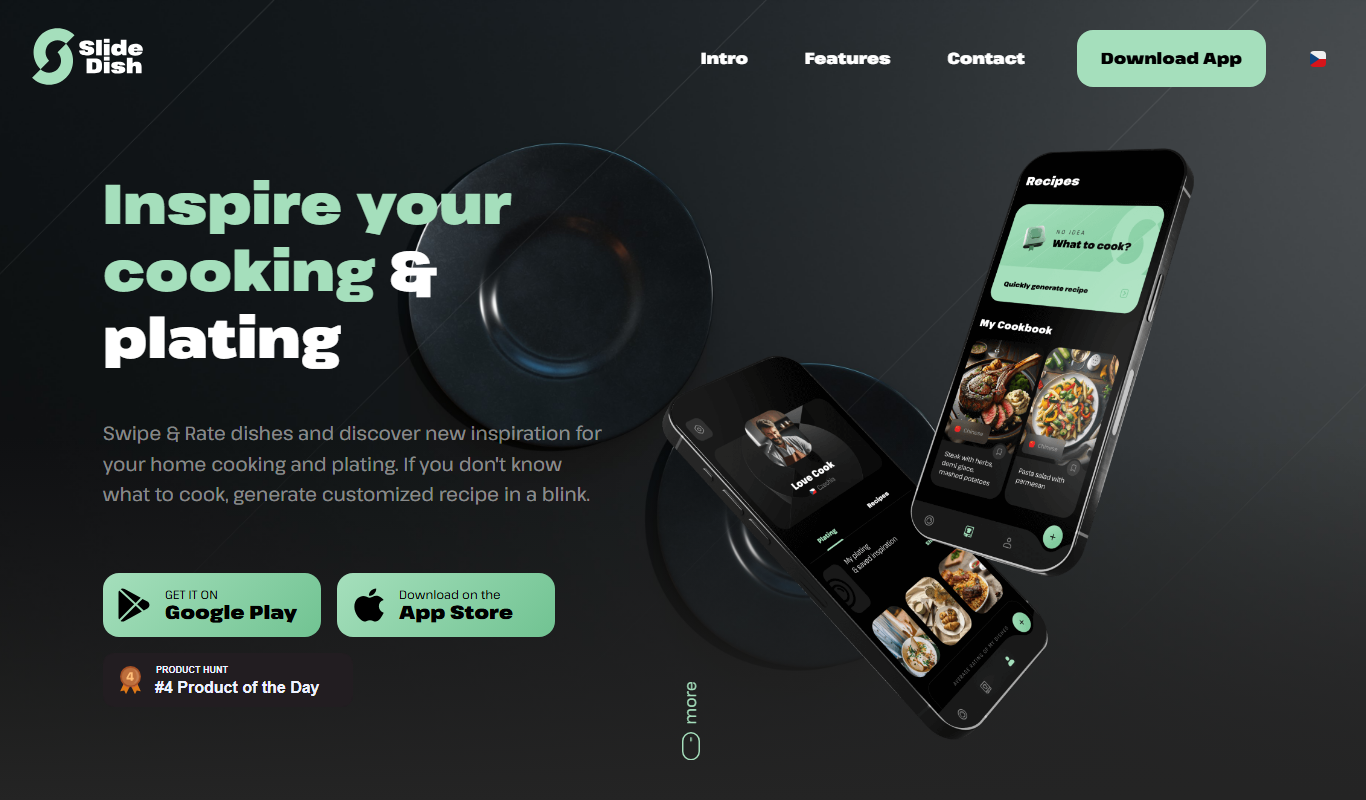
What is Slide Dish: cooking & plating?
Slide Dish is a cooking and plating app designed to teach users how to prepare and present dishes through clear, step-by-step visual guides. It focuses on both the culinary process and the art of plating, making it easier for home cooks and culinary enthusiasts to improve their skills and create visually appealing meals.
Key features of Slide Dish: cooking & plating
The app offers detailed recipe steps with photos, plating tutorials, a user-friendly interface for following cooking processes, and a community-driven platform for sharing and discovering new recipes.
Step-by-Step Cooking Instructions
Clear, photo-supported steps that make cooking accessible for all skill levels.
Plating Tutorials
Visual guides focused on food presentation to elevate the dining experience.
Recipe Library
A diverse collection of recipes spanning various cuisines and difficulty levels.
User-Friendly Interface
Intuitive design that helps users easily navigate through recipes and steps.
Community Sharing
Users can share their own recipes and plating ideas, fostering a collaborative environment.
Pros and cons of Slide Dish: cooking & plating
Pros
- Easy-to-follow step-by-step cooking instructions
- Focus on both cooking and plating techniques
- User-friendly interface suitable for beginners
- Community features for sharing recipes
- Available on multiple platforms
Cons
- Limited free content compared to premium
- No offline mode for recipe access
Key use cases for Slide Dish: cooking & plating
Learning Cooking Techniques
Users can follow detailed step-by-step instructions to learn how to prepare various dishes.
Mastering Food Plating
The app provides visual guidance on plating techniques to enhance food presentation.
Recipe Discovery
Users can explore a variety of recipes with clear instructions and photos.
Culinary Skill Improvement
Both beginners and experienced cooks can improve their culinary skills through guided lessons.
Meal Preparation Planning
The app helps users organize cooking steps efficiently for better meal preparation.
How Slide Dish: cooking & plating works
- 1
Browse Recipes
Explore a wide range of recipes categorized by cuisine, difficulty, and plating style.
- 2
Follow Step-by-Step Guides
Each recipe includes detailed instructions with photos to guide users through cooking and plating.
- 3
Practice Plating Techniques
Learn how to arrange food attractively on the plate with visual examples.
- 4
Save and Share
Save favorite recipes and share your own plating creations with the community.
Who is using Slide Dish: cooking & plating
Home cooks looking to improve skills
Food enthusiasts interested in plating
Beginner chefs
Culinary students
Content creators focusing on food
Slide Dish: cooking & plating pricing
Free
$0/month
Access to a limited number of recipes and basic plating guides.
Premium
$4.99/month
Full access to all recipes, advanced plating tutorials, and ad-free experience.
Plans and prices are as published by the vendor and can change. Check the official site before you buy. Open the pricing page (opens in a new tab)
Frequently asked questions about Slide Dish: cooking & plating
Yes, the app provides step-by-step instructions and visual guides that are easy to follow for all skill levels.
Yes, users can contribute their own recipes and plating ideas to the community.
Slide Dish is available on Web, iOS, and Android platforms.
Yes, there is a free version with limited access to recipes and features.
Yes, it can help with that use case depending on how you configure it and what features are available. You’ll get the best results with clear inputs and a defined goal.
Some tools offer a free plan or trial with limited features. Availability can vary, so confirm on the official website.
It depends on your specific needs and how you plan to use the tool. The official website and documentation are the best sources for the latest details.
Sign in to review this tool.
Sign In to ReviewNo reviews yet
Be the first to share how this tool worked for you.
Ask about pricing, limits, or how it compares — or answer someone else.
Sign In to AskNo questions yet
Have a question about using or paying for this tool? Be the first to ask.
Featured on TiorAI


Alternative Tools
Explore similar AI tools that might fit your needs
Free
Tasty
Tasty is a free digital recipe platform by BuzzFeed offering thousands of recipes with engaging video tutorials and interactive cooking tools.

Free
SideChef
SideChef is a cooking app that provides step-by-step recipe guidance, meal planning tools, and smart kitchen integration to simplify home cooking.
More AI Photo Image Generator tools
Other tools in the same category, for when this one is not quite the fit.
Free Trial
Novaheadshot
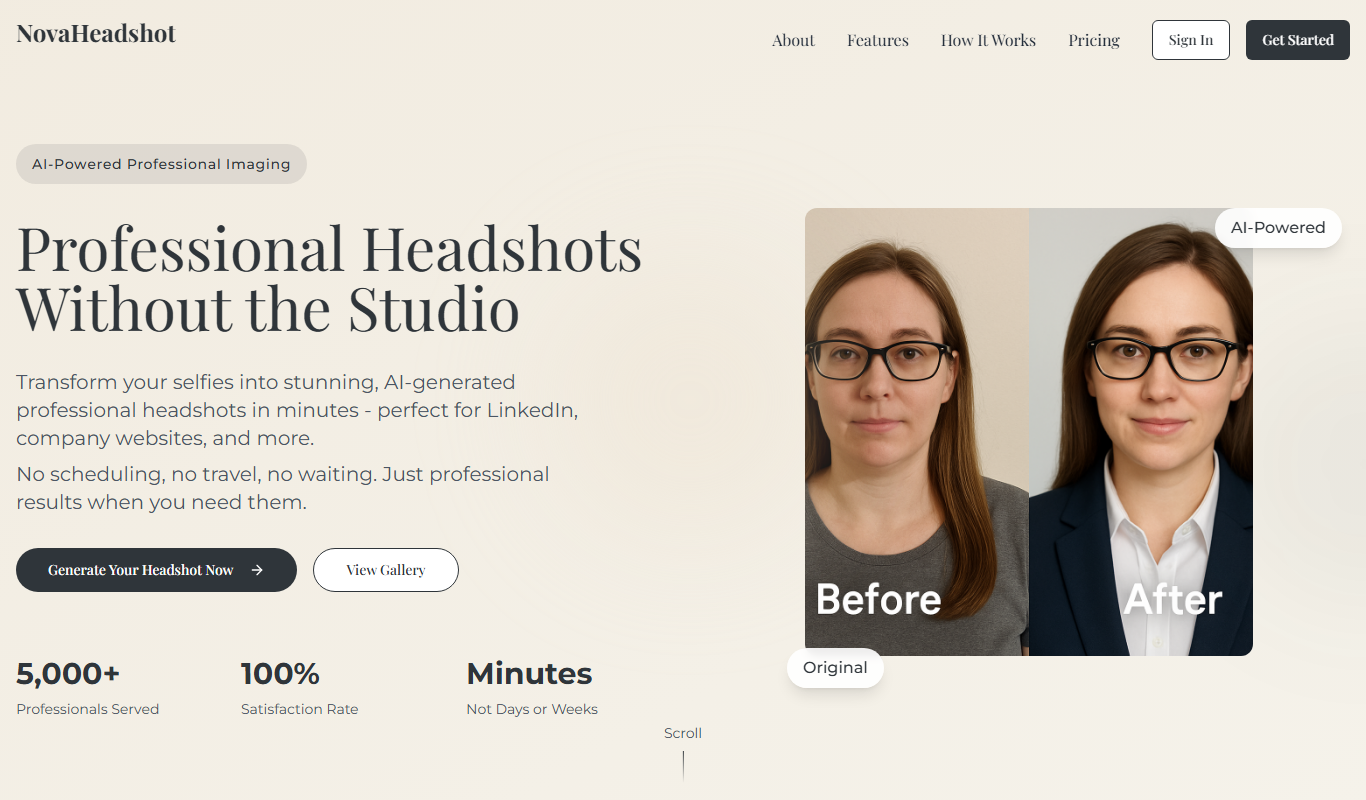
Novaheadshot is an AI-based tool that creates professional headshots from your photos, ideal for resumes and social media profiles.

Free
Nextool
Nextool is an AI writing assistant that helps users generate, edit, and optimize written content efficiently using advanced AI technology.

Freemium
pareto.io
Pareto.io is an AI-driven sales automation platform that streamlines lead generation, outreach, and CRM data management to boost sales team efficiency.

Free
presti.ai
Presti AI is an AI-powered presentation tool that automates slide design and content enhancement, helping users create professional presentations quickly and easily.

Freemium
AI ColoringBook
AI ColoringBook is a web-based tool that uses AI to generate custom line art coloring pages from user prompts, ideal for educational and creative purposes.

Paid
proshot.app
ProShot.app is a paid mobile camera app available on iOS and Android that provides full manual controls for photography and video, including RAW capture and timelapse modes.

Freemium
photo ai service
Photo AI Service is a web-based platform that uses AI to enhance photos, remove backgrounds, upscale images, and retouch portraits quickly and easily.

Free
Proshoot.co
Proshoot.co is an online platform that enables professional photographers to showcase their portfolios, manage client bookings, and communicate with clients efficiently through a centralized web interface.