
From my experience with Amarkdown, I found it excels at providing a clean, distraction-free environment for writing markdown with instant live preview. The simplicity of the interface makes it easy to focus on content without being overwhelmed by features. It’s particularly well-suited for writers, students, and developers who need a quick and free markdown editor accessible from any browser. However, the lack of file management and offline capabilities means it’s less ideal for users needing advanced project organization or desktop apps. Overall, if you want a straightforward markdown editor for fast drafting and preview, Amarkdown delivers effectively.
Amarkdown - Minimalist Markdown Editor for Efficient Writing and Preview
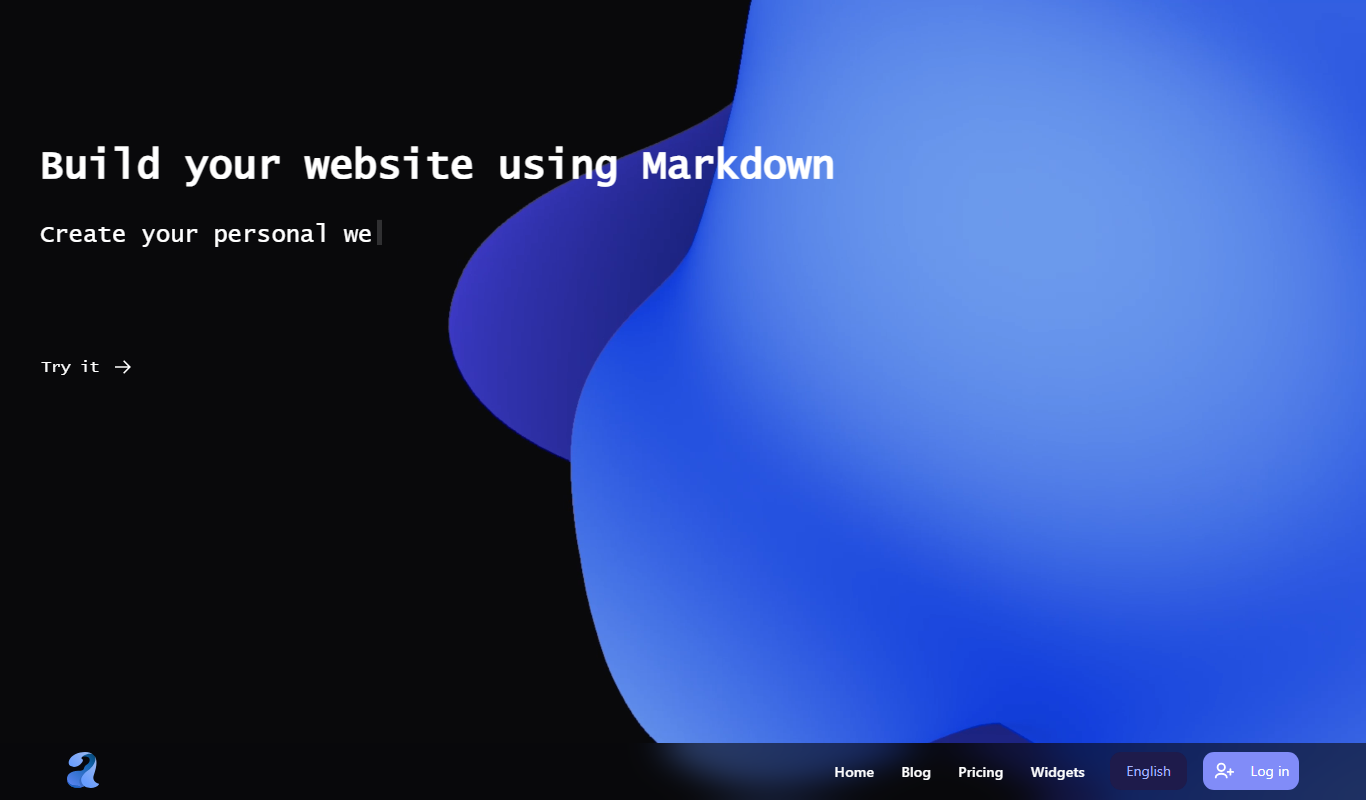
Amarkdown is a free, minimalist web-based markdown editor that provides live preview and supports standard markdown syntax without requiring signup.
What is Amarkdown?
Amarkdown is a minimalist web-based markdown editor designed to provide a clean, distraction-free environment for writing markdown text. It offers live preview functionality, allowing users to see the formatted output in real time as they type. The tool focuses on simplicity and speed, making it ideal for users who want a straightforward markdown editor without unnecessary features.
Key Features of Amarkdown
Live Preview
Real-time rendering of markdown syntax as formatted text side-by-side.
Minimalist Interface
Clean, distraction-free UI focused on writing without clutter.
Standard Markdown Support
Supports common markdown elements like headings, lists, links, images, and code blocks.
No Signup Required
Instant access without account creation or installation.
Pros and Cons of Amarkdown
Pros
- Simple and intuitive interface
- Live preview for immediate feedback
- No signup or installation required
- Completely free to use
Cons
- Limited to basic markdown features
- No file management or cloud storage
- No offline or desktop app version
Key Use Cases for Amarkdown
Markdown Writing
Create and edit markdown documents with live preview for efficient formatting.
Note Taking
Use the editor for quick note-taking with markdown syntax support.
Content Drafting
Draft blog posts, documentation, or any markdown-based content seamlessly.
How Amarkdown Works
-
1
Open the Website
Navigate to amarkdown.com to access the editor instantly without signup.
-
2
Start Writing
Type markdown syntax in the left pane; the right pane shows live formatted preview.
-
3
Edit and Format
Use markdown syntax to format text, add headings, lists, links, images, and code.
-
4
Copy or Save
Copy the markdown or preview content to clipboard or save it externally.
Who's Using Amarkdown
Writers and bloggers
Students and educators
Developers needing quick markdown notes
Anyone seeking a distraction-free markdown editor
Amarkdown Pricing
Free
$0
Full access to the markdown editor with all features at no cost.
Frequently Asked Questions About Amarkdown
Yes, Amarkdown is completely free and does not require any payment.
No, you can use Amarkdown instantly without signing up.
While there is no direct export button, you can copy your markdown text and save it externally.
Amarkdown supports standard markdown syntax but does not include advanced extensions.
This tool is designed to help users accomplish its core tasks more efficiently. It is typically used by individuals or teams looking to improve productivity and workflow.
Some tools offer a free plan or trial with limited features. Availability can vary, so confirm on the official website.
Yes, it can help with that use case depending on how you configure it and what features are available. You’ll get the best results with clear inputs and a defined goal.
Yes, it can help with that use case depending on how you configure it and what features are available. You’ll get the best results with clear inputs and a defined goal.
Share your review
Reviews are limited to one per logged-in user and are published after moderation.
You need an account to review this tool.
0.0
★
★
★
★
★
0 reviews
5 star
0
4 star
0
3 star
0
2 star
0
1 star
0
No reviews yet
Be the first to share how this tool worked for you.
Questions from the community
Read questions and answers about this tool, or ask your own.
No questions yet
Start the conversation by asking the first question about this tool.
Is this tool helpful?
Alternative Tools
Explore similar AI tools that might fit your needs
Free
StackEdit
StackEdit is a free, browser-based markdown editor that supports offline editing, real-time preview, cloud synchronization, and collaborative writing.

Free
Dillinger
Dillinger is a free, web-based markdown editor that offers live preview, cloud storage integration, and export options to HTML, PDF, and styled markdown formats.
Freemium
Typora
Typora is a desktop Markdown editor that provides a seamless live preview experience, allowing users to write and format Markdown documents without switching views. It supports extended Markdown features and exports to multiple formats.

Free Trial
TwindleAI LLC.
TwindleAI is an AI-based platform that automatically summarizes long videos into short highlights, helping users save time and create engaging content for social media and marketing.

Freemium
CalenAI
CalenAI is an AI-powered calendar assistant that automates scheduling, resolves conflicts, and provides productivity insights to help users manage their time efficiently.
Free
SyncStudy
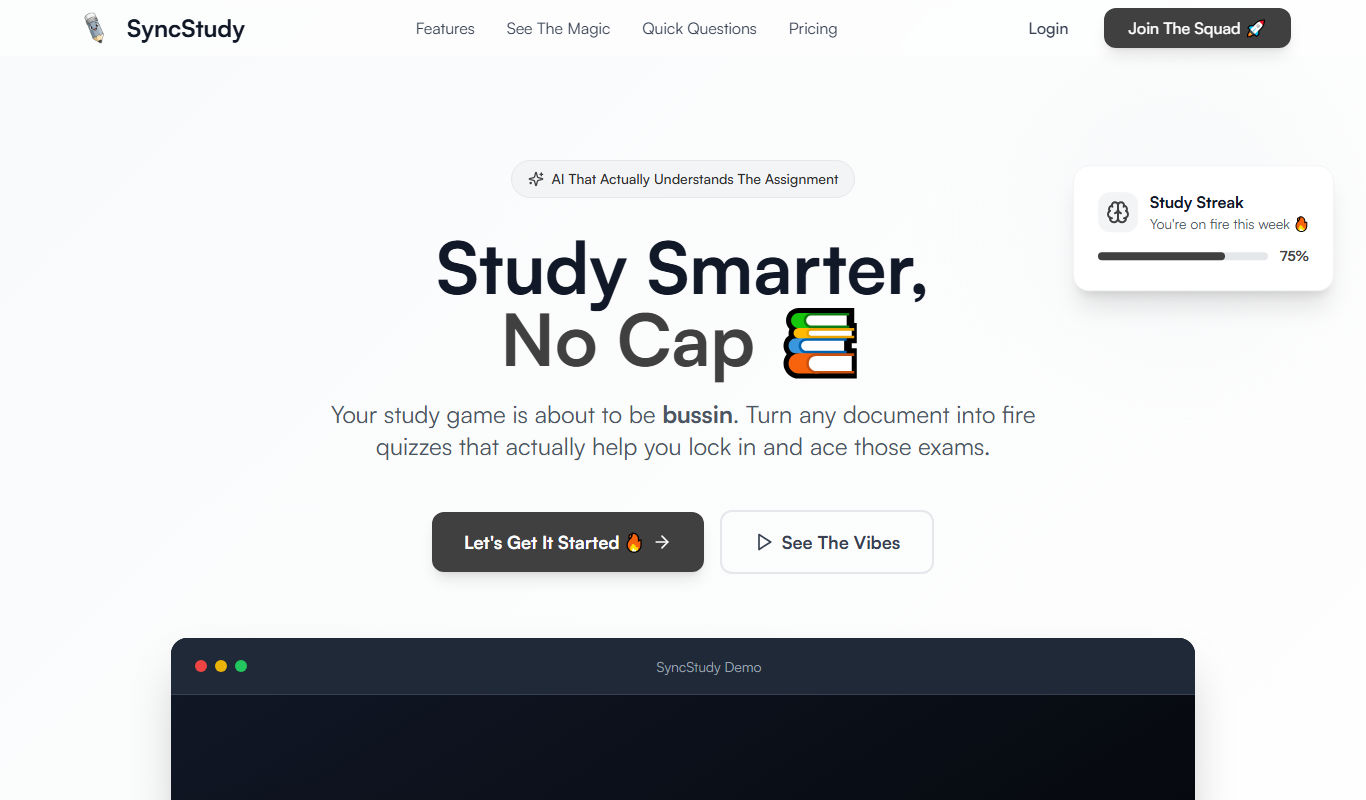
SyncStudy is a collaborative study platform that allows students to work together in real-time by sharing notes, managing tasks, scheduling sessions, and creating quizzes accessible on web and mobile devices.

Freemium
Louply AI Assistant
Louply AI Assistant is a web-based productivity platform that uses artificial intelligence to help users manage tasks, automate workflows, and collaborate with teams efficiently.

Free
Promptport
Promptport is a web-based platform that centralizes AI prompt management, enabling teams to organize, version, and collaborate on prompts efficiently.

Free Trial
Principal
Principal is an AI-powered assistant that provides personalized business insights and decision support by analyzing your data and delivering actionable recommendations.

Freemium
Gist AI
Gist AI is an AI-powered tool that transcribes and summarizes meetings automatically, helping teams save time and improve collaboration.

Freemium
Assembo.ai
Assembo.ai is an AI meeting assistant that transcribes meetings in real time, generates summaries, extracts action items, and integrates with popular conferencing platforms to improve productivity.