

Craft Note-Taking App for Teams and Individuals with Collaborative Features
Craft is a note-taking and documentation app designed for individuals and teams, offering nested pages, real-time collaboration, and multimedia embedding to enhance productivity.
- Best for
- Personal Note-Taking
- Key capability
- Nested Pages
Save Craft, follow its updates and vote on it — everything stays in your account.
Sign in or create a free account

What is Craft?
Craft is a modern note-taking and documentation app designed for individuals and teams who want to create beautiful, structured documents with ease. It combines a clean interface with powerful organizational features, allowing users to build nested pages, embed multimedia, and collaborate in real-time. Craft supports markdown, rich text, and offers seamless syncing across devices.
Key features of Craft
Craft offers a flexible canvas for note-taking and document creation, featuring nested page hierarchies, real-time collaboration, multimedia embedding, markdown support, and export options. It integrates well with macOS and iOS environments, providing offline access and synchronization.
Nested Pages
Organize content hierarchically with unlimited nested pages for better structure.
Real-Time Collaboration
Work simultaneously with teammates on documents with live updates.
Rich Media Embedding
Embed images, videos, PDFs, and other files directly into notes.
Markdown and Rich Text Support
Write using markdown syntax or rich text formatting for flexibility.
Export Options
Export documents as PDF, Markdown, or plain text for sharing or backup.
Pros and cons of Craft
Pros
- Clean and intuitive user interface
- Strong support for nested page organization
- Real-time collaboration capabilities
- Rich media embedding enhances note quality
Cons
- No Android app available
- Limited language support (English only)
- Subscription required for full collaboration features
Key use cases for Craft
Personal Note-Taking
Capture ideas, organize thoughts, and maintain personal knowledge bases with rich text and multimedia support.
Team Collaboration
Collaborate on documents in real-time with teammates, share notes, and manage projects efficiently.
Documentation
Create structured documentation with nested pages, tables, and media embedding for internal or external use.
Project Planning
Organize project details, timelines, and meeting notes in a centralized, easy-to-navigate workspace.
Content Creation
Write and format articles, reports, and presentations with a clean and distraction-free interface.
How Craft works
- 1
Create an Account
Sign up on Craft’s website or app to start creating notes and documents.
- 2
Start Writing and Organizing
Use the intuitive editor to write notes, create nested pages, and embed images or files.
- 3
Collaborate with Others
Invite team members to view or edit documents in real-time for seamless collaboration.
- 4
Sync Across Devices
Access your notes on iOS, macOS, or the web with automatic syncing.
Who is using Craft
Craft pricing
Free
$0/month
Basic note-taking and document creation with limited collaboration features.
Pro
$9.99/month
Full access to collaboration, unlimited documents, version history, and priority support.
Plans and prices are as published by the vendor and can change. Check the official site before you buy. Open the pricing page (opens in a new tab)
Frequently asked questions about Craft
No, currently Craft is only available on iOS, macOS, and the web.
Yes, Craft supports real-time collaboration on documents with invited users.
Yes, you can access and edit your notes offline on supported devices; changes sync when online.
Yes, Craft allows exporting documents as PDF, Markdown, or plain text files.
Yes, it can help with that use case depending on how you configure it and what features are available. You’ll get the best results with clear inputs and a defined goal.
Some tools offer a free plan or trial with limited features. Availability can vary, so confirm on the official website.
Yes, it can help with that use case depending on how you configure it and what features are available. You’ll get the best results with clear inputs and a defined goal.
Conclusion
Structure is central to Craft, which organizes notes and documents hierarchically through nested pages. Writing works with markdown syntax or rich text formatting, and images, videos, PDFs and other files can be embedded directly into notes. Invited team members can view or edit documents in real time and see live updates.
Documents can be exported as PDF, Markdown or plain text files. It is meant for individuals and teams, including knowledge workers, creative professionals and students. A free plan covers basic note-taking with limited collaboration features, and full collaboration requires a paid subscription.
Sources
Sign in to review this tool.
Sign In to ReviewNo reviews yet
Be the first to share how this tool worked for you.
Ask about pricing, limits, or how it compares — or answer someone else.
Sign In to AskNo questions yet
Have a question about using or paying for this tool? Be the first to ask.
Featured on TiorAI



Alternative Tools
Explore similar AI tools that might fit your needs

Evernote
Evernote is a cross-platform note-taking app that helps users capture, organize, and collaborate on notes, tasks, and projects with multi-format support and powerful search.
Obsidian
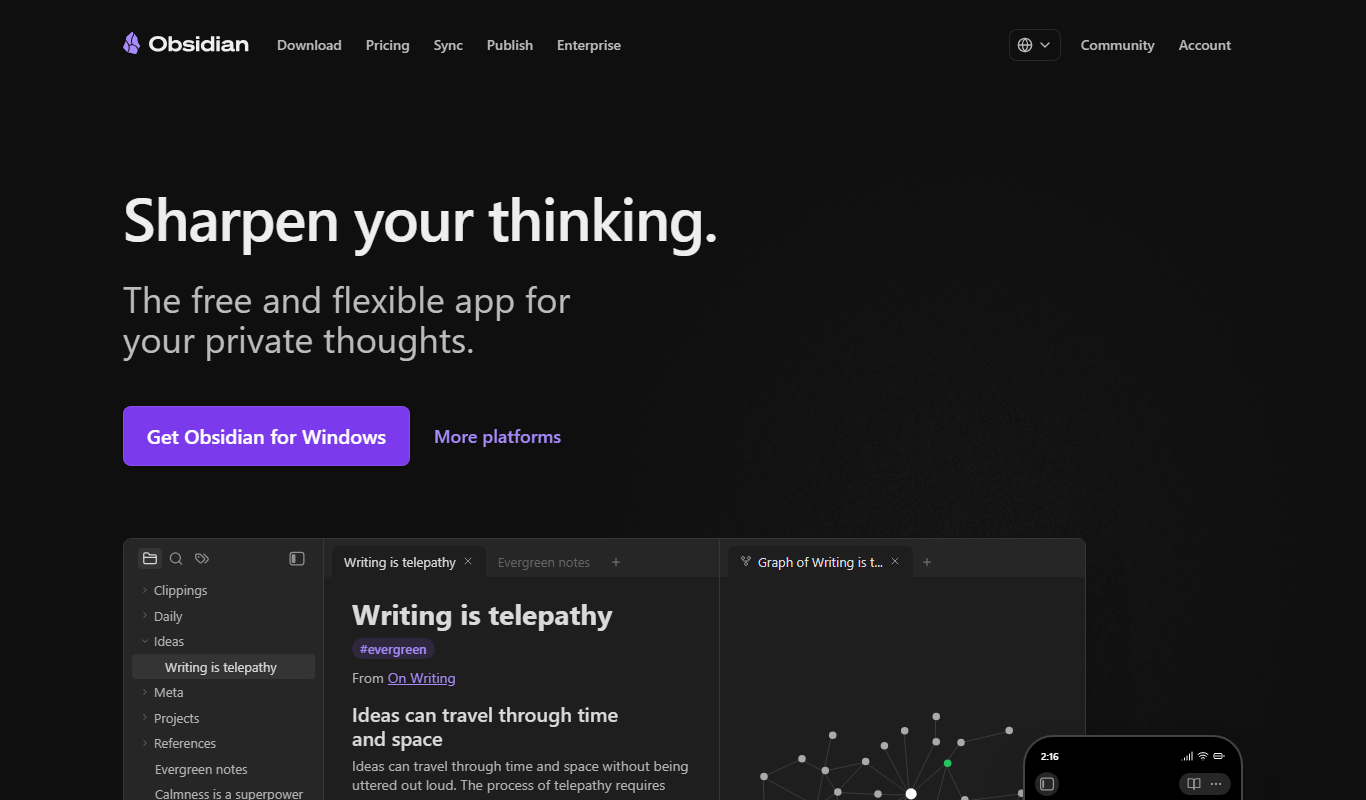
Obsidian is a markdown note-taking app that helps users build a personal knowledge base with linked notes, graph visualization, and extensive customization options.
More AI Collaboration & Team Tools tools
Other tools in the same category, for when this one is not quite the fit.

Lumio Pro
Lumio by SMART is interactive teaching software for K-12 teachers that combines lessons, activities and real-time insights to assess understanding on any device.

Tandem GPT
Tandem GPT is an AI language partner for rehearsing real-life conversations in a foreign language, with ready-made or custom scenarios, text or voice practice and corrections.

OmMuse
OmMuse lets music creators store, organize and share tracks, stems and projects with version control and encrypted collaboration; 100 MB free with no sign up needed.
grain.co
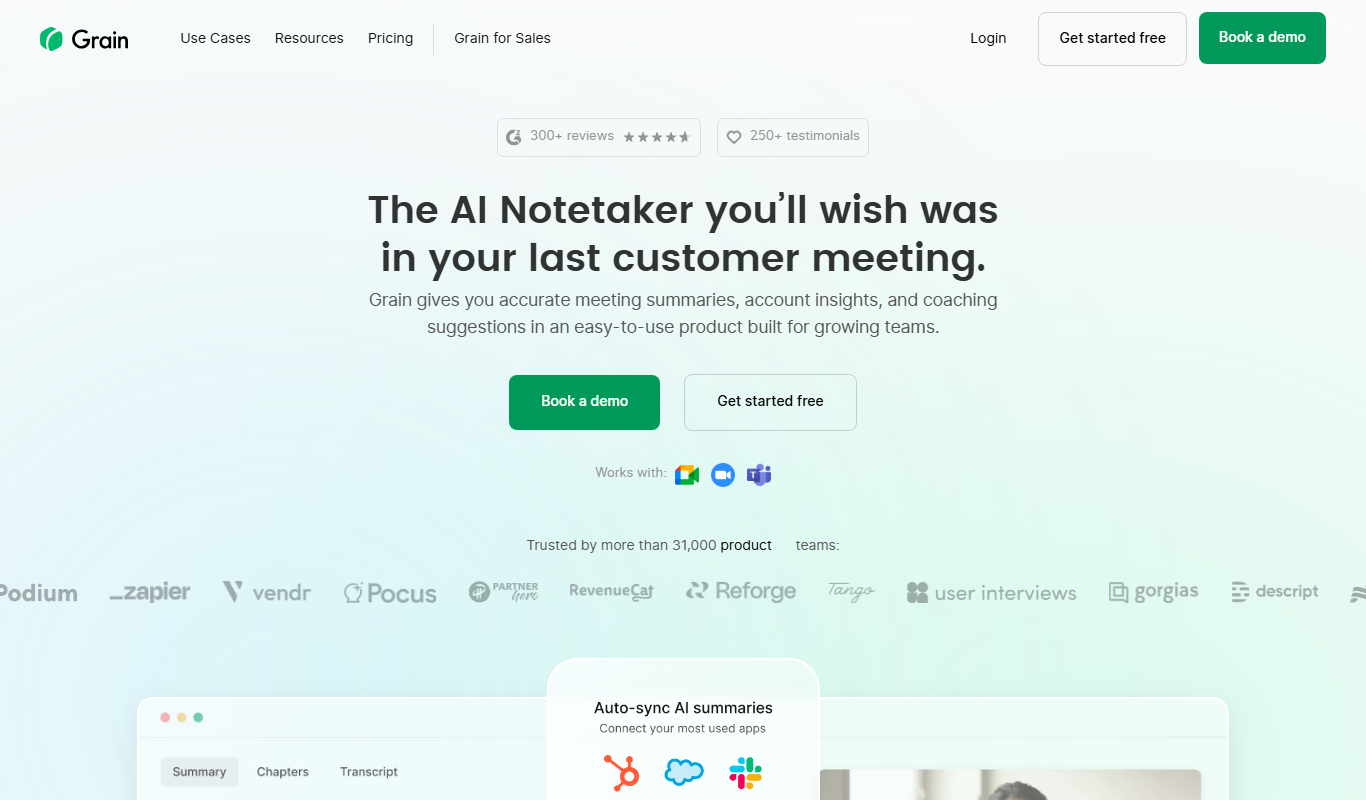
Grain is an AI notetaker that captures and enriches meetings, then delivers them to Claude, ChatGPT or any AI tool so agents can do the follow-up work.

ambient.us
ambient.us is an AI meeting assistant that provides real-time transcription, action item detection, and collaboration features to help teams capture and organize meeting content efficiently.

Planable
Planable is a collaborative social media planning platform that enables teams to create, review, approve, and schedule posts across multiple social networks with real-time feedback and client workflows.

griddo
Griddo is a no-code digital experience platform that lets university marketing and communications teams manage their entire web ecosystem from a single interface.

Tettra
Tettra is an AI knowledge base whose AI powered bot Kai answers teammates' questions in Tettra or Slack from the team's own content.