
From my experience with History Timeline Generator, I found it excels at providing a straightforward and free way to create interactive timelines without any technical barriers. The tool’s simplicity makes it especially suitable for educators and students who want to visualize historical events clearly. However, it lacks advanced customization and collaboration features, which might limit its use for professional project teams. Overall, if you need a quick, no-cost solution to build and share timelines online, this tool delivers solid and reliable results.
Create Interactive History Timelines Online with History Timeline Generator
History Timeline Generator is a free web tool that lets users create interactive, customizable timelines by adding events with dates, descriptions, and images. It is ideal for educational and project planning purposes and allows exporting timelines as images or PDFs.
What is History Timeline Generator?
History Timeline Generator is a free web-based tool designed to help users create interactive and visually appealing timelines. It allows users to input events with dates and descriptions, which are then displayed in a chronological, easy-to-understand format. The tool is particularly useful for educational purposes, project planning, and any scenario where visualizing sequences over time is beneficial.

Key Features of History Timeline Generator
Interactive Timeline Creation
Build timelines that users can interact with for better engagement.
Customizable Event Entries
Add detailed descriptions and images to each event.
Export Options
Save timelines as images or PDFs for offline use or presentations.
User-Friendly Interface
Simple drag-and-drop and form inputs make timeline creation accessible.
Pros and Cons of History Timeline Generator
Pros
- Completely free to use
- Simple and intuitive interface
- Supports images and detailed event descriptions
- Allows exporting timelines in multiple formats
Cons
- Limited advanced customization options
- No mobile app available
- No collaboration features
Key Use Cases for History Timeline Generator
Educational Presentations
Teachers and students can create visual timelines to better understand historical events and their sequence.
Project Planning
Users can map out project milestones and deadlines in a clear chronological order.
Research Documentation
Researchers can organize data and events over time for easier analysis and presentation.
Event Visualization
Individuals or organizations can illustrate the progression of events for reports or storytelling.
How History Timeline Generator Works
-
1
Access the Website
Navigate to the History Timeline Generator website to start creating your timeline.
-
2
Add Events
Input events by specifying dates, titles, descriptions, and optionally images.
-
3
Customize Timeline
Adjust the timeline’s style, layout, and colors to fit your needs.
-
4
Export or Share
Download your timeline as an image or PDF, or share it via a link.
Who's Using History Timeline Generator
Educators and students
Project managers
Researchers
Content creators
Event planners
History Timeline Generator Pricing
Free
$0
Full access to timeline creation and export features without cost.
Frequently Asked Questions About History Timeline Generator
Yes, the tool is completely free with no hidden charges.
Yes, you can export your timeline as an image or PDF file.
No account creation is required to use the basic features.
Yes, you can upload images to accompany your timeline events.
It depends on your specific needs and how you plan to use the tool. The official website and documentation are the best sources for the latest details.
Yes, it can help with that use case depending on how you configure it and what features are available. You’ll get the best results with clear inputs and a defined goal.
Pricing depends on the plan and included features. For the most accurate and up-to-date details, check the official pricing page.
Yes, it can help with that use case depending on how you configure it and what features are available. You’ll get the best results with clear inputs and a defined goal.
Share your review
Reviews are limited to one per logged-in user and are published after moderation.
You need an account to review this tool.
0.0
★
★
★
★
★
0 reviews
5 star
0
4 star
0
3 star
0
2 star
0
1 star
0
No reviews yet
Be the first to share how this tool worked for you.
Questions from the community
Read questions and answers about this tool, or ask your own.
No questions yet
Start the conversation by asking the first question about this tool.
Is this tool helpful?
Alternative Tools
Explore similar AI tools that might fit your needs

Free
Tiki-Toki
Tiki-Toki is a web-based tool for creating interactive multimedia timelines used in education, marketing, and project visualization.
Free
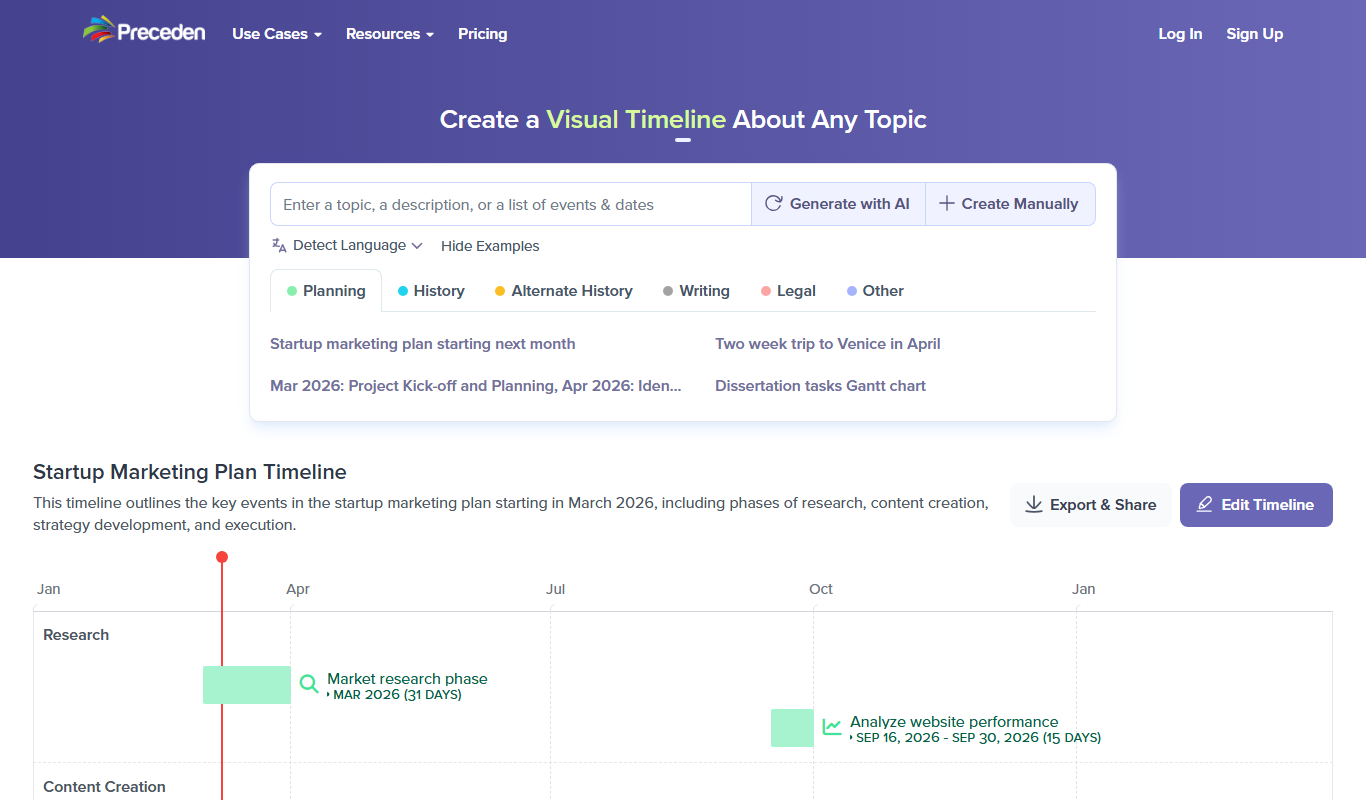
Preceden
Preceden is a web-based timeline maker that helps users create clear, multi-layered timelines for project planning, event scheduling, and roadmaps with export and sharing features.
Freemium
MidReal
MidReal is an AI-driven platform that transforms 2D images into realistic 3D models, enabling users to create detailed digital assets for VR, gaming, and product visualization.
Free
changeroomcolor.com
ChangeRoomColor.com is a free web-based tool that lets users upload room photos and virtually apply different paint colors to walls, helping visualize color choices before painting.
Free
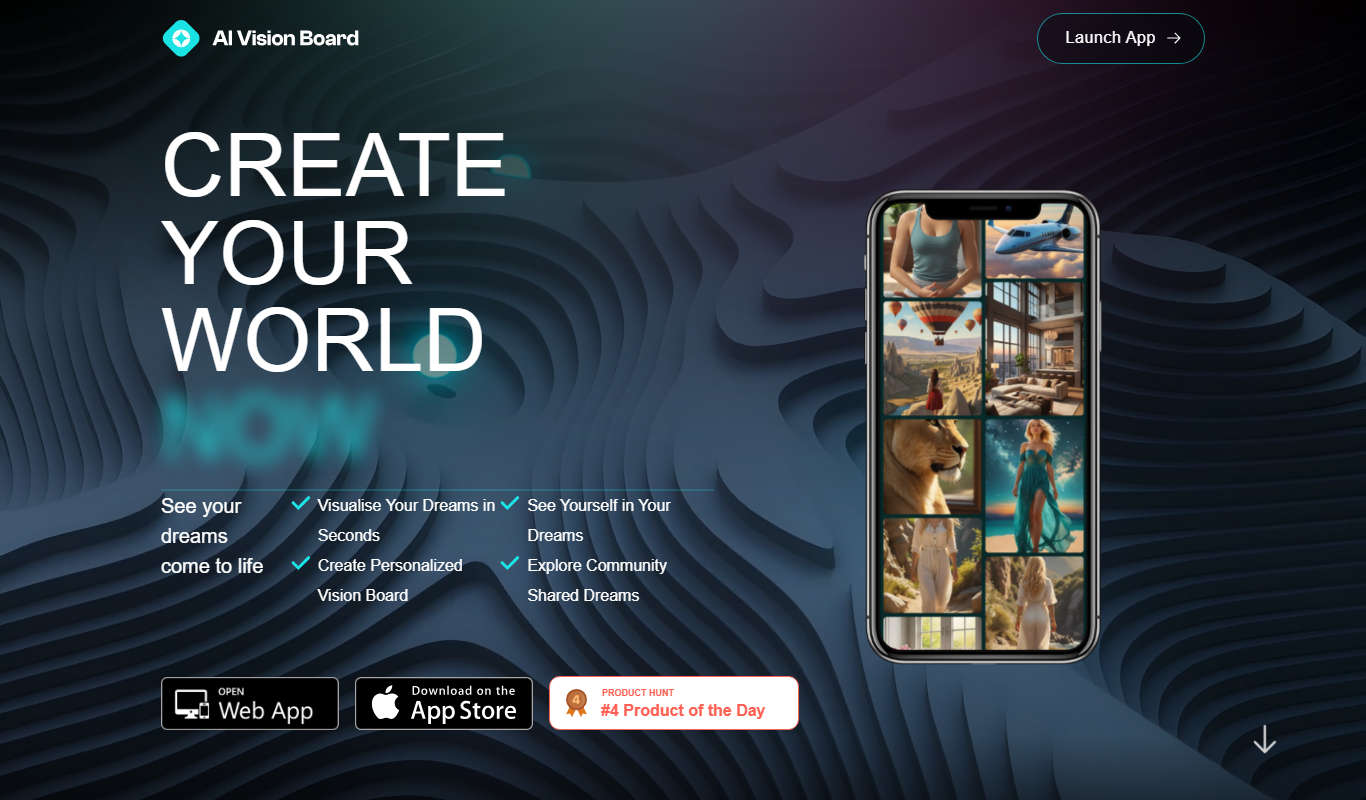
AI VisionBoard
AI VisionBoard is a web-based tool that uses AI to generate images and layouts for creating personalized vision boards, helping users visualize and achieve their goals.

Freemium
Zetane Systems
Zetane Systems is an AI platform that enables interactive 3D visualization, explainability, and deployment of machine learning models, supporting multiple frameworks and facilitating collaboration.

Freemium
ReRoom
ReRoom is an AI-powered web tool that transforms room photos into virtually staged interiors with various furniture and decor styles, ideal for real estate marketing and interior design visualization.

Freemium
I Have a Dream
I Have a Dream AI is a web-based tool that uses artificial intelligence to generate personalized images representing your goals and dreams, helping you visualize and stay motivated.

Free Trial
Industrial Render AI
Industrial Render AI is a web-based platform that uses artificial intelligence to create photorealistic 3D renderings of industrial products quickly and easily without requiring powerful local hardware.

Freemium
Meshy
Meshy is a web-based AI-powered platform that enables real-time collaborative 3D design and visualization, allowing teams to work together seamlessly on 3D models through a browser without software installation.