

Myple: cloud platform for AI agents and RAG applications
Myple is a developer platform to build, deploy and secure AI applications such as AI agents and RAG chatbots, with SDKs, a CLI and a free Hacker plan.
- Best for
- RAG chatbot for documentation
- Key capability
- Managed AI agents and RAG models
Save Myple, follow its updates and vote on it — everything stays in your account.
Sign in or create a free account

What is Myple?
Myple is a cloud platform for developers to build, scale and secure AI applications. It runs managed AI agents and RAG models, with open-source SDKs for Node.js, Python, Go and Rust, a REST API, a CLI to deploy, storage, traces and ready-made templates.
Key features of Myple
Myple offers managed AI agents and RAG models, open-source SDKs for multiple languages and frameworks, a CLI to deploy, storage and traces, customizable templates and integrations with GitHub, GitLab, Bitbucket, Discord, Jira and Slack.
Managed AI agents and RAG models
Deliver production-ready AI applications with managed safe AI agents and RAG models.
Open-source SDKs
SDKs for Node.js, Python, Go and Rust plus REST to integrate AI within minutes.
Myple CLI
Install the CLI, authenticate with myple login and deploy with myple deploy.
Templates and integrations
Customizable templates such as a RAG chatbot for documentation, plus integrations with GitHub, GitLab, Bitbucket, Discord, Jira and Slack.
Pros and cons of Myple
Pros
- Open-source SDKs for Node.js, Python, Go and Rust
- Deploys from the command line with the Myple CLI
- Free Hacker plan for small projects
Cons
- No free trial on paid plans, only a 30-day money-back guarantee
- Usage stops when plan limits are exceeded until you upgrade or the next billing cycle
Key use cases for Myple
RAG chatbot for documentation
A chatbot that helps you find information in your documentation.
AI agents in production
Build and integrate AI into production applications, from a single agent to hundreds.
Email agent
An AI agent that reads and notifies you about important emails periodically.
FAQ Handling
Deploy AI chatbots to answer frequently asked questions instantly, improving user satisfaction.
How Myple works
- 1
Install the CLI
Install the Myple CLI, for example with brew install on macOS.
- 2
Authenticate
Run myple login to authenticate.
- 3
Deploy
Run myple deploy to deploy your AI application.
- 4
Integrate with the SDKs
Use the SDKs for Node.js, Python, Go or Rust to integrate the application into your product.
Who is using Myple
Myple pricing
Hacker
Free
For small projects or personal use: 2 applications, 1 database, 1-day traces data, community support.
Team
$29 per user/month
10 applications, 5 databases, 7-day traces data, priority support and collaboration features.
Scale
Custom, contact us
A plan based on your specific needs, with no limits.
Plans and prices are as published by the vendor and can change. Check the official site before you buy. Open the pricing page (opens in a new tab)
Frequently asked questions about Myple
Myple supports open-source SDKs for Node.js, Python, Go and Rust, plus REST.
Yes. It connects to GitHub, GitLab, Bitbucket, Discord, Jira and Slack.
Yes. The Hacker plan is free for small projects or personal use.
Building, scaling and securing AI applications such as AI agents and RAG models.
No, but Myple offers a 30-day money-back guarantee.
A stoppage occurs until you upgrade your plan or the next billing cycle begins.
Conclusion
Developers rather than support teams are the audience: the service describes itself as the cloud for AI applications, with managed AI agents and RAG models ready for production. Integration runs through open-source SDKs for Node.js, Python, Go and Rust or plain REST, and a command line tool handles login and deployment. Templates give a starting point, for example a RAG chatbot that searches documentation or an agent that reports important emails.
Repositories and team tools connect through integrations with GitHub, GitLab, Bitbucket, Discord, Jira and Slack. A free Hacker plan covers small or personal projects, while paid seats add more applications, databases and longer traces. There is no free trial on paid plans, only a 30-day money-back guarantee, and requests stop once a plan limit is reached until the next cycle or an upgrade.
Sources
Sign in to review this tool.
Sign In to ReviewNo reviews yet
Be the first to share how this tool worked for you.
Ask about pricing, limits, or how it compares — or answer someone else.
Sign In to AskNo questions yet
Have a question about using or paying for this tool? Be the first to ask.
Featured on TiorAI



More AI API tools
Other tools in the same category, for when this one is not quite the fit.

Image Pipeline
ImagePipeline is the image AI API for ecommerce and fashion teams: on-model imagery, virtual try-on, background and relight, and ad creative from one API key.

KawniX
Kawnix is a protocol for agent-to-agent commerce: discover verified agent endpoints, lock escrow and settle tasks with signed receipts.

SpamCheck.ai
SpamCheckAI is a spam detection API for free-form JSON and form submissions, with IP filtering, email validation and content analysis; it powers Basin.

FlexAI
FlexAI offers managed inference on 30+ open models behind one OpenAI-compatible API, with dedicated GPUs, fine-tuning and private cloud on one account.

Productify.ai
Productify.ai is an API-first platform for transforming unstructured product content into structured, compliant, reusable product data at eCommerce scale.

APIPark
APIPark is a one-stop AI model and API unified gateway with a single API key, access approval, quotas, billing and monitoring, available as open source and as a commercial edition.

Llongterm
Llongterm is a plug-and-play memory layer for AI developers that gives AI apps and agents long-term memory of past conversations.
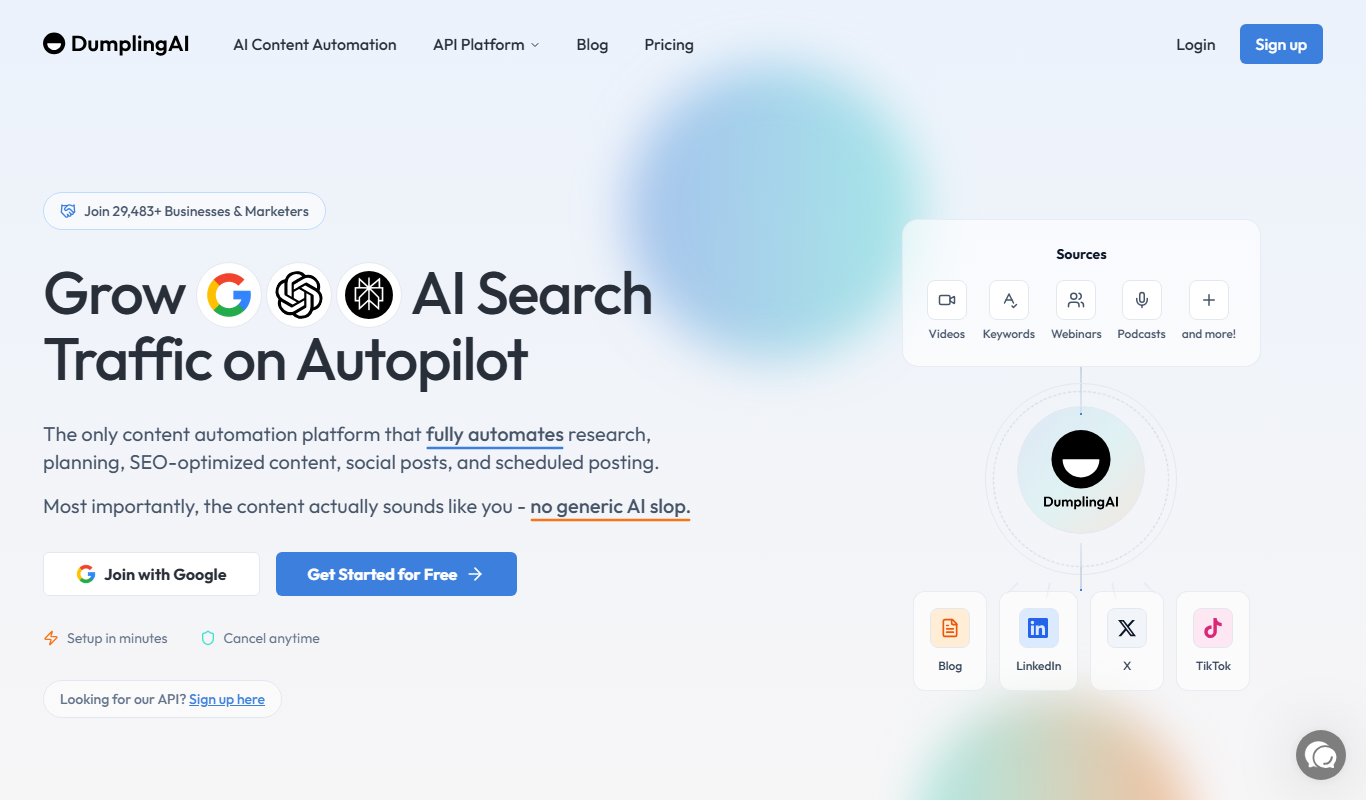
Dumpling AI
DumplingAI is one API for AI agents that covers web scraping, search, document extraction, social data and enrichment, with smart routing and one bill.