

RuneContent LinkedIn Posts to Educational Videos
RuneContent turns LinkedIn posts and articles into short educational videos for TikTok, YouTube Shorts and Instagram Reels, with no editing skills required.
- Best for
- Repurposing LinkedIn posts
- Key capability
- Post to video conversion
Save Runecontent AI, follow its updates and vote on it — everything stays in your account.
Sign in or create a free account
What is Runecontent AI?
RuneContent converts existing LinkedIn posts, threads and articles into short educational videos for TikTok, YouTube Shorts and Instagram Reels. You paste the content, the video is generated automatically and no editing skills are required.
Key features of Runecontent AI
RuneContent generates short, clean educational videos automatically from content you have already written, such as posts, articles and newsletter essays, in all platform formats.
Post to video conversion
Convert LinkedIn posts into educational videos for TikTok, YouTube Shorts and Instagram Reels.
Works from existing writing
Existing posts and articles, newsletter essays, frameworks, lessons and advice become short videos.
Automatic generation
Short, clean videos are created automatically from content you have already written, with no editing or re-writing.
Clean educational style
Each video uses a clean educational UI that explains one clear idea.
Fast turnaround
Professional educational videos in under 10 minutes.
Pros and cons of Runecontent AI
Pros
- No editing skills or editing software required
- Videos created automatically from content you already wrote
- Educational videos in under 10 minutes
- Free try with no credit card required
Cons
- Not built for vloggers or timeline video editing
- No talking-head videos
Key use cases for Runecontent AI
Repurposing LinkedIn posts
Turn LinkedIn posts into short videos for TikTok, YouTube Shorts and Instagram Reels.
Reusing your best ideas
Turn your best content into an asset instead of letting it die in a feed.
Staying visible
Keep a consistent video presence without becoming a full-time creator or editor.
Product Descriptions
Produce engaging product descriptions for e-commerce platforms.
Content Repurposing
Transform existing content into different formats to maximize reach.
How Runecontent AI works
- 1
Paste content
Drop in a post, thread or article.
- 2
AI generates the video
The text is turned into an educational video.
- 3
Share it
Post the video where your audience is.
- 4
Generate Content
Run the AI engine to produce content drafts based on your inputs.
- 5
Edit and Export
Review, edit, and export the generated content for publishing.
Who is using Runecontent AI
Runecontent AI pricing
Founder
$29/month
50 video generations per month, all platform formats, 1080p HD export, no watermark, email support
Scale
$69/month
200 video generations per month, 1080p HD export, no watermark, priority support
Plans and prices are as published by the vendor and can change. Check the official site before you buy. Open the pricing page (opens in a new tab)
Frequently asked questions about Runecontent AI
No. RuneContent needs no editing skills and no editing software.
Existing posts and articles, newsletter essays, frameworks, lessons and advice.
Professional educational videos are ready in under 10 minutes.
Thought leaders, consultants and coaches, educators and advisors, and newsletter writers who sell thinking and credibility.
It is not for vloggers or people chasing viral trends, and it is not a timeline video editor.
Yes. You can try it free with no credit card required.
The Scale plan includes 200 video generations per month.
Conclusion
Written work is the raw material: a LinkedIn post, a thread or an article goes in, and a short educational video for TikTok, YouTube Shorts or Instagram Reels comes out. Newsletter essays and posts on frameworks, lessons or advice can be converted the same way. Each video uses a clean educational layout that explains one clear idea, and turnaround is under 10 minutes.
Thought leaders, consultants, coaches and newsletter writers who sell thinking and credibility are the intended users. Vloggers and anyone looking for timeline video editing or talking-head clips are explicitly not the target. A free try needs no credit card, and each plan includes a set number of video generations per month.
Sources
Sign in to review this tool.
Sign In to ReviewNo reviews yet
Be the first to share how this tool worked for you.
Ask about pricing, limits, or how it compares — or answer someone else.
Sign In to AskNo questions yet
Have a question about using or paying for this tool? Be the first to ask.
Featured on TiorAI



More AI Video Creation Tools tools
Other tools in the same category, for when this one is not quite the fit.
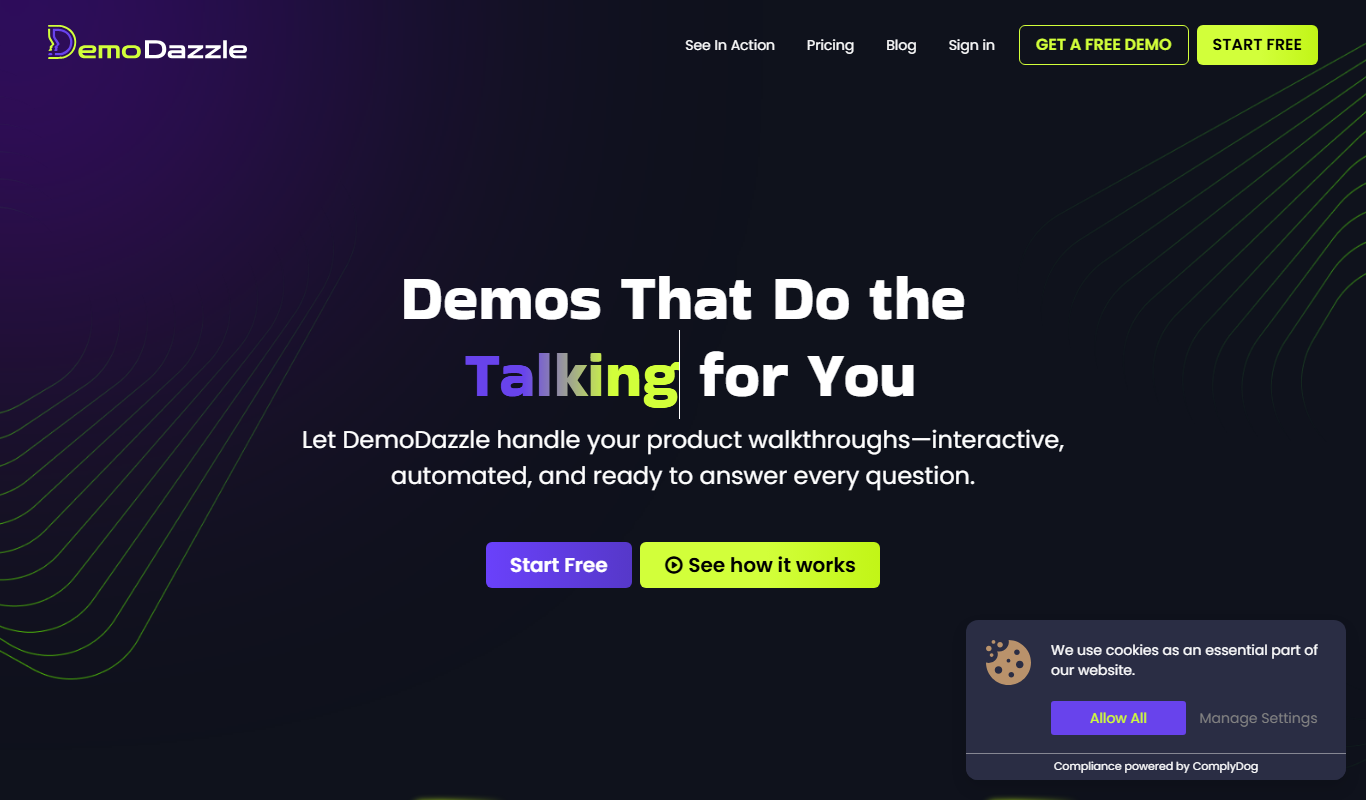
DemoDazzle
DemoDazzle is an AI-powered platform for interactive walkthroughs, featuring lifelike avatars and language models that guide users through product journeys.
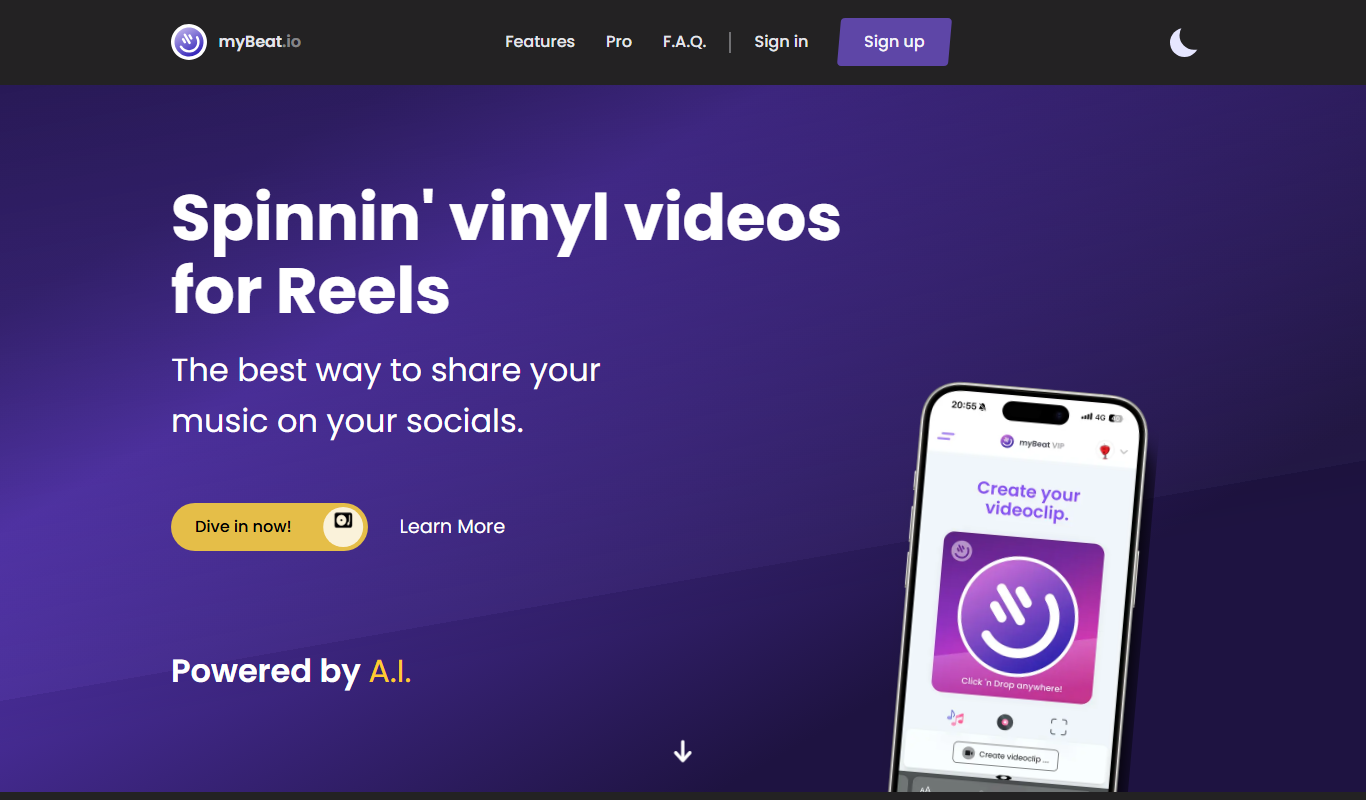
myBeat
myBeat.io makes the visual for a finished track, sends it to labels and artists through one Dropz link and adds a Spotlight artist profile; free to start.
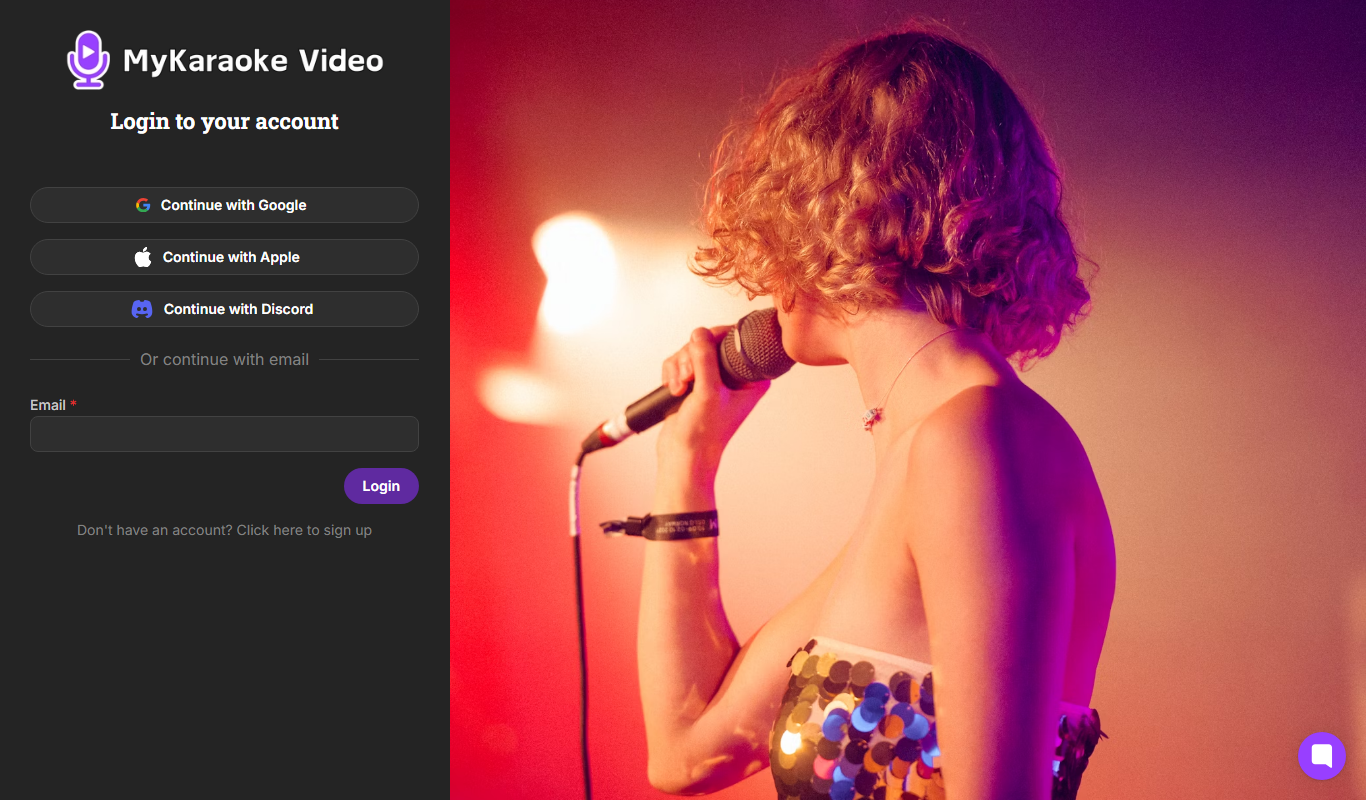
MyKaraoke Video
MyKaraoke Video turns any song into a karaoke or lyric video: upload the track, paste the lyrics, and AI removes the vocals and syncs every word for a 1080p MP4 export.

Plump
Plump is an AI-powered referral network that connects job seekers with employees at tech companies they want to work at.

HyperClapper 2.0
HyperClapper is a LinkedIn engagement tool that brings real likes and comments from 5,000+ professionals to your post's first hour.

IACrea
IACrea is AI marketing for real estate agents: virtual staging, real estate photo editing, listing videos and 2D floor plans, all from a single photo.

CaptionCreator
CaptionCreator generates subtitles for your videos with AI: transcribe or translate audio and video in 76 supported languages and export subtitles or text.

FastCut
FastCut is an AI-driven video editing platform that automatically trims and edits videos to create polished content quickly, ideal for social media creators and marketers.