

From my experience with CaptionCreator, I found it excels at quickly generating multiple creative caption options that fit various social media tones. The interface is straightforward, making it accessible even for beginners without marketing expertise. It’s particularly well-suited for social media marketers and small business owners who need to maintain consistent engagement without spending excessive time crafting captions. However, the tool currently supports only English and is limited to a web platform, which might restrict users who prefer mobile apps or other languages. Overall, if you want to streamline your social media content creation with AI-generated captions, CaptionCreator offers a practical and affordable solution.
CaptionCreator AI Caption Generator for Social Media and Marketing
CaptionCreator is an AI-based tool that generates creative and engaging captions for social media posts, helping marketers and content creators save time and improve audience engagement.
- Best for
- Social Media Marketing
- Key capability
- AI-Powered Caption Generation
Your actions
Save CaptionCreator, follow its updates and vote on it — everything stays in your account.
Sign in or create a free account

What is CaptionCreator?
CaptionCreator is an AI-powered caption generator designed to help users create compelling and creative captions for social media posts and marketing content. It leverages artificial intelligence to produce captions that fit various tones and styles, saving time and enhancing engagement.
Key features of CaptionCreator
The tool offers AI-generated captions tailored to different social media platforms, customizable tone options, and easy-to-use interface for quick caption creation. It supports multiple content types and helps streamline social media marketing efforts.
AI-Powered Caption Generation
Creates relevant and engaging captions based on user input using advanced AI models.
Multiple Tone Options
Allows users to select different writing styles to match their brand voice or campaign goals.
User-Friendly Interface
Simple and intuitive design enables quick caption creation without technical skills.
Multiple Caption Suggestions
Provides several caption options to choose from, enhancing creativity and variety.
Pros and cons of CaptionCreator
Pros
- Easy to use with no technical skills required
- Generates multiple caption options quickly
- Supports various tones and styles
- Affordable pricing with a free tier
Cons
- Limited language support (English only)
- No mobile app available, web-only platform
Key use cases for CaptionCreator
Social Media Marketing
Generate engaging captions for posts on platforms like Instagram, Facebook, and Twitter to boost audience interaction.
Content Creation
Assist content creators in quickly producing creative and relevant captions to complement their visual content.
Brand Promotion
Create captions that align with brand voice and marketing goals to enhance brand awareness and customer engagement.
E-commerce
Generate product captions that highlight features and benefits to improve online store listings and sales.
How CaptionCreator works
- 1
Input Content Details
Users provide a brief description or keywords related to their post or product.
- 2
Select Caption Style
Choose the desired tone or style for the caption, such as funny, professional, or inspirational.
- 3
Generate Captions
The AI processes the input and generates multiple caption options.
- 4
Review and Customize
Users can select, edit, or refine the generated captions before using them.
Who is using CaptionCreator
Social media marketers
Content creators and influencers
Small business owners
E-commerce sellers
Marketing agencies
CaptionCreator pricing
Free
$0/month
Access to basic caption generation with limited daily usage.
Pro
$9.99/month
Unlimited caption generation, priority support, and access to advanced features.
Plans and prices are as published by the vendor and can change. Check the official site before you buy. Open the pricing page (opens in a new tab)
Frequently asked questions about CaptionCreator
Yes, CaptionCreator generates captions suitable for various platforms including Instagram, Facebook, Twitter, and LinkedIn.
The free plan has daily limits, while the Pro subscription offers unlimited caption generation.
Yes, users can select different tones such as professional, casual, or humorous to match their needs.
It depends on your specific needs and how you plan to use the tool. The official website and documentation are the best sources for the latest details.
Some tools offer a free plan or trial with limited features. Availability can vary, so confirm on the official website.
Yes, it can help with that use case depending on how you configure it and what features are available. You’ll get the best results with clear inputs and a defined goal.
Sign in to review this tool.
Sign In to ReviewNo reviews yet
Be the first to share how this tool worked for you.
Ask about pricing, limits, or how it compares — or answer someone else.
Sign In to AskNo questions yet
Have a question about using or paying for this tool? Be the first to ask.
Featured on TiorAI



More AI Content Creation Tools tools
Other tools in the same category, for when this one is not quite the fit.

Freemium
TextFlip AI
TextFlip AI is an AI-based online tool that rewrites and paraphrases English text to improve clarity, avoid plagiarism, and generate unique content efficiently.

Free
Quizbot.ai
Quizbot.ai is an AI-driven platform that helps users create interactive quizzes by generating questions from input content, enabling quick and engaging assessments.
Free
SermonGPT
SermonGPT is an AI tool designed to help pastors and religious leaders create sermon outlines and full sermons based on scripture and topics, saving time and enhancing sermon preparation.
Free
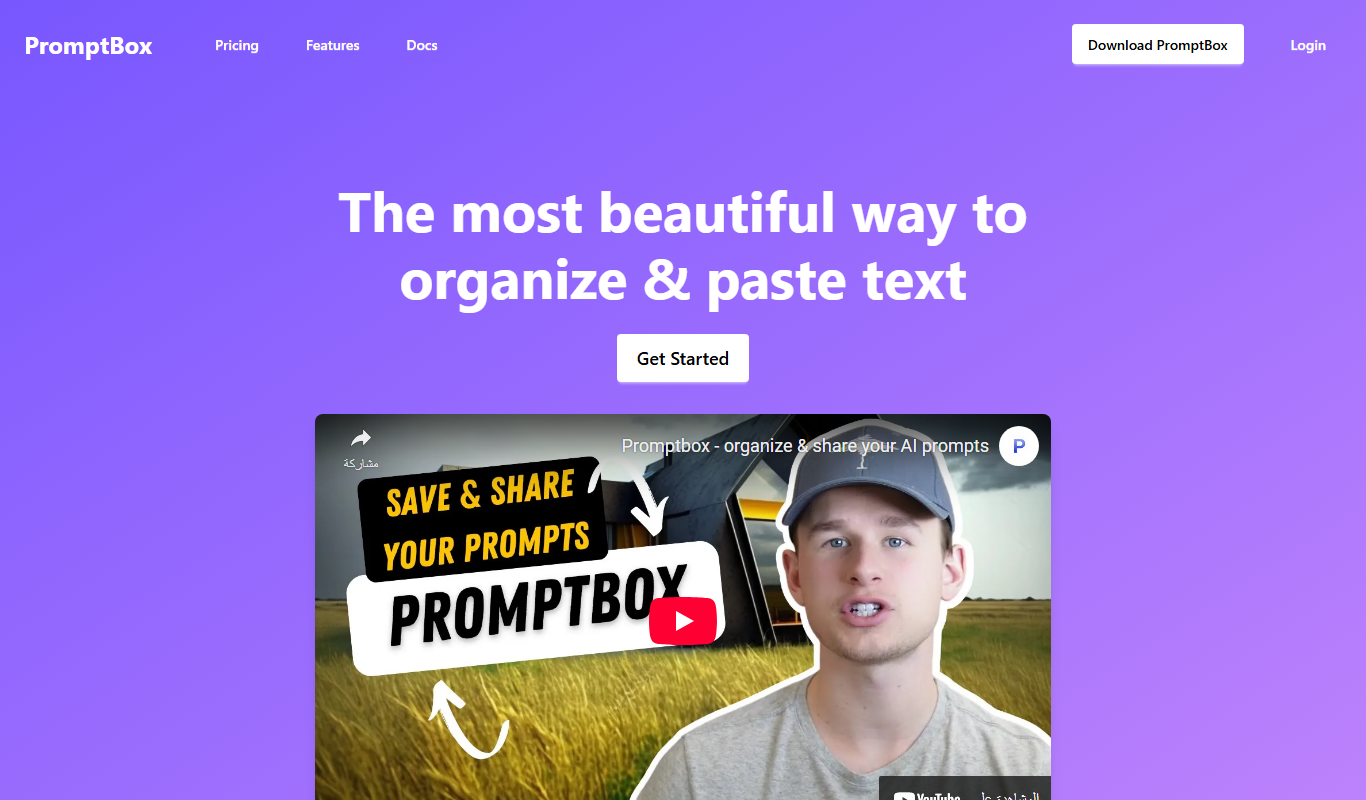
PromptBox
PromptBox is a text snippet manager that stores AI prompts and other text, syncs them between phone and computer and expands text shortcuts in any app.

Commission-based
PromptBase
PromptBase is an online marketplace where users buy and sell AI prompts for Midjourney, ChatGPT, Claude, Gemini and video.

Free Trial
copyPenAi
copyPenAi is an AI-powered writing assistant that generates marketing copy, blog posts, and SEO-optimized content to streamline content creation for marketers and businesses.
Free
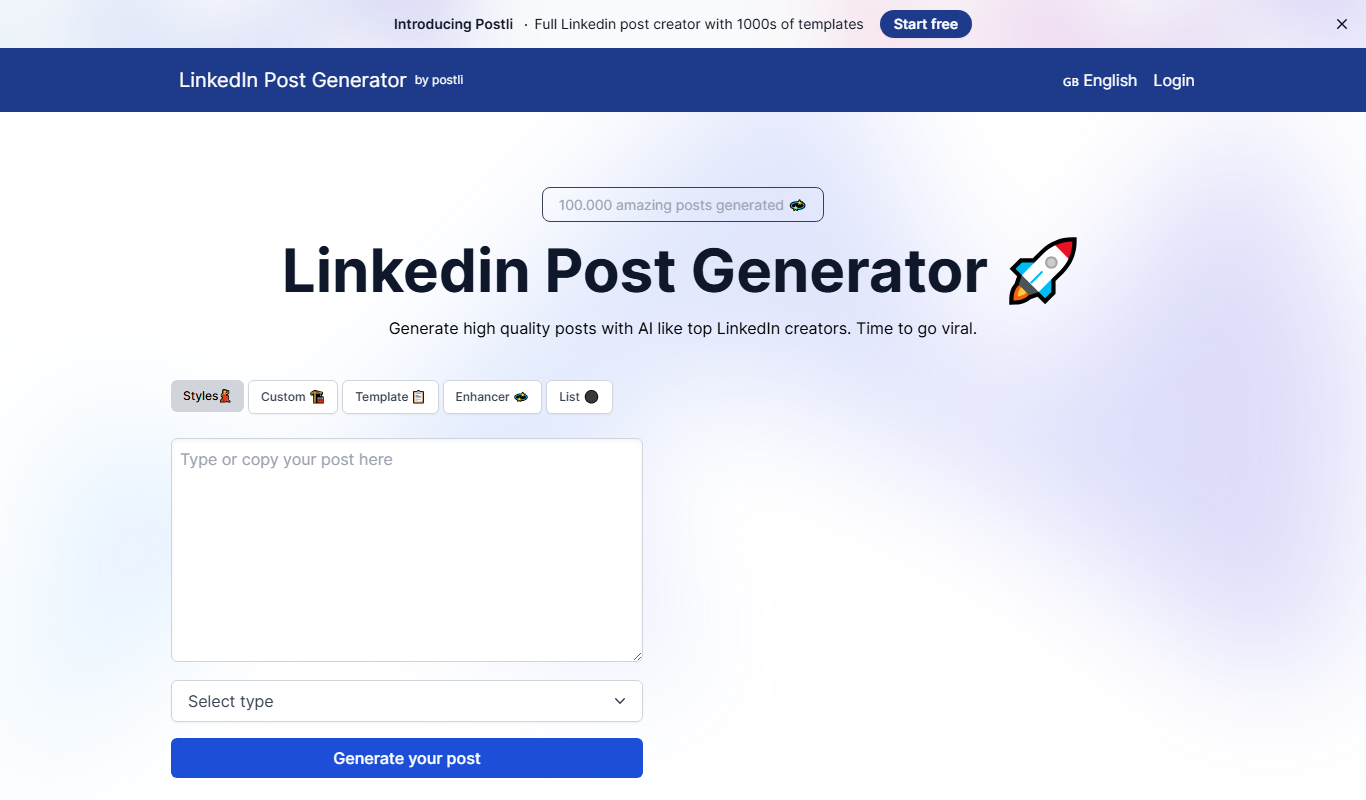
LinkedIn Post Generator
LinkedIn Post Generator is an AI-powered web tool that helps users quickly create professional LinkedIn posts by generating content drafts based on user input.

Freemium
Festive Slideshow Maker
Festive Slideshow Maker is an iOS app for creating holiday-themed slideshows with 50+ templates and a music library.