

AI Musician - AI Music Generator for Custom Music Creation Online
AI Musician is an all-in-one AI music platform to generate music from text or images, remove vocals, split stems, create lyrics and sound effects, and design album covers.
- Best for
- Custom Music Creation
- Key capability
- AI-Powered Composition
Save Ai Musician – AI Music Generator, follow its updates and vote on it — everything stays in your account.
Sign in or create a free account

What is Ai Musician – AI Music Generator?
AI Musician is an all-in-one AI music creation platform. You can generate original music from text prompts or images, remove vocals from songs, split audio into stems, create lyrics, generate sound effects and design album covers, using a credit system.
Key features of Ai Musician – AI Music Generator
The platform offers easy-to-use music generation with customizable parameters such as genre, mood, and length. Users can generate royalty-free music instantly, download tracks in high quality, and use them across multiple creative projects.
AI-Powered Composition
Generates original music tracks using advanced AI algorithms.
Vocal Remover and Stem Splitter
Remove vocals from any song to create instrumentals or karaoke tracks, or separate audio into individual stems: vocals, drums, bass and other instruments.
Royalty-Free Music
All generated music is royalty-free and safe for commercial use.
Image to Music and Audio to Music
Transform an image into a musical composition, or upload audio and turn it into new AI-generated music while keeping the core melody and feel.
High-Quality Audio Downloads
Provides downloadable music files in high-quality formats.
Audio Isolation and Sound Effects
Extract clean vocals and remove background noise from recorded audio, and generate custom sound effects for videos, games and podcasts.
AI Lyrics and Album Cover Generator
Create song lyrics in any style and design album artwork and cover art with AI image generation.
Pros and cons of Ai Musician – AI Music Generator
Pros
- Easy to use with no musical expertise required
- Generates royalty-free music suitable for commercial use
- Fast music generation with customizable options
Cons
- Limited advanced editing or mixing features
- Currently only available as a web platform
Key use cases for Ai Musician – AI Music Generator
Custom Music Creation
Generate unique music tracks tailored to your preferences for personal or professional projects.
Background Music for Videos
Create royalty-free background music for videos, presentations, or podcasts without licensing issues.
Music Inspiration and Composition
Use AI-generated music as inspiration or a starting point for composing original songs.
Soundtrack Production
Produce soundtracks for games, films, or other multimedia projects quickly and efficiently.
How Ai Musician – AI Music Generator works
- 1
Select Music Preferences
Choose the desired genre, mood, and length for your music track.
- 2
Generate Music
The AI composes a unique music piece based on your selections.
- 3
Preview and Customize
Listen to the generated track and adjust parameters if needed to refine the output.
- 4
Download and Use
Download the final music file for use in your projects royalty-free.
Who is using Ai Musician – AI Music Generator
Ai Musician – AI Music Generator pricing
Starter
$25/month, or $19/month billed annually
Perfect for getting started with AI music: 1,600 credits per month for the AI music generator, vocal remover, stem splitter, sound effects, lyrics and album cover generators. Cancel anytime.
Standard
$39/month, or $29/month billed annually
More credits for serious creators: 2,600 credits per month for all AI tools, plus Priority Support. Cancel anytime.
Pro
$65/month, or $49/month billed annually
Maximum credits for power users: 4,800 credits per month for all AI tools, plus Priority Support. Cancel anytime.
Plans and prices are as published by the vendor and can change. Check the official site before you buy. Open the pricing page (opens in a new tab)
Frequently asked questions about Ai Musician – AI Music Generator
Yes, all music generated by AI Musician is royalty-free and can be used commercially.
No, the platform is designed for users without any musical background.
AI Musician supports a variety of genres including pop, rock, jazz, classical, and more.
Yes, you can specify the desired length before generating the music.
It depends on your specific needs and how you plan to use the tool. The official website and documentation are the best sources for the latest details.
Some tools offer a free plan or trial with limited features. Availability can vary, so confirm on the official website.
Yes, it can help with that use case depending on how you configure it and what features are available. You’ll get the best results with clear inputs and a defined goal.
Conclusion
The platform bundles 9 AI tools, with music generation from a text prompt, an image or an existing audio file at the center. Audio To Music keeps the core melody and feel of an uploaded track while turning it into new music.
Around the generator sit a vocal remover, a stem splitter, audio isolation for clean vocals, and generators for sound effects, lyrics and album covers. Uploads of up to 50MB are accepted in formats such as MP3, WAV and FLAC. Created content belongs to the user and can be used commercially without additional licensing fees.
The Starter, Standard and Pro plans give monthly credits for all AI tools, and Standard and Pro add Priority Support.
Sources
Sign in to review this tool.
Sign In to ReviewNo reviews yet
Be the first to share how this tool worked for you.
Ask about pricing, limits, or how it compares — or answer someone else.
Sign In to AskNo questions yet
Have a question about using or paying for this tool? Be the first to ask.
Featured on TiorAI



More AI Artificial Intelligence Tools tools
Other tools in the same category, for when this one is not quite the fit.
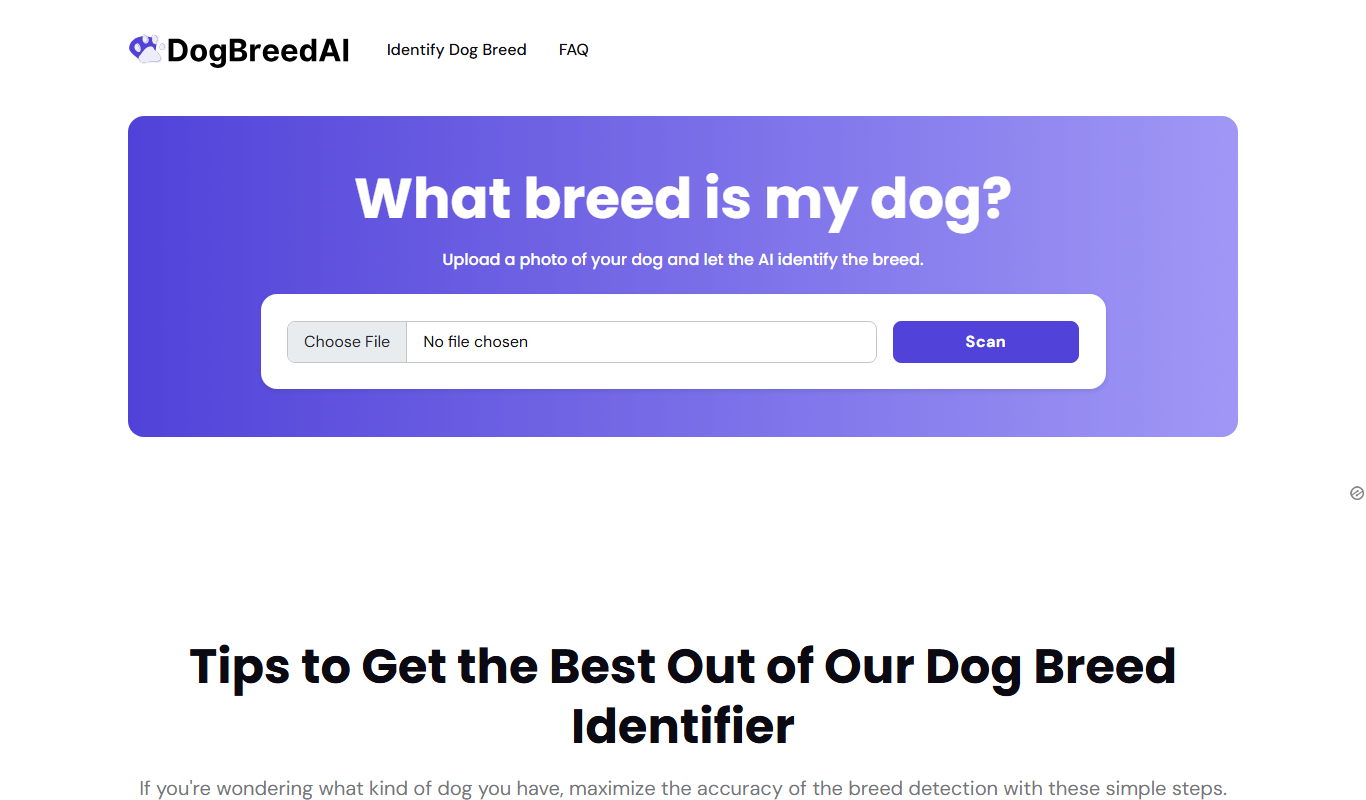
Dog Breed AI
Dog Breed AI uses artificial intelligence to identify dog breeds from photos, providing breed details and care information on web and mobile platforms.
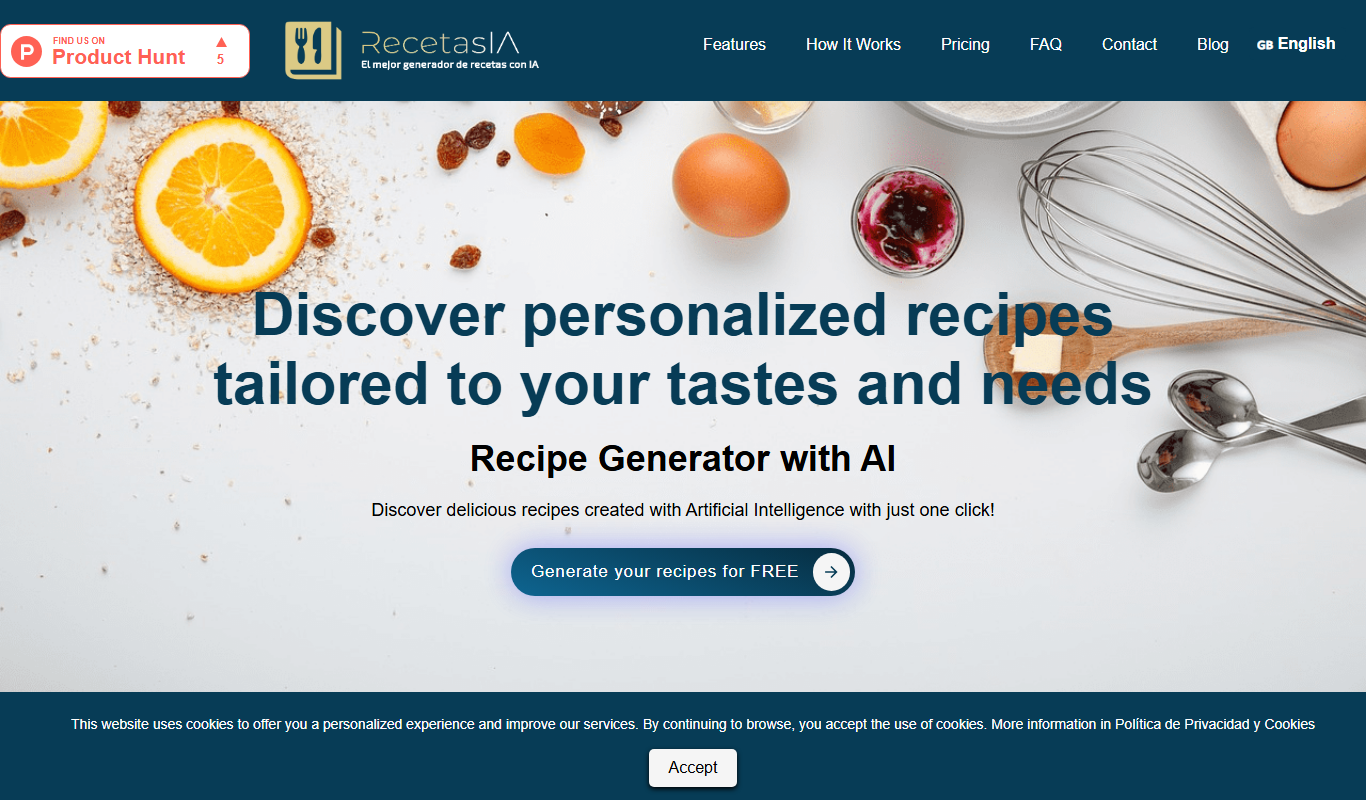
RecetasIA
RecetasIA is an AI-based web tool with a free plan that generates personalized recipes from your tastes, dietary restrictions and intolerances, in English or Spanish.

Newmoney.AI
Newmoney.AI is an AI-powered crypto and cash wallet: buy, trade, swap and send crypto across SUI, Solana, Ethereum and Bitcoin with the AI agent Newton, including via WhatsApp and Telegram.

TwoShot
TwoShot is an AI creative suite for music, audio, video and images: generate music and sounds from text, split stems, make voiceovers and produce in an online studio.

Kuakua – Psychology & AI Tools for Well-Being
Kuakua is a free website of psychology games, tests, screenings and cognitive experiments that turns psychology research into small tools for well-being.

MixPeek
MixPeek is an AI-driven multimedia search engine that indexes videos, images, audio, and documents to enable fast, accurate search through a web interface and developer API.

Musicfy
Musicfy is an AI voice song generator for creating covers in any voice, with 100,000+ voices or a clone of your own.

MusicGen AI
MusicGen is a free AI music generation tool developed by Meta that uses a single Language Model (LM) to create music based on a prompt.