
From my experience with Accento, I found it excels at producing highly realistic voice clones with minimal audio input, making it accessible for creators without professional recording setups. The platform’s fast training and multi-style synthesis offer flexibility for diverse projects, from content creation to customer support automation. However, the tool currently supports only English, which may limit use for multilingual needs. Overall, if you require natural-sounding AI voice generation with easy integration options, Accento delivers solid results with a user-friendly approach.

Accento AI Voice Cloning Software for Realistic Speech Synthesis
Accento is an AI-powered voice cloning platform that generates realistic synthetic voices from short audio samples, enabling natural speech synthesis for various applications.
Categories:
AI Linkedin Headshot
AI Music & Audio Tools
AI Speech Synthesis Tools
AI Voice Cloning Tools
Tech Stack:
Python
PyTorch
TensorFlow
What is Accento?
Accento is an AI-powered voice cloning platform that enables users to create highly realistic synthetic voices from text input or voice samples. It leverages advanced deep learning models to replicate human speech nuances, allowing for natural and expressive voice synthesis. The tool is designed for creators, developers, and businesses seeking to generate custom voice content without the need for professional voice actors.
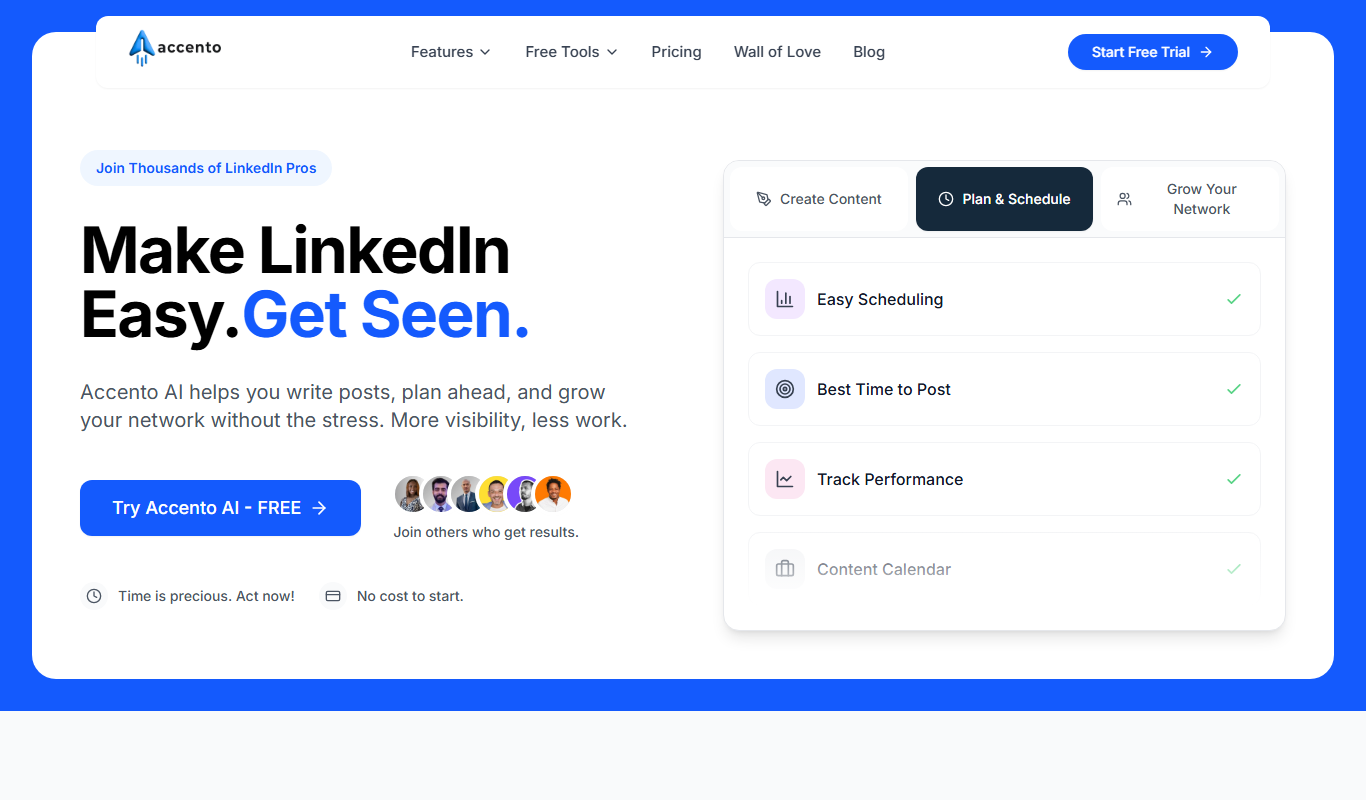
Key Features of Accento
High-Quality Voice Cloning
Creates realistic and expressive voice models from minimal audio input.
Multi-Style Speech Synthesis
Supports different speaking styles and emotional tones for varied use cases.
API Access
Allows developers to integrate voice cloning capabilities into their own apps and services.
User-Friendly Interface
Intuitive web platform for easy voice creation and management.
Fast Model Training
Efficient processing to generate voice clones quickly.
Pros and Cons of Accento
Pros
- Produces highly realistic voice clones with minimal input
- Offers API for seamless integration
- Supports multiple speech styles and emotions
- User-friendly web interface
- Fast voice model training
Cons
- Limited language support (English only)
- Free plan has usage restrictions
- Advanced features require paid subscription
Key Use Cases for Accento
Content Creation
Generate realistic voiceovers for videos, podcasts, and audiobooks using AI-generated voices.
Personalized Voice Assistants
Create custom voice assistants with unique, natural-sounding voices tailored to brand or individual identity.
Accessibility
Provide speech synthesis solutions for visually impaired users or those with speech disabilities.
Entertainment and Gaming
Develop character voices for games and animations with lifelike AI voice cloning.
Customer Support Automation
Deploy AI voices for automated customer service calls and interactive voice response systems.
How Accento Works
-
1
Upload Voice Samples
Provide a few minutes of recorded speech to train the AI voice model.
-
2
Train Voice Model
The platform processes the samples to create a personalized voice clone.
-
3
Input Text
Enter the text you want to convert into speech using the cloned voice.
-
4
Generate Audio
Accento synthesizes the speech with natural intonation and style.
-
5
Download or Integrate
Download the audio files or use API to integrate voice synthesis into applications.
Who's Using Accento
Content creators and podcasters
Game developers and animators
Businesses needing custom voice assistants
Accessibility service providers
Customer support automation teams
Accento Pricing
Free
$0/month
Limited voice cloning and synthesis with usage caps.
Pro
$29/month
Extended usage limits, faster processing, and API access.
Enterprise
Custom pricing
Tailored solutions with dedicated support and advanced features.
Frequently Asked Questions About Accento
Typically, a few minutes of clear recorded speech is sufficient to train a high-quality voice model.
Yes, commercial usage is allowed under the terms of your subscription plan.
Accento follows strict data privacy and security protocols to protect your information.
Currently, Accento primarily supports English voice cloning.
It depends on your specific needs and how you plan to use the tool. The official website and documentation are the best sources for the latest details.
Pricing depends on the plan and included features. For the most accurate and up-to-date details, check the official pricing page.
Yes, it can help with that use case depending on how you configure it and what features are available. You’ll get the best results with clear inputs and a defined goal.
Share your review
Reviews are limited to one per logged-in user and are published after moderation.
You need an account to review this tool.
0.0
★
★
★
★
★
0 reviews
5 star
0
4 star
0
3 star
0
2 star
0
1 star
0
No reviews yet
Be the first to share how this tool worked for you.
Questions from the community
Read questions and answers about this tool, or ask your own.
No questions yet
Start the conversation by asking the first question about this tool.
Is this tool helpful?

Free Trial
MagicThumbnails
MagicThumbnails is an AI-driven online tool that helps users create professional thumbnails for YouTube and social media quickly and easily with customizable templates and high-resolution exports.

Free
Suit Me Up
Suit Me Up is a web app that lets users virtually try on and customize suits using 3D modeling, helping them select styles and fabrics before ordering online.

Free Trial
lineup.ai
Lineup.ai is an AI meeting assistant that transcribes meetings in real-time and generates concise summaries to improve team collaboration and productivity.

Credit-based
RealFake
RealFake Photos is an AI-powered web tool that generates photorealistic images of people who do not exist, ideal for content creation and marketing without copyright concerns.

Free Trial
MyLens.AI
MyLens.AI is an AI-driven image analysis platform that provides real-time object recognition, anomaly detection, and customizable AI models to extract actionable insights from visual data across industries.
Free
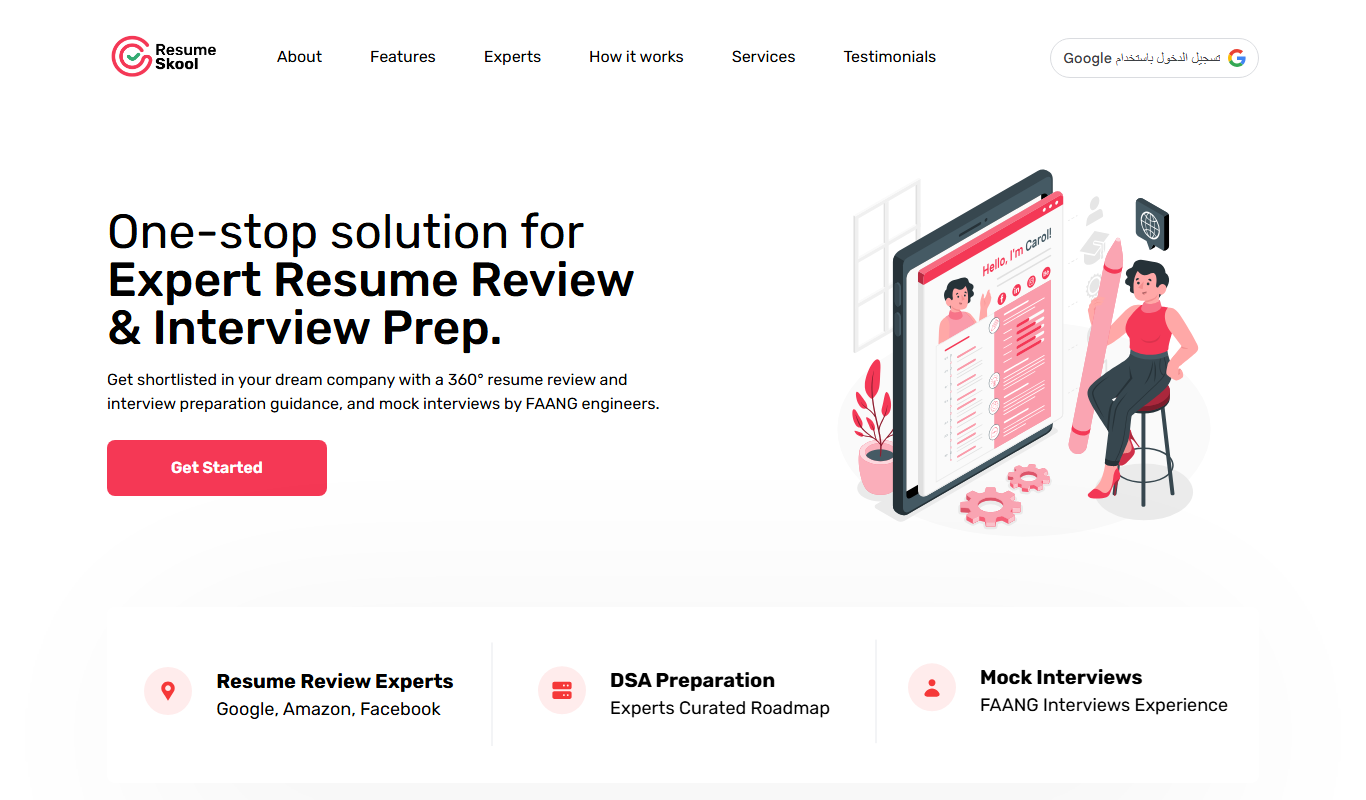
ResumeSkool
ResumeSkool is a free online resume builder that helps job seekers create professional resumes and cover letters, along with providing career advice and interview tips.
Freemium
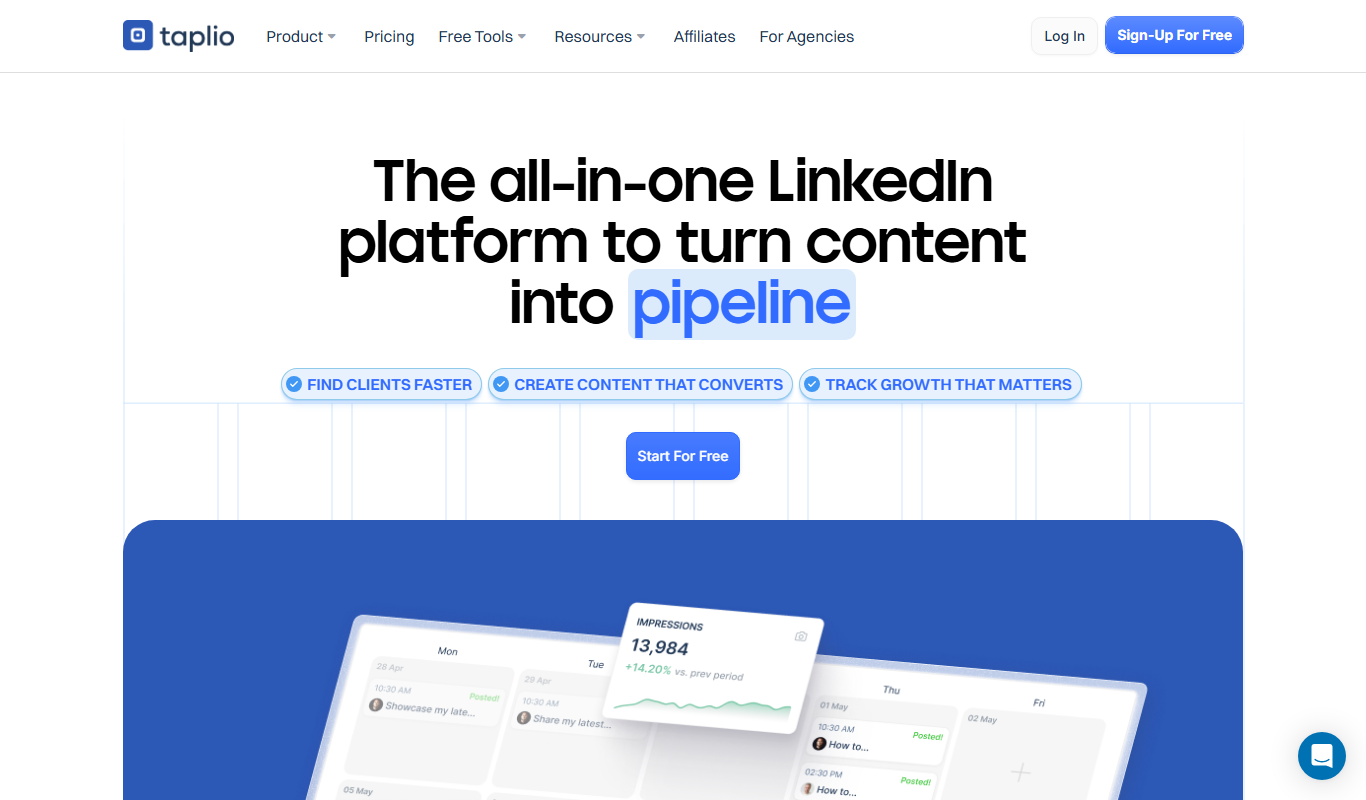
Taplio
Taplio is a LinkedIn-focused growth and content marketing platform that offers AI-powered content ideas, post scheduling, analytics, and engagement tools to help users grow their LinkedIn presence effectively.

Free
lifemind
Lifemind is an AI personal assistant designed to enhance productivity by managing tasks, scheduling, and goal tracking through intelligent automation.