

From my experience with Taplio, it stands out as a practical tool for professionals aiming to grow their LinkedIn presence without spending excessive time on content planning. The AI-powered content suggestions are especially helpful for overcoming writer’s block and keeping posts relevant. While the platform is web-only and limits multi-account management, its streamlined interface and engagement inbox make managing LinkedIn interactions much easier. Overall, Taplio is well-suited for content creators, marketers, and small businesses focused on LinkedIn growth and consistent content delivery.
Taplio LinkedIn Growth Tool for Content Creators and Marketers
Taplio is a LinkedIn-focused growth and content marketing platform that offers AI-powered content ideas, post scheduling, analytics, and engagement tools to help users grow their LinkedIn presence effectively.
- Best for
- LinkedIn Content Scheduling
- Key capability
- AI-Powered Content Suggestions
Your actions
Save Taplio, follow its updates and vote on it — everything stays in your account.
Sign in or create a free account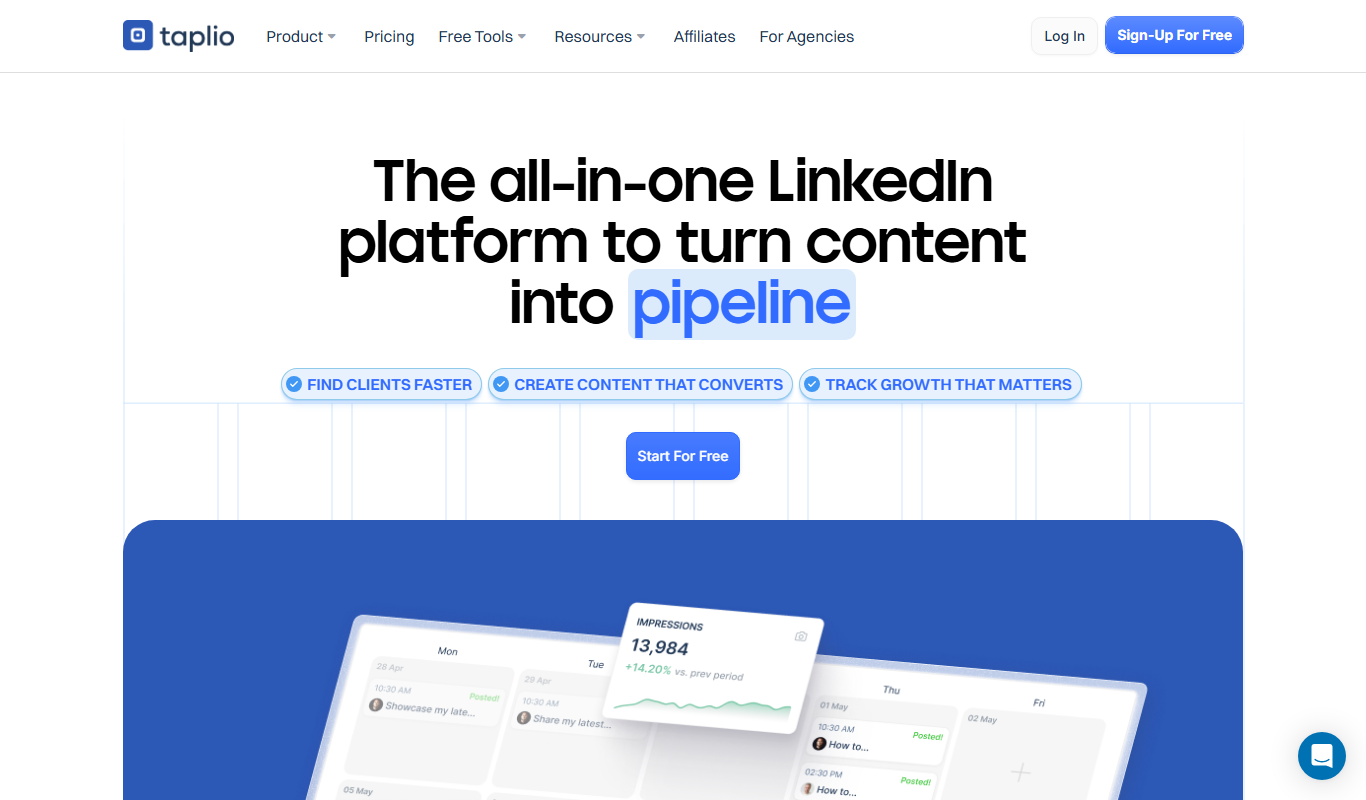

What is Taplio?
Taplio is a LinkedIn growth and content marketing platform designed to help professionals, marketers, and content creators grow their presence on LinkedIn. It offers tools for content scheduling, idea generation, analytics, and engagement management, enabling users to streamline their LinkedIn marketing efforts and increase their audience organically.
Key features of Taplio
Taplio provides a comprehensive suite of features including post scheduling, AI-powered content ideas, detailed analytics dashboards, comment management, and growth automation tools tailored specifically for LinkedIn users.
AI-Powered Content Suggestions
Receive tailored content ideas based on trending topics and your audience interests.
Post Scheduling and Automation
Schedule LinkedIn posts ahead of time to maintain consistent activity without manual posting.
Engagement Inbox
Manage all comments and interactions in one place to improve response time and engagement.
Analytics Dashboard
Access detailed insights on post performance, follower growth, and engagement metrics.
Growth Tools
Leverage automation features to increase your LinkedIn followers and expand your network.
Pros and cons of Taplio
Pros
- User-friendly interface tailored for LinkedIn marketing
- AI-driven content ideas save time on brainstorming
- Comprehensive analytics to track growth and engagement
- Centralized comment management improves responsiveness
Cons
- Limited support for multiple LinkedIn accounts
- No mobile app; web platform only
- Free plan has restricted features
Key use cases for Taplio
LinkedIn Content Scheduling
Plan and schedule posts on LinkedIn to maintain a consistent posting schedule and increase engagement.
Content Idea Generation
Discover trending and relevant content ideas tailored to your LinkedIn audience to boost content relevance.
Profile and Post Analytics
Track performance metrics of your LinkedIn posts and profile to optimize your content strategy.
Engagement Management
Manage comments and interactions on your LinkedIn posts efficiently from a centralized dashboard.
LinkedIn Growth Automation
Automate growth tactics such as post optimization and audience targeting to increase followers and reach.
How Taplio works
- 1
Connect LinkedIn Account
Sign in and link your LinkedIn profile or company page to Taplio.
- 2
Generate Content Ideas
Use Taplio’s AI-powered suggestions to find trending and relevant topics for your audience.
- 3
Schedule and Publish Posts
Plan your LinkedIn posts in advance and schedule them to be published automatically.
- 4
Monitor Engagement
Track comments, likes, and shares from a unified dashboard and respond efficiently.
- 5
Analyze Performance
Review detailed analytics to understand what content resonates and optimize your strategy.
Who is using Taplio
Content creators
Marketing agencies
Small and medium businesses
LinkedIn influencers
Sales professionals
Taplio pricing
Free
$0/month
Basic access with limited post scheduling and content ideas.
Pro
$29/month
Full access to all features including unlimited scheduling, analytics, and growth tools.
Plans and prices are as published by the vendor and can change. Check the official site before you buy. Open the pricing page (opens in a new tab)
Frequently asked questions about Taplio
Yes, Taplio supports both personal LinkedIn profiles and company pages.
Taplio offers a free plan with limited features, but you can upgrade to Pro anytime to access full capabilities.
Yes, Taplio operates within LinkedIn’s guidelines and does not use unauthorized automation.
Currently, Taplio primarily supports managing one LinkedIn account per subscription.
This tool is designed to help users accomplish its core tasks more efficiently. It is typically used by individuals or teams looking to improve productivity and workflow.
It depends on your specific needs and how you plan to use the tool. The official website and documentation are the best sources for the latest details.
Some tools offer a free plan or trial with limited features. Availability can vary, so confirm on the official website.
Yes, it can help with that use case depending on how you configure it and what features are available. You’ll get the best results with clear inputs and a defined goal.
Sign in to review this tool.
Sign In to ReviewNo reviews yet
Be the first to share how this tool worked for you.
Ask about pricing, limits, or how it compares — or answer someone else.
Sign In to AskNo questions yet
Have a question about using or paying for this tool? Be the first to ask.
Featured on TiorAI



More AI Linkedin Headshot tools
Other tools in the same category, for when this one is not quite the fit.

Freemium
Vulse
Vulse is an AI writing assistant designed to help marketers and content creators generate high-quality, SEO-optimized content efficiently through an easy-to-use web platform.
Freemium
QuickCount from Photos
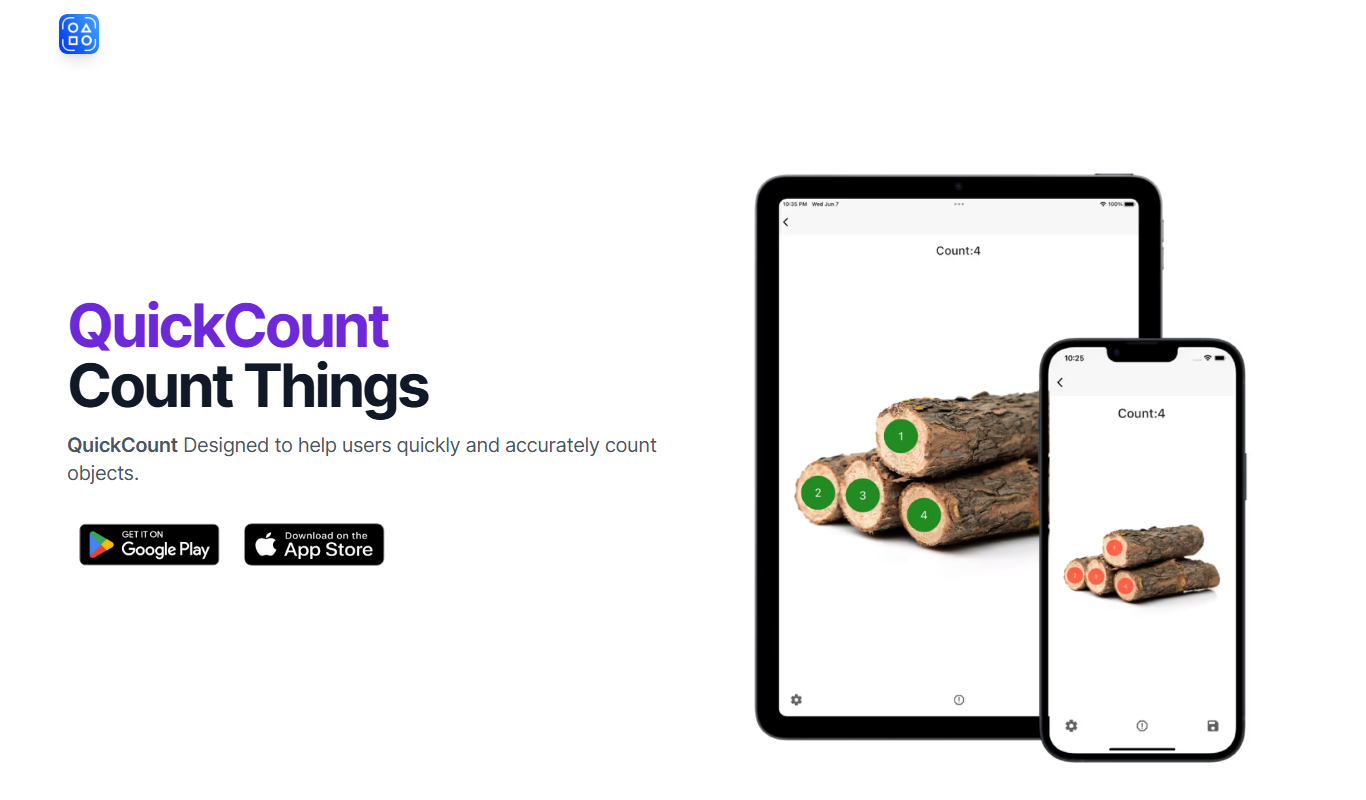
QuickCount from Photos is an AI-driven web tool that automatically detects and counts objects in photos, helping users save time on manual counting across various industries.

Free
lifemind
Lifemind is an AI personal assistant designed to enhance productivity by managing tasks, scheduling, and goal tracking through intelligent automation.

Freemium
Plump
Plump AI is an AI-powered video editing platform that automates editing tasks to help users create professional videos quickly, especially for social media and marketing purposes.

Free
Suit Me Up
Suit Me Up is a web app that lets users virtually try on and customize suits using 3D modeling, helping them select styles and fabrics before ordering online.

Free
Links You Should Know
Links You Should Know is a free online platform providing curated, trustworthy educational links organized by category to help students and teachers find reliable learning resources quickly.

Free Trial
lineup.ai
Lineup.ai is an AI meeting assistant that transcribes meetings in real-time and generates concise summaries to improve team collaboration and productivity.

Free
AI Headshots
AI Headshots is a web service that generates realistic professional headshot photos using AI from user-uploaded selfies, offering multiple styles and high-resolution downloads.