

From my experience with To Teach AI, I found it excels at simplifying the complex process of training custom AI models by providing an accessible platform for data labeling and model fine-tuning. It is particularly well-suited for businesses and developers who want tailored AI solutions without needing deep machine learning expertise. However, the lack of publicly available pricing information and limited details on integrations may require direct contact for clarity. Overall, if you need a streamlined way to build custom AI models with your own data, To Teach AI offers a practical and collaborative environment to do so.
To Teach AI Review: Custom AI Model Training Platform for Businesses
To Teach AI is a platform that enables businesses to train and fine-tune custom AI models using their own data, providing tools for data labeling, model training, and deployment without requiring deep machine learning expertise.
- Best for
- Custom AI Model Training
- Key capability
- User-Friendly Data Labeling
Your actions
Save To Teach AI, follow its updates and vote on it — everything stays in your account.
Sign in or create a free account
What is To Teach AI?
To Teach AI is a web-based platform designed to help businesses and developers train, fine-tune, and deploy custom AI models using their own data. It offers tools for data labeling, annotation, and model training workflows, enabling users to create AI solutions tailored to their unique requirements without needing extensive machine learning expertise.
Key features of To Teach AI
The platform provides an intuitive interface for data preparation, labeling, and model training. It supports collaboration, version control, and deployment options, making it suitable for teams aiming to build custom AI models efficiently.
User-Friendly Data Labeling
Interactive tools to label images, text, or other data types with ease.
Custom Model Training
Train AI models specifically tailored to your datasets and business needs.
Collaboration Tools
Support for team collaboration and project management within the platform.
Model Deployment Options
Options to export or deploy trained models for integration into various applications.
Pros and cons of To Teach AI
Pros
- Intuitive interface for data labeling and model training
- Supports custom AI model creation tailored to business needs
- Collaboration features for team projects
Cons
- Pricing details are not publicly available
- Limited information on supported integrations
Key use cases for To Teach AI
Custom AI Model Training
Train AI models tailored to specific business data and needs for improved accuracy.
Data Labeling and Annotation
Provide tools and workflows to label and annotate data efficiently for supervised learning.
Model Fine-Tuning
Fine-tune pre-trained AI models with proprietary datasets to enhance performance.
AI Integration Support
Assist businesses in integrating custom-trained AI models into their existing applications.
How To Teach AI works
- 1
Sign Up and Access Platform
Create an account on the To Teach AI website to access the training dashboard.
- 2
Upload and Label Data
Import your datasets and use built-in tools to label and annotate data for training.
- 3
Train or Fine-Tune Models
Configure training parameters and initiate model training or fine-tuning with your data.
- 4
Evaluate and Deploy
Review model performance metrics and deploy the trained model to your applications.
Who is using To Teach AI
Businesses seeking custom AI solutions
Data scientists and ML engineers
Developers without extensive ML background
Enterprises needing tailored AI models
To Teach AI pricing
Custom Pricing
Contact for pricing
Pricing tailored based on project scope, data volume, and support requirements.
Plans and prices are as published by the vendor and can change. Check the official site before you buy. Open the pricing page (opens in a new tab)
Frequently asked questions about To Teach AI
You can use various data types including text, images, and structured data for training models.
No, the platform is designed to be user-friendly and accessible to users without deep ML expertise.
The platform follows strict data security protocols to ensure your data remains confidential.
It depends on your specific needs and how you plan to use the tool. The official website and documentation are the best sources for the latest details.
Yes, it can help with that use case depending on how you configure it and what features are available. You’ll get the best results with clear inputs and a defined goal.
Data handling and security practices vary by provider. Review the official privacy policy to understand how your data is stored and used.
Sign in to review this tool.
Sign In to ReviewNo reviews yet
Be the first to share how this tool worked for you.
Ask about pricing, limits, or how it compares — or answer someone else.
Sign In to AskNo questions yet
Have a question about using or paying for this tool? Be the first to ask.
Featured on TiorAI



Alternative Tools
Explore similar AI tools that might fit your needs

Paid
Prodigy
Prodigy is a machine teaching tool for efficient data annotation that integrates active learning and customizable workflows to accelerate machine learning model training.
More AI Education & Learning Tools tools
Other tools in the same category, for when this one is not quite the fit.
Freemium
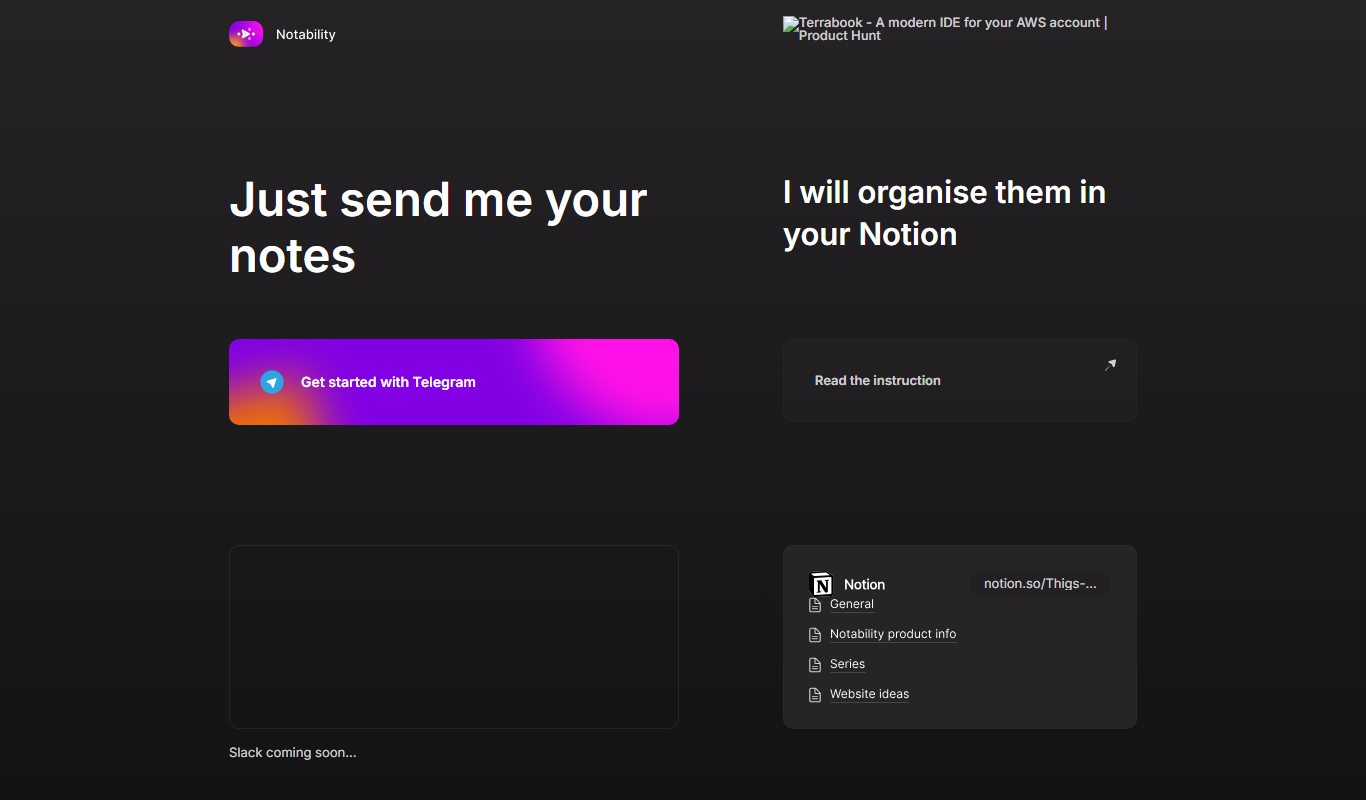
Notability
Notability is a note-taking app with handwriting, audio and AI features, available on Android as well as iOS and macOS.

Freemium
Video2Recipe
Video2Recipe is an AI tool that analyzes cooking videos to automatically generate detailed recipes by detecting ingredients and cooking steps.
Enterprise
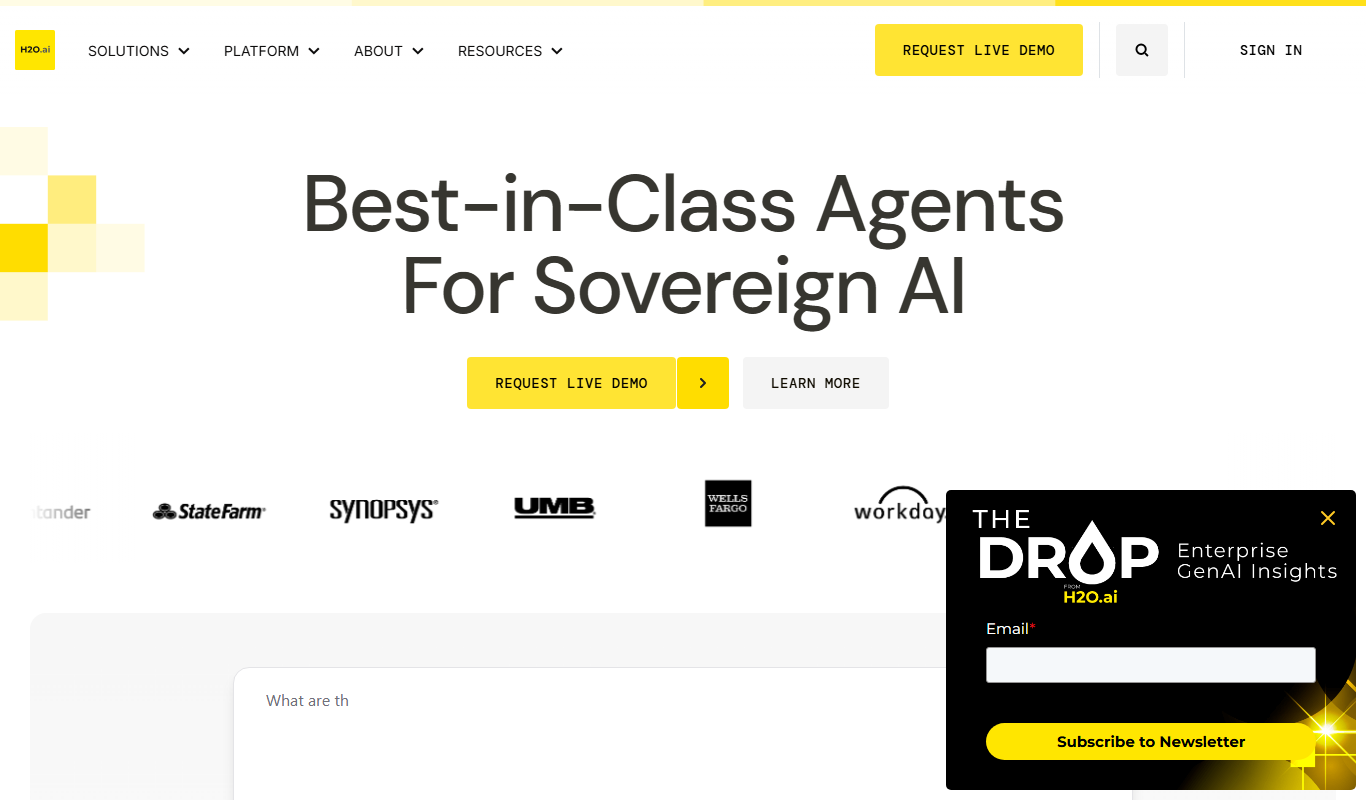
H2O.ai
H2O.ai is an AI platform that provides automated machine learning tools to build, deploy, and interpret machine learning models efficiently, suitable for both beginners and enterprises.
Free Trial
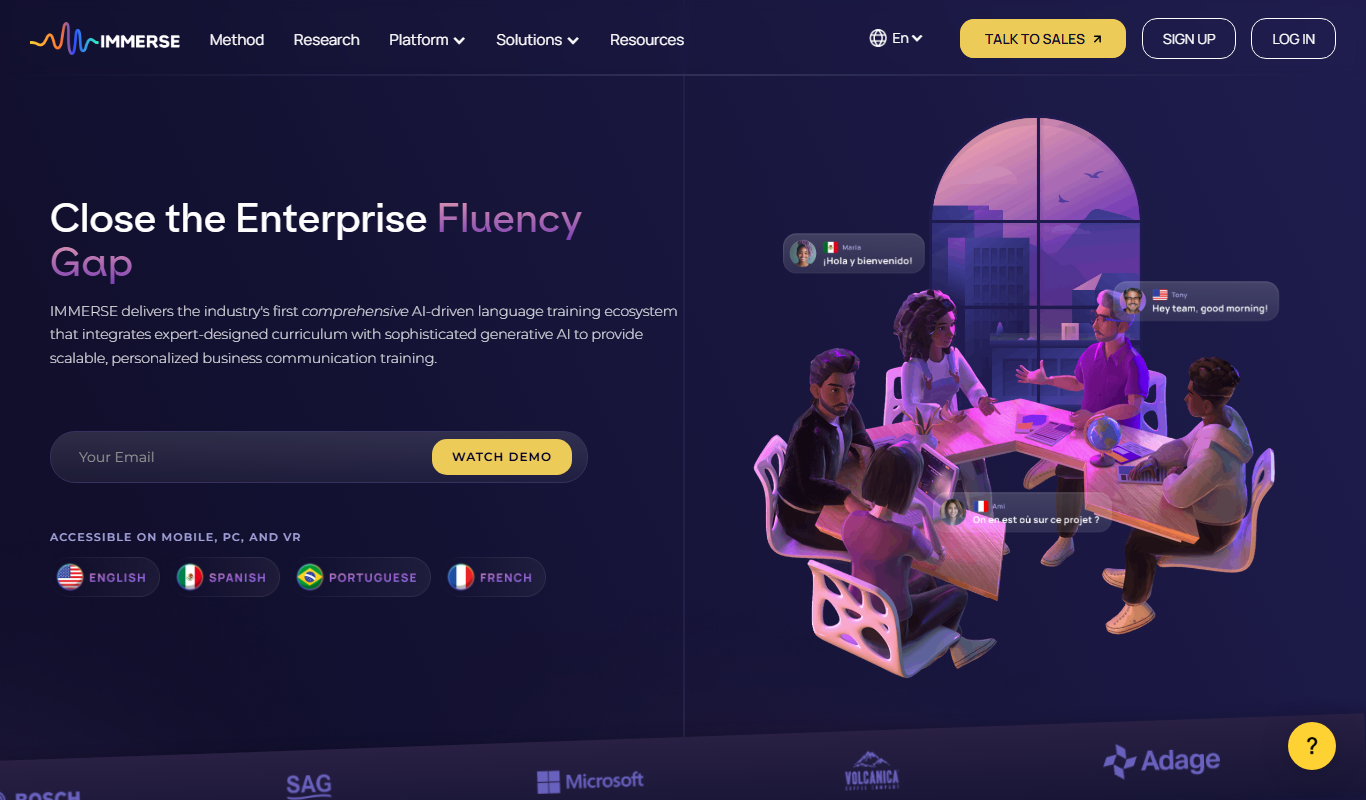
immerse.com
IMMERSE offers immersive language training for the global enterprise on mobile, desktop, VR and AI glasses.
Freemium
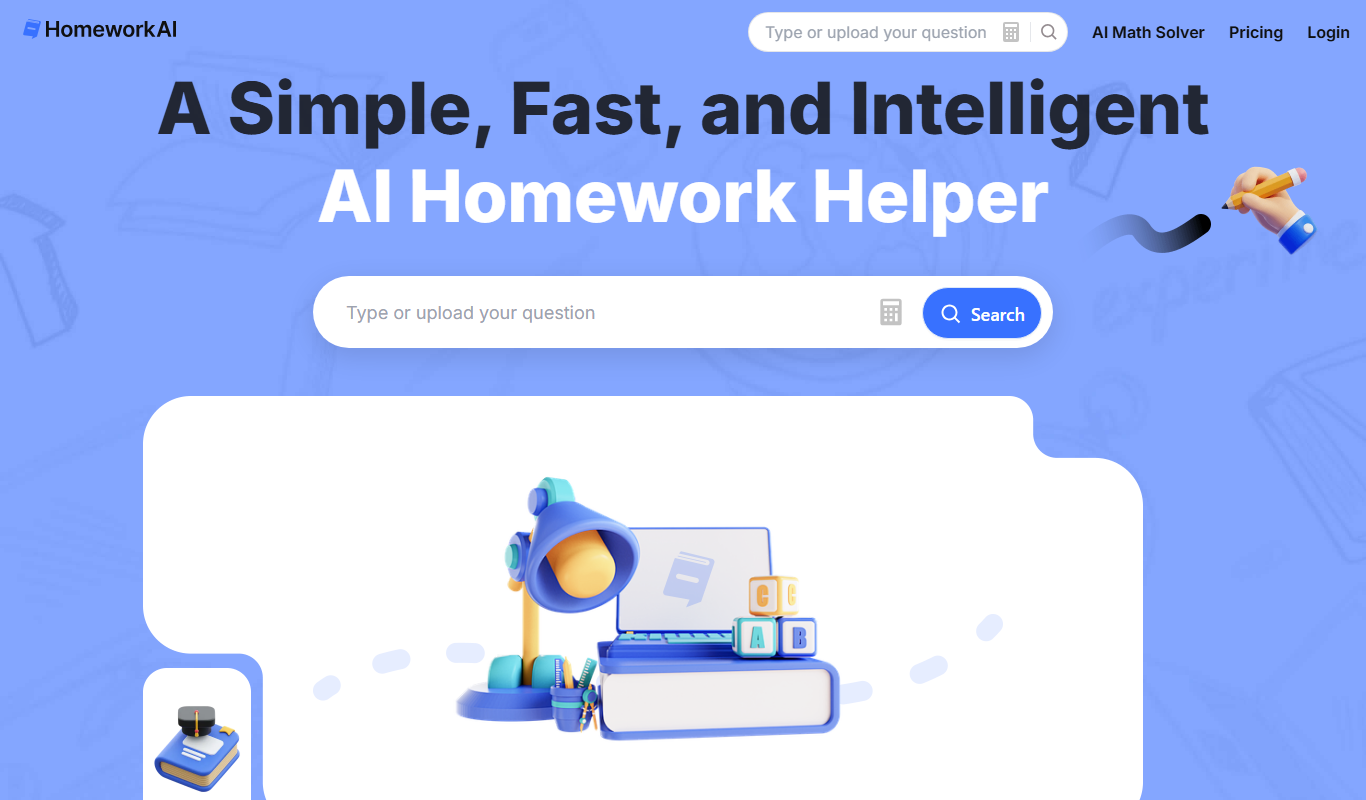
HomeworkAI
HomeworkAI is an AI-driven platform that helps students by providing detailed, stepwise solutions and explanations for homework questions across multiple subjects.

Freemium
Praktika
Praktika is an app with AI language tutors on iOS and Android that teaches 9 languages through voice interaction.
Freemium
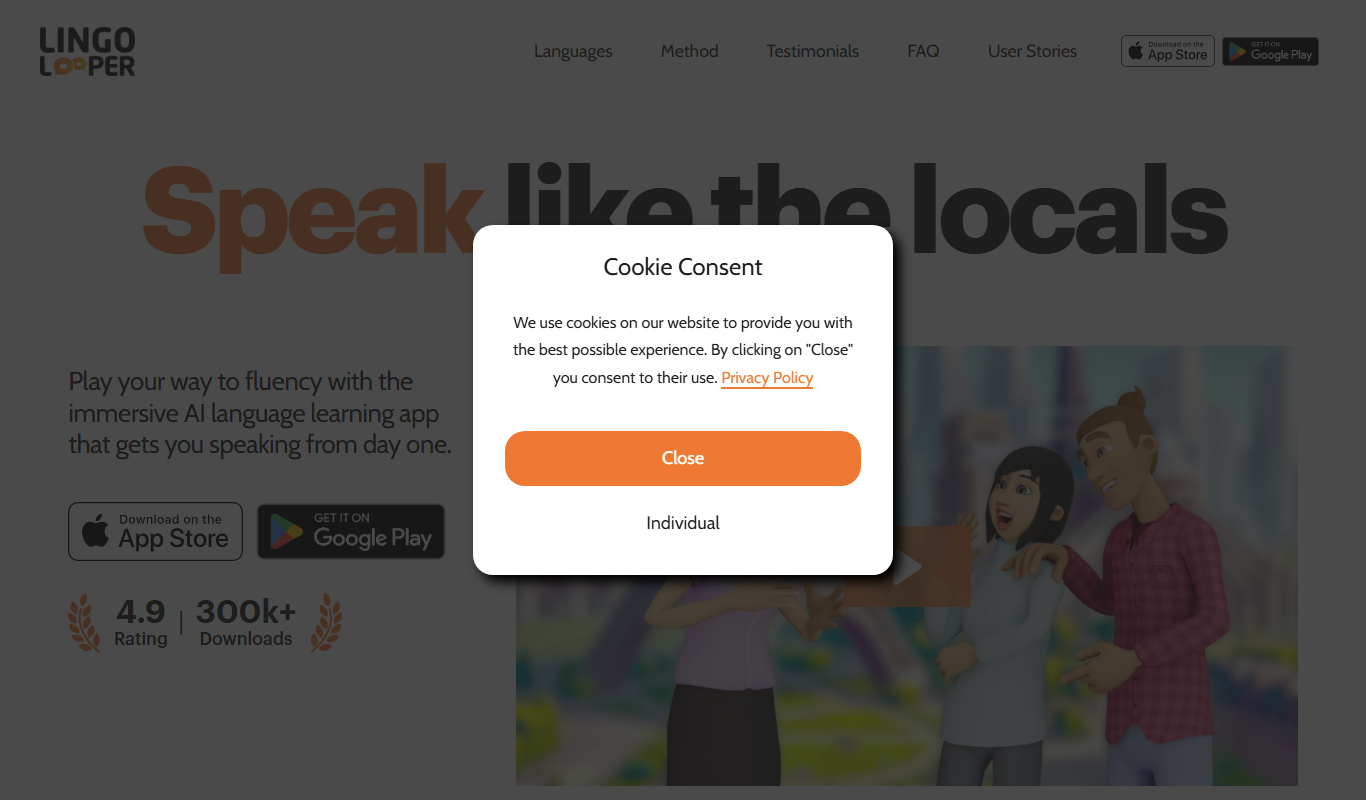
LingoLooper
LingoLooper is a mobile language learning app that uses AI to help users practice speaking and improve pronunciation in multiple languages.

Free
Lingolette
Lingolette is an AI-driven language learning platform that provides personalized conversational practice, pronunciation feedback, and tailored lessons to help users improve fluency in multiple languages.