

Ximilar Visual AI Platform for Image Recognition and Analysis Solutions
Ximilar is a visual AI platform that provides APIs and tools for custom image recognition, visual search, and image tagging, enabling businesses to automate visual data analysis.
- Best for
- Product Image Recognition
- Key capability
- Custom Visual AI Model Training
Save Ximilar, follow its updates and vote on it — everything stays in your account.
Sign in or create a free account
What is Ximilar?
Ximilar is a visual AI platform specializing in image recognition and analysis. It provides APIs and tools to build custom computer vision applications such as visual search, image tagging, and product recognition. The platform allows users to train their own models or use pre-trained ones to automate image understanding tasks efficiently.
Key features of Ximilar
Ximilar offers a range of features including customizable AI model training, visual search capabilities, image tagging, and classification APIs, plus tools for quality control and anomaly detection. It supports integration via RESTful APIs and provides a user-friendly web interface for managing datasets and models.
Custom Visual AI Model Training
Train models tailored to your specific image recognition needs without requiring AI expertise.
Visual Search API
Enable image-based search functionality to find visually similar items quickly.
Image Tagging and Classification
Automatically tag and categorize images to streamline content management.
Quality Control and Defect Detection
Detect anomalies or defects in images for manufacturing and quality assurance.
Easy API Integration
Simple RESTful API for seamless integration with existing systems and workflows.
Pros and cons of Ximilar
Pros
- Flexible custom model training without deep AI knowledge
- Easy-to-use REST API for quick integration
- Supports a variety of image recognition use cases
- Free tier available for initial testing
- Good documentation and developer support
Cons
- Limited language support (English only)
- No dedicated mobile app, API and web only
- Pricing may be high for very large-scale usage
Key use cases for Ximilar
Product Image Recognition
Automatically identify and classify products in images for e-commerce and retail applications.
Visual Search
Enable users to search for visually similar items using images instead of text queries.
Image Tagging and Classification
Automatically tag and categorize images to improve content management and organization.
Custom Model Training
Train custom visual AI models tailored to specific business needs without deep AI expertise.
Quality Control and Defect Detection
Use AI to detect defects or anomalies in manufacturing or product images.
How Ximilar works
- 1
Create an Account
Sign up on the Ximilar platform to access the dashboard and API keys.
- 2
Upload Images and Data
Upload your images or datasets to start training or use pre-trained models.
- 3
Train or Select Models
Train custom models using your data or select from existing pre-trained models.
- 4
Integrate via API
Use the REST API to integrate image recognition and analysis into your applications.
- 5
Analyze and Iterate
Analyze results, refine datasets, and retrain models to improve accuracy.
Who is using Ximilar
Ximilar pricing
Free
$0/month
For individuals or teams just getting started with no-code computer vision, free forever.
Business 100K
EUR 59 per month ($69)
Smart AI tools for businesses that want to automate image processing; larger Business tiers add more monthly API credits.
Professional 1M
EUR 499 per month ($579)
Advanced features for companies processing large volumes of data.
Custom plan
Contact sales
Custom solutions, advanced features and on-premise or edge device deployment for small businesses and enterprises.
Plans and prices are as published by the vendor and can change. Check the official site before you buy. Open the pricing page (opens in a new tab)
Frequently asked questions about Ximilar
Yes, Ximilar allows you to train custom visual AI models using your own image datasets.
Ximilar provides RESTful APIs that can be integrated with any programming language that supports HTTP requests.
Yes, Ximilar offers a free plan with limited API calls suitable for testing and small projects.
Yes, the platform supports real-time image analysis through its API depending on your usage plan.
It depends on your specific needs and how you plan to use the tool. The official website and documentation are the best sources for the latest details.
Yes, it can help with that use case depending on how you configure it and what features are available. You’ll get the best results with clear inputs and a defined goal.
It depends on your specific needs and how you plan to use the tool. The official website and documentation are the best sources for the latest details.
Some tools offer a free plan or trial with limited features. Availability can vary, so confirm on the official website.
Conclusion
Off-the-shelf solutions cover fashion, home decor, stock photos and collectibles, including an identifier for trading cards and comics. Where those fall short, custom labels, object categories, attributes or taxonomy can be added to a solution. Teams can also build computer vision models without coding and implement them in a website or app. The AI is used as services through an app and an API.
Usage is counted in API credits, and a Credit Supply Calculator estimates monthly consumption from the chosen solutions and image volumes. A free plan needs no credit card, while the paid Business and Professional tiers add support that ranges up to regular consultations with an ML expert. On-premise or edge device deployment is handled through custom plans.
Sources
Sign in to review this tool.
Sign In to ReviewNo reviews yet
Be the first to share how this tool worked for you.
Ask about pricing, limits, or how it compares — or answer someone else.
Sign In to AskNo questions yet
Have a question about using or paying for this tool? Be the first to ask.
Featured on TiorAI



More AI Artificial Intelligence Tools tools
Other tools in the same category, for when this one is not quite the fit.

ImgGen AI
ImgGen AI is a web-based platform that uses artificial intelligence to generate images from text descriptions, enabling users to create unique visuals quickly and easily.
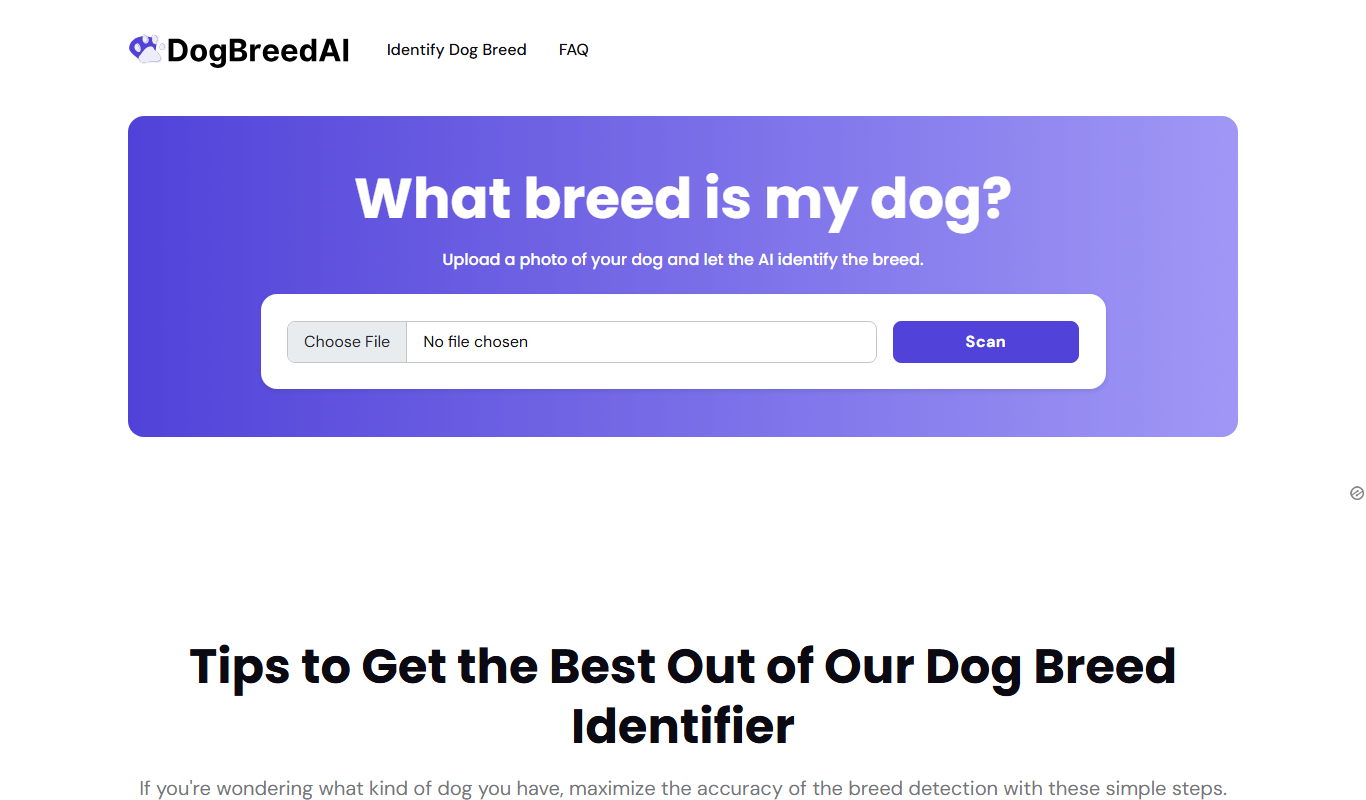
Dog Breed AI
Dog Breed AI uses artificial intelligence to identify dog breeds from photos, providing breed details and care information on web and mobile platforms.
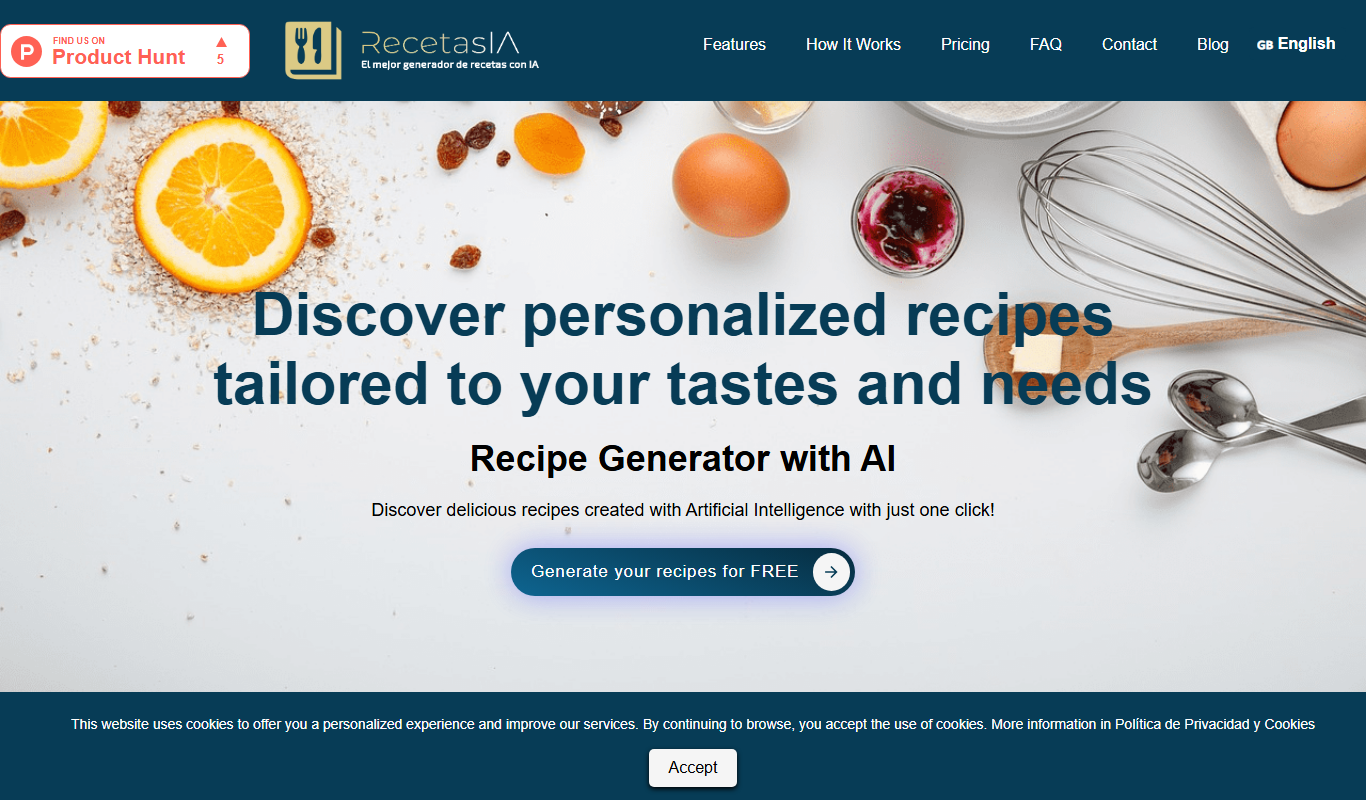
RecetasIA
RecetasIA is an AI-based web tool with a free plan that generates personalized recipes from your tastes, dietary restrictions and intolerances, in English or Spanish.

Newmoney.AI
Newmoney.AI is an AI-powered crypto and cash wallet: buy, trade, swap and send crypto across SUI, Solana, Ethereum and Bitcoin with the AI agent Newton, including via WhatsApp and Telegram.

TwoShot
TwoShot is an AI creative suite for music, audio, video and images: generate music and sounds from text, split stems, make voiceovers and produce in an online studio.

Kuakua – Psychology & AI Tools for Well-Being
Kuakua is a free website of psychology games, tests, screenings and cognitive experiments that turns psychology research into small tools for well-being.

MixPeek
MixPeek is an AI-driven multimedia search engine that indexes videos, images, audio, and documents to enable fast, accurate search through a web interface and developer API.

Musicfy
Musicfy is an AI voice song generator for creating covers in any voice, with 100,000+ voices or a clone of your own.