

From my experience with EasyFill.ai, I found it excels at simplifying repetitive online form filling by leveraging AI to accurately detect and input data. The Chrome extension is intuitive and integrates smoothly into daily workflows, making it a practical choice for professionals who handle frequent data entry tasks. However, its current limitation to the Chrome browser and occasional challenges with complex forms mean it may not fit every scenario yet. Overall, if you need to speed up form submissions and reduce manual errors, EasyFill.ai offers a reliable and secure solution.
EasyFill.ai AI Form Autofill Tool for Faster Data Entry Automation
EasyFill.ai is an AI-driven tool that automates online form filling by detecting fields and inputting data accurately, saving users time and effort.
- Best for
- Automated Form Filling
- Key capability
- AI-Powered Field Detection
Your actions
Save easyfill.ai, follow its updates and vote on it — everything stays in your account.
Sign in or create a free account
What is easyfill.ai?
EasyFill.ai is an AI-powered form autofill tool designed to automate and accelerate the process of filling out online forms. By leveraging machine learning, it intelligently detects form fields and inputs the required data accurately, reducing manual effort and minimizing errors. It is particularly useful for professionals who handle repetitive data entry tasks, enabling them to save time and increase productivity.
Key features of easyfill.ai
EasyFill.ai offers intelligent form recognition, customizable data profiles, seamless integration via a Chrome extension, and secure data handling. Its AI adapts to various form layouts, ensuring accurate autofill across different websites and applications.
AI-Powered Field Detection
Automatically identifies form fields regardless of layout or complexity.
Customizable Data Profiles
Store multiple profiles for different use cases and switch between them easily.
Chrome Extension Integration
Seamlessly works within your browser for quick and convenient access.
Secure Data Handling
Ensures your personal and business data is encrypted and protected.
Multi-Form Support
Supports filling multiple forms on a single page with accuracy.
Pros and cons of easyfill.ai
Pros
- Saves significant time on repetitive form filling
- Easy to use with intuitive Chrome extension
- Customizable profiles for different data sets
- Secure handling of sensitive information
Cons
- Limited to Chrome browser at present
- May struggle with highly complex or dynamic forms
- No mobile app available yet
Key use cases for easyfill.ai
Automated Form Filling
Automatically fill out repetitive online forms to save time and reduce errors.
Data Entry Automation
Streamline data entry tasks by leveraging AI to input information quickly and accurately.
Workflow Efficiency
Integrate with existing workflows to speed up processes that involve frequent form submissions.
Customer Support
Assist support teams by automating form inputs during customer interactions.
Sales and Lead Generation
Accelerate lead capture by auto-filling contact and qualification forms.
How easyfill.ai works
- 1
Install Extension
Add the EasyFill.ai Chrome extension to your browser for quick access.
- 2
Create Data Profiles
Input and save your personal or business data profiles to be used for autofill.
- 3
Navigate to Form
Open any online form you want to fill automatically.
- 4
Activate Autofill
Click the EasyFill.ai icon to let the AI detect and fill the form fields instantly.
Who is using easyfill.ai
Sales professionals
Customer support teams
Data entry clerks
Small to medium businesses
Freelancers handling multiple forms
easyfill.ai pricing
Free Trial
$0 for 7 days
Full access to features for a limited trial period.
Pro
$15/month
Unlimited form fills, multiple profiles, and priority support.
Business
$50/month
Team accounts, advanced security, and integration support.
Plans and prices are as published by the vendor and can change. Check the official site before you buy. Open the pricing page (opens in a new tab)
Frequently asked questions about easyfill.ai
EasyFill.ai works with most standard online forms but may have limitations on highly customized or non-standard forms.
All data is encrypted and stored securely, with strict privacy policies to protect your information.
Yes, you can create and switch between multiple profiles for different purposes.
Currently, EasyFill.ai is available as a Chrome extension; support for other browsers is planned.
It depends on your specific needs and how you plan to use the tool. The official website and documentation are the best sources for the latest details.
Data handling and security practices vary by provider. Review the official privacy policy to understand how your data is stored and used.
Yes, it can help with that use case depending on how you configure it and what features are available. You’ll get the best results with clear inputs and a defined goal.
Sign in to review this tool.
Sign In to ReviewNo reviews yet
Be the first to share how this tool worked for you.
Ask about pricing, limits, or how it compares — or answer someone else.
Sign In to AskNo questions yet
Have a question about using or paying for this tool? Be the first to ask.
Featured on TiorAI


Alternative Tools
Explore similar AI tools that might fit your needs
Free
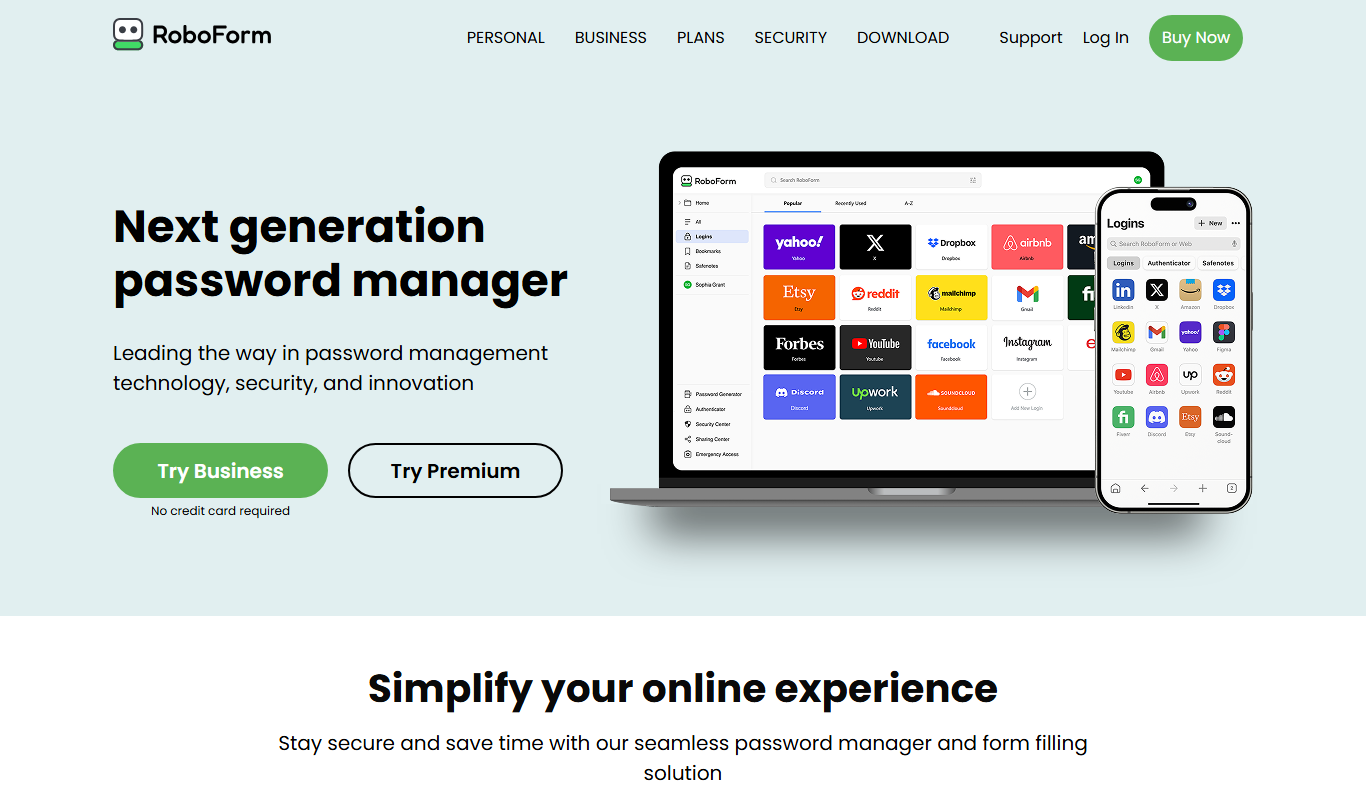
RoboForm
RoboForm is a password management tool that securely stores and autofills passwords and personal information across devices, enhancing online security and convenience.
More AI Automation & Workflow Tools tools
Other tools in the same category, for when this one is not quite the fit.

Free Trial
ExcelMaster.ai
ExcelMaster.ai is an Excel AI agent that writes complex formulas, generates VBA, runs Python and cleans data inside Excel.

Free Trial
Manifestly 3.0
Manifestly 3.0 is a workflow automation platform that helps teams create, manage, and optimize recurring tasks and standard operating procedures through customizable checklists, automated scheduling, and real-time progress tracking.

Contact for pricing
serviceaide.com
ServiceAide is an AI-driven platform that automates IT and enterprise service management through virtual agents, automated workflows, and analytics to improve efficiency and user experience.

Free
Pneumatic Workflow
Pneumatic Workflow is a web-based platform that helps teams manage projects and automate workflows with customizable boards, task tracking, and collaboration tools designed for agile methodologies.

Free Trial
SocialBotify
SocialBotify is a web-based platform that automates social media posting and growth by scheduling content across multiple platforms, helping marketers save time and increase engagement.

Freemium
Olly 2.0
Olly is an AI agent for social media engagement with a comment generator, AI response generator, auto reply, viral posts and AI summarizer.

Contact for pricing
LEAFIO AI Retail Platform
LEAFIO is a retail automation platform focused on inventory, assortment and shelf planning rather than customer engagement.

Free Trial
Alice
Alice is a native desktop AI assistant for macOS, Windows and Linux that lets you chat with different AI models, install assistants and automate tasks with a hotkey.