

SocialBotify Social Media Automation Tool for Marketing Growth
SocialBotify is a web-based platform that automates social media posting and growth by scheduling content across multiple platforms, helping marketers save time and increase engagement.
- Best for
- Automated Social Media Posting
- Key capability
- Multi-Platform Scheduling
Save SocialBotify, follow its updates and vote on it — everything stays in your account.
Sign in or create a free account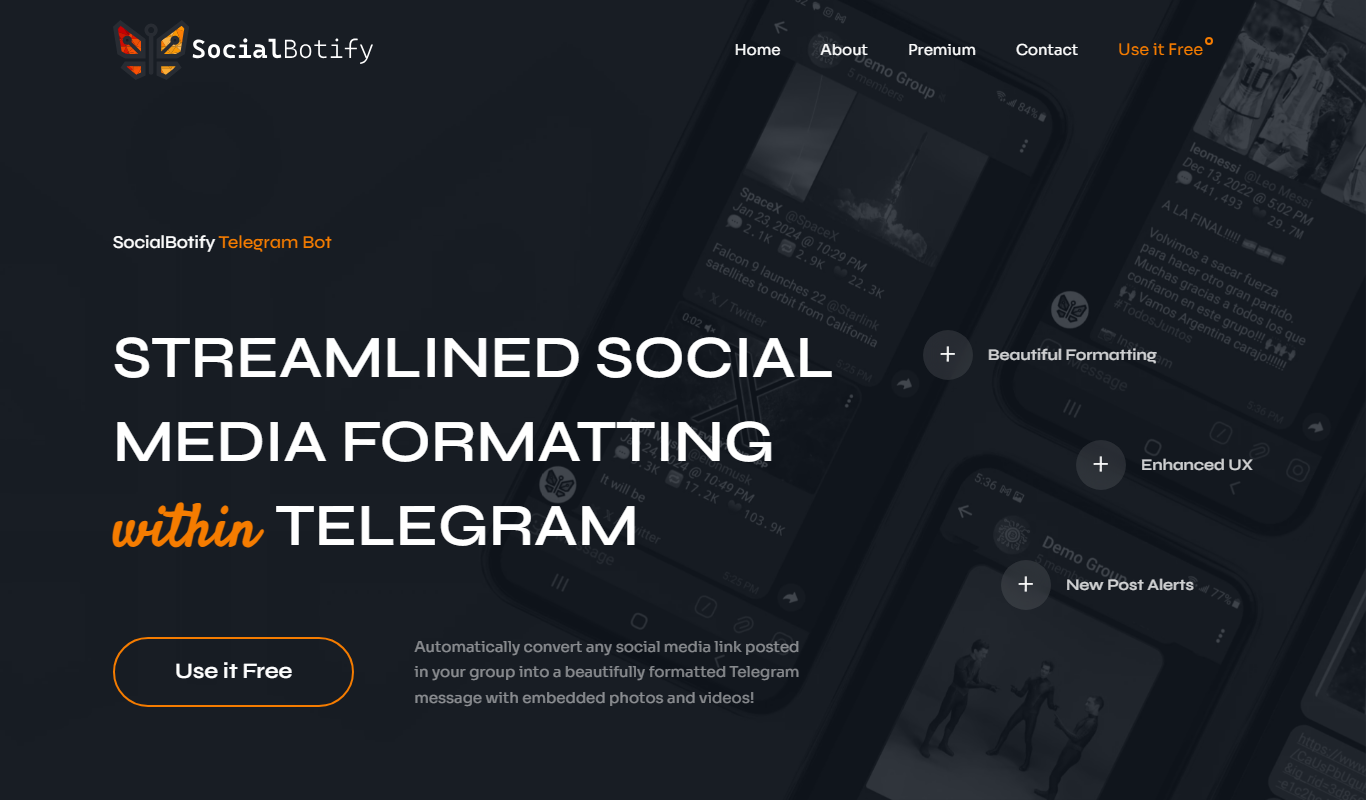
What is SocialBotify?
SocialBotify is an AI social media post generator that writes posts and plans the content strategy with a research-backed 70/20/10 framework to build an audience, establish authority and drive results across 10 platforms.
Key features of SocialBotify
SocialBotify offers automated scheduling, content curation, multi-platform posting, and growth automation features that streamline social media marketing efforts for businesses and individuals.
Multi-Platform Scheduling
Schedule posts across various social media channels from a single dashboard.
Automated Content Sharing
Automatically share curated or custom content based on your schedule.
Growth Automation
Use automation tools to increase followers and engagement organically.
Analytics and Reporting
Access insights on post performance and audience engagement to inform strategy.
Pros and cons of SocialBotify
Pros
- Easy-to-use interface for scheduling and automation
- Supports multiple social media platforms
- 7-day free trial with no credit card required
- Includes analytics for performance tracking
Cons
- No permanent free plan; a 7-day free trial is offered instead
- No mobile app available currently
Key use cases for SocialBotify
Automated Social Media Posting
Schedule and automate posts across multiple social media platforms to maintain consistent engagement.
Content Curation and Scheduling
Easily curate relevant content and schedule it to be shared automatically to grow audience reach.
Social Media Growth
Leverage automation to increase followers and engagement without manual effort.
Marketing Campaign Management
Manage and automate social media marketing campaigns to save time and improve efficiency.
How SocialBotify works
- 1
Create an Account
Sign up on SocialBotify’s website to start using the platform.
- 2
Connect Social Accounts
Link your social media profiles such as Facebook, Instagram, Twitter, and LinkedIn.
- 3
Set Up Automation
Configure posting schedules and content sources for automated sharing.
- 4
Monitor and Optimize
Track performance metrics and adjust your automation settings to maximize growth.
Who is using SocialBotify
SocialBotify pricing
Starter
$29/mo, or $19/mo billed yearly
For professionals getting started with social media: 3 posts/week per platform, upload and media library images (50 max), all 10 social platforms, AI content generation.
Professional
$59/mo, or $45/mo billed yearly
For growing businesses that want visual content: 5 posts/week per platform, stock photos and AI images (500 max), all 10 social platforms.
Business
$129/mo, or $99/mo billed yearly
For businesses that post daily: 7 posts/week per platform, unlimited images (stock and AI), all 10 social platforms, Google Reviews integration.
Plans and prices are as published by the vendor and can change. Check the official site before you buy. Open the pricing page (opens in a new tab)
Frequently asked questions about SocialBotify
SocialBotify publishes to LinkedIn, X, Facebook, Instagram, Threads, Bluesky, Pinterest, Reddit, Google Business and Telegram.
Yes, you can schedule posts to be published automatically at your preferred times.
SocialBotify does not offer a permanent free plan, but every plan includes a 7-day free trial with full access to all features and no credit card required.
Yes, it includes analytics and reporting tools to track your social media performance.
It depends on your specific needs and how you plan to use the tool. The official website and documentation are the best sources for the latest details.
Yes, it can help with that use case depending on how you configure it and what features are available. You’ll get the best results with clear inputs and a defined goal.
Conclusion
A website URL is the first input, from which the AI detects the business’s industry, audience and tone of voice, and keywords or words to avoid can fine-tune the result. Once LinkedIn, X, Facebook, Instagram and the other supported networks are connected through one-click OAuth, it generates up to 7 posts a week in that brand voice. Posts follow a 70/20/10 mix of value, authority and conversion content rather than random topics. In a weekly review, users edit inline, reject with feedback so the AI learns, or turn on auto-approve, and approved posts publish with natural jitter.
Consultants, accountants, financial advisors and small business owners are the users the pricing page names. There is no permanent free plan, only a 7-day free trial without a credit card, and the Starter, Professional and Business plans differ mainly in posts per week per platform and image allowances.
Sources
Sign in to review this tool.
Sign In to ReviewNo reviews yet
Be the first to share how this tool worked for you.
Ask about pricing, limits, or how it compares — or answer someone else.
Sign In to AskNo questions yet
Have a question about using or paying for this tool? Be the first to ask.
Featured on TiorAI



Alternative Tools
Explore similar AI tools that might fit your needs

Later
Later is an influencer marketing and social media management platform for brands, creators and social media managers, with tools to plan, schedule and analyze posts on Instagram, Facebook, TikTok, Pinterest, LinkedIn, YouTube and more.
More AI Automation & Workflow Tools tools
Other tools in the same category, for when this one is not quite the fit.

ExcelMaster.ai
ExcelMaster.ai is an Excel AI agent that writes complex formulas, generates VBA, runs Python and cleans data inside Excel.

Manifestly 3.0
Manifestly 3.0 is a workflow automation platform that helps teams create, manage, and optimize recurring tasks and standard operating procedures through customizable checklists, automated scheduling, and real-time progress tracking.

serviceaide.com
ServiceAide is an AI-driven platform that automates IT and enterprise service management through virtual agents, automated workflows, and analytics to improve efficiency and user experience.

Pneumatic Workflow
Pneumatic Workflow is a web-based platform that helps teams manage projects and automate workflows with customizable boards, task tracking, and collaboration tools designed for agile methodologies.
Supercreator AI for OnlyFans
Supercreator is an OnlyFans CRM platform to manage fans, grow sales and keep engagement high.

Olly 2.0
Olly is an AI agent for social media engagement with a comment generator, AI response generator, auto reply, viral posts and AI summarizer.

LEAFIO AI Retail Platform
LEAFIO is a retail automation platform focused on inventory, assortment and shelf planning rather than customer engagement.

Alice
Alice is a native desktop AI assistant for macOS, Windows and Linux that lets you chat with different AI models, install assistants and automate tasks with a hotkey.