

Mindgrasp - AI study tool for students
Mindgrasp is an AI study tool for students that turns lectures into notes, flashcards and quizzes in seconds, with summaries and a 24/7 AI tutor.
- Best for
- Lecture review
- Key capability
- AI notes and summaries
Save Mindgrasp, follow its updates and vote on it — everything stays in your account.
Sign in or create a free account
What is Mindgrasp?
Mindgrasp is an AI study tool that turns lectures, readings and links into a complete study session. Users record live lectures or upload PDFs, slides, videos and links, and Mindgrasp generates notes, a summary, flashcards and quizzes, with an AI tutor available 24/7 for questions.
Key features of Mindgrasp
Mindgrasp records lectures or takes uploaded files and generates notes, summaries, flashcards and quizzes, with a 24/7 AI tutor, per-session progress tracking, an iOS app and a Chrome extension.
AI notes and summaries
Structured notes in seconds and scannable summaries of lectures, articles or textbooks.
AI flashcards
Auto-generate flashcards from your material and practice active recall.
AI quizzes
Auto-generate quizzes from your material to spot gaps before the exam.
24/7 AI tutor
Chat with the AI Tutor to explain concepts and clear confusion at your own pace.
Lecture recording and uploads
Record lectures in real time or upload PDFs, slides, videos or links.
Pros and cons of Mindgrasp
Pros
- Notes, summaries, flashcards, quizzes and a tutor from one upload
- Accepts PDFs, DOCX, MP3, MP4, Powerpoints, article links and YouTube or Vimeo links
- Unlimited uploads and no daily limits on every plan
- iOS app and Chrome extension
- Works in 20+ languages
Cons
- No pricing is published on the official site
- Advanced features require paid subscription
- No dedicated mobile app currently
Key use cases for Mindgrasp
Lecture review
Capture a lecture in real time and turn it into notes and a summary.
Exam preparation
Test yourself with auto-generated quizzes and find weak spots before the exam.
Course content from Canvas or Blackboard
Pull content from Canvas, Blackboard or any website with the Chrome extension.
Self-learning
Study online courses and independent learning material.
How Mindgrasp works
- 1
Create a study session
One session per lecture, chapter or exam topic keeps everything organized.
- 2
Record or upload
Record a lecture in class or upload PDFs, slides, videos or links at home.
- 3
Instant AI processing
Mindgrasp generates notes, a summary, flashcards, quizzes and an AI tutor.
- 4
Learn, practice, ask
Review notes, practice flashcards, take quizzes and ask the AI Tutor when stuck.
Who is using Mindgrasp
Mindgrasp pricing
Free
$0/month
Basic access with limited document uploads and features.
Pro
$29/month
Expanded document limits, advanced AI features, and priority support.
Enterprise
Custom pricing
Tailored solutions with enhanced security, integrations, and dedicated support.
Plans and prices are as published by the vendor and can change. Check the official site before you buy. Open the pricing page (opens in a new tab)
Frequently asked questions about Mindgrasp
Mindgrasp reads, listens to or watches whatever you upload and provides answers, notes, summaries, flashcards and quizzes.
PDFs, DOCX, MP3, MP4, Powerpoints, online article links, YouTube video links and Vimeo links.
No. All plans come with unlimited uploads and no daily limits on usage.
Students, self-learners, exam preppers, educators and working professionals.
It works on any device, with an iOS app for recording lectures on your phone and a Chrome extension for pulling content from Canvas, Blackboard or any website.
Yes, it can help with that use case depending on how you configure it and what features are available. You’ll get the best results with clear inputs and a defined goal.
Yes, it can help with that use case depending on how you configure it and what features are available. You’ll get the best results with clear inputs and a defined goal.
Some tools offer a free plan or trial with limited features. Availability can vary, so confirm on the official website.
Conclusion
Each lecture, chapter or exam topic gets its own study session, into which a student records the class live or uploads PDFs, slides, videos and links. From that material the app generates structured notes, a summary, flashcards for active recall and quizzes that expose weak spots before an exam. An AI tutor stays available around the clock to explain concepts.
College and grad students are the main audience, though self-learners, educators and working professionals are also addressed. An iOS app records lectures on a phone, and a Chrome extension pulls content from Canvas, Blackboard or any website. The site promises unlimited uploads with no daily limits on every plan, but it publishes no plan prices, offering a free study session to start.
Sources
Sign in to review this tool.
Sign In to ReviewNo reviews yet
Be the first to share how this tool worked for you.
Ask about pricing, limits, or how it compares — or answer someone else.
Sign In to AskNo questions yet
Have a question about using or paying for this tool? Be the first to ask.
Featured on TiorAI



Alternative Tools
Explore similar AI tools that might fit your needs
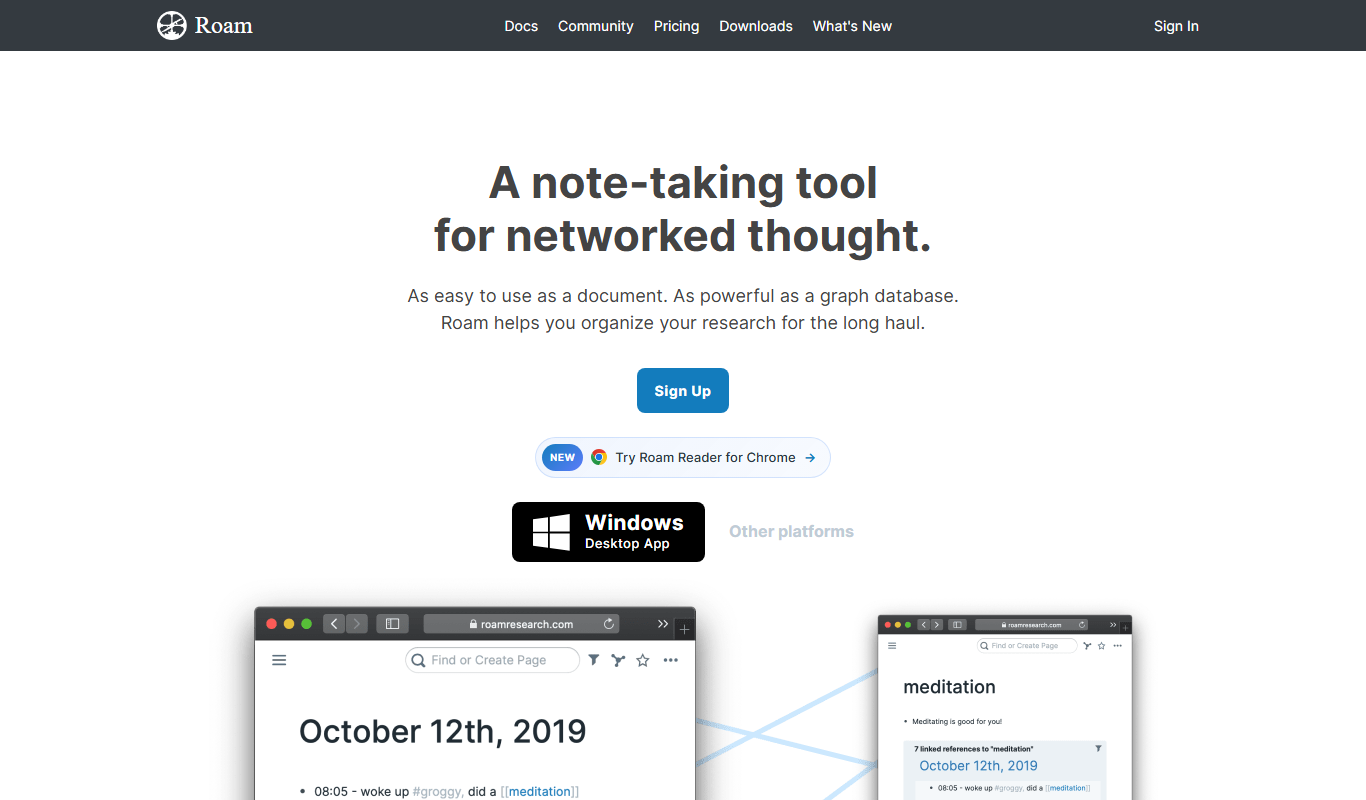
Roam Research
Roam Research is a note-taking and knowledge management tool that uses bidirectional linking and graph visualization to help users organize and connect ideas effectively.
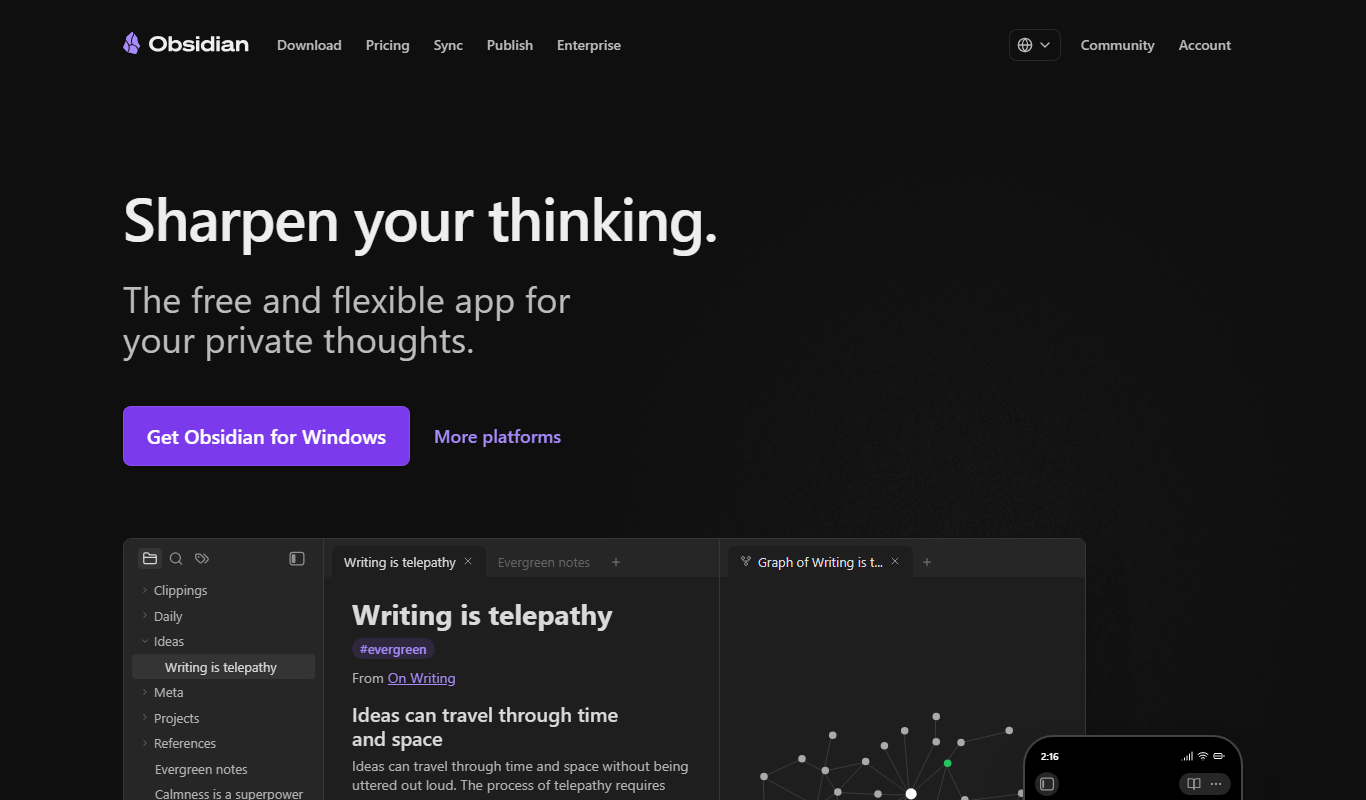
Obsidian
Obsidian is a markdown note-taking app that helps users build a personal knowledge base with linked notes, graph visualization, and extensive customization options.
More AI Education Tools tools
Other tools in the same category, for when this one is not quite the fit.
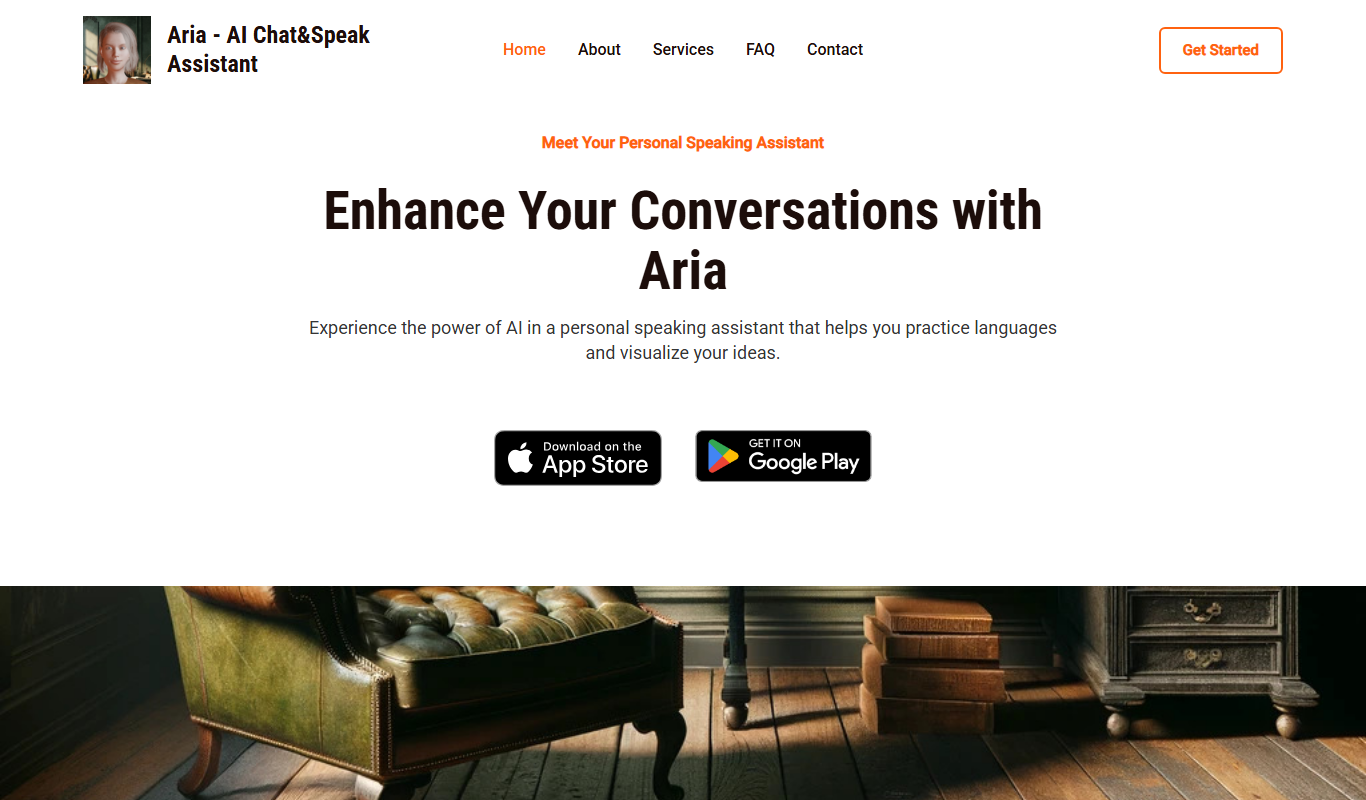
Aria
Aria is a mobile talking AI assistant that helps you practice languages and visualize your ideas.

Helper Systems: kOS
kOS by Helper Systems is a macOS research app that indexes PDFs, lets students use AI responsibly and builds presentations that provide proof of work.

NoteKnight
NoteKnight is a free online flashcard maker with learning games, a Quiz Maker and AI study tools such as AutoScribe, positioned as a Quizlet alternative.

Flashka
Flashka turns notes, PDFs and slides into AI flashcards, with spaced repetition, auto-generated quizzes and an AI tutor. Free to start.

Memozora
Memozora is a free online flashcard maker with spaced repetition, multi-language dictionaries, text-to-speech and various quiz formats that works on PC and mobile.

Thetawise
ThetaWise is an AI study platform for STEM students with step-by-step help in math, physics and chemistry, guided tutoring, quizzes, flashcards and video lessons.

Learn Copywriting
Learn Copywriting offers daily copywriting exercises: write ads, tweets, emails and offers for real brands, get feedback with AI and compete on the leaderboard.

Unacademy
Unacademy is an Indian online education platform providing live classes, recorded lectures, and test series for competitive exams and skill development.