

Secure and Simple Large File Transfer Service for Teams and Individuals
WeTransfer is a cloud-based service that allows users to send large files easily, with a Free plan covering 3GB and 10 transfers and paid Starter and Ultimate plans.
- Best for
- Large File Sharing
- Key capability
- Free plan with 3GB and 10 transfers
Save WeTransfer, follow its updates and vote on it — everything stays in your account.
Sign in or create a free accountWhat is WeTransfer?
WeTransfer is a cloud-based file transfer service designed to simplify sending large files over the internet. It enables individuals and teams to share files quickly without complex setups. The Free plan covers 3GB and 10 transfers, and Pro was replaced by the Starter and Ultimate plans.
Key features of WeTransfer
Key features include easy drag-and-drop file uploads, simple recipient email entry, secure transfers with encryption, customizable backgrounds for branding, and integration with creative tools. WeTransfer also offers a desktop app and mobile apps for seamless file sharing across devices.
Free plan with 3GB and 10 transfers
The Free plan covers 3GB in total and 10 transfers every 30 days, with a 3-day expiry.
Starter and Ultimate plans
Starter costs about $8/month with 300GB, and Ultimate costs about $23/month; there is no Pro plan with 200GB.
Simple User Interface
Minimalist design focused on ease of use with drag-and-drop and email-based sharing.
Secure and Private
Files are encrypted in transit and optionally password protected for privacy.
Cross-Platform Availability
Accessible via web browsers, desktop app, and mobile apps for iOS and Android.
Pros and cons of WeTransfer
Pros
- Very easy and intuitive to use with no account needed for free transfers
- Supports very large file sizes with Pro plan
- Cross-platform availability including mobile apps
- Offers password protection and customization for Pro users
Cons
- Free transfers expire after 3 days.
- No end-to-end encryption by default
- Limited collaboration features beyond file transfer
Key use cases for WeTransfer
Large File Sharing
Send large files within the Free plan limit of 3GB and 10 transfers every 30 days, or up to 300GB with Starter.
Creative Collaboration
Teams can share design files, videos, and presentations easily to streamline creative workflows.
Secure File Transfer
Transfer files securely with encryption and password protection to ensure privacy and compliance.
File Storage and Management
Store files temporarily in the cloud with options for longer retention and easy access via links.
Marketing Asset Distribution
Distribute marketing materials and campaigns efficiently to clients and partners.
How WeTransfer works
- 1
Upload Files
Drag and drop files onto the WeTransfer website or app to begin the transfer process.
- 2
Add Recipient Details
Enter the email addresses of recipients and optionally your own email for notifications.
- 3
Send Transfer
Click send to upload files to WeTransfer servers and notify recipients with a download link.
- 4
Recipients Download
Recipients receive an email with a link to securely download the files within the retention period.
Who is using WeTransfer
WeTransfer pricing
Free
$0/month
The Free plan covers 3GB in total and 10 transfers every 30 days, and transfers expire after 3 days.
Starter
About $8/month
Starter costs about $8/month and includes 300GB; the old Pro plan at $12 with 200GB no longer exists.
Ultimate
About $23/month
Ultimate costs about $23/month.
Plans and prices are as published by the vendor and can change. Check the official site before you buy. Open the pricing page (opens in a new tab)
Frequently asked questions about WeTransfer
Starter includes 300GB at about $8/month and Ultimate costs about $23/month; there is no longer a Pro plan with 200GB.
No, recipients can download files via a link without creating an account.
Free transfers expire after 3 days.
WeTransfer uses encryption during transfer and offers password protection for Pro users to enhance security.
It depends on your specific needs and how you plan to use the tool. The official website and documentation are the best sources for the latest details.
It depends on your specific needs and how you plan to use the tool. The official website and documentation are the best sources for the latest details.
This tool is designed to help users accomplish its core tasks more efficiently. It is typically used by individuals or teams looking to improve productivity and workflow.
It depends on your specific needs and how you plan to use the tool. The official website and documentation are the best sources for the latest details.
Conclusion
Files are dragged onto the website or app, recipient email addresses are entered, and clicking send uploads the files and notifies each recipient with a download link. Files are encrypted in transit and can optionally be password protected.
The service is aimed at creative professionals and agencies, freelancers sharing large files and marketing teams distributing assets. Beyond web browsers, it is accessible through a desktop app and mobile apps for iOS and Android.
The Free plan now covers 3GB in total and 10 transfers every 30 days, and those transfers expire after 3 days. Pro is no longer offered; the paid plans are Starter at about $8/month with 300GB and Ultimate at about $23/month.
Sources
Sign in to review this tool.
Sign In to ReviewNo reviews yet
Be the first to share how this tool worked for you.
Ask about pricing, limits, or how it compares — or answer someone else.
Sign In to AskNo questions yet
Have a question about using or paying for this tool? Be the first to ask.
Featured on TiorAI



Alternative Tools
Explore similar AI tools that might fit your needs

Dropbox
Dropbox is a cloud storage service that enables secure file storage, sharing, and syncing across devices with collaboration features for teams.
More Business Management tools
Other tools in the same category, for when this one is not quite the fit.

Tailor Brands
Tailor Brands offers LLC formation services alongside its logo maker for small businesses.

Airbnb Experiences
Airbnb Experiences is a platform for booking unique local tours and activities hosted by locals worldwide, offering travelers authentic cultural and adventure experiences beyond traditional accommodations.

Pogo Travel
Pogo Travel is an AI-driven platform that generates personalized travel itineraries based on your preferences, travel dates, and interests, offering collaborative planning and offline access.
BabelOn
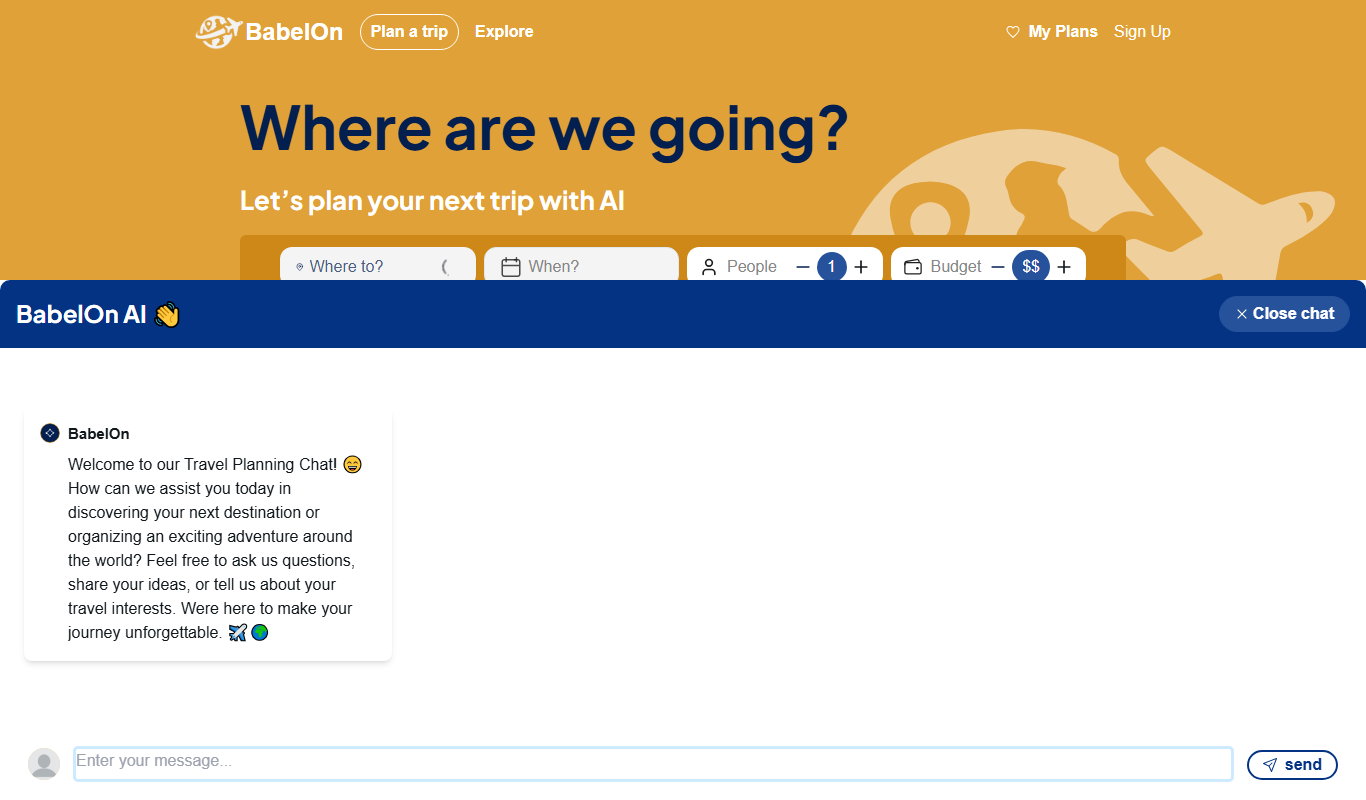
BabelOn is an AI-driven travel planning tool that generates personalized itineraries and helps organize all aspects of your trip in one place.

Furkot
Furkot is a web-based trip planner that helps users create multi-stop routes, optimize travel paths, schedule accommodations and activities, and share itineraries for efficient road trip planning.

Road Trip Navigator
Road Trip Navigator is a web-based tool that helps travelers plan multi-stop road trips by optimizing routes, managing itineraries, and visualizing trips on interactive maps.

Wanderlog
Wanderlog is a travel planning app that helps users create detailed itineraries, optimize travel routes, collaborate with others, and manage travel budgets via web and mobile platforms.

Veraset
Veraset provides privacy-compliant, high-quality location data via API and web platform to support marketing, retail, and urban planning analytics.