

From my experience with Zenplan, I found it excels at providing an all-in-one platform that simplifies the day-to-day management of fitness businesses. The intuitive scheduling and client management features reduce administrative overhead, allowing staff to focus more on client engagement. It’s particularly well-suited for small to medium-sized gyms and studios that need integrated payment processing and reporting. However, the lack of a dedicated mobile app and the pricing structure might be limiting factors for very small or budget-conscious businesses. Overall, Zenplan delivers solid value for fitness professionals seeking streamlined operations.
Zenplan Fitness Business Software for Scheduling and Client Management
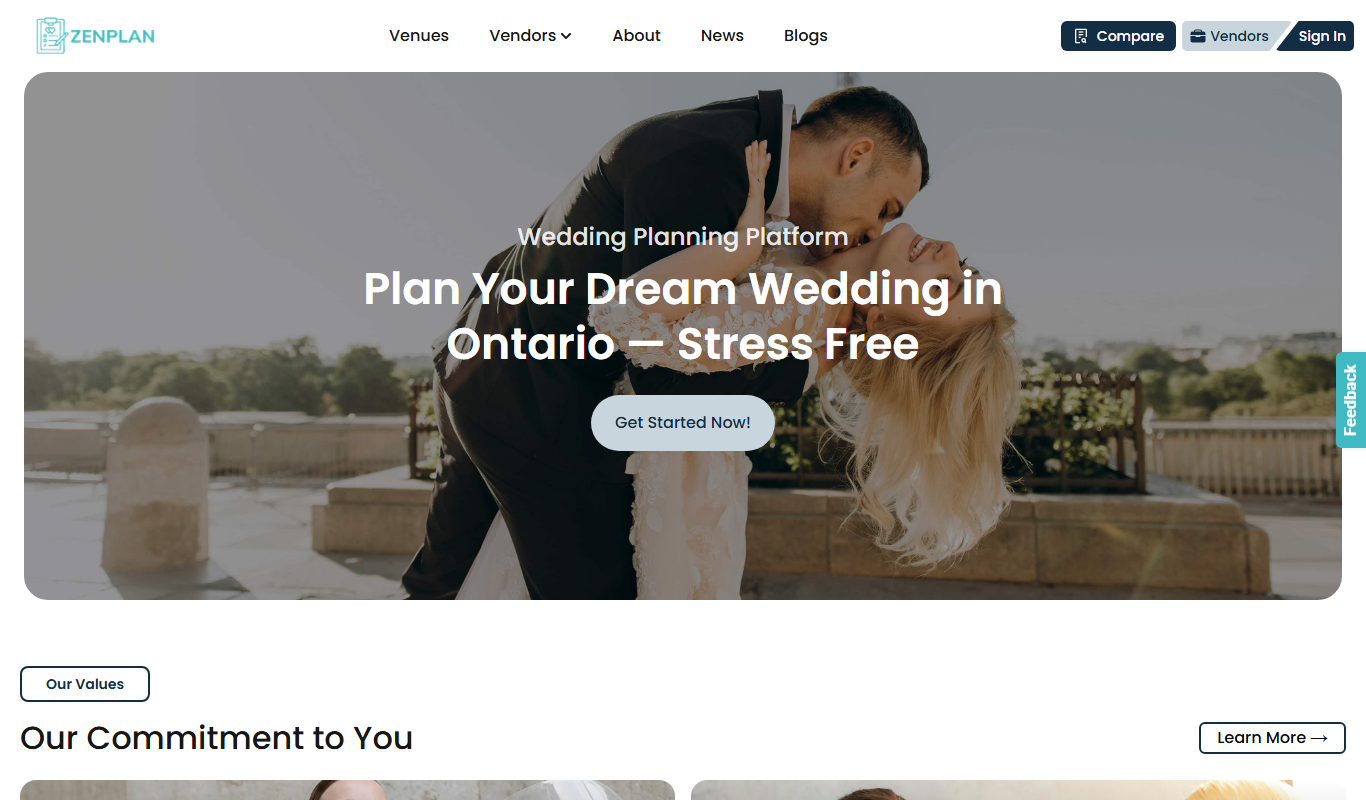
Zenplan is a fitness business management platform that offers scheduling, client and membership management, payment processing, and reporting tools to streamline gym and studio operations.
- Best for
- Class Scheduling
- Key capability
- Online Scheduling

Do you recommend this tool?
What is Zenplan?
Zenplan is a comprehensive fitness business management software designed to streamline operations for gyms, studios, and personal trainers. It offers tools for scheduling classes, managing clients and memberships, processing payments, and tracking business performance—all accessible through a user-friendly web platform.
Key features of Zenplan
Zenplan’s main features include online class scheduling, client and membership management, automated payment processing, staff scheduling, and detailed reporting. These features help fitness businesses reduce administrative tasks and improve client engagement.
Online Scheduling
Clients can view and book classes or appointments online with real-time availability.
Membership Management
Manage memberships, track renewals, and automate billing cycles.
Payment Integration
Supports secure payment processing for memberships, classes, and retail sales.
Staff Scheduling
Assign and manage staff schedules and roles within the platform.
Reporting Tools
Generate detailed reports on financials, attendance, and client activity.
Pros and cons of Zenplan
Pros
- Comprehensive all-in-one fitness business management
- User-friendly interface for both staff and clients
- Automated billing and payment processing
- Detailed reporting and analytics
- Supports multiple user roles and staff management
Cons
- No dedicated mobile app, only mobile web access
- Pricing may be high for very small businesses
- Limited language support (English only)
Key use cases for Zenplan
Class Scheduling
Manage and schedule fitness classes with ease, allowing clients to book sessions online.
Client Management
Maintain detailed client profiles, track attendance, and manage memberships.
Payment Processing
Automate billing and payments for memberships, classes, and services.
Staff Management
Organize staff schedules and roles within the fitness business.
Reporting and Analytics
Access business insights through reports on attendance, revenue, and client activity.
How Zenplan works
- 1
Create an Account
Sign up on Zenplan’s website to start setting up your fitness business profile.
- 2
Set Up Classes and Services
Define your class schedules, services, and membership options.
- 3
Add Clients and Staff
Import or add client profiles and assign staff roles and schedules.
- 4
Enable Online Booking and Payments
Allow clients to book classes and make payments through the platform.
- 5
Monitor Business Performance
Use built-in reports to track attendance, revenue, and client engagement.
Who is using Zenplan
Gyms and fitness studios
Personal trainers
Yoga and pilates studios
Martial arts schools
Wellness centers
Zenplan pricing
Starter
$99/month
Basic features for small fitness businesses with up to 100 clients.
Growth
$149/month
Includes advanced features and support for up to 250 clients.
Pro
Custom pricing
Tailored solutions for larger businesses with more than 250 clients.
Plans and prices are as published by the vendor and can change. Check the official site before you buy. Open the pricing page (opens in a new tab)
Frequently asked questions about Zenplan
Yes, Zenplan integrates secure payment processing for memberships, classes, and retail.
Yes, clients can view schedules and book classes or appointments through the platform.
Zenplan is accessible via mobile web but does not currently offer a dedicated mobile app.
Yes, the platform includes tools for assigning and managing staff schedules.
It depends on your specific needs and how you plan to use the tool. The official website and documentation are the best sources for the latest details.
It depends on your specific needs and how you plan to use the tool. The official website and documentation are the best sources for the latest details.
It depends on your specific needs and how you plan to use the tool. The official website and documentation are the best sources for the latest details.
Sign in to review this tool.
Sign In to ReviewNo reviews yet
Be the first to share how this tool worked for you.
Ask about pricing, limits, or how it compares — or answer someone else.
Sign In to AskNo questions yet
Have a question about using or paying for this tool? Be the first to ask.
Featured on TiorAI



Alternative Tools
Explore similar AI tools that might fit your needs

Subscription
Mindbody
Mindbody is a comprehensive software platform designed for wellness businesses to manage scheduling, client relationships, payments, and marketing in one place.
Custom Pricing
Glofox
Glofox is a gym management software designed to help fitness studios manage memberships, class schedules, payments, and member engagement through web and mobile apps.

Subscription
Vagaro
Vagaro is a cloud-based salon and spa management software that provides appointment scheduling, client management, POS, and marketing automation to help businesses streamline operations and grow.
More AI Lesson Plan Generator Lite tools
Other tools in the same category, for when this one is not quite the fit.
Free
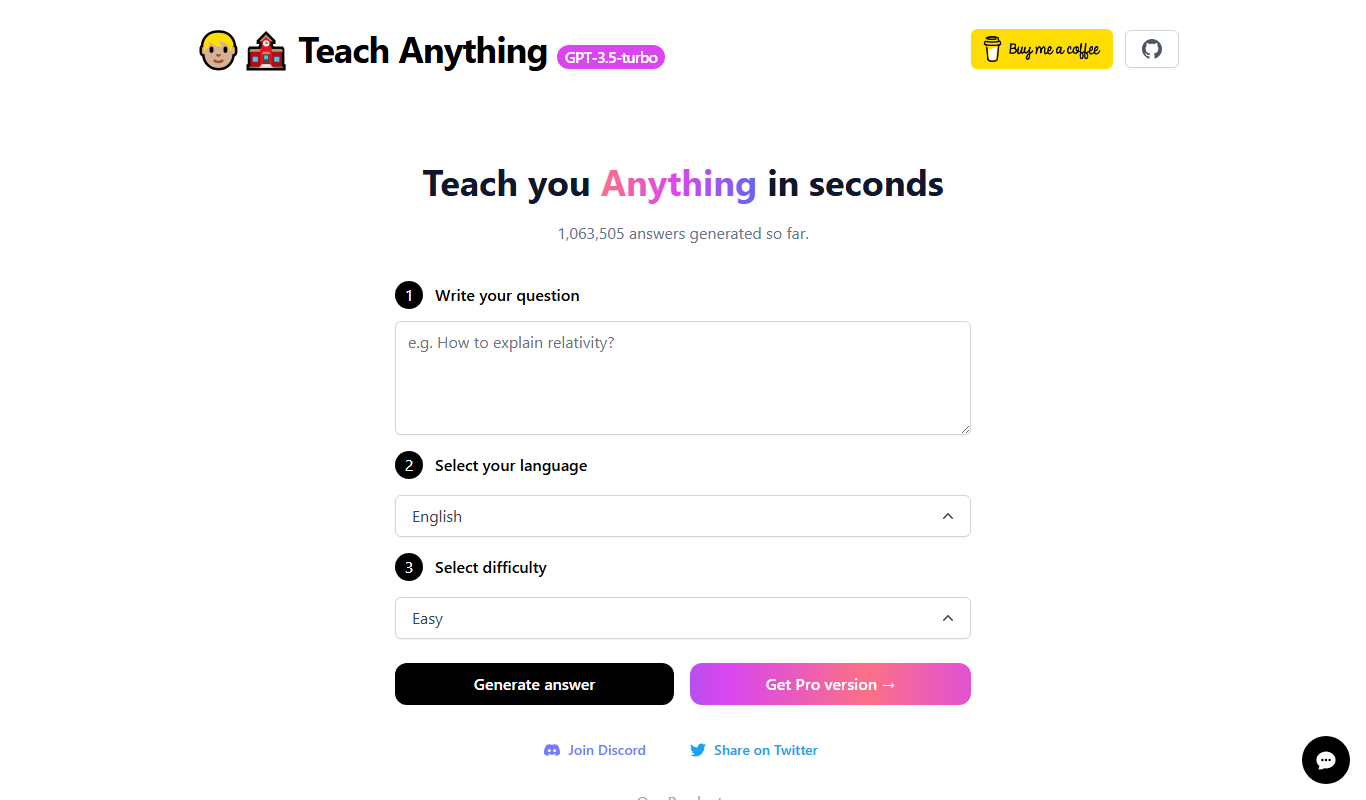
Teach Anything
Teach Anything is an AI-driven tutoring platform that provides personalized learning assistance through interactive chat, supporting multiple subjects and study needs.
Free Trial
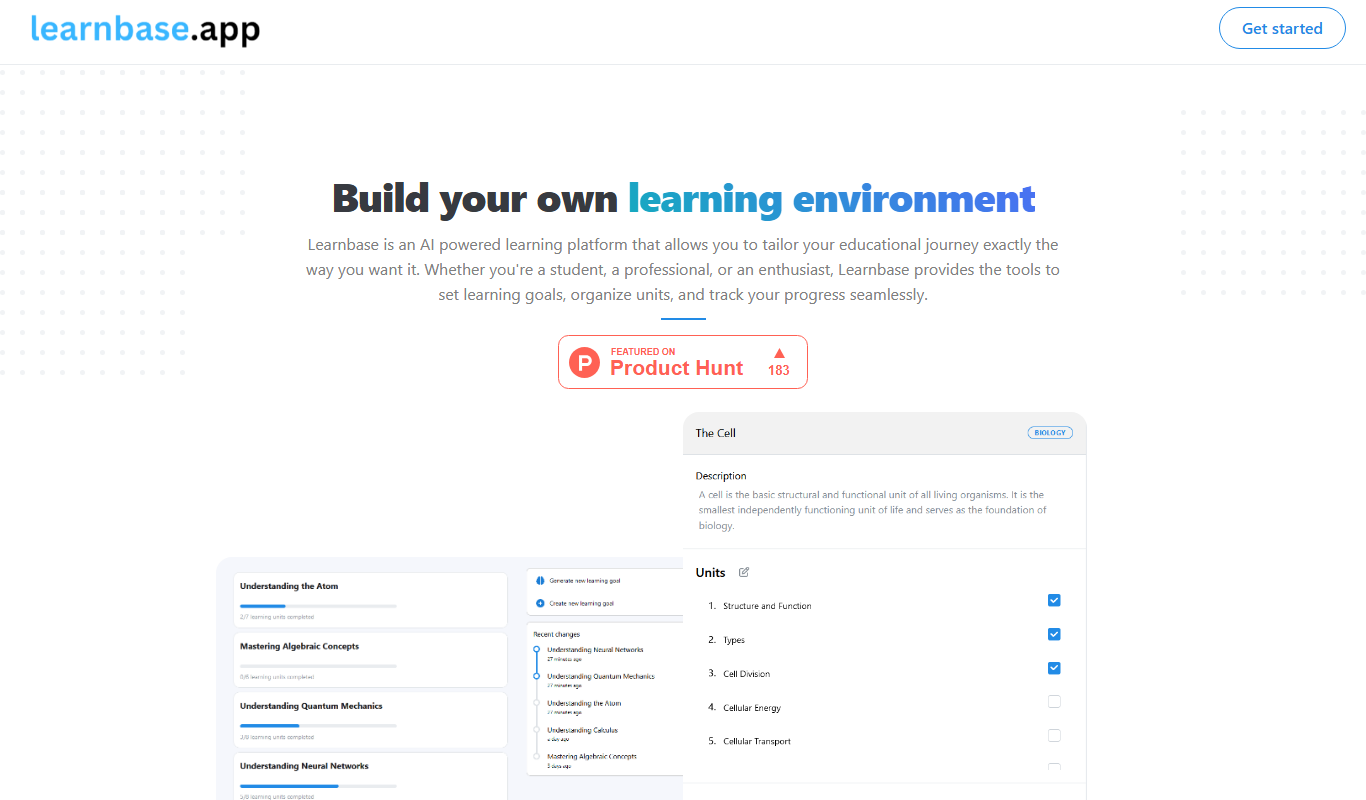
Learnbase
Learnbase is a web-based knowledge management platform designed to help teams create, organize, and share internal documentation and knowledge bases collaboratively.

Free
knowt.com
Knowt is an AI-driven platform that automatically generates study notes and flashcards from text inputs, helping students study more effectively by simplifying content and supporting active recall.

Freemium
Lune AI
Lune AI is an AI-driven personalized learning platform that adapts educational content to individual learners' needs, enhancing skill development and engagement.

Freemium
AssignmentGPT AI
AssignmentGPT AI is an AI-driven platform that assists students by generating essays, assignments, and homework help content through natural language processing.
Freemium
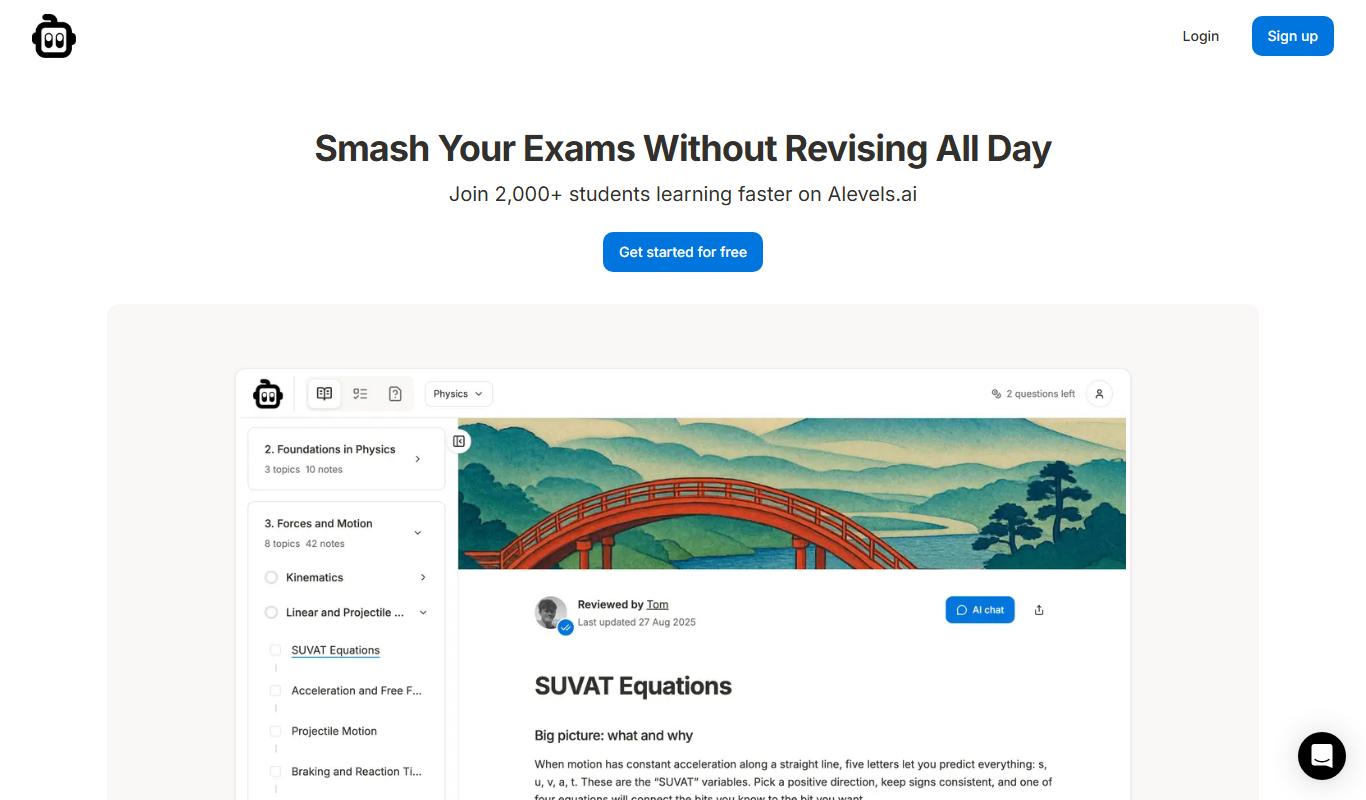
alevels.ai
alevels.ai is an AI-driven platform that helps A-Level students prepare for exams through personalized study plans, AI-generated practice questions, and instant doubt resolution.

Subscription
StudySync
StudySync is a digital education platform focused on improving literacy and writing skills for middle and high school students through interactive lessons, scaffolded writing assignments, and teacher tools for assessment and curriculum planning.
Free
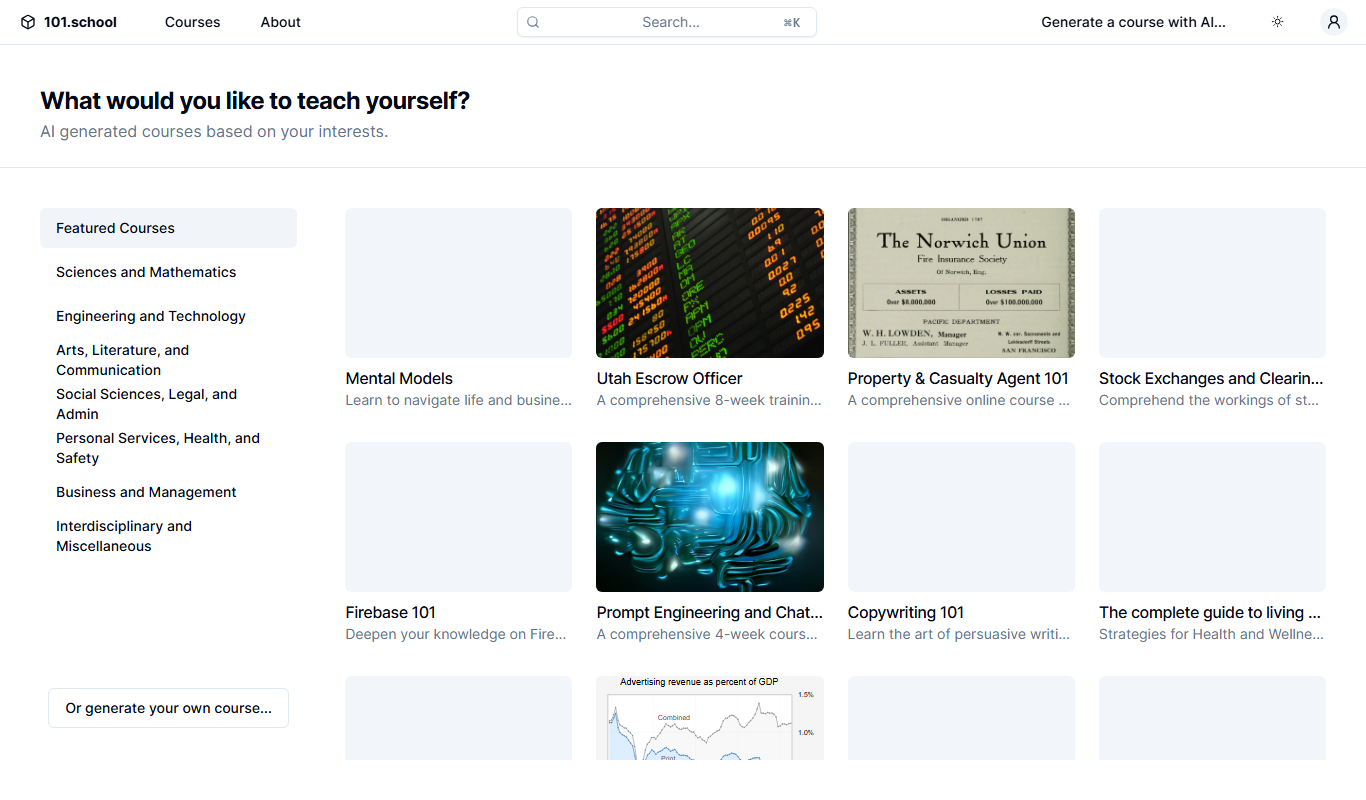
101.school
101.school is a web-based interactive education platform that enables teachers to create and assign digital exercises and assessments, supporting both in-person and remote learning environments.