

From my experience with Yummly, its strength lies in delivering highly personalized recipe recommendations that adapt to individual dietary needs and preferences. The meal planning and grocery list features make organizing weekly meals straightforward, especially for busy users. Integration with smart kitchen appliances adds a modern convenience layer, though this is limited to certain devices. While the free version offers solid functionality, some advanced features require a subscription. Overall, Yummly is a practical tool for home cooks seeking tailored meal ideas and streamlined cooking workflows.
Yummly Recipe App with AI Meal Planning and Personalized Cooking Ideas
Yummly is an AI-driven recipe and meal planning app that personalizes cooking recommendations, generates grocery lists, and integrates with smart kitchen appliances to streamline meal preparation.
- Best for
- Personalized Recipe Discovery
- Key capability
- AI-Powered Recipe Recommendations
Your actions
Do you recommend this tool?
What is Yummly?
Yummly is an AI-powered cooking and recipe platform that offers personalized meal recommendations, meal planning, and grocery shopping assistance. It leverages user preferences, dietary restrictions, and cooking habits to deliver tailored recipes and cooking guidance, making meal preparation easier and more enjoyable.
Key features of Yummly
Yummly’s main features include AI-driven personalized recipe recommendations, meal planning tools, grocery list generation, step-by-step cooking instructions, and smart kitchen appliance integration.
AI-Powered Recipe Recommendations
Personalizes recipe suggestions based on user preferences and dietary needs.
Meal Planning and Scheduling
Helps organize meals for days or weeks ahead with easy-to-use planning tools.
Grocery List Generation
Automatically creates shopping lists from selected recipes for efficient grocery shopping.
Step-by-Step Cooking Instructions
Provides detailed cooking guidance including videos and timers.
Smart Kitchen Appliance Integration
Allows control and automation of compatible kitchen devices directly from the app.
Pros and cons of Yummly
Pros
- Highly personalized recipe recommendations
- Comprehensive meal planning and grocery list features
- Integration with smart kitchen appliances
- User-friendly interface with step-by-step cooking guidance
- Free tier available with solid core features
Cons
- Limited language support (English only)
- Some advanced features require paid subscription
- Smart appliance integration limited to select devices
Key use cases for Yummly
Personalized Recipe Discovery
Users can find recipes tailored to their dietary preferences, allergies, and taste using AI-driven recommendations.
Meal Planning
Yummly helps users plan meals for the week with customized menus and grocery lists.
Grocery Shopping Assistance
The app generates shopping lists based on selected recipes and allows integration with online grocery delivery services.
Cooking Guidance
Step-by-step cooking instructions and video tutorials assist users in preparing meals efficiently.
Smart Kitchen Integration
Yummly integrates with smart kitchen appliances for automated cooking and temperature control.
How Yummly works
- 1
Create an Account
Sign up on Yummly’s website or app and set your dietary preferences and restrictions.
- 2
Discover Recipes
Browse or search for recipes tailored to your tastes and nutritional needs.
- 3
Plan Your Meals
Use the meal planner to schedule recipes for the week and generate grocery lists.
- 4
Cook with Guidance
Follow step-by-step instructions and videos to prepare your meals.
- 5
Integrate Smart Appliances
Connect compatible kitchen devices to automate cooking processes.
Who is using Yummly
Home cooks seeking personalized meal ideas
Busy individuals wanting efficient meal planning
People with dietary restrictions or allergies
Users with smart kitchen appliances
Health-conscious consumers
Yummly pricing
Free
$0/month
Access to basic recipe search, personalized recommendations, and meal planning features.
Yummly Pro
$4.99/month
Includes advanced features such as exclusive recipes, video tutorials, and ad-free experience.
Plans and prices are as published by the vendor and can change. Check the official site before you buy. Open the pricing page (opens in a new tab)
Frequently asked questions about Yummly
Yes, Yummly offers a free tier with access to basic features. There is also a paid Pro subscription with additional benefits.
Yes, Yummly allows you to filter and customize recipes based on allergies, diets, and preferences.
Yummly can generate grocery lists and integrates with some online grocery delivery services depending on your location.
Yummly integrates with select smart ovens and kitchen devices, primarily from Whirlpool and affiliated brands.
It depends on your specific needs and how you plan to use the tool. The official website and documentation are the best sources for the latest details.
Some tools offer a free plan or trial with limited features. Availability can vary, so confirm on the official website.
Integration support depends on the tool and its available connectors or API. Check the official documentation or integrations page to confirm what is supported.
Yes, it can help with that use case depending on how you configure it and what features are available. You’ll get the best results with clear inputs and a defined goal.
Sign in to review this tool.
Sign In to ReviewNo reviews yet
Be the first to share how this tool worked for you.
Ask about pricing, limits, or how it compares — or answer someone else.
Sign In to AskNo questions yet
Have a question about using or paying for this tool? Be the first to ask.
Featured on TiorAI



Alternative Tools
Explore similar AI tools that might fit your needs
One-time purchase
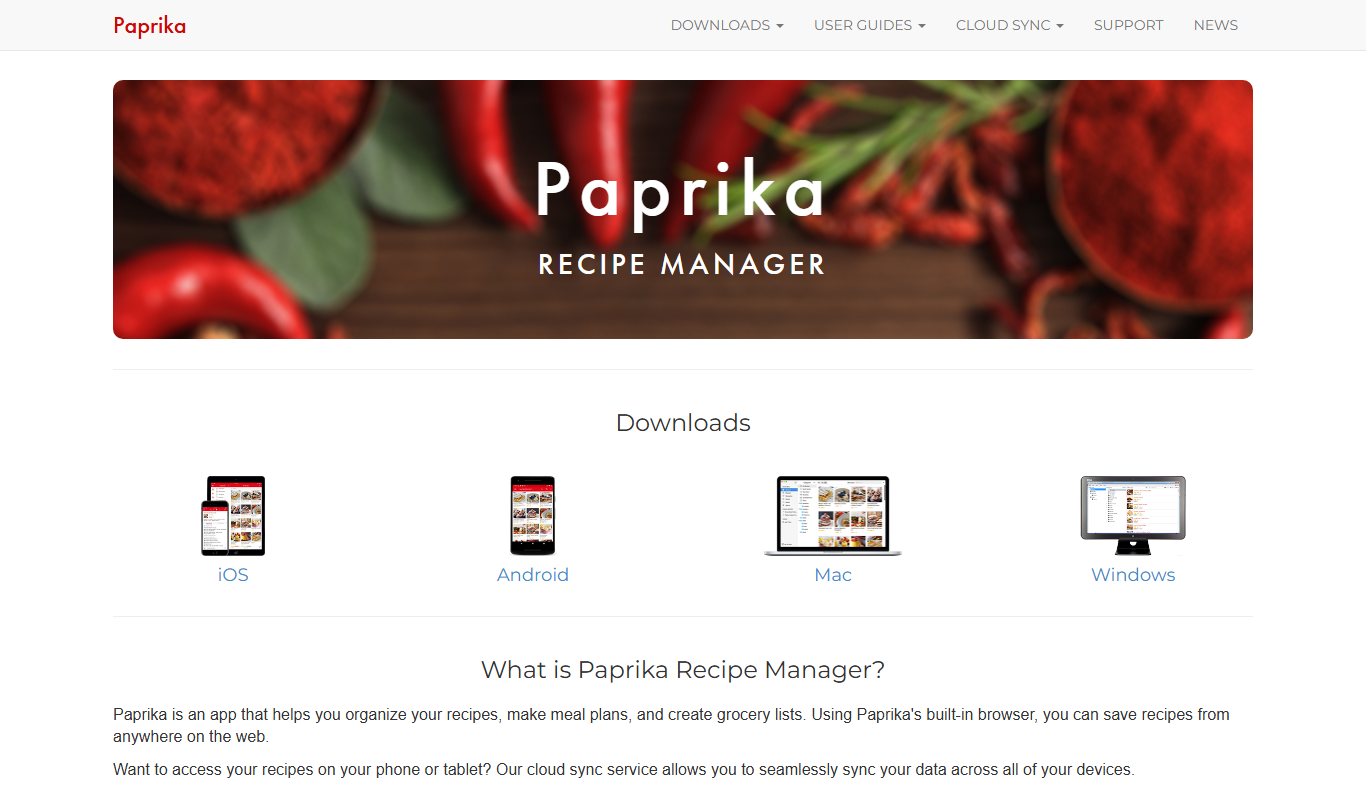
Paprika Recipe Manager
Paprika Recipe Manager is a multi-platform app that helps users collect, organize, and plan recipes and meals, featuring recipe importing, meal planning calendar, grocery list automation, and cross-device syncing.
Free
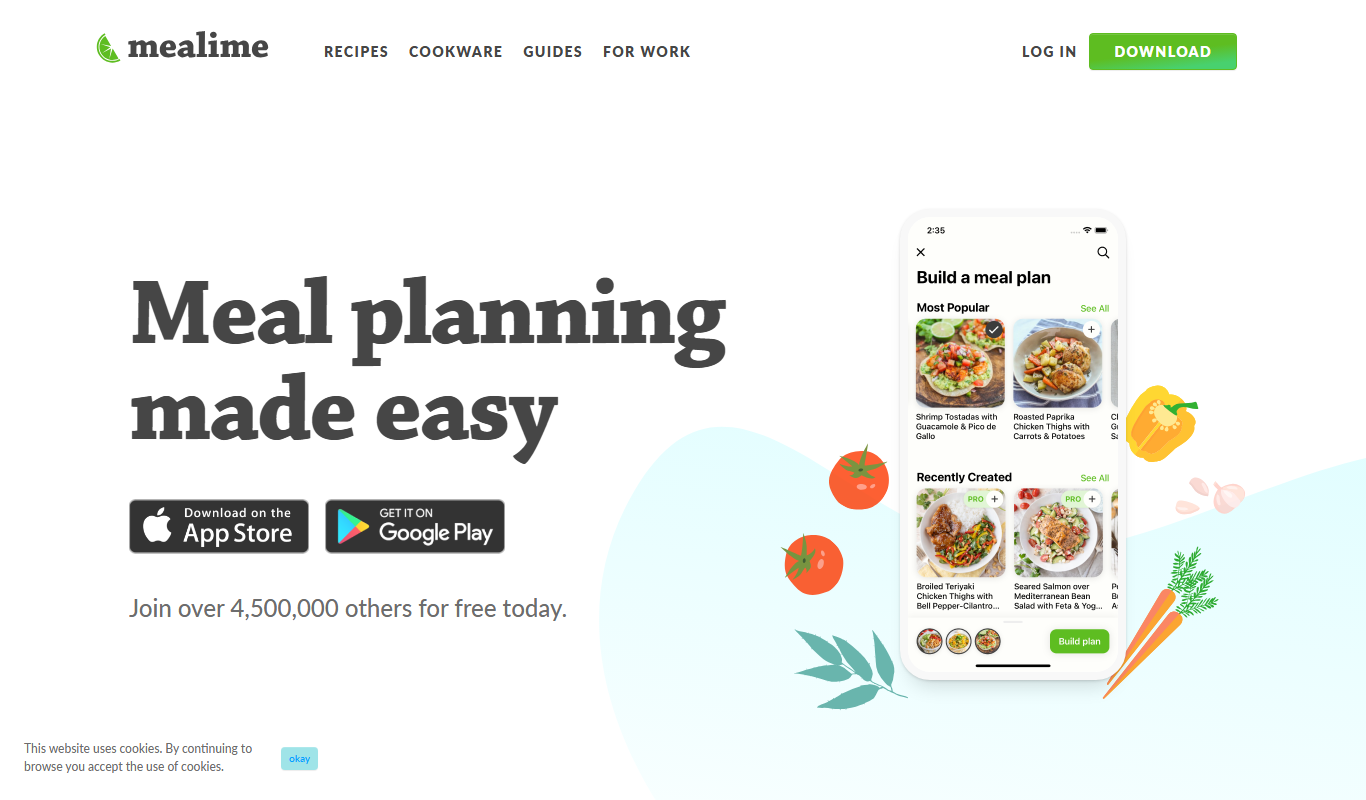
Mealime
Mealime is a meal planning app that helps users create personalized meal plans, generate grocery lists, and follow step-by-step cooking instructions to eat healthier and save time.

Free
Allrecipes
Allrecipes is a free online platform offering a vast collection of user-generated recipes, meal planning tools, and a cooking community to help users discover, save, and share recipes.
More AI Customer Service tools
Other tools in the same category, for when this one is not quite the fit.

Free
MobileMonkey
MobileMonkey is an AI-powered chatbot platform that enables businesses to automate marketing, lead generation, and customer support conversations across multiple messaging channels including Facebook Messenger, Instagram, SMS, and web chat.

Pay As You Go
TextMagic
TextMagic is a cloud-based SMS marketing platform that enables businesses to send bulk text messages, automate notifications, and engage customers with two-way messaging and API integration.

Free Trial
EZ Texting
EZ Texting is a cloud-based SMS marketing platform that enables businesses to send mass text messages, automate campaigns, and engage customers with two-way messaging.

Free Trial
SimpleTexting
SimpleTexting is a cloud-based SMS marketing platform that enables businesses to send mass text messages, automate SMS workflows, and engage customers with two-way messaging to improve communication and marketing effectiveness.

Freemium
Komoot
Komoot is an outdoor navigation app that helps users plan and follow hiking, cycling, and other adventure routes with detailed maps, offline access, and voice guidance.

Custom Pricing
Cambridge Mobile Telematics
Cambridge Mobile Telematics provides a mobile telematics platform that uses smartphone sensors and AI to analyze driver behavior, enabling insurers and fleet managers to assess risk, improve safety, and reduce accidents.

Commission-based
Pathrise
Pathrise is a career coaching platform that provides personalized mentorship, interview preparation, resume reviews, and salary negotiation guidance to help job seekers, especially in tech, secure employment. It operates on a commission-based payment model where users pay only after getting hired.

Free
MyHammer
MyHammer is a UK-based online platform connecting customers with local tradesmen and builders by allowing job posting, offer comparison, and secure communication.