

From my experience with XAML.io, it stands out as a straightforward and effective tool for anyone working with XAML markup. The live preview feature is particularly helpful for quickly visualizing UI changes without needing a full development environment. It’s perfect for developers and designers who want to prototype or experiment with XAML code on the fly. However, it lacks advanced features like debugging or project management, so it’s best suited for simple editing and learning rather than full-scale app development. Overall, if you need a lightweight, no-installation XAML editor, XAML.io delivers a clean and accessible experience.
XAML.io Online Editor for XAML Markup with Live Preview and Export
XAML.io is a free online editor that lets you write and preview XAML markup in real time directly in your browser, ideal for UI prototyping and learning.
- Best for
- XAML Markup Editing
- Key capability
- Real-Time Live Preview
Your actions
Save XAML.io, follow its updates and vote on it — everything stays in your account.
Sign in or create a free account
What is XAML.io?
XAML.io is a free, web-based XAML editor that allows developers and designers to write, edit, and preview XAML markup code in real time. It provides syntax highlighting and a live preview pane that renders the UI defined by the XAML code instantly, making it a handy tool for prototyping and learning XAML-based UI development.
Key features of XAML.io
The tool offers a clean interface with a code editor supporting XAML syntax highlighting, a live preview window that updates as you type, and options to export or share your XAML code. It requires no installation and runs entirely in the browser, making it accessible anywhere.
Real-Time Live Preview
Instantly see the UI rendered from your XAML code as you type.
Syntax Highlighting
Enhanced readability with color-coded XAML syntax in the editor.
Browser-Based Editor
No installation required; works on any modern web browser.
Export and Share
Easily export your XAML code or share it for collaboration.
Pros and cons of XAML.io
Pros
- Simple and intuitive interface
- Instant live preview of XAML UI
- No installation or signup required
- Free to use with no limitations
Cons
- Limited to XAML markup editing only
- No advanced debugging or project management features
- No offline mode
Key use cases for XAML.io
XAML Markup Editing
Write and edit XAML markup code directly in the browser with syntax highlighting.
UI Design Prototyping
Quickly prototype user interfaces for WPF, UWP, or Xamarin.Forms using live preview.
Learning and Experimentation
Experiment with XAML code snippets and see immediate visual results to learn XAML syntax.
Code Sharing and Export
Export XAML code or share it easily with others for collaboration or demonstration.
How XAML.io works
- 1
Open the Website
Navigate to xaml.io in your web browser to access the editor.
- 2
Write or Paste XAML Code
Enter your XAML markup in the code editor panel on the left.
- 3
View Live Preview
The right panel automatically renders the UI defined by your XAML code in real time.
- 4
Export or Share
Use export options to save your code or share it with others.
Who is using XAML.io
XAML developers
UI designers
Students learning XAML
Software engineers prototyping UI
Educators teaching XAML
XAML.io pricing
Free
$0
Full access to all features with no cost.
Plans and prices are as published by the vendor and can change. Check the official site before you buy. Open the pricing page (opens in a new tab)
Frequently asked questions about XAML.io
Yes, XAML.io is completely free and requires no registration.
No, it runs entirely in your web browser without any installation.
Yes, you can export your code to use in your projects or share with others.
XAML.io supports standard XAML markup which is compatible with WPF, UWP, and Xamarin.Forms.
This tool is designed to help users accomplish its core tasks more efficiently. It is typically used by individuals or teams looking to improve productivity and workflow.
Some tools offer a free plan or trial with limited features. Availability can vary, so confirm on the official website.
Yes, it can help with that use case depending on how you configure it and what features are available. You’ll get the best results with clear inputs and a defined goal.
Yes, it can help with that use case depending on how you configure it and what features are available. You’ll get the best results with clear inputs and a defined goal.
Sign in to review this tool.
Sign In to ReviewNo reviews yet
Be the first to share how this tool worked for you.
Ask about pricing, limits, or how it compares — or answer someone else.
Sign In to AskNo questions yet
Have a question about using or paying for this tool? Be the first to ask.
Featured on TiorAI



More Coding & Development tools
Other tools in the same category, for when this one is not quite the fit.

Free
Swift Playgrounds
Swift Playgrounds is a free Apple app designed to teach Swift programming interactively on iPad and Mac, ideal for beginners and educators.

Subscription
Lob
Lob is a cloud-based API platform that automates direct mail sending and address verification, allowing businesses to programmatically send postcards, letters, and checks while ensuring address accuracy.

Free Trial
WriteMeSpecs.com
WriteMeSpecs is an AI-driven web tool that helps create detailed software specification documents efficiently by automating drafting and providing customizable templates.

Enterprise
CODIO, AI-powered medical coding tool
CODIO is an AI-driven medical coding software that automates the assignment of ICD and CPT codes from clinical documentation, enhancing accuracy and efficiency in healthcare billing.
Free
OpenRefine
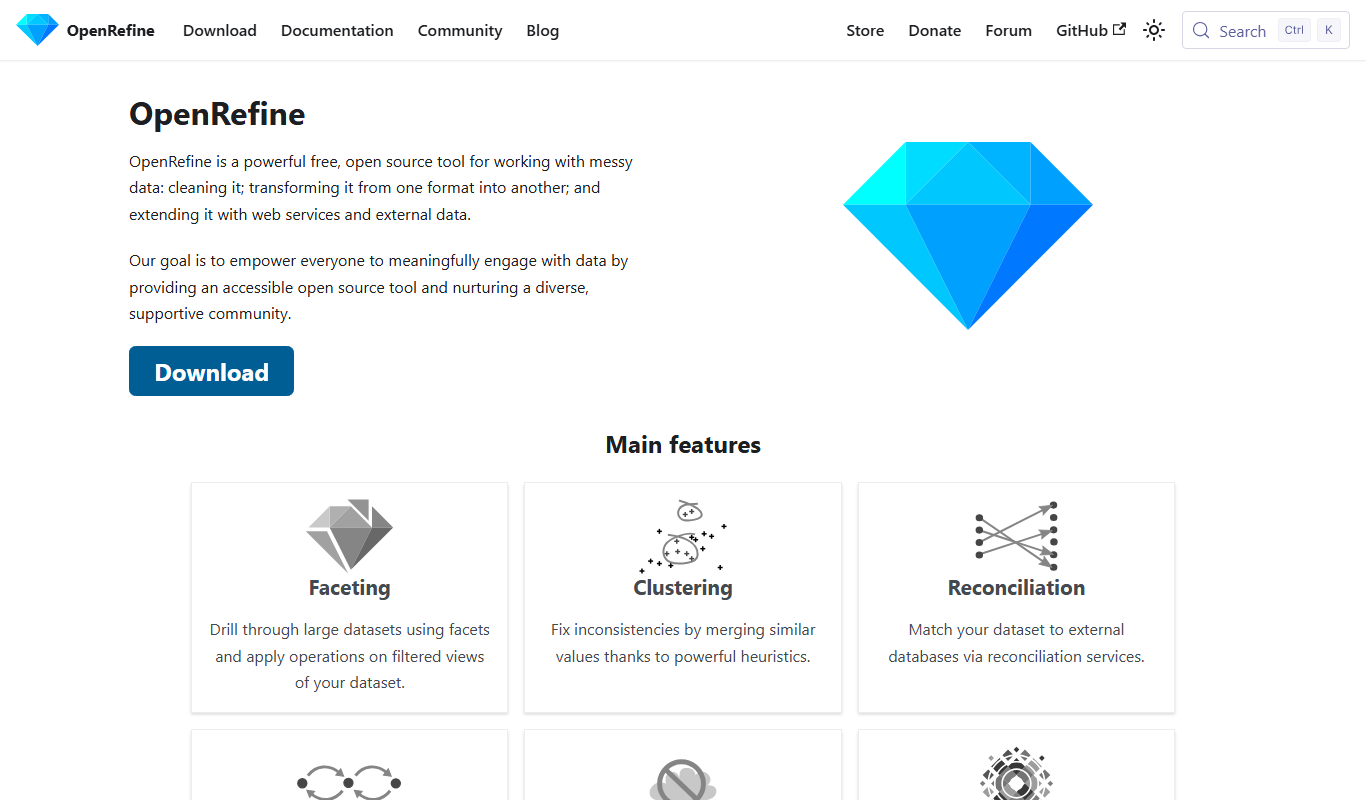
OpenRefine is a free, open-source desktop tool designed for cleaning, transforming, and exploring large datasets with features like faceted browsing, clustering, and data reconciliation.

Freemium
Mito AI
Mito AI is a tool that lets you manipulate data in a spreadsheet interface while automatically generating Python code, helping data scientists and analysts automate data cleaning and transformation workflows.

Free
JSFiddle
JSFiddle is a free online code editor and playground that allows developers to write, run, and share HTML, CSS, and JavaScript code snippets with live preview and collaboration features.

Free
Render
Render is a cloud platform that enables developers to deploy and host web applications, APIs, static sites, and databases with features like automatic HTTPS, global CDN, zero downtime deploys, and managed PostgreSQL databases.