

From my experience with Mito AI, it excels at bridging the gap between spreadsheet users and Python programmers by automatically generating clean Python code from spreadsheet actions. This makes it particularly well-suited for data scientists and analysts who want to speed up data cleaning and transformation without writing code manually. However, users should be aware that while it simplifies many tasks, it may not replace full-featured Python IDEs for advanced analytics. Overall, if you want to combine spreadsheet familiarity with Python automation, Mito AI delivers a practical and efficient solution.
Mito AI Spreadsheet Automation for Data Science and Python Coding
Mito AI is a tool that lets you manipulate data in a spreadsheet interface while automatically generating Python code, helping data scientists and analysts automate data cleaning and transformation workflows.
- Best for
- Data Cleaning and Transformation
- Key capability
- Spreadsheet Interface

Do you recommend this tool?
What is Mito AI?
Mito AI is a tool that integrates spreadsheet functionality with Python code generation, enabling users to manipulate data in a spreadsheet interface while automatically producing clean Python code. It is designed to help data scientists, analysts, and Python programmers streamline their data cleaning, transformation, and analysis workflows by combining the familiarity of spreadsheets with the power of Python scripting.
Key features of Mito AI
Mito AI offers an intuitive spreadsheet interface that automatically translates user actions into Python code, supports complex data transformations, integrates with Jupyter notebooks, and provides automation capabilities to accelerate data science workflows.
Spreadsheet Interface
Familiar spreadsheet UI for data manipulation without manual coding.
Automatic Python Code Generation
Transforms spreadsheet operations into clean, executable Python code.
Integration with Jupyter Notebooks
Seamlessly integrates with Jupyter for enhanced data science workflows.
Data Cleaning and Transformation Tools
Built-in functions for filtering, sorting, grouping, and transforming data.
Collaboration Features
Facilitates teamwork by bridging spreadsheet ease with programming.
Pros and cons of Mito AI
Pros
- Bridges spreadsheet ease with Python coding
- Generates clean, readable Python code automatically
- Integrates well with Jupyter notebooks
- Simplifies data cleaning and transformation
- User-friendly for non-coders and coders alike
Cons
- Limited advanced analytics compared to full Python IDEs
- Some features require paid subscription
- Learning curve for users unfamiliar with Python concepts
Key use cases for Mito AI
Data Cleaning and Transformation
Use Mito AI to clean, filter, and transform spreadsheet data efficiently without manual coding.
Python Code Generation
Automatically generate Python code from spreadsheet operations to integrate with data science workflows.
Spreadsheet Automation
Automate repetitive spreadsheet tasks and workflows to save time and reduce errors.
Data Analysis
Perform exploratory data analysis directly in spreadsheets with AI-powered assistance.
Collaboration for Data Teams
Enable data teams to collaborate by bridging spreadsheet ease with Python programming.
How Mito AI works
- 1
Install and Connect
Add Mito AI as a Jupyter notebook extension or use it via the web platform to start working with spreadsheets.
- 2
Import Data
Load your dataset into the Mito spreadsheet interface for easy manipulation.
- 3
Manipulate Data Visually
Use spreadsheet tools to filter, sort, and transform data without writing code.
- 4
Generate Python Code
Mito automatically generates clean, readable Python code corresponding to your spreadsheet actions.
- 5
Export and Integrate
Export the generated Python code to your Jupyter notebook or Python environment for further analysis.
Who is using Mito AI
Data scientists
Data analysts
Python programmers
Business analysts
Small to medium data teams
Mito AI pricing
Free
$0/month
Access to basic spreadsheet features and Python code generation with usage limits.
Pro
$29/month
Advanced features, higher usage limits, priority support, and collaboration tools.
Plans and prices are as published by the vendor and can change. Check the official site before you buy. Open the pricing page (opens in a new tab)
Frequently asked questions about Mito AI
Yes, Mito AI allows you to manipulate data using a spreadsheet interface and automatically generates Python code for you.
Yes, Mito AI can be installed as a Jupyter notebook extension to enhance your data science workflow.
Yes, Mito AI offers a free plan with basic features and limited usage.
You can filter, sort, group, pivot, and apply various transformations directly in the spreadsheet interface.
This tool is designed to help users accomplish its core tasks more efficiently. It is typically used by individuals or teams looking to improve productivity and workflow.
It depends on your specific needs and how you plan to use the tool. The official website and documentation are the best sources for the latest details.
Yes, it can help with that use case depending on how you configure it and what features are available. You’ll get the best results with clear inputs and a defined goal.
Some tools offer a free plan or trial with limited features. Availability can vary, so confirm on the official website.
Sign in to review this tool.
Sign In to ReviewNo reviews yet
Be the first to share how this tool worked for you.
Ask about pricing, limits, or how it compares — or answer someone else.
Sign In to AskNo questions yet
Have a question about using or paying for this tool? Be the first to ask.
Featured on TiorAI



Alternative Tools
Explore similar AI tools that might fit your needs
Free
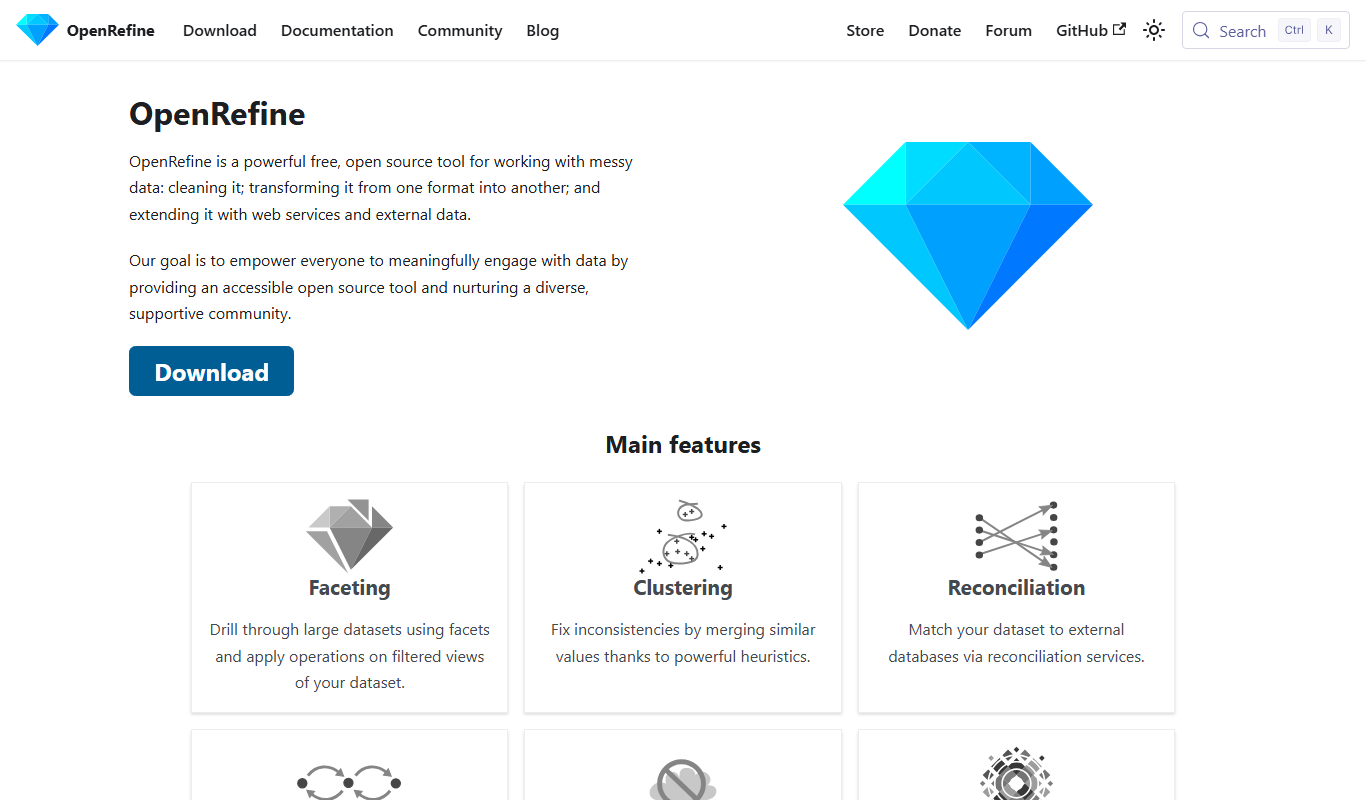
OpenRefine
OpenRefine is a free, open-source desktop tool designed for cleaning, transforming, and exploring large datasets with features like faceted browsing, clustering, and data reconciliation.
More AI Data & Analytics Tools tools
Other tools in the same category, for when this one is not quite the fit.

Free Trial
Journeai
Journeai is an AI-powered software that automatically maps customer journeys across multiple marketing channels, providing real-time analytics and insights to optimize marketing strategies.

Custom Pricing
sentiance.com
Sentiance is an AI-powered platform that transforms sensor and contextual data into actionable behavioral insights, enabling businesses to understand user behavior and deliver personalized experiences in real-time.

Contact for pricing
ODESIS
ODESIS is an AI-driven analytics platform that helps businesses transform data into actionable insights through machine learning, visualization, and predictive analytics.

Contact for pricing
QUINETICS
Quinetics is an AI platform that provides businesses with advanced data analytics, workflow automation, and custom machine learning model development to optimize operations and decision-making.

Free Trial
Trenz.ai
Trenz.ai is an AI-driven data analytics platform that helps businesses analyze data, visualize insights, and forecast trends through an easy-to-use interface.

Free Trial
TikNeuron
TikNeuron is an AI-driven platform that helps TikTok creators and marketers grow their accounts by providing analytics, trend discovery, and content optimization recommendations.
Free
Show the Link
Show the Link is a URL shortening service that enables users to create branded short links using custom domains, track link performance with analytics, and manage links through an intuitive dashboard.

Free Trial
Thumblytics
Thumblytics is an AI-driven video analytics platform that provides real-time engagement heatmaps and detailed viewer behavior insights to help optimize video content and marketing strategies.