

From my experience with WordLimit AI, I found it excels at helping writers stay within precise word limits while improving clarity and flow. The real-time feedback is straightforward and practical, making it a useful tool for content creators who need to meet specific length requirements without sacrificing quality. However, its focus on English-only support and relatively basic editing features means it may not replace more comprehensive writing suites for advanced users. Overall, if you need a simple, affordable assistant to optimize your writing length and readability, WordLimit AI delivers solid, user-friendly results.
WordLimit AI Review: AI Writing Assistant for Content Optimization
WordLimit AI is an AI-powered writing assistant that helps users optimize their content by managing word counts and improving clarity through real-time suggestions.
- Best for
- Content Writing
- Key capability
- Real-Time Word Count Tracking
Your actions
Save WordLimit AI, follow its updates and vote on it — everything stays in your account.
Sign in or create a free account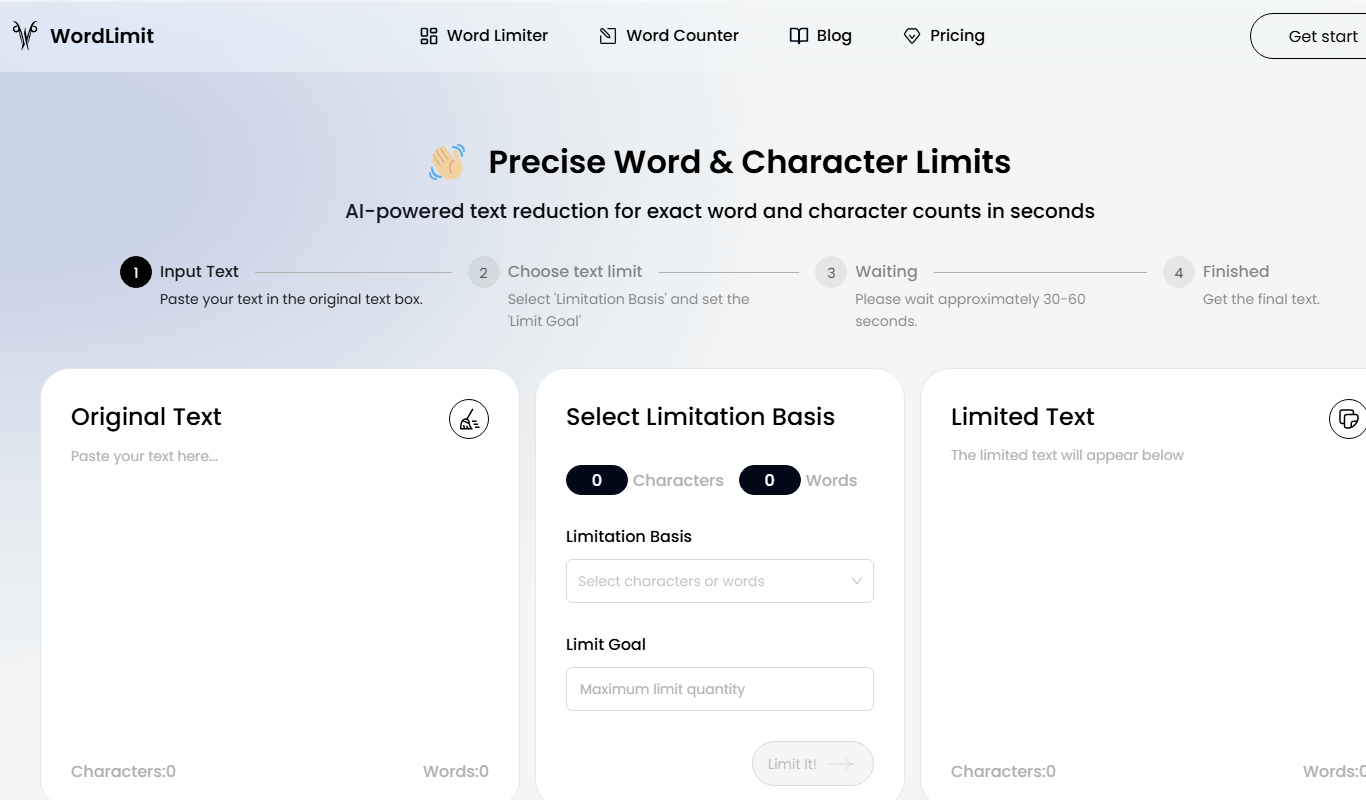
What is WordLimit AI?
WordLimit AI is an AI-powered writing assistant designed to help users optimize their text content by managing word counts and improving writing clarity. It provides real-time feedback on word usage, suggests improvements, and ensures content meets specific length requirements, making it ideal for writers, marketers, and students.
Key features of WordLimit AI
The tool offers real-time word count tracking, AI-driven content suggestions, readability enhancements, and customizable word limit settings to help users produce well-structured and concise writing.
Real-Time Word Count Tracking
Continuously monitors word count to keep content within set limits.
AI-Powered Writing Suggestions
Offers improvements for sentence structure, word choice, and conciseness.
Customizable Word Limits
Allows users to define exact word count goals for different writing projects.
Readability Enhancements
Improves flow and clarity to make content more engaging and easier to understand.
Pros and cons of WordLimit AI
Pros
- Simple and intuitive interface for quick content optimization
- Real-time feedback helps maintain word count goals
- Affordable pricing with a free tier for casual users
Cons
- Supports only English language
- Limited advanced editing features compared to full writing suites
Key use cases for WordLimit AI
Content Writing
Helps writers optimize their content length and structure for clarity and engagement.
SEO Optimization
Assists marketers in meeting SEO word count requirements and improving readability.
Academic Writing
Supports students and researchers in adhering to word limits and formatting guidelines.
Copywriting
Enables copywriters to craft concise and effective marketing messages within word constraints.
How WordLimit AI works
- 1
Input Text
Users paste or write their content directly into the WordLimit AI editor.
- 2
Set Word Limit
Specify desired word count or range to guide the AI’s optimization process.
- 3
Receive Suggestions
The AI analyzes the text and provides recommendations to meet word limits and improve clarity.
- 4
Edit and Finalize
Users apply suggested changes and finalize their optimized content.
Who is using WordLimit AI
Content writers
Marketing professionals
Students and academics
Copywriters
Small business owners
WordLimit AI pricing
Free
$0/month
Basic access with limited daily usage and core features.
Pro
$9.99/month
Unlimited usage, advanced AI suggestions, and priority support.
Plans and prices are as published by the vendor and can change. Check the official site before you buy. Open the pricing page (opens in a new tab)
Frequently asked questions about WordLimit AI
Yes, there is a free plan with limited daily usage and basic features.
Currently, WordLimit AI supports English only.
The free plan has daily usage limits, while the Pro plan allows unlimited text length.
Yes, it can help with that use case depending on how you configure it and what features are available. You’ll get the best results with clear inputs and a defined goal.
Some tools offer a free plan or trial with limited features. Availability can vary, so confirm on the official website.
Yes, it can help with that use case depending on how you configure it and what features are available. You’ll get the best results with clear inputs and a defined goal.
Sign in to review this tool.
Sign In to ReviewNo reviews yet
Be the first to share how this tool worked for you.
Ask about pricing, limits, or how it compares — or answer someone else.
Sign In to AskNo questions yet
Have a question about using or paying for this tool? Be the first to ask.
Featured on TiorAI



More AI Content Optimization Tools tools
Other tools in the same category, for when this one is not quite the fit.
Free
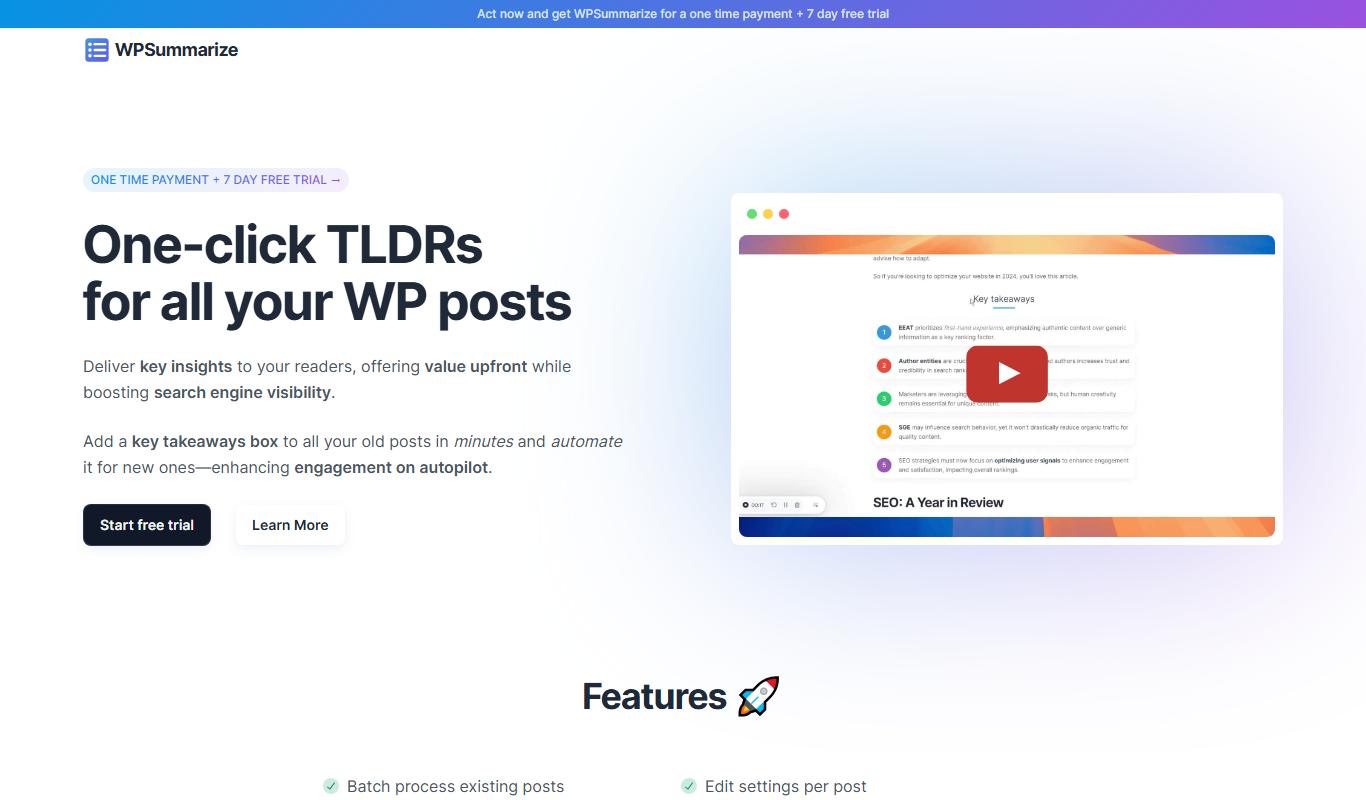
WPSummarize
WPSummarize is an AI-based WordPress plugin that creates concise summaries of long articles to enhance readability and SEO.

Freemium
InLinks
InLinks is an SEO platform that automates internal linking, semantic content optimization, and schema markup to improve website SEO and search engine visibility.

Free
SEO Title Generator
SEO Title Generator by SEO ROAST is a free online tool that helps create SEO-optimized titles by generating multiple keyword-based suggestions to improve search visibility and user engagement.
Free Trial
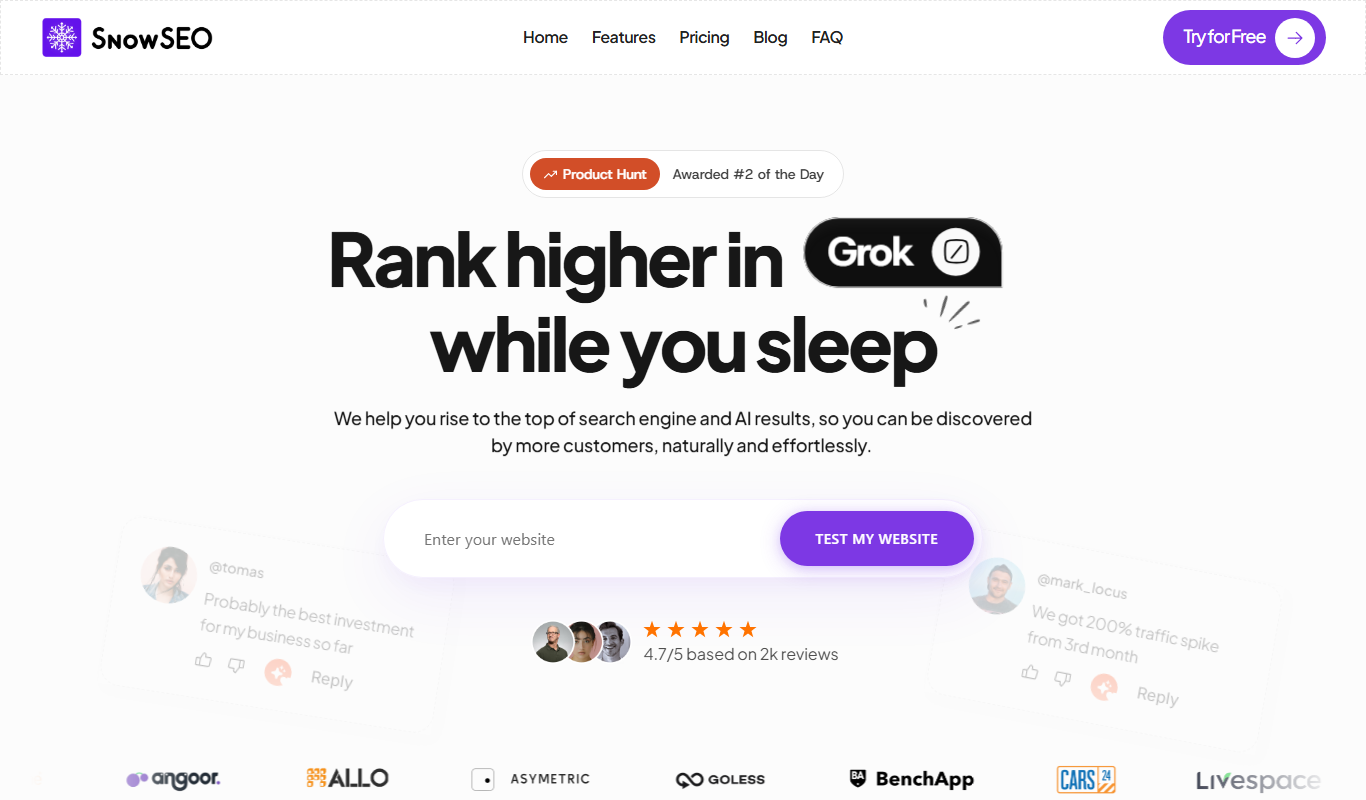
SnowSEO
SnowSEO is an SEO and AI search platform that combines keyword research, content creation, backlinks and AI tracking in one place.

Freemium
harborseo.ai
Harbor is an AI-powered SEO content generator for keyword research, content creation and backlink building.

Free Trial
Neuronwriter
Neuronwriter is an AI-driven SEO content optimization tool that generates content briefs, performs keyword research, and analyzes SERPs to help improve search engine rankings.

Free
Free AI Text Summarizer
Free AI Text Summarizer is a web-based tool that uses artificial intelligence to create concise summaries from longer texts quickly and for free, without requiring user registration.

Free Trial
TikNeuron
TikNeuron is an AI-driven platform that helps TikTok creators and marketers grow their accounts by providing analytics, trend discovery, and content optimization recommendations.