

InLinks SEO Tool for Automated Internal Linking and Content Optimization
InLinks is an SEO platform that automates internal linking, semantic content optimization, and schema markup to improve website SEO and search engine visibility.
- Best for
- Automated Internal Linking
- Key capability
- Semantic Topic Modeling
Save InLinks, follow its updates and vote on it — everything stays in your account.
Sign in or create a free account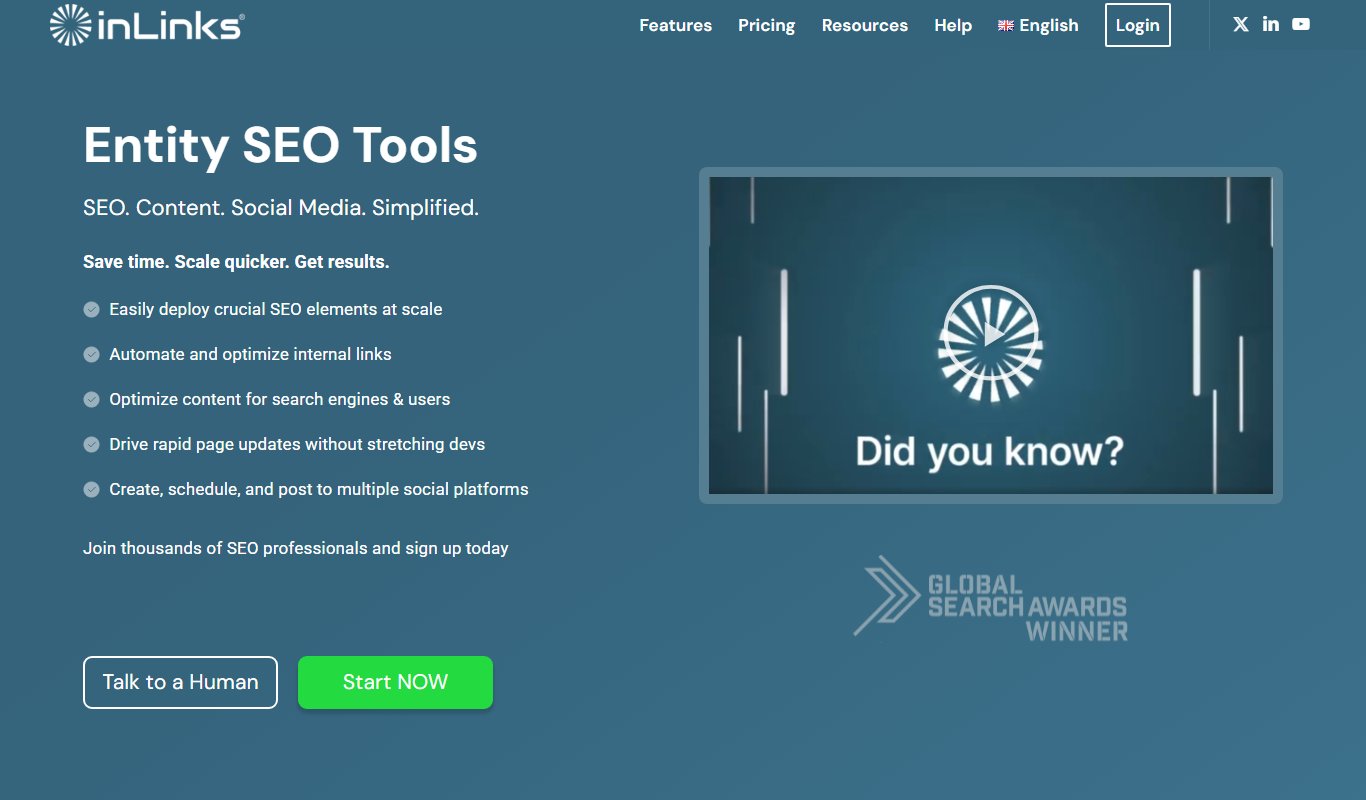

What is InLinks?
InLinks is an SEO automation platform focused on improving website internal linking and content relevance through semantic analysis and knowledge graph technology. It helps marketers and SEO professionals automate the creation of internal links, optimize content around relevant topics, and implement schema markup to boost search engine visibility.
Key features of InLinks
InLinks offers automated internal linking, semantic content analysis, knowledge graph building, schema markup automation, and SEO auditing tools designed to streamline on-page SEO and improve organic rankings.
Semantic Topic Modeling
Uses AI to understand the semantic relationships between topics on your website.
Automated Internal Linking
Creates contextual internal links automatically to improve site architecture and SEO.
Schema Markup Automation
Adds structured data to pages without manual coding, enhancing search engine comprehension.
Content Gap Analysis
Identifies missing topics or keywords to help expand and improve your content strategy.
SEO Audit Dashboard
Provides insights and actionable recommendations for internal linking and content optimization.
Pros and cons of InLinks
Pros
- Automates complex internal linking tasks saving time
- Semantic analysis improves topical relevance
- Schema markup automation enhances search visibility
- User-friendly dashboard with actionable insights
- Supports knowledge graph creation for SEO
Cons
- Pricing may be high for very small websites
- Limited language support (primarily English)
- Requires some SEO knowledge to maximize benefits
Key use cases for InLinks
Automated Internal Linking
Automatically create and manage internal links within your website to improve SEO and user navigation.
Content Optimization
Analyze and optimize website content semantically to target relevant topics and improve search rankings.
Knowledge Graph Creation
Build a semantic knowledge graph of your website topics and entities to enhance topical relevance.
SEO Audit and Recommendations
Identify SEO issues related to internal linking and content gaps with actionable recommendations.
Schema Markup Integration
Automatically add schema.org structured data to your pages to improve search engine understanding.
How InLinks works
- 1
Connect Your Website
Add your website URL to InLinks and allow it to crawl your pages for analysis.
- 2
Generate Knowledge Graph
InLinks analyzes your content to identify key topics and entities, building a semantic knowledge graph.
- 3
Automate Internal Linking
The tool automatically creates internal links between related pages based on the knowledge graph.
- 4
Optimize Content and Schema
Receive recommendations to improve content relevance and automatically add schema markup.
- 5
Monitor and Adjust
Track SEO improvements and adjust settings to refine internal linking and content strategies.
Who is using InLinks
InLinks pricing
Free
Free
Optimize content twice a month, internally link 25 pages, keyword research, social media automation and a limited AI assistant.
Freelancer
From $49/month
100 pages and grow as needed, improved content audits, writer access, Content Planner and fully AI content enabled. Cancel anytime.
Agency
From $196/month
Everything in Freelancer plus a start with 430 pages, API access, unlimited Topic Trends data and unlimited projects and users.
Enterprise
Tailored contracts
All the Agency features plus dedicated infrastructure, 100,000+ pages for internal links and a dedicated account manager.
Plans and prices are as published by the vendor and can change. Check the official site before you buy. Open the pricing page (opens in a new tab)
Frequently asked questions about InLinks
Yes, InLinks automatically adds schema.org structured data to your pages based on the content analysis.
InLinks works primarily via website crawling and can integrate with popular CMSs through plugins or API.
InLinks has a Free plan that optimizes content twice a month and internally links 25 pages, so the tool can be tried without subscribing.
By automating internal linking, optimizing content semantically, and adding schema markup, InLinks enhances site structure and search engine understanding.
This tool is designed to help users accomplish its core tasks more efficiently. It is typically used by individuals or teams looking to improve productivity and workflow.
It depends on your specific needs and how you plan to use the tool. The official website and documentation are the best sources for the latest details.
It depends on your specific needs and how you plan to use the tool. The official website and documentation are the best sources for the latest details.
It depends on your specific needs and how you plan to use the tool. The official website and documentation are the best sources for the latest details.
Conclusion
Entities rather than keywords drive the platform: InLinks runs its own knowledge graph to read a site’s content and understand the main entities it uses. With one line of code, those entities are communicated to Google through automated schema markup. An entity-based audit shows missing link opportunities across a site, and because the links follow entities, the anchor text is varied instead of exact match. The links are injected with JavaScript without edits to templates or content, or they can be exported for manual insertion.
Content briefs are built from competitors’ pages and include topic maps, heading analysis and suggested content structures. A newer Topic Planner clusters a site’s concepts into topics and shows when a new pillar page or supporting content is needed. SEO professionals and agencies are the core audience, and the Agency tier adds API access with unlimited projects and users. The Free plan internally links 25 pages, while the Freelancer plan starts at 100 pages and grows as needed.
Sources
Sign in to review this tool.
Sign In to ReviewNo reviews yet
Be the first to share how this tool worked for you.
Ask about pricing, limits, or how it compares — or answer someone else.
Sign In to AskNo questions yet
Have a question about using or paying for this tool? Be the first to ask.
Featured on TiorAI



Alternative Tools
Explore similar AI tools that might fit your needs

Screaming Frog SEO Spider
Screaming Frog SEO Spider is a desktop SEO tool that crawls websites to identify technical SEO issues like broken links, duplicate content, and metadata problems, helping improve search engine rankings.
More AI Content Optimization Tools tools
Other tools in the same category, for when this one is not quite the fit.
WPSummarize
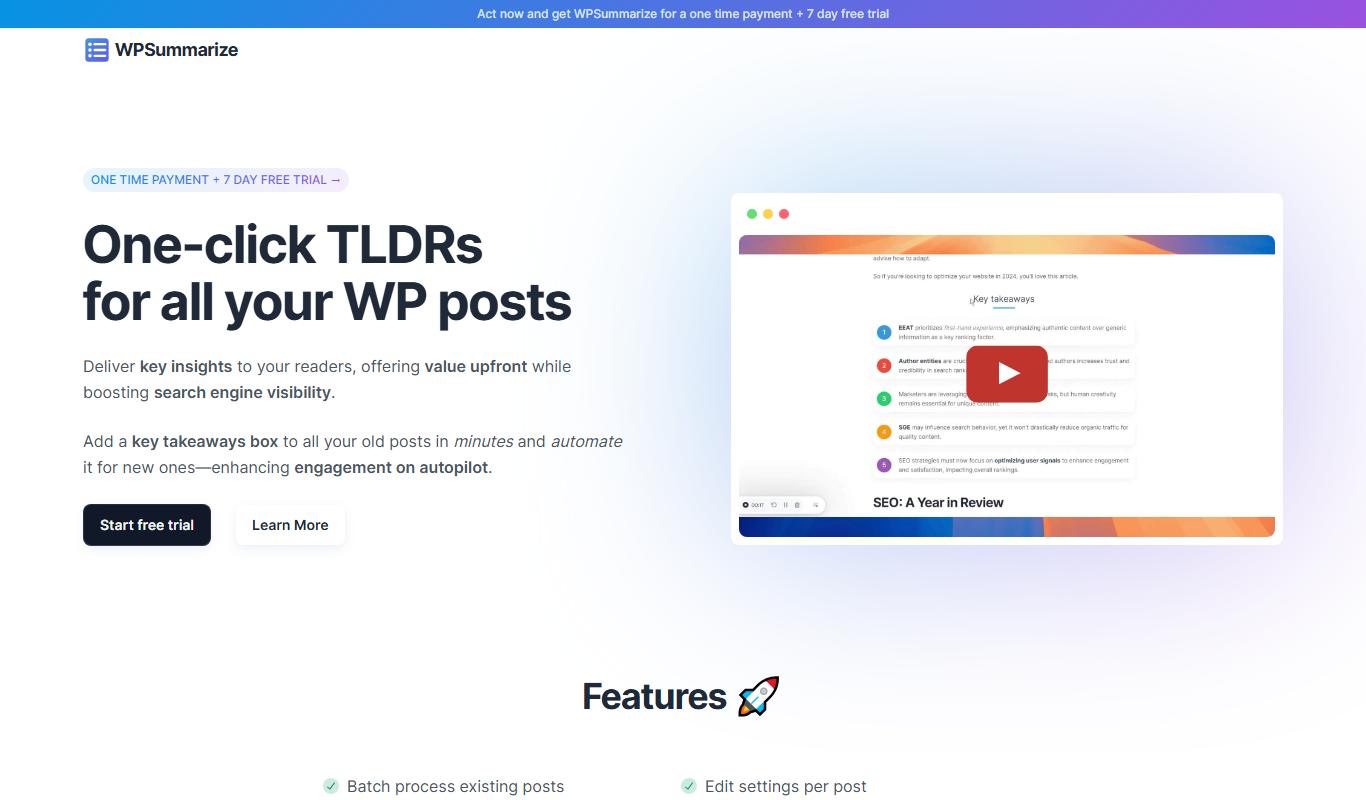
WPSummarize is an AI-based WordPress plugin that creates concise summaries of long articles to enhance readability and SEO.

SEO Title Generator
SEO Title Generator by SEO ROAST is a free online tool that helps create SEO-optimized titles by generating multiple keyword-based suggestions to improve search visibility and user engagement.
SnowSEO
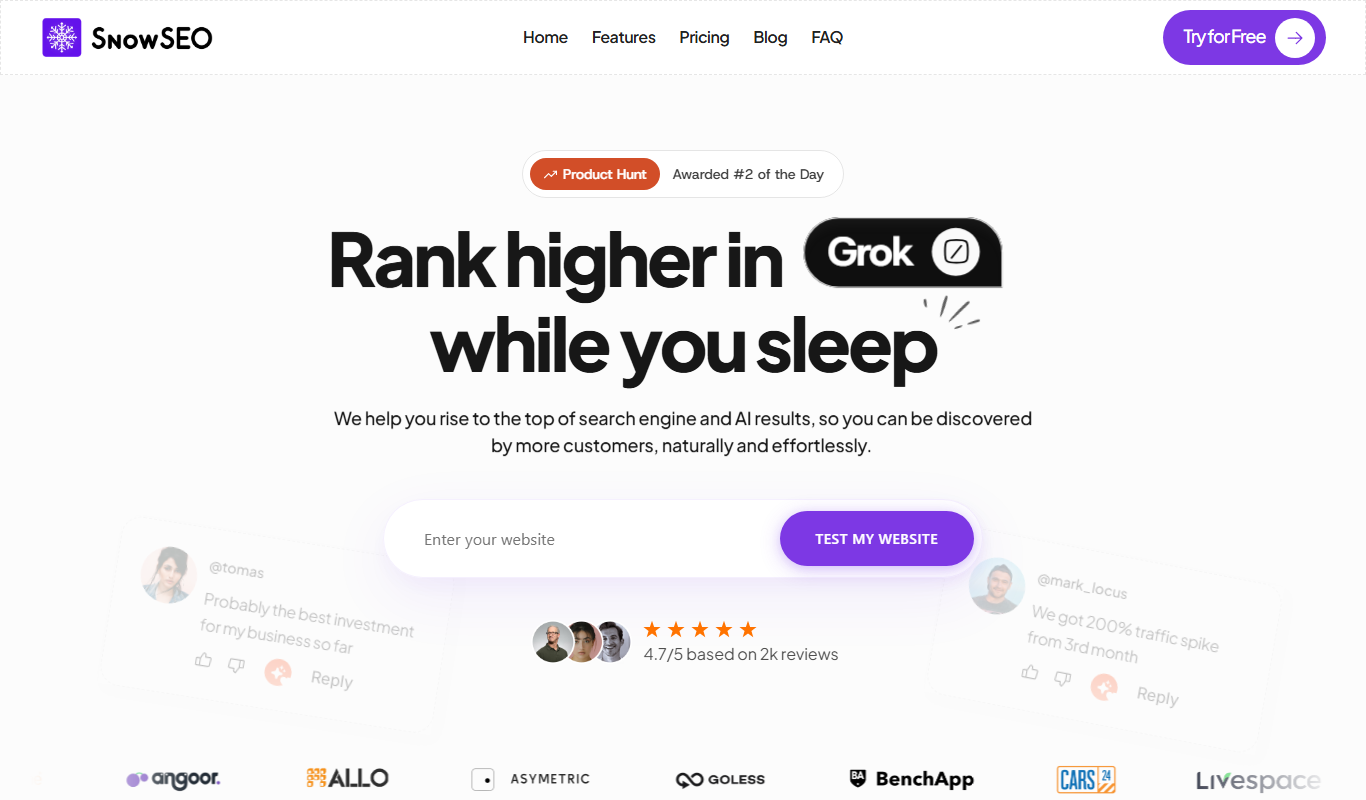
SnowSEO is an SEO and AI search platform that combines keyword research, content creation, backlinks and AI tracking in one place.

harborseo.ai
Harbor is an AI-powered SEO content generator for keyword research, content creation and backlink building.

Neuronwriter
Neuronwriter is an AI-driven SEO content optimization tool that generates content briefs, performs keyword research, and analyzes SERPs to help improve search engine rankings.

Free AI Text Summarizer
Free AI Text Summarizer is a web-based tool that uses artificial intelligence to create concise summaries from longer texts quickly and for free, without requiring user registration.

TikNeuron
TikNeuron is an AI-driven platform that helps TikTok creators and marketers grow their accounts by providing analytics, trend discovery, and content optimization recommendations.

Semflow
Semflow is an SEO platform offering keyword research, content optimization, SEO audits, and competitor analysis to improve website rankings.