

From my experience with Word Spinner, I found it excels at providing a straightforward and free solution for quick content rewriting through synonym replacement. The tool’s simplicity makes it accessible for beginners needing to generate unique text variations without any learning curve or account setup. However, the reliance on basic synonym swapping means the output sometimes lacks natural flow and may require manual editing for clarity. Overall, if you need a no-cost, easy-to-use paraphrasing tool for SEO or writing assistance, Word Spinner delivers solid results with minimal hassle.
Word Spinner Online Paraphrasing Tool for Content Rewriting and SEO
Word Spinner is a free web-based paraphrasing tool that automatically replaces words with synonyms to help users rewrite text and generate unique content for SEO and writing purposes.
- Best for
- Content Rewriting
- Key capability
- Free Usage
Your actions
Save Word Spinner, follow its updates and vote on it — everything stays in your account.
Sign in or create a free account

What is Word Spinner?
Word Spinner is a free online paraphrasing tool designed to help users rewrite text by replacing words and phrases with synonyms. It aims to generate unique content variations quickly without altering the original meaning, making it useful for content creators, SEO professionals, and students.
Key features of Word Spinner
The tool offers automatic text spinning by substituting words with synonyms, supports bulk text input, and provides an easy-to-use web interface without requiring registration or payment.
Free Usage
No cost to use the paraphrasing tool with unlimited spins.
Synonym Replacement
Automatically replaces words with synonyms to create unique content.
No Registration Required
Users can access the tool instantly without creating an account.
Simple Interface
Clean and straightforward web design for ease of use.
Pros and cons of Word Spinner
Pros
- Completely free with no hidden costs
- Easy to use with no registration
- Quick synonym-based paraphrasing
- Accessible from any web browser
Cons
- Limited to English language only
- Synonym replacement can sometimes reduce clarity
- No advanced AI rewriting or context understanding
Key use cases for Word Spinner
Content Rewriting
Rephrase existing text to create unique versions for blogs, articles, or websites.
SEO Optimization
Generate alternative content to avoid duplicate content penalties and improve search rankings.
Academic Writing
Help students and researchers reword sentences to maintain originality in papers.
Social Media Content
Create varied posts and captions by spinning text for different social media platforms.
Creative Writing
Assist writers in exploring different ways to express ideas and enhance creativity.
How Word Spinner works
- 1
Enter Text
Paste or type the text you want to spin into the input box.
- 2
Spin Text
Click the spin button to generate a paraphrased version using synonyms.
- 3
Review Output
Check the rewritten text for clarity and make manual adjustments if needed.
- 4
Copy or Export
Copy the spun text for use in your projects or export it as needed.
Who is using Word Spinner
Content writers and bloggers
SEO professionals
Students and researchers
Social media managers
Creative writers
Word Spinner pricing
Free
$0
Unlimited access to the paraphrasing tool with no subscription required.
Plans and prices are as published by the vendor and can change. Check the official site before you buy. Open the pricing page (opens in a new tab)
Frequently asked questions about Word Spinner
Yes, Word Spinner is completely free and does not require any payment.
No, you can use Word Spinner without registering or logging in.
Yes, it helps create unique versions of content to avoid duplicate content issues.
Currently, Word Spinner supports only English text.
It depends on your specific needs and how you plan to use the tool. The official website and documentation are the best sources for the latest details.
Yes, it can help with that use case depending on how you configure it and what features are available. You’ll get the best results with clear inputs and a defined goal.
Yes, it can help with that use case depending on how you configure it and what features are available. You’ll get the best results with clear inputs and a defined goal.
Sign in to review this tool.
Sign In to ReviewNo reviews yet
Be the first to share how this tool worked for you.
Ask about pricing, limits, or how it compares — or answer someone else.
Sign In to AskNo questions yet
Have a question about using or paying for this tool? Be the first to ask.
Featured on TiorAI



More AI SEO Tools tools
Other tools in the same category, for when this one is not quite the fit.
Freemium
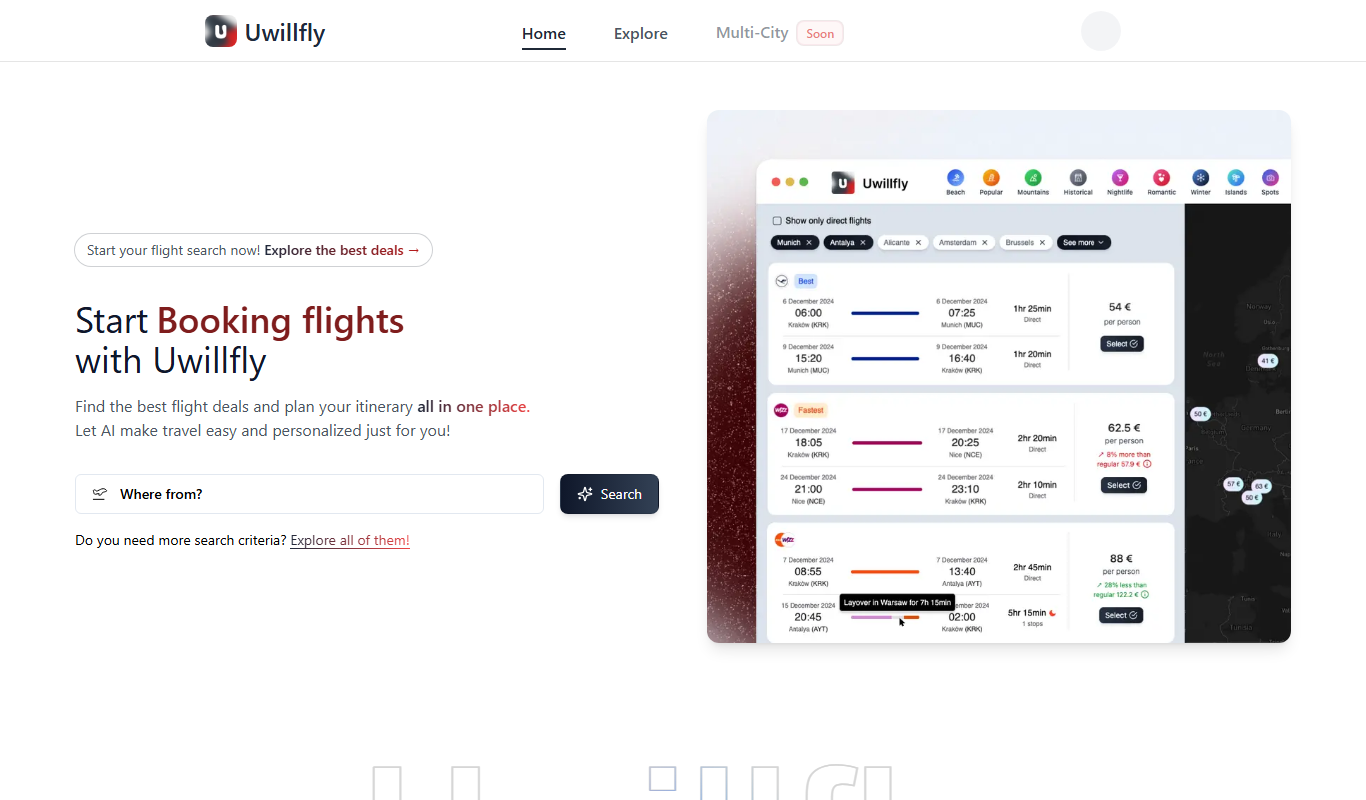
Uwillfly
Uwillfly is an AI-powered writing assistant that generates SEO-optimized articles, marketing copy, and content in English and Chinese to help marketers and writers create content faster.

Freemium
iSamurai
iSamurai is an AI-powered writing assistant that generates SEO-friendly content including blog posts and marketing copy to help businesses and creators save time and improve content quality.

Freemium
Owlity
Owlity is an AI-powered writing assistant that helps users generate SEO-optimized content, including blog posts and marketing copy, through an easy-to-use web platform.

Free
Alt Text AI Generator
Alt Text AI Generator is a web tool that uses AI to create descriptive alternative text for images, helping improve website accessibility and SEO.

Free Trial
AI Blog Articles
AI Blog Articles is a web-based AI content generation tool that helps users create SEO-friendly blog posts efficiently by inputting topics or keywords and customizing tone and length.

Free
AI Suggests
AI Suggests is an AI-driven platform that provides marketers and content creators with relevant content ideas and SEO keyword suggestions to improve marketing effectiveness.

Free
Topicmojo
Topicmojo is a web-based SEO tool that helps users discover relevant topics and keywords to create optimized content and improve search rankings.

Free Trial
LinkStorm
LinkStorm is a web-based SEO tool that helps analyze backlinks, research competitor links, and manage link building campaigns to improve website authority and search rankings.