

From my experience with LinkStorm, I found it excels at providing clear and actionable backlink insights combined with practical link building management features. The platform’s competitor backlink research is particularly useful for identifying new link opportunities that can boost SEO performance. However, the tool is currently limited to English and lacks a mobile app, which may be a drawback for users needing multi-language support or mobile access. Overall, if you focus on improving your website’s authority through strategic link building, LinkStorm offers a solid, user-friendly solution.
LinkStorm SEO Backlink Analysis and Link Building Tool for Marketers
LinkStorm is a web-based SEO tool that helps analyze backlinks, research competitor links, and manage link building campaigns to improve website authority and search rankings.
- Best for
- Backlink Analysis
- Key capability
- Comprehensive Backlink Analysis
Your actions
Save LinkStorm, follow its updates and vote on it — everything stays in your account.
Sign in or create a free account
What is LinkStorm?
LinkStorm is a web-based SEO tool designed to help marketers and SEO professionals analyze backlink profiles, research competitor links, and manage link building campaigns. It provides actionable insights to improve website authority and search engine rankings by focusing on quality backlinks.
Key features of LinkStorm
LinkStorm offers backlink analysis, competitor link research, link building management, SEO audits, and spam link detection. Its intuitive dashboard and reporting tools help users track progress and optimize their SEO strategies effectively.
Comprehensive Backlink Analysis
Detailed reports on backlink quantity, quality, and anchor text distribution.
Competitor Link Intelligence
Insights into competitor backlink strategies to identify gaps and opportunities.
Link Building CRM
Tools to manage outreach contacts, track communications, and monitor campaign progress.
Spam and Toxic Link Identification
Automated detection of harmful backlinks with recommendations for disavowal.
Customizable Reporting
Generate reports tailored to your SEO goals and share them with stakeholders.
Pros and cons of LinkStorm
Pros
- User-friendly interface with clear backlink insights
- Comprehensive competitor backlink analysis
- Integrated link building management tools
- Effective spam link detection
- Customizable reports for different stakeholders
Cons
- Limited language support (English only)
- No mobile app available
- Pricing may be high for very small businesses
Key use cases for LinkStorm
Backlink Analysis
Analyze your website’s backlink profile to identify strengths, weaknesses, and opportunities for improvement.
Competitor Link Research
Discover where competitors are getting their backlinks to inform your own link building strategy.
Link Building Campaigns
Manage and track outreach efforts to acquire high-quality backlinks from relevant websites.
SEO Audits
Perform comprehensive SEO audits focusing on link profiles to improve search engine rankings.
Spam Link Detection
Identify toxic or spammy backlinks that could harm your site’s SEO and take action to disavow them.
How LinkStorm works
- 1
Create an Account
Sign up on the LinkStorm website to access the platform.
- 2
Add Your Website
Input your website URL to start analyzing your backlink profile.
- 3
Analyze Backlinks
Use the tool to review your backlinks, identify toxic links, and discover new link opportunities.
- 4
Research Competitors
Enter competitor URLs to see where they are getting backlinks and find potential link sources.
- 5
Manage Outreach
Organize and track your link building campaigns directly within the platform.
Who is using LinkStorm
SEO professionals
Digital marketing agencies
Small to medium business owners
Content marketers
Affiliate marketers
LinkStorm pricing
Starter
$29/month
Basic backlink analysis and limited link building features suitable for small websites.
Professional
$79/month
Advanced backlink analysis, competitor research, and link building management for growing businesses.
Enterprise
Custom pricing
Full feature set with priority support and custom integrations for large agencies and enterprises.
Plans and prices are as published by the vendor and can change. Check the official site before you buy. Open the pricing page (opens in a new tab)
Frequently asked questions about LinkStorm
Yes, LinkStorm provides a free trial period so you can test the features before subscribing.
Yes, depending on your subscription plan, you can manage and analyze multiple websites.
LinkStorm uses a combination of link metrics and spam signals to identify harmful backlinks.
Yes, LinkStorm offers customer support via email and chat depending on your plan.
This tool is designed to help users accomplish its core tasks more efficiently. It is typically used by individuals or teams looking to improve productivity and workflow.
Yes, it can help with that use case depending on how you configure it and what features are available. You’ll get the best results with clear inputs and a defined goal.
It depends on your specific needs and how you plan to use the tool. The official website and documentation are the best sources for the latest details.
Sign in to review this tool.
Sign In to ReviewNo reviews yet
Be the first to share how this tool worked for you.
Ask about pricing, limits, or how it compares — or answer someone else.
Sign In to AskNo questions yet
Have a question about using or paying for this tool? Be the first to ask.
Featured on TiorAI



More AI Seo Assistant tools
Other tools in the same category, for when this one is not quite the fit.
Free Trial
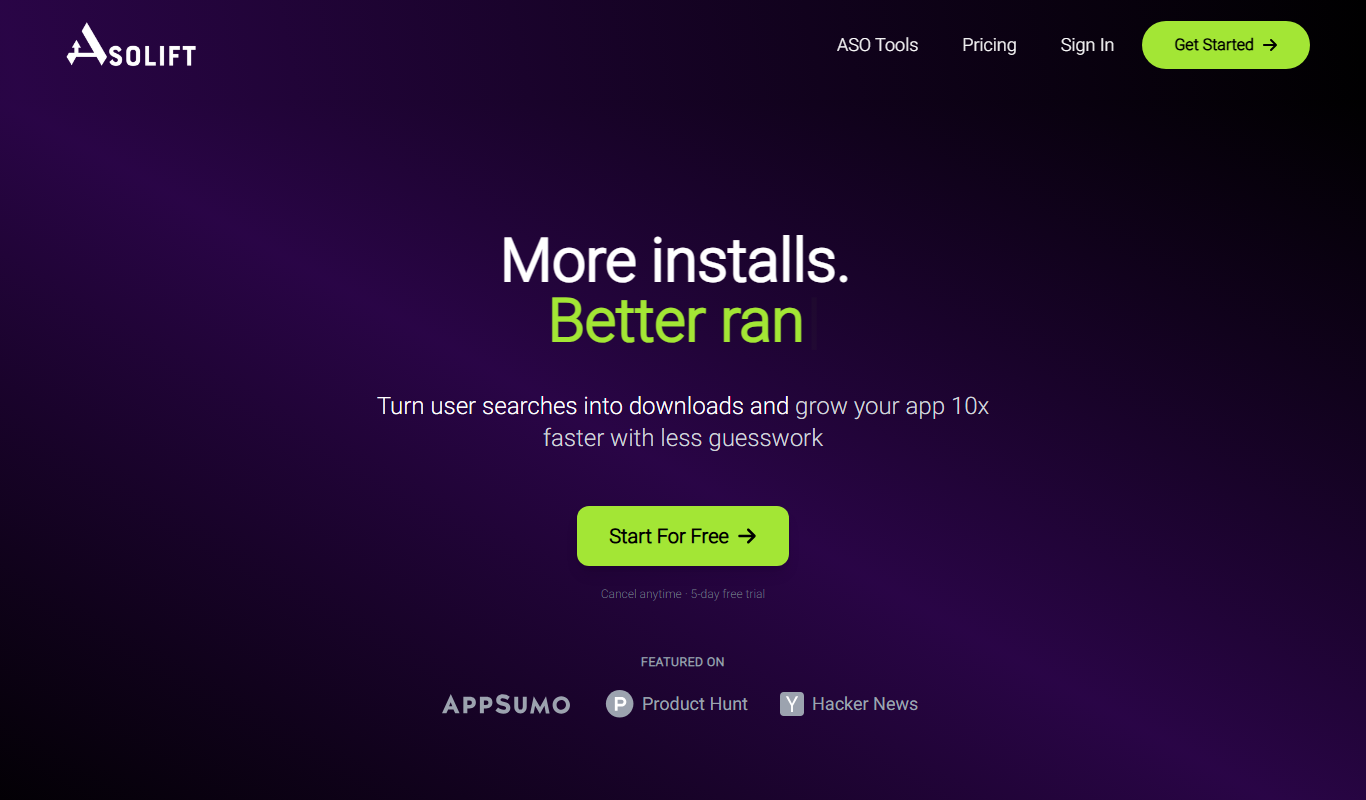
AsoLift
AsoLift is a web-based ASO tool that helps app developers and marketers optimize app store visibility through keyword tracking, competitor analysis, and performance monitoring.
Freemium
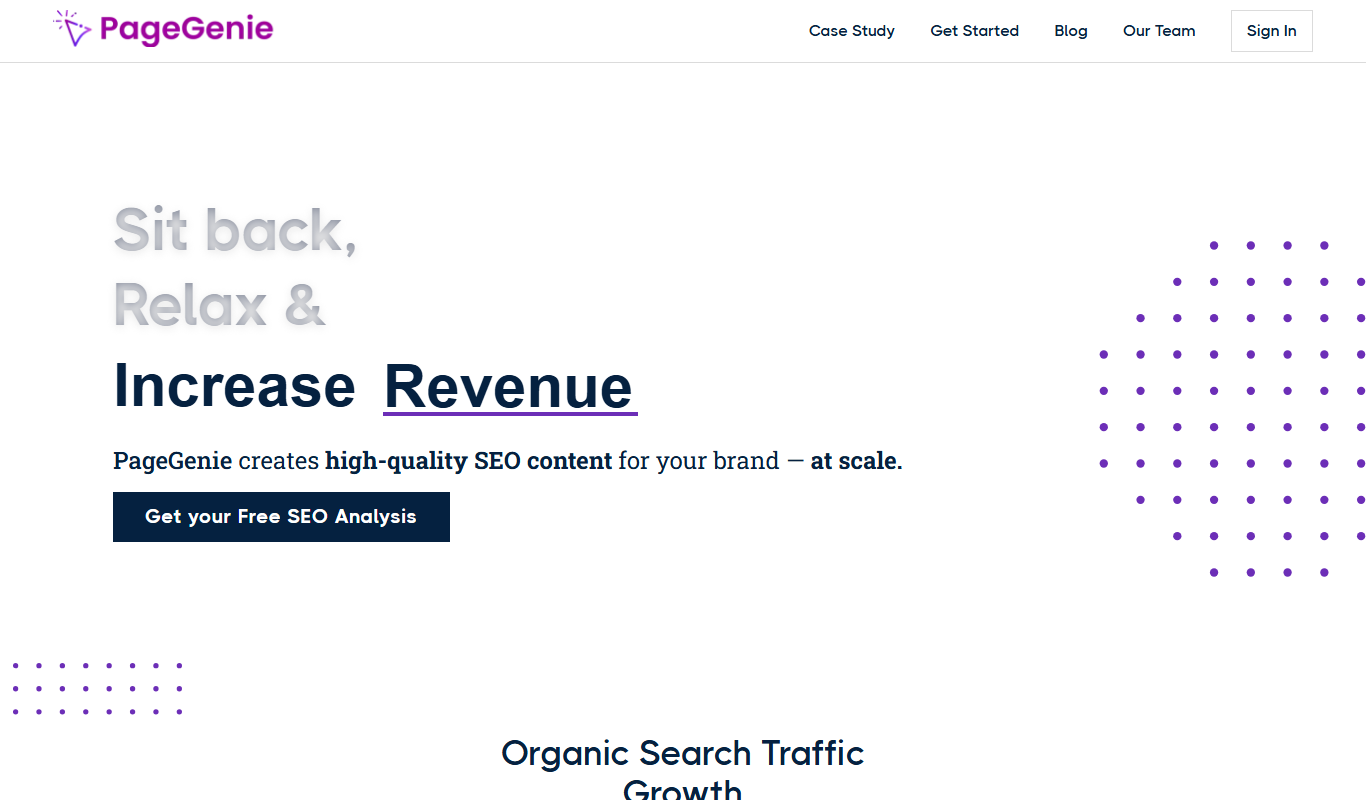
PageGenie
PageGenie is an AI-powered landing page builder that helps users create optimized, professional landing pages quickly without coding.

Custom Pricing
Grocliq
Grocliq is a grocery delivery software platform that enables retailers to create online grocery stores with features like inventory management, multi-vendor support, order processing, and delivery tracking.

Free Trial
RivalOut
RivalOut is a competitive intelligence platform that helps businesses monitor competitors, analyze market trends, and generate actionable insights through real-time data and customizable dashboards.
Freemium
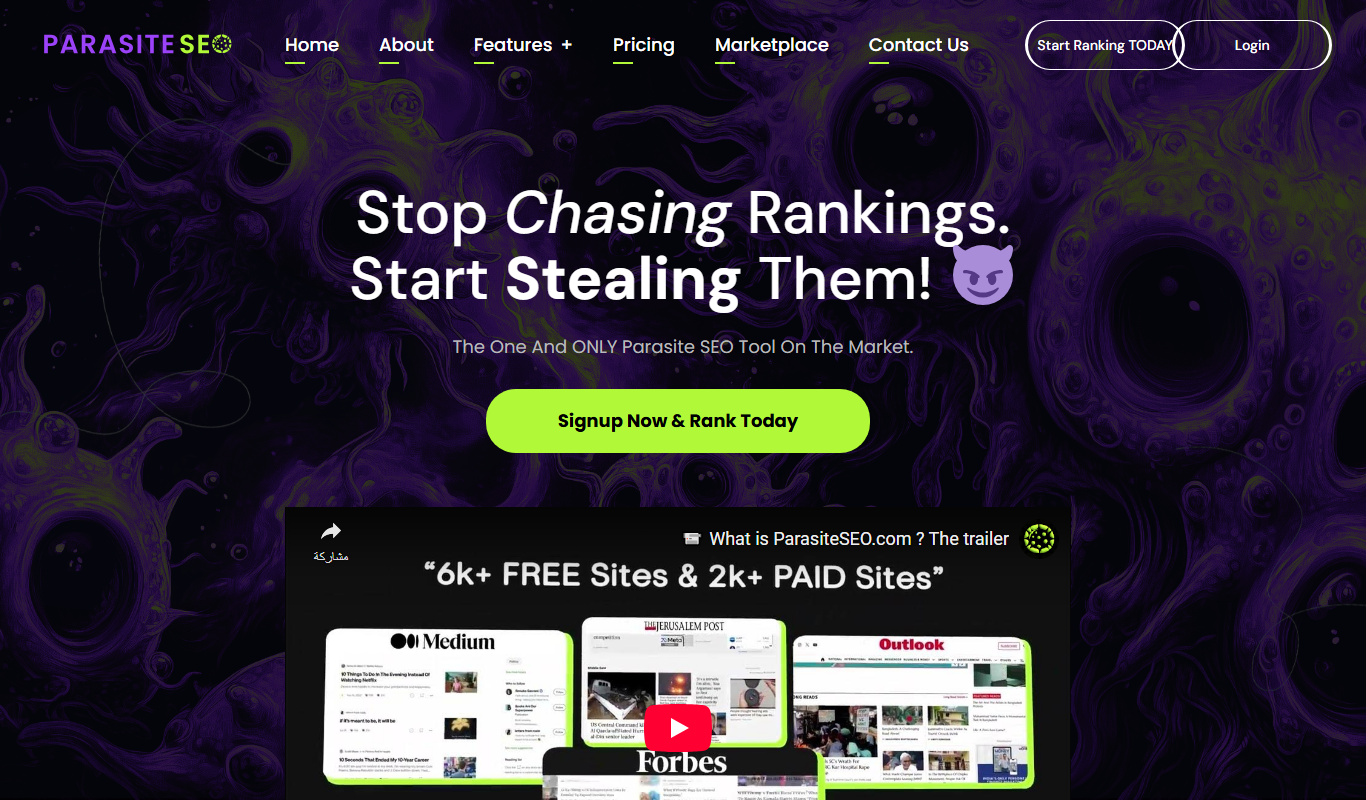
Parasite SEO
Parasite SEO is a platform that helps marketers build backlinks on authoritative third-party websites to improve their own site's search rankings by leveraging parasite hosting techniques.
Freemium
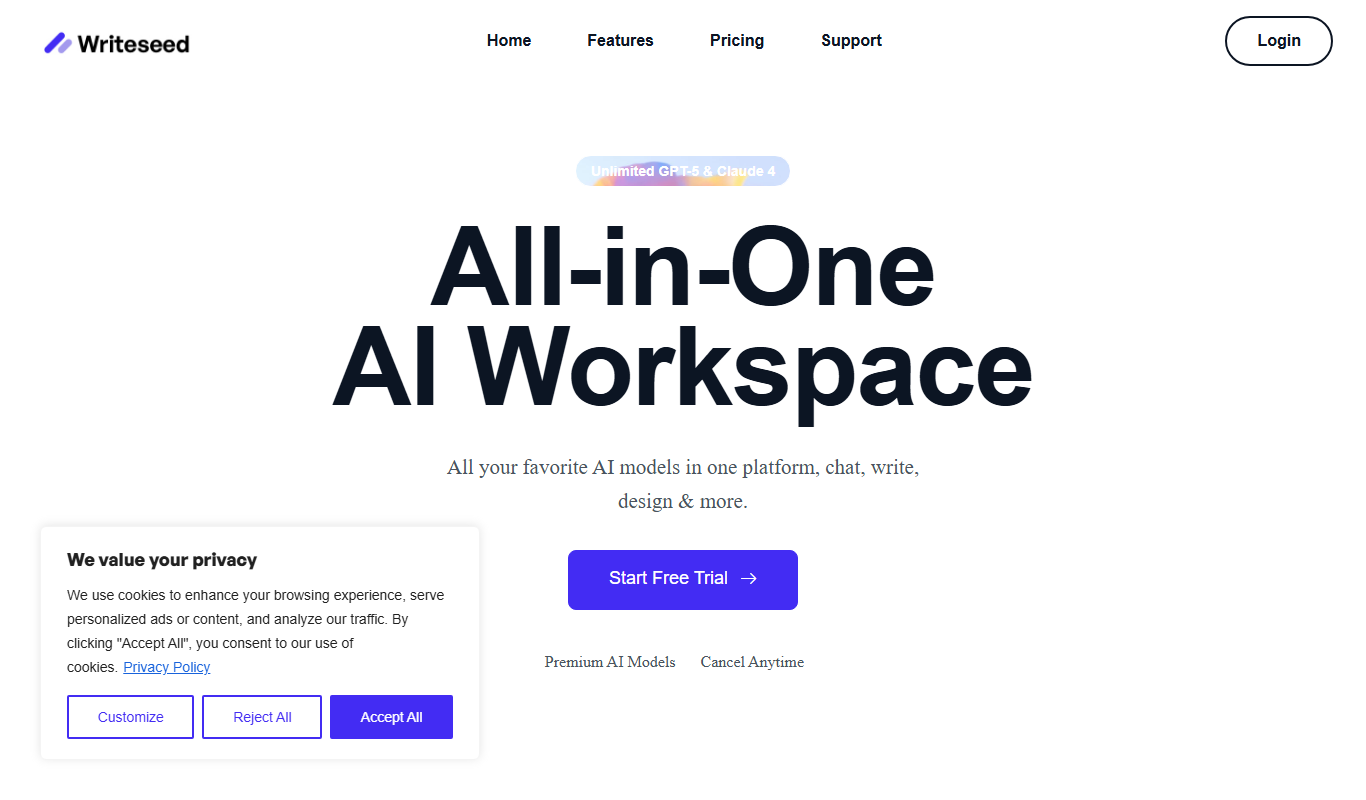
Writeseed
Writeseed is an AI-powered writing assistant that generates blog posts, marketing copy, and SEO content to help users create high-quality written materials quickly and easily.

Free
MavTools
MavTools is an AI-powered writing assistant designed to generate SEO-friendly content, marketing copy, and product descriptions to help businesses and content creators save time and improve content quality.

Free
GrowASO
GrowASO is a web platform that helps mobile app developers and marketers optimize their app store presence through keyword research, competitor analysis, and ranking tracking to increase downloads.