

From my experience with GrowASO, I found it excels at providing straightforward and actionable ASO insights, especially for keyword research and competitor analysis. The platform’s clean interface makes it easy to navigate even for beginners in app marketing. It’s particularly well-suited for indie developers and small marketing teams looking for affordable ASO tools. However, the lack of multi-language support and mobile app access can be limiting for global users or those needing on-the-go analysis. Overall, if your goal is to improve app store visibility with focused keyword strategies, GrowASO delivers solid, practical features without overwhelming complexity.
GrowASO App Store Optimization Tool for Mobile Growth & Keyword Research
GrowASO is a web platform that helps mobile app developers and marketers optimize their app store presence through keyword research, competitor analysis, and ranking tracking to increase downloads.
- Best for
- Keyword Research
- Key capability
- Keyword Explorer


Do you recommend this tool?
What is GrowASO?
GrowASO is a web-based app store optimization (ASO) platform designed to help mobile app developers and marketers improve their app visibility and downloads on app stores. It provides keyword research, competitor analysis, and performance tracking tools to optimize app metadata and marketing strategies effectively.
Key features of GrowASO
GrowASO offers comprehensive ASO features including keyword discovery, competitor benchmarking, app ranking tracking, and market trend analysis to empower users to enhance their app store presence and drive organic growth.
Keyword Explorer
Find and analyze keywords with search volume, difficulty, and relevance metrics.
Competitor Analysis
Compare your app’s performance against competitors to uncover growth strategies.
Ranking Tracker
Track daily app rankings for selected keywords across different countries.
Market Intelligence
Access data on app trends, category rankings, and user behavior insights.
Metadata Optimization Suggestions
Receive actionable recommendations to improve app titles, descriptions, and keywords.
Pros and cons of GrowASO
Pros
- User-friendly interface with clear ASO insights
- Comprehensive keyword and competitor analysis
- Affordable pricing with a free plan option
- Supports both major app stores
- Regular ranking updates for accurate tracking
Cons
- Limited language support (English only)
- No mobile app version, web platform only
- Some advanced features require paid subscription
Key use cases for GrowASO
Keyword Research
Discover high-impact keywords to improve app visibility and downloads.
Competitor Analysis
Analyze competitor apps’ performance and keyword strategies to identify growth opportunities.
App Store Optimization
Optimize app metadata including titles, descriptions, and keywords to boost app store rankings.
Performance Tracking
Monitor app ranking changes and keyword performance over time to measure ASO effectiveness.
Market Insights
Gain insights into app market trends and user behavior to inform marketing strategies.
How GrowASO works
-
1
Create an Account
Sign up on the GrowASO website to access the dashboard and ASO tools.
-
2
Add Your App
Input your app details from the App Store or Google Play to start tracking.
-
3
Conduct Keyword Research
Use the keyword tool to find relevant and high-traffic keywords for your app.
-
4
Analyze Competitors
Review competitor apps’ keywords and rankings to identify optimization opportunities.
-
5
Optimize Metadata
Apply insights to update your app’s title, description, and keywords for better rankings.
-
6
Track Performance
Monitor keyword rankings and app visibility over time to measure ASO success.
Who is using GrowASO
Mobile app developers
App marketers
Indie game studios
Marketing agencies specializing in mobile apps
Startups launching new apps
GrowASO pricing
Free
$0/month
Basic access with limited keyword searches and tracking features.
Pro
$29/month
Full access to all ASO tools, unlimited keyword research, and competitor analysis.
Plans and prices are as published by the vendor and can change. Check the official site before you buy. Open the pricing page (opens in a new tab)
Frequently asked questions about GrowASO
GrowASO supports app store optimization for both Apple App Store and Google Play Store.
Yes, you can add and monitor multiple apps within your GrowASO account.
GrowASO provides a free plan with limited features to try the platform before upgrading.
Keyword rankings are updated daily to provide up-to-date performance insights.
It depends on your specific needs and how you plan to use the tool. The official website and documentation are the best sources for the latest details.
Some tools offer a free plan or trial with limited features. Availability can vary, so confirm on the official website.
Yes, it can help with that use case depending on how you configure it and what features are available. You’ll get the best results with clear inputs and a defined goal.
Yes, it can help with that use case depending on how you configure it and what features are available. You’ll get the best results with clear inputs and a defined goal.
Sign in to review this tool.
Sign In to ReviewNo reviews yet
Be the first to share how this tool worked for you.
Ask about pricing, limits, or how it compares — or answer someone else.
Sign In to AskNo questions yet
Have a question about using or paying for this tool? Be the first to ask.
Featured on TiorAI



More AI App Store Tools tools
Other tools in the same category, for when this one is not quite the fit.
Fixed Price
AI ASO Manager: Hire a pro for $15
AI ASO Manager offers a fixed-price $15 service connecting you with professional ASO experts who provide keyword research, metadata optimization, and competitor analysis to improve your app's visibility and downloads.
Free Trial
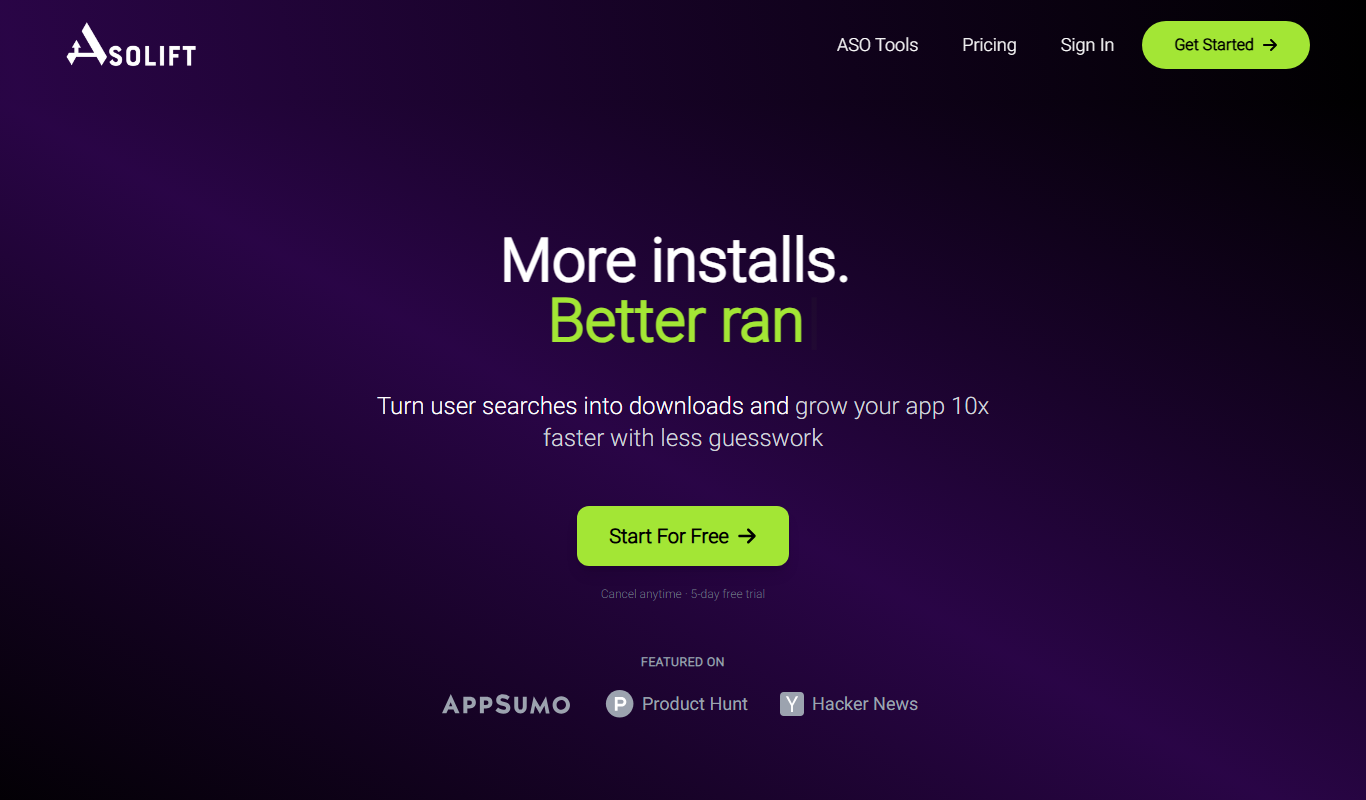
AsoLift
AsoLift is a web-based ASO tool that helps app developers and marketers optimize app store visibility through keyword tracking, competitor analysis, and performance monitoring.

Freemium
Apptrop
Apptrop is a web-based app store optimization tool that enables mobile app developers and marketers to track keywords, analyze competitors, and optimize app metadata to improve app store rankings and downloads.

Freemium
AppBuzz
AppBuzz is an AI-driven app store analytics platform that provides real-time data, competitor benchmarking, keyword analysis, and market insights to help mobile app developers and marketers optimize growth and visibility.

Freemium
AirASO – Easy App Store Optimization with AI
AirASO is an AI-driven platform that helps mobile app developers and marketers optimize their app store listings through keyword research, competitor analysis, and metadata optimization to improve app visibility and downloads.