

From my experience with Wondering, I found it excels at simplifying complex research workflows by leveraging AI to summarize and organize information efficiently. The platform’s collaborative features make it especially valuable for teams working on shared projects, enhancing communication and productivity. However, the lack of a mobile app and limited language support may restrict accessibility for some users. Overall, if you need a streamlined AI research assistant to accelerate knowledge discovery and collaboration, Wondering delivers practical and user-friendly solutions.
Wondering AI Research Assistant for Efficient Knowledge Discovery
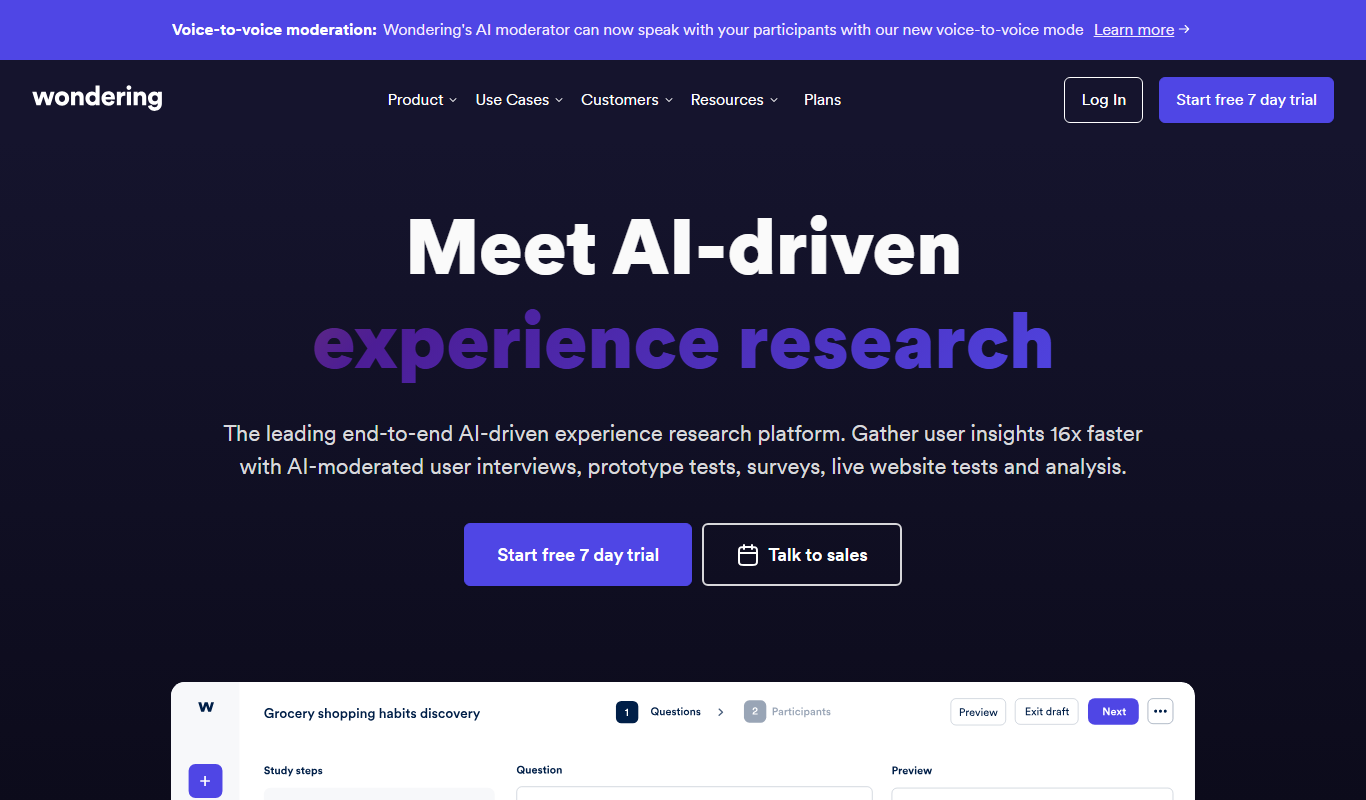
Wondering is an AI research assistant platform that streamlines knowledge discovery by providing AI-powered summarization, collaborative workspaces, and intelligent search to help users efficiently gather and analyze information.
- Best for
- Academic Research
- Key capability
- AI-Powered Summarization
Your actions

Do you recommend this tool?
What is Wondering?
Wondering is an AI-powered research assistant designed to streamline the process of knowledge discovery and information synthesis. It helps users collect, organize, and analyze data from various sources, making research faster and more efficient. The platform integrates AI capabilities to assist with summarization, note-taking, and collaborative workflows, catering to academics, professionals, and teams.
Key features of Wondering
Wondering offers features such as AI-driven content summarization, collaborative workspaces, real-time note-taking, and intelligent search capabilities. These tools enable users to efficiently manage large volumes of information and enhance productivity in research tasks.
AI-Powered Summarization
Automatically condenses lengthy documents into concise summaries.
Collaborative Workspaces
Enables multiple users to work together on research projects in real time.
Intelligent Search
Advanced search functionality to find relevant information quickly.
Real-Time Note Taking
Allows users to annotate and capture insights as they research.
Data Import and Export
Supports uploading various document types and exporting research outputs.
Pros and cons of Wondering
Pros
- Streamlines complex research tasks with AI assistance
- Supports real-time collaboration among team members
- User-friendly interface with intuitive organization tools
- Flexible pricing plans including a free tier
Cons
- Limited language support beyond English
- No dedicated mobile app currently available
- Advanced features require paid subscription
Key use cases for Wondering
Academic Research
Helps researchers quickly gather, organize, and analyze academic papers and data.
Market Research
Enables professionals to efficiently collect and synthesize market insights and trends.
Content Creation
Assists writers and content creators in gathering relevant information and references.
Team Collaboration
Facilitates knowledge sharing and collaborative research among team members.
Data Analysis
Supports users in extracting key insights and summarizing complex information.
How Wondering works
- 1
Create an Account
Sign up on the Wondering website to access the AI research assistant.
- 2
Import or Search Data
Upload documents or use the platform’s search to gather relevant information.
- 3
Organize and Annotate
Use AI tools to summarize content, take notes, and organize findings.
- 4
Collaborate with Team
Share research projects and insights with team members for joint analysis.
- 5
Export and Use Insights
Export summaries and notes to integrate into reports or presentations.
Who is using Wondering
Academic researchers
Market analysts
Content creators
Business teams
Students
Wondering pricing
Free
$0/month
Basic access with limited AI summaries and collaboration features.
Pro
$15/month
Enhanced AI capabilities, unlimited collaboration, and priority support.
Enterprise
Custom pricing
Tailored solutions for large teams with advanced integrations and security.
Plans and prices are as published by the vendor and can change. Check the official site before you buy. Open the pricing page (opens in a new tab)
Frequently asked questions about Wondering
You can upload PDFs, Word documents, and text files for AI summarization and analysis.
Yes, Wondering offers collaborative workspaces where teams can share and work on research together.
Currently, Wondering primarily supports English language content.
Yes, you can export your notes and summaries in common formats for use in reports or presentations.
It depends on your specific needs and how you plan to use the tool. The official website and documentation are the best sources for the latest details.
Some tools offer a free plan or trial with limited features. Availability can vary, so confirm on the official website.
This tool is designed to help users accomplish its core tasks more efficiently. It is typically used by individuals or teams looking to improve productivity and workflow.
Yes, it can help with that use case depending on how you configure it and what features are available. You’ll get the best results with clear inputs and a defined goal.
Sign in to review this tool.
Sign In to ReviewNo reviews yet
Be the first to share how this tool worked for you.
Ask about pricing, limits, or how it compares — or answer someone else.
Sign In to AskNo questions yet
Have a question about using or paying for this tool? Be the first to ask.
Featured on TiorAI



Alternative Tools
Explore similar AI tools that might fit your needs

Freemium
Connected Papers
Connected Papers is a web-based tool that creates visual graphs of academic papers based on citation relationships, helping researchers explore and understand scientific literature efficiently.
More AI Knowledge Base Tools tools
Other tools in the same category, for when this one is not quite the fit.

Free Trial
KBaseBot
KBaseBot is an AI chatbot that automates customer support by leveraging your knowledge base to provide instant, accurate answers and reduce support workload.

Free
Aardvark
Aardvark is an AI assistant that helps teams quickly search and access internal knowledge by integrating with multiple data sources and providing natural language answers.

Free
Penseum
Penseum is a knowledge management platform that helps individuals and teams organize, share, and collaborate on notes and documents through a hierarchical structure and powerful search, accessible via web and API.

Free
Skim AI
Skim AI is an AI-driven tool that summarizes long documents and web pages by extracting key points and insights, helping users save time and improve comprehension.
Free
Asklo AI
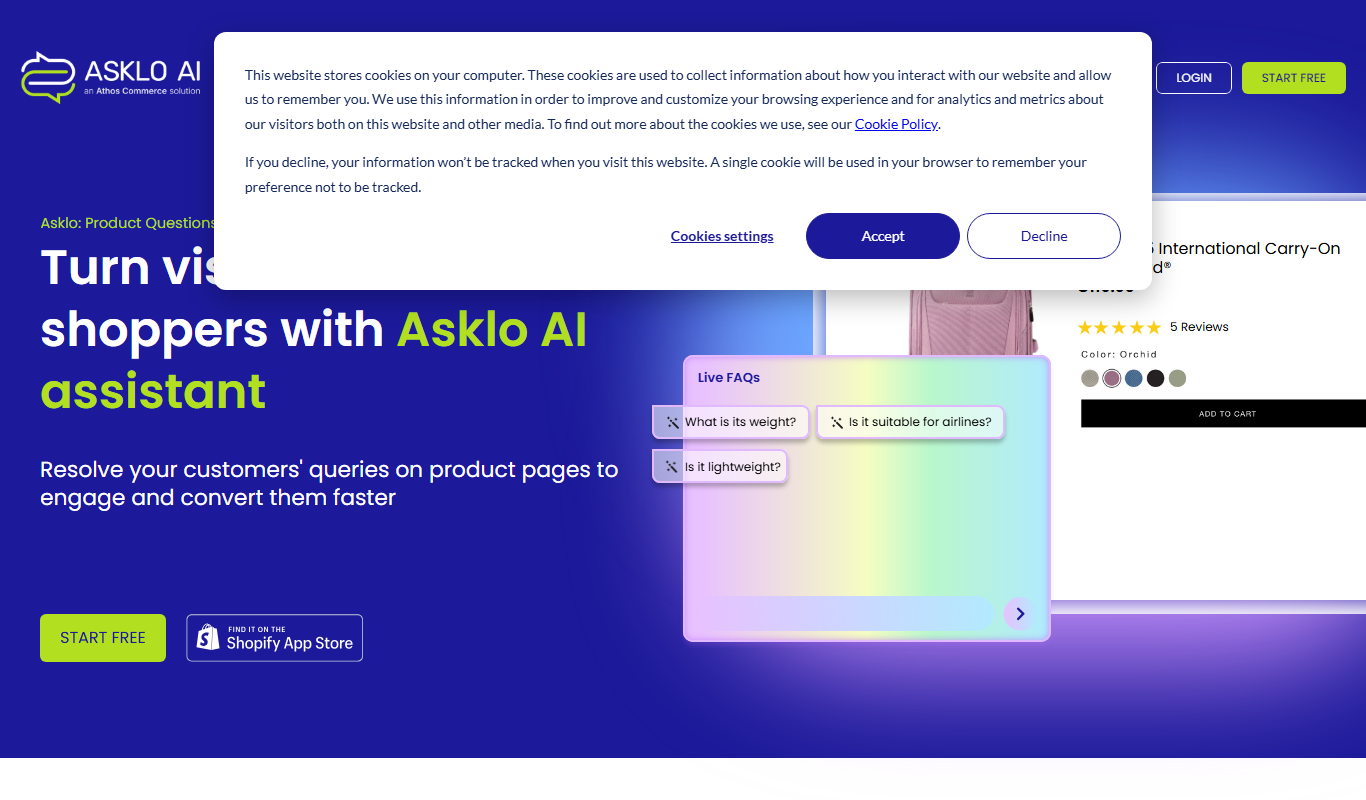
Asklo AI is an AI-powered conversational search platform that enables users to query internal documents and data sources using natural language, providing context-aware answers and seamless integration via API.

Custom Pricing
Glean
Glean is an AI-powered enterprise knowledge management platform that integrates multiple data sources to provide unified search, expert identification, and collaboration tools for organizations.

Free Trial
Biliki AI
Biliki AI is an AI-driven knowledge management platform that integrates with multiple data sources to provide teams with instant, accurate answers via a natural language chat interface, enhancing productivity and collaboration.

Free Trial
RAGFlow
RAGFlow is a no-code AI platform that enables users to build and automate retrieval-augmented generation workflows by integrating document retrieval with generative AI to provide accurate, context-aware responses.