

From my experience with Wisecut, I found it excels at automating tedious video editing tasks like removing silences and filler words, which can save hours of manual work. The AI-generated subtitles and background music integration add professional polish without requiring advanced skills. However, since it currently supports only English and is web-based, users needing multi-language support or offline editing might find it limiting. Overall, Wisecut is a practical choice for YouTubers, educators, and marketers who want to streamline video production efficiently.
Wisecut Video Editing AI Tool for Automated Content Creation and Editing
Wisecut is an AI-driven video editing platform that automates removing silences, filler words, and background noise while adding subtitles and background music to create polished videos quickly.
- Best for
- YouTube Video Editing
- Key capability
- Silence and Pause Removal
Your actions
Save Wisecut, follow its updates and vote on it — everything stays in your account.
Sign in or create a free account

What is Wisecut?
Wisecut is an AI-powered video editing platform designed to simplify and automate the video editing process. It uses artificial intelligence to detect and remove long pauses, filler words, and background noise, while also adding background music and subtitles automatically. This tool is ideal for content creators, marketers, and educators who want to produce polished videos quickly without extensive manual editing.
Key features of Wisecut
Wisecut offers automated video editing features such as silence detection and removal, filler word elimination, background music addition, subtitle generation, and video cropping. Its AI-driven approach reduces editing time and enhances video engagement, making it accessible for users with minimal editing experience.
Silence and Pause Removal
Automatically detects and cuts out long silences and pauses to keep videos engaging.
Filler Word Detection
Removes filler words like 'um', 'uh', and 'you know' to improve video flow.
Background Music Integration
Adds royalty-free background music that adjusts volume dynamically based on speech.
Automatic Subtitles
Generates accurate subtitles to improve accessibility and viewer retention.
Video Cropping and Resizing
Supports cropping videos to different aspect ratios suitable for various platforms.
Pros and cons of Wisecut
Pros
- Significantly reduces video editing time with AI automation
- Easy to use with minimal technical skills required
- Automatic subtitle generation improves accessibility
- Supports multiple video formats and aspect ratios
- Affordable pricing plans with a free tier
Cons
- Limited language support beyond English
- Web-only platform with no desktop or mobile apps
- Free plan includes watermarked exports
- AI editing may require manual review for best results
Key use cases for Wisecut
YouTube Video Editing
Automatically edit and enhance YouTube videos by removing pauses and adding background music.
Social Media Content Creation
Create engaging short videos optimized for social media platforms quickly using AI.
Podcast Video Production
Convert podcast audio into engaging video content with automatic editing and subtitles.
Online Course Video Editing
Streamline the editing process for educational videos by removing filler words and silences.
Marketing Video Automation
Produce polished marketing videos with minimal manual editing effort.
How Wisecut works
- 1
Upload Video
Users upload their raw video or audio files to the Wisecut platform.
- 2
AI Analysis
The AI analyzes the content to detect silences, filler words, and background noise.
- 3
Automatic Editing
Wisecut removes unwanted pauses and filler words, adds background music, and generates subtitles automatically.
- 4
Review and Export
Users review the edited video, make any desired adjustments, and export the final version.
Who is using Wisecut
YouTube content creators
Social media marketers
Online educators and course creators
Podcasters producing video content
Small business marketing teams
Wisecut pricing
Free
$0/month
Basic features with limited video length and watermark on exports.
Pro
$19/month
Longer video limits, no watermark, access to premium features and faster processing.
Business
$49/month
Advanced features, priority support, and higher usage limits for teams.
Plans and prices are as published by the vendor and can change. Check the official site before you buy. Open the pricing page (opens in a new tab)
Frequently asked questions about Wisecut
Yes, Wisecut uses AI to reduce background noise and improve audio clarity.
Yes, the free plan supports videos up to 15 minutes in length.
Currently, Wisecut primarily supports English for subtitle generation and editing.
Yes, users can upload custom background music tracks to use in their videos.
It depends on your specific needs and how you plan to use the tool. The official website and documentation are the best sources for the latest details.
It depends on your specific needs and how you plan to use the tool. The official website and documentation are the best sources for the latest details.
It depends on your specific needs and how you plan to use the tool. The official website and documentation are the best sources for the latest details.
Sign in to review this tool.
Sign In to ReviewNo reviews yet
Be the first to share how this tool worked for you.
Ask about pricing, limits, or how it compares — or answer someone else.
Sign In to AskNo questions yet
Have a question about using or paying for this tool? Be the first to ask.
Featured on TiorAI



More AI Ai Tools tools
Other tools in the same category, for when this one is not quite the fit.
Free
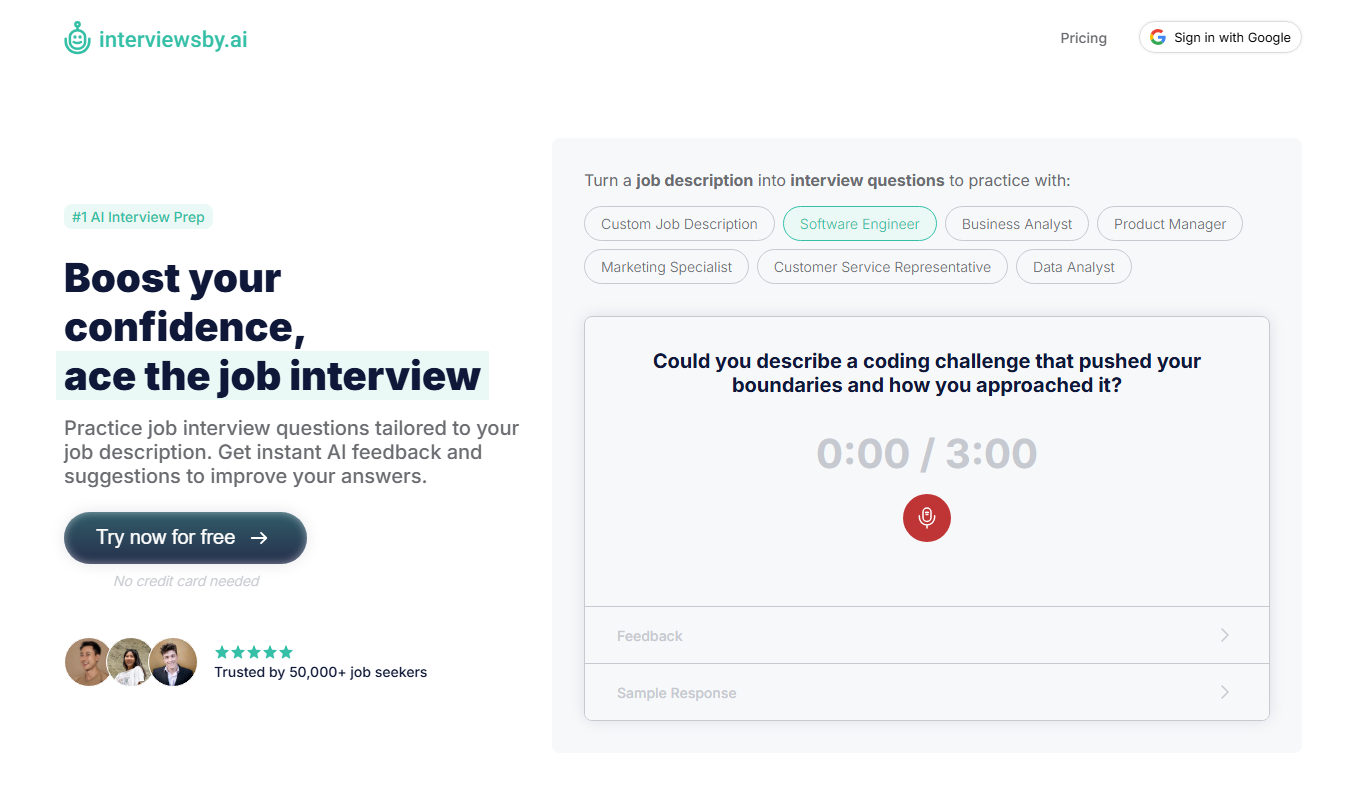
Interviews by AI
Interviews by AI is a web-based platform that uses artificial intelligence to simulate job interviews by generating tailored questions and providing personalized feedback to help users improve their interview skills.

Freemium
Wonderin Resume AI
Wonderin Resume AI is an AI-powered resume builder that helps job seekers create professional, ATS-optimized resumes quickly using customizable templates and intelligent content suggestions.

Free Trial
Recruitcrafts
Recruitcrafts is an AI-driven recruitment platform that automates candidate sourcing, resume screening, and interview scheduling to help recruiters hire faster and more efficiently.

Freemium
Sage Cooking
Sage Cooking is an AI-powered web tool that generates personalized recipes based on your dietary preferences, restrictions, and available ingredients to simplify meal planning and inspire cooking creativity.

Free
Infinite Meals
Infinite Meals is a free AI-based meal planner that generates personalized healthy meal plans tailored to your dietary preferences, allergies, and nutritional goals.

Freemium
REimagine Home
REimagine Home is an AI-driven platform that transforms your room photos into virtual interior design makeovers, helping you visualize new furniture and decor styles quickly and easily.

Subscription
Free AI QR Code Generator by MyQRCode
MyQRCode is a web-based QR code generator for restaurants, vCards, events and businesses, with custom designs, editable links, logos and colors.

Free
AIQRHub
AIQRHub is an online tool that uses AI to turn the QR code for a URL into an artistic QR code in a preset style.