

From my experience with Wisdolia, I found it excels at quickly turning web content into effective study flashcards without manual effort. The seamless Chrome integration makes it easy to generate and review cards during browsing sessions, which is a big time saver. It’s particularly well-suited for students and lifelong learners who want to leverage spaced repetition without juggling multiple apps. However, the tool is limited to Chrome and lacks advanced customization features, which might be a drawback for power users. Overall, if you want a straightforward, free way to boost your learning with AI-generated flashcards, Wisdolia delivers solid results.
Wisdolia AI Flashcards Generator for Efficient Learning and Study
Wisdolia is a free Chrome extension that automatically creates AI-generated flashcards from web pages to help users study efficiently using spaced repetition.
- Best for
- Efficient Study Sessions
- Key capability
- AI-Powered Flashcard Generation

Do you recommend this tool?
What is Wisdolia?
Wisdolia is a Chrome extension that uses AI to automatically generate flashcards from web pages, enabling users to study and memorize content efficiently. It leverages natural language processing to create question-answer pairs from highlighted or entire webpage text, facilitating active recall and spaced repetition learning techniques.
Key features of Wisdolia
Wisdolia offers automatic flashcard generation, integration with popular spaced repetition systems, customizable flashcards, and seamless in-browser study sessions to boost learning productivity.
AI-Powered Flashcard Generation
Automatically creates question-answer flashcards from webpage text using AI.
Spaced Repetition Support
Facilitates effective learning by scheduling flashcard reviews based on memory science.
Highlight-to-Flashcard Conversion
Allows users to select specific text to generate targeted flashcards.
Browser Integration
Operates directly within Chrome for seamless study without switching apps.
Pros and cons of Wisdolia
Pros
- Automates flashcard creation saving time
- Integrates spaced repetition for effective learning
- Easy to use within the browser
- Free with no hidden costs
Cons
- Limited to Chrome browser
- No mobile app currently available
- Customization options are basic
Key use cases for Wisdolia
Efficient Study Sessions
Generate AI-powered flashcards from any webpage content to enhance memorization and review.
Learning New Topics
Automatically create question-answer flashcards to understand and retain new information quickly.
Content Review
Use spaced repetition flashcards generated by Wisdolia to reinforce knowledge over time.
Note Taking Enhancement
Convert highlighted text or articles into interactive flashcards without manual effort.
How Wisdolia works
- 1
Install Extension
Add the Wisdolia Chrome extension from the Chrome Web Store.
- 2
Browse Content
Navigate to any webpage or highlight text you want to learn.
- 3
Generate Flashcards
Use Wisdolia to automatically create flashcards from the selected content.
- 4
Study and Review
Review flashcards within the extension using spaced repetition to enhance memory retention.
Who is using Wisdolia
Students
Lifelong learners
Educators
Content creators
Knowledge workers
Wisdolia pricing
Free
$0/month
Full access to Wisdolia's AI flashcard generation and study features.
Plans and prices are as published by the vendor and can change. Check the official site before you buy. Open the pricing page (opens in a new tab)
Frequently asked questions about Wisdolia
Yes, Wisdolia is completely free with no paid plans.
Currently, Wisdolia is available as a Chrome extension.
Users can edit flashcards after generation to better suit their study needs.
Yes, it incorporates spaced repetition to optimize review timing.
It depends on your specific needs and how you plan to use the tool. The official website and documentation are the best sources for the latest details.
Yes, it can help with that use case depending on how you configure it and what features are available. You’ll get the best results with clear inputs and a defined goal.
Sign in to review this tool.
Sign In to ReviewNo reviews yet
Be the first to share how this tool worked for you.
Ask about pricing, limits, or how it compares — or answer someone else.
Sign In to AskNo questions yet
Have a question about using or paying for this tool? Be the first to ask.
Featured on TiorAI



Alternative Tools
Explore similar AI tools that might fit your needs

Free
Anki
Anki is an open-source spaced repetition flashcard program that helps users memorize information efficiently by scheduling reviews at optimal intervals to enhance long-term retention.
More AI Education & Learning Tools tools
Other tools in the same category, for when this one is not quite the fit.

Free
bentolingo
BentoLingo is an AI-driven language learning platform that provides personalized speaking practice and real-time feedback to help users improve fluency in multiple languages.

Free Trial
Testnut
Testnut is an online exam platform that enables secure, scalable assessments with remote proctoring, automated grading, and detailed analytics, suitable for education and corporate use.

Freemium
Testbook.ai
Testbook.ai is an AI-driven platform offering personalized study plans, mock tests, and live classes to help students prepare effectively for competitive exams.

Free
AICamp
AICamp is an AI education platform offering project-based learning to teach AI, machine learning, and data science through hands-on projects and community mentorship.
Free
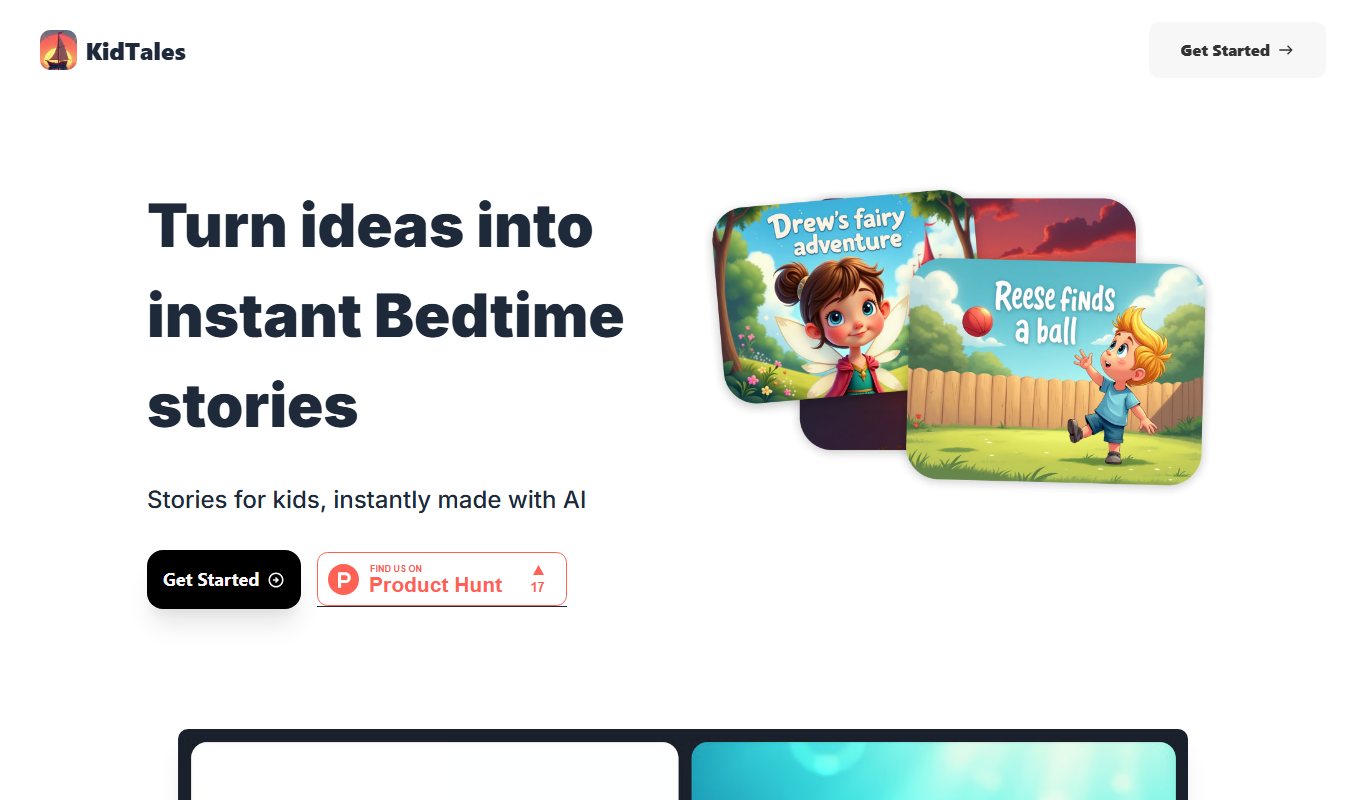
KidTales
KidTales AI is an online tool that generates personalized, age-appropriate stories for children to support creativity and learning.

Freemium
Mi Cuento Digital
Mi Cuento Digital is an online platform that lets you create personalized digital storybooks for children by adding names, photos, and custom details to engage young readers.

Free
Kidgeni
Kidgeni is an AI-powered tutoring platform designed to provide personalized learning and homework help for children, focusing on core subjects like math and reading through interactive sessions.

Freemium
flAI
flAI is an AI-driven language learning app that provides personalized speaking and writing practice with real-time feedback to help users improve fluency and confidence in multiple languages.