From my experience with Whisper Memos, I found it excels at providing accurate and fast voice-to-text transcription directly on mobile devices without needing internet access. The app’s simplicity and privacy-first approach make it ideal for users who want quick, reliable note-taking without complex setups or subscriptions. However, it currently supports only English and lacks advanced editing features, which might limit power users. Overall, if you need a straightforward, free voice memo app that works offline and respects your privacy, Whisper Memos delivers solid results.
Whisper Memos Voice-to-Text App for Accurate Transcription and Notes
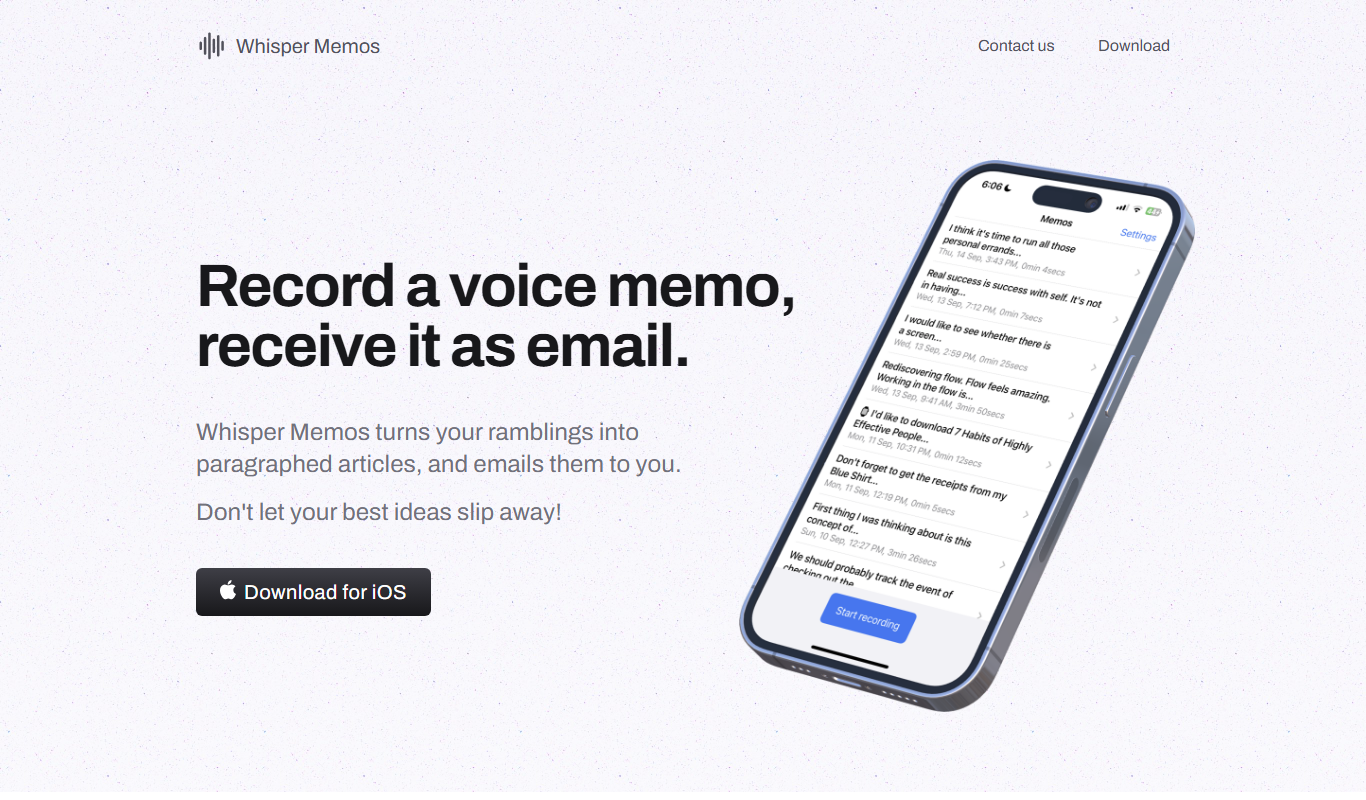
Whisper Memos is a free mobile app that transcribes voice recordings into text accurately, works offline, and stores data locally for privacy.
- Best for
- Voice Note Taking
- Key capability
- Accurate Speech-to-Text
Do you recommend this tool?
What is Whisper Memos?
Whisper Memos is a mobile application that leverages advanced speech-to-text technology to convert voice recordings into accurate text notes. Designed for users who want to capture ideas, meetings, or thoughts hands-free, it simplifies the process of note-taking by transcribing spoken words into editable text. The app focuses on ease of use, privacy, and delivering high-quality transcriptions on mobile devices.
Key features of Whisper Memos
Whisper Memos offers real-time voice transcription, audio recording, easy editing of transcribed text, and seamless sharing options. It supports continuous dictation and stores notes locally on the device to ensure privacy. The app is optimized for mobile use, making it convenient for on-the-go note-taking.
Accurate Speech-to-Text
Utilizes advanced voice recognition technology to deliver precise transcriptions.
Offline Functionality
Allows recording and transcription without requiring an internet connection.
Privacy Focused
Stores data locally on the device to protect user privacy.
Easy Editing Interface
Simple tools to edit and format transcribed notes quickly.
Multi-Platform Support
Available on both iOS and Android devices for broad accessibility.
Pros and cons of Whisper Memos
Pros
- Accurate and fast voice-to-text transcription
- Works offline without internet dependency
- User-friendly interface for quick note editing
- Completely free with no ads or subscriptions
- Strong focus on user privacy and data security
Cons
- Limited to English language support
- No desktop or web version available
- Lacks advanced editing or formatting features
Key use cases for Whisper Memos
Voice Note Taking
Capture spoken ideas and convert them into text notes quickly and accurately.
Meeting Transcriptions
Record meetings or conversations and get real-time or post-session transcriptions.
Content Creation
Use voice input to draft articles, blogs, or scripts without typing.
Accessibility Aid
Assist users who prefer or require voice input for note-taking or communication.
How Whisper Memos works
- 1
Open the App
Launch Whisper Memos on your iOS or Android device.
- 2
Start Recording
Tap the record button and begin speaking to capture your voice.
- 3
Automatic Transcription
The app transcribes your speech into text in real-time or after recording.
- 4
Edit and Save
Review the transcribed text, make any necessary edits, and save your note.
- 5
Share or Export
Share your notes via email, messaging apps, or export them for other uses.
Who is using Whisper Memos
Students needing quick voice notes
Professionals recording meetings
Content creators drafting scripts
Users with accessibility needs
Anyone preferring voice input over typing
Whisper Memos pricing
Free
$0
Full access to all features with no subscription fees.
Plans and prices are as published by the vendor and can change. Check the official site before you buy. Open the pricing page (opens in a new tab)
Frequently asked questions about Whisper Memos
Yes, Whisper Memos is completely free with no hidden charges.
No, it supports offline transcription, allowing use without internet.
Yes, the app provides an easy-to-use interface for editing your notes.
All recordings and transcriptions are stored locally on your device to ensure privacy.
It depends on your specific needs and how you plan to use the tool. The official website and documentation are the best sources for the latest details.
Yes, it can help with that use case depending on how you configure it and what features are available. You’ll get the best results with clear inputs and a defined goal.
Yes, it can help with that use case depending on how you configure it and what features are available. You’ll get the best results with clear inputs and a defined goal.
Sign in to review this tool.
Sign In to ReviewNo reviews yet
Be the first to share how this tool worked for you.
Ask about pricing, limits, or how it compares — or answer someone else.
Sign In to AskNo questions yet
Have a question about using or paying for this tool? Be the first to ask.
Featured on TiorAI



More AI Dream Interpreter tools
Other tools in the same category, for when this one is not quite the fit.

Free
Ego Death Recovery Guide by PsychonautWiki
The Ego Death Recovery Guide by PsychonautWiki is a free, detailed online resource offering explanations and practical advice to help individuals recover from ego dissolution after psychedelic experiences.
Free
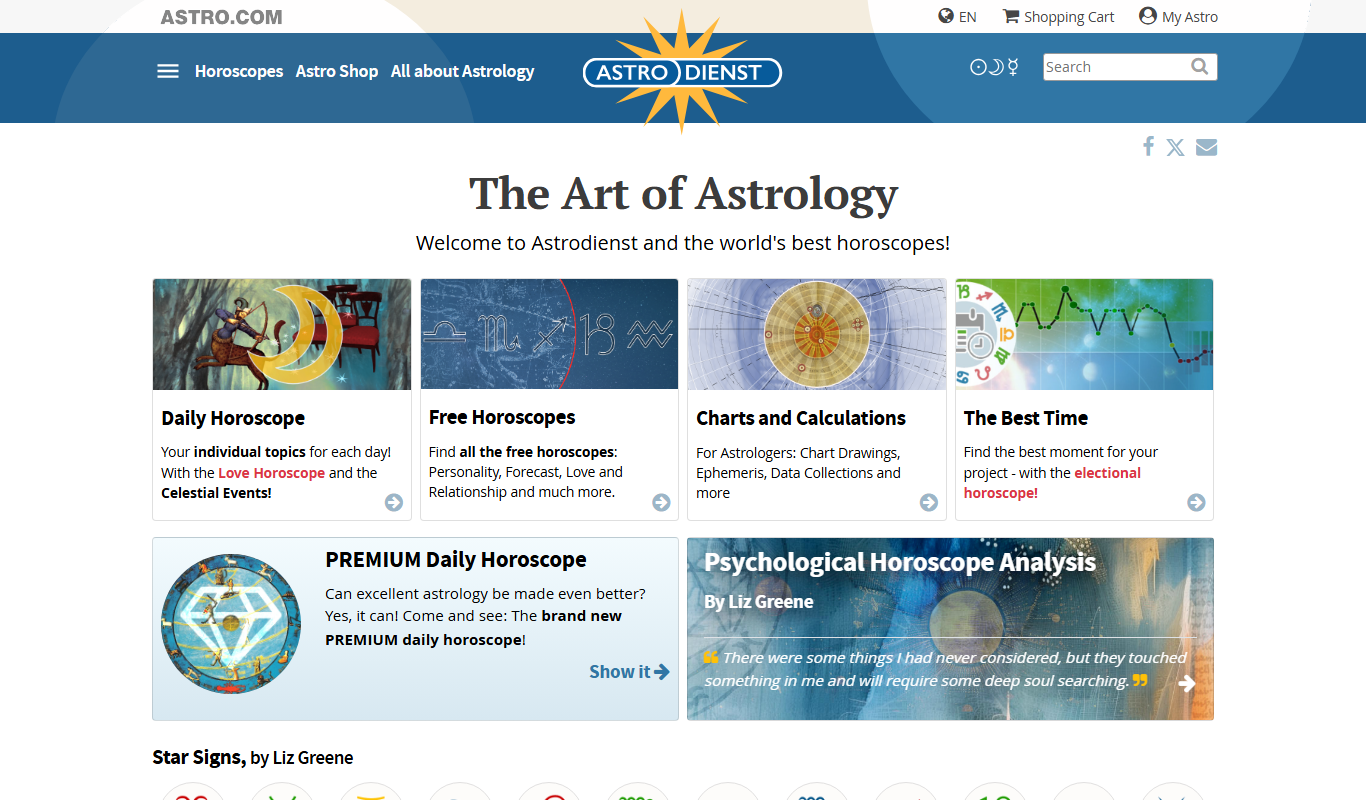
Astro.com
Astro.com is a leading online astrology platform offering free and paid personalized horoscopes, natal charts, and compatibility reports based on precise birth data.
Free
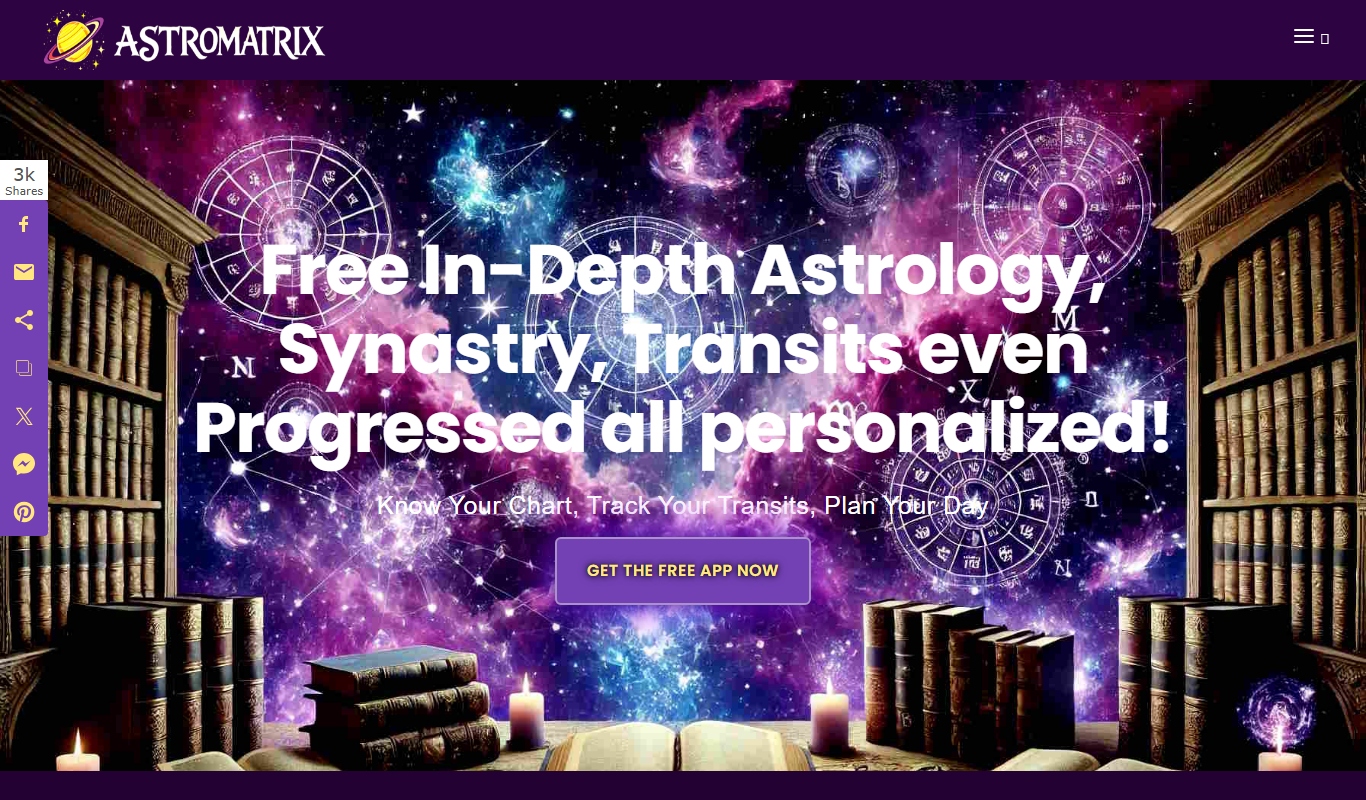
AstroMatrix
AstroMatrix is an astrology software and app that provides personalized horoscope readings, birth chart analyses, compatibility reports, and AI-powered dream interpretation based on your birth data.
Free
DreamMoods
DreamMoods is a free online dream dictionary that provides detailed meanings and interpretations of common dream symbols to help users understand their dreams.