

From my experience with Weatherbit, I found it excels at providing reliable and comprehensive weather data through a developer-friendly API. Its global coverage and inclusion of air quality and severe weather alerts make it a versatile choice for various industries. After spending time with the platform, I can say it’s particularly well-suited for developers, agricultural businesses, and environmental researchers who need accurate and timely meteorological information. However, the free tier is somewhat limited in API calls and features, so scaling up requires a paid plan. Overall, if you need dependable weather data integration, Weatherbit delivers solid and scalable results.
Weatherbit Weather API for Accurate Forecasts and Climate Data Access
Weatherbit is a weather data platform providing real-time, forecast, and historical weather information through an easy-to-use API, suitable for developers and businesses needing accurate meteorological data.
- Best for
- Weather Forecasting
- Key capability
- Real-Time Weather Data
Your actions
Save Weatherbit, follow its updates and vote on it — everything stays in your account.
Sign in or create a free account
What is Weatherbit?
Weatherbit is a comprehensive weather data platform offering a robust API that delivers accurate real-time, forecast, and historical weather information. It serves developers, businesses, and researchers by providing easy access to meteorological data to power applications, websites, and decision-making processes.
Key features of Weatherbit
Weatherbit’s main features include real-time weather data, multi-day forecasts, historical climate records, severe weather alerts, and air quality indices. The API supports various data formats and offers global coverage with high reliability and scalability.
Real-Time Weather Data
Provides up-to-date weather conditions including temperature, humidity, wind, and precipitation.
Multi-Day Forecasts
Offers detailed weather forecasts up to 16 days ahead.
Historical Weather Data
Access past weather records for trend analysis and research.
Severe Weather Alerts
Receive notifications about extreme weather events to enhance safety.
Air Quality Index
Includes air pollution data to monitor environmental health.
Pros and cons of Weatherbit
Pros
- Comprehensive and accurate weather data
- Easy API integration with clear documentation
- Global coverage with multiple data types
- Free tier available for developers
- Includes air quality and severe weather alerts
Cons
- Free plan has limited API calls and features
- Advanced features require paid subscription
- No dedicated mobile app for end users
Key use cases for Weatherbit
Weather Forecasting
Access real-time and forecast weather data for applications, websites, and services.
Climate Research
Utilize historical and current climate data for environmental and scientific analysis.
Agriculture Planning
Integrate weather insights to optimize crop management and farming decisions.
Travel and Outdoor Activities
Provide accurate weather updates to enhance travel safety and outdoor event planning.
Disaster Management
Receive severe weather alerts to prepare and respond to natural hazards effectively.
How Weatherbit works
- 1
Sign Up
Create an account on Weatherbit.io to obtain API access credentials.
- 2
Select API Plan
Choose a pricing plan based on your data needs and usage volume.
- 3
Integrate API
Use the provided API key to integrate Weatherbit’s endpoints into your application.
- 4
Request Weather Data
Make API calls to retrieve current, forecast, or historical weather data.
- 5
Utilize Data
Process and display weather information to end-users or for internal analytics.
Who is using Weatherbit
Developers building weather-enabled apps
Agriculture and farming businesses
Travel and outdoor event planners
Environmental researchers and scientists
Disaster management agencies
Weatherbit pricing
Free
$0/month
Limited API calls per day with basic weather data access.
Developer
$35/month
Increased API limits and access to additional data endpoints.
Business
Custom pricing
Tailored plans with high volume usage and premium support.
Plans and prices are as published by the vendor and can change. Check the official site before you buy. Open the pricing page (opens in a new tab)
Frequently asked questions about Weatherbit
Weatherbit offers current conditions, forecasts, historical data, severe weather alerts, and air quality information.
You need to create an account, obtain an API key, and use it to make requests to their RESTful API endpoints.
Yes, Weatherbit provides a free plan with limited daily API calls suitable for testing and small projects.
Yes, Weatherbit offers worldwide weather data coverage.
This tool is designed to help users accomplish its core tasks more efficiently. It is typically used by individuals or teams looking to improve productivity and workflow.
Data handling and security practices vary by provider. Review the official privacy policy to understand how your data is stored and used.
Some tools offer a free plan or trial with limited features. Availability can vary, so confirm on the official website.
Data handling and security practices vary by provider. Review the official privacy policy to understand how your data is stored and used.
Sign in to review this tool.
Sign In to ReviewNo reviews yet
Be the first to share how this tool worked for you.
Ask about pricing, limits, or how it compares — or answer someone else.
Sign In to AskNo questions yet
Have a question about using or paying for this tool? Be the first to ask.
Featured on TiorAI



Alternative Tools
Explore similar AI tools that might fit your needs

Free
OpenWeatherMap
OpenWeatherMap is a weather data service providing APIs for real-time weather, forecasts, and historical data integration into applications.

Freemium
AccuWeather API
AccuWeather API provides developers with accurate, real-time and forecast weather data globally via RESTful endpoints, supporting JSON and XML formats for easy integration.
More AI Analytics Assistant tools
Other tools in the same category, for when this one is not quite the fit.

Free
VidStats
VidStats is a YouTube analytics platform with free and paid tools for tracking channel and video performance.

Freemium
Marcus – your AI Billing Agent
Marcus is an AI-powered billing agent that automates invoice creation, sends payment reminders, and manages accounts receivable to help businesses improve cash flow and reduce manual billing tasks.
Enterprise
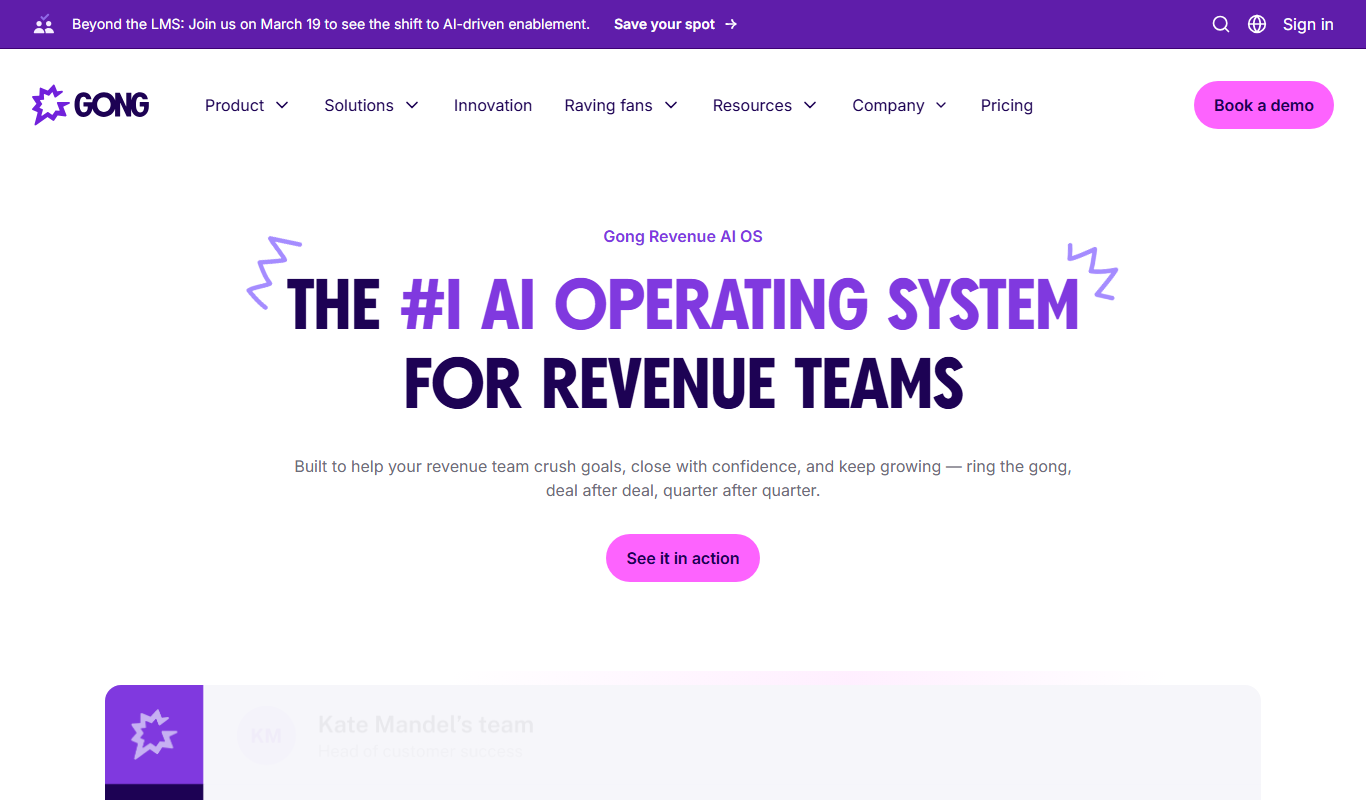
Gong.io
Gong.io is an AI-driven conversation intelligence platform that records, transcribes, and analyzes sales and customer interactions to provide actionable insights for improving sales performance and forecasting.

Freemium
Diffbot
Diffbot is an AI-driven platform that automatically extracts structured data from web pages using machine learning and computer vision, providing APIs for developers to access clean, organized data for various applications.
Free
Zacks Investment Research
Zacks Investment Research provides stock ratings, earnings estimates, and financial research tools to help investors make informed decisions.

Custom Pricing
Avigilon
Avigilon provides integrated video surveillance and AI analytics solutions designed to enhance security monitoring, access control, and incident response for enterprises and organizations.

Enterprise
Rhombus
Rhombus Systems is a cloud-based video security platform that uses AI-powered cameras and analytics to provide businesses with real-time surveillance, alerts, and operational insights accessible remotely.

Subscription
Eagle Eye Networks
Eagle Eye Networks is a cloud video surveillance platform that provides AI-powered video analytics, remote monitoring, and multi-site security management via web and mobile apps.