

Rhombus Systems Smart Video Security Platform for Business Surveillance
Rhombus Systems is a cloud-based video security platform that uses AI-powered cameras and analytics to provide businesses with real-time surveillance, alerts, and operational insights accessible remotely.
- Best for
- Business Security Monitoring
- Key capability
- AI Video Analytics
Save Rhombus, follow its updates and vote on it — everything stays in your account.
Sign in or create a free account
What is Rhombus?
Rhombus Systems is a cloud-managed video security platform that combines smart cameras with AI-powered analytics to provide businesses with enhanced surveillance, operational insights, and real-time alerts. Designed for enterprises and organizations, it simplifies security management by offering scalable, easy-to-deploy hardware integrated with cloud software accessible from anywhere.
Key features of Rhombus
The platform features AI-driven video analytics, cloud storage, remote access, real-time alerts, and seamless integration with access control systems. Its intuitive dashboard enables users to monitor multiple locations, analyze data, and respond promptly to security events.
AI Video Analytics
Automatically detect people, vehicles, and unusual behavior to enhance security and operations.
Cloud Storage and Management
Securely store video footage in the cloud with easy access and scalable storage options.
Real-Time Alerts
Receive instant notifications on mobile or desktop for critical security events.
Remote Access
View live and recorded video feeds from any device via web or mobile applications.
Integration with Access Control
Combine video surveillance with door access systems for comprehensive security management.
Pros and cons of Rhombus
Pros
- Cloud-based platform simplifies deployment and management
- Advanced AI analytics improve security and operational insights
- Remote access enables flexible monitoring
- Integration with access control enhances security
- Scalable for businesses of all sizes
Cons
- Dependent on reliable internet connectivity for cloud access
- Limited language support currently
Key use cases for Rhombus
Business Security Monitoring
Monitor physical premises with AI-powered cameras to detect unusual activity and ensure safety.
Access Control and Visitor Management
Manage and track entry points with video verification and real-time alerts for authorized personnel.
Operational Analytics
Leverage AI analytics to gain insights on foot traffic, employee behavior, and space utilization.
Incident Investigation
Use cloud-stored video footage with advanced search capabilities to quickly investigate security incidents.
Remote Surveillance
Access live and recorded video feeds remotely via web or mobile apps for continuous monitoring.
How Rhombus works
- 1
Install Smart Cameras
Deploy Rhombus smart cameras across your business premises for comprehensive coverage.
- 2
Connect to Cloud Platform
Link cameras to Rhombus cloud platform for centralized video management and analytics.
- 3
Configure Alerts and Analytics
Set up AI-powered alerts for motion, people counting, and unusual activity detection.
- 4
Monitor and Respond
Access live and recorded footage remotely and respond to incidents in real time.
Who is using Rhombus
Rhombus pricing
Professional License
$149 per camera
Per-camera license; AI-features and cloud archiving not included in the Professional License.
Enterprise
Request Custom Quote
Per-camera license tier offered alongside Professional; AI features and cloud archiving are not included in the Professional License, priced by custom quote.
Cameras
From $399 per camera (one-time fee)
Dome, fisheye, bullet, multisensor and mini cameras; all cameras include 10-year warranties and require an ongoing license to operate.
Plans and prices are as published by the vendor and can change. Check the official site before you buy. Open the pricing page (opens in a new tab)
Frequently asked questions about Rhombus
No, Rhombus Systems is fully cloud-managed, eliminating the need for on-premise servers.
Yes, users can securely access live and recorded video via web and mobile apps from anywhere.
Rhombus provides AI-powered video analytics including people and vehicle detection, motion alerts, and behavior analysis.
Yes, Rhombus supports multi-site management with centralized monitoring and analytics.
This tool is designed to help users accomplish its core tasks more efficiently. It is typically used by individuals or teams looking to improve productivity and workflow.
It depends on your specific needs and how you plan to use the tool. The official website and documentation are the best sources for the latest details.
Integration support depends on the tool and its available connectors or API. Check the official documentation or integrations page to confirm what is supported.
It depends on your specific needs and how you plan to use the tool. The official website and documentation are the best sources for the latest details.
Conclusion
Hardware and software come from the same vendor here: Rhombus pairs its own smart cameras, access control and IoT sensors with a cloud platform, so no on-premise servers are needed. AI-powered alerts can be set for motion, people counting and unusual activity, and live or recorded video is reachable from web and mobile apps. Retail chains, educational institutions and healthcare facilities are among the intended users, and multi-site management brings several locations under centralized monitoring.
Costs are split per device, since each camera is a one-time purchase that also requires an ongoing license to operate. AI features and cloud archiving are not included in the Professional License, and all cameras include 10-year warranties. Products are sold through Authorized Rhombus Resellers or the sales team, and a free trial is available.
Sources
Sign in to review this tool.
Sign In to ReviewNo reviews yet
Be the first to share how this tool worked for you.
Ask about pricing, limits, or how it compares — or answer someone else.
Sign In to AskNo questions yet
Have a question about using or paying for this tool? Be the first to ask.
Featured on TiorAI



Alternative Tools
Explore similar AI tools that might fit your needs

Eagle Eye Networks
Eagle Eye Networks is a cloud video surveillance platform that provides AI-powered video analytics, remote monitoring, and multi-site security management via web and mobile apps.

Verkada
Verkada is a cloud-based security camera system offering AI-powered video analytics, centralized management, and secure remote access for enterprise physical security.
More AI Analytics Assistant tools
Other tools in the same category, for when this one is not quite the fit.
Affectiva
Affectiva is an emotion AI platform that analyzes facial expressions and emotions using artificial intelligence to provide insights for marketing, automotive safety, and media engagement.
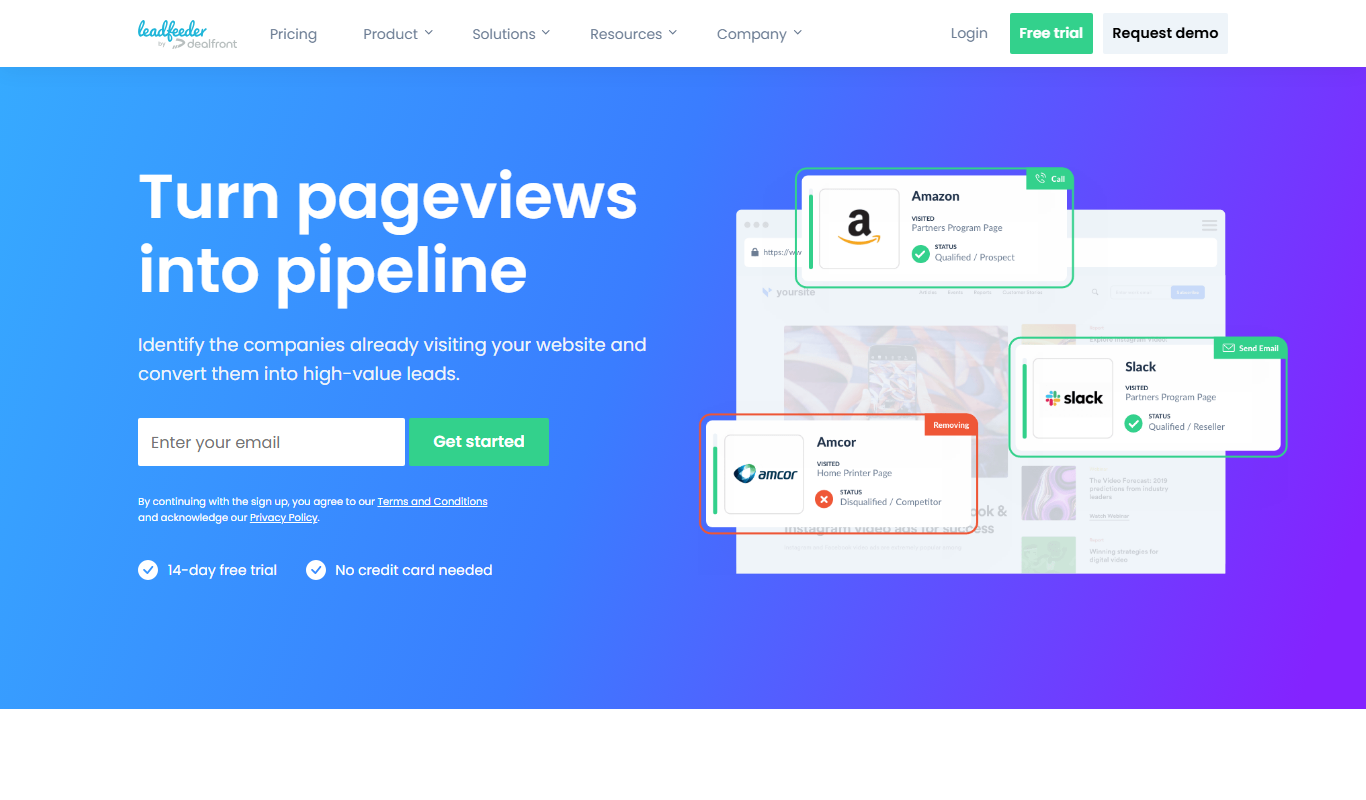
Leadfeeder
Leadfeeder is a B2B lead generation tool that identifies anonymous website visitors by company, providing sales teams with actionable leads and CRM integration to improve prospecting efficiency.

Morningfame
Morningfame is a YouTube analytics platform that helps creators grow their channels by providing keyword research, personalized growth reports, and video SEO optimization recommendations.

KlientBoost
KlientBoost is a digital marketing agency focused on managing PPC campaigns and improving conversion rates through data-driven strategies and landing page optimization.

Disruptive Advertising
Disruptive Advertising is a digital marketing agency specializing in PPC campaign management, conversion rate optimization, and analytics to help businesses maximize online advertising ROI.

Sustainalytics
Sustainalytics provides ESG risk ratings and sustainability data to help investors and companies assess environmental, social, and governance risks for responsible decision-making.
PVsyst
PVsyst is a specialized desktop software for designing and simulating photovoltaic solar energy systems, offering detailed shading analysis, energy yield estimation, and financial evaluation.

HelioScope
HelioScope is a cloud-based solar design software that enables users to create detailed photovoltaic system layouts, perform shading and energy production simulations, and generate professional reports to optimize solar project performance.