

Verkada Cloud-Based Security Cameras and Video Surveillance Solutions
Verkada is a cloud-based security camera system offering AI-powered video analytics, centralized management, and secure remote access for enterprise physical security.
- Best for
- Enterprise Security Monitoring
- Key capability
- Cloud-Managed Security Cameras
Save Verkada, follow its updates and vote on it — everything stays in your account.
Sign in or create a free account
What is Verkada?
Verkada is a cloud-based physical security platform that combines enterprise-grade security cameras with AI-powered video analytics and centralized management. It enables organizations to monitor, manage, and analyze video surveillance footage remotely through an intuitive web and mobile interface. Verkada’s system integrates hardware and software to provide scalable, secure, and easy-to-use video security solutions for businesses of all sizes.
Key features of Verkada
Verkada offers high-definition security cameras with onboard AI analytics, cloud storage, real-time alerts, centralized management, and seamless integration with access control and other security systems. Its platform emphasizes ease of deployment, scalability, and secure remote access.
Cloud-Managed Security Cameras
Enterprise-grade cameras with onboard processing and cloud connectivity.
AI-Powered Video Analytics
Real-time detection of people, vehicles, and unusual activity with customizable alerts.
Centralized Management Dashboard
Unified platform to monitor multiple sites and devices remotely.
Secure Cloud Storage
Encrypted video storage with easy access and scalable retention policies.
Mobile and Web Access
Access live and recorded video from anywhere via apps or browser.
Pros and cons of Verkada
Pros
- Easy cloud-based deployment with minimal hardware setup
- Powerful AI analytics integrated directly on cameras
- Centralized and secure remote management
- High-quality video with scalable cloud storage
- Strong integration with access control and security systems
Cons
- Subscription-based model may be costly for small businesses
- Limited language support primarily in English
Key use cases for Verkada
Enterprise Security Monitoring
Deploy cloud-managed cameras across multiple locations for centralized security monitoring.
Real-Time Video Analytics
Utilize AI-powered analytics for detecting people, vehicles, and unusual activity in real time.
Access Control Integration
Integrate video surveillance with access control systems to enhance physical security.
Incident Investigation
Review high-definition video footage with easy search and playback features for incident analysis.
Remote Security Management
Manage and monitor security cameras remotely via web or mobile applications.
How Verkada works
- 1
Install Cameras
Deploy Verkada’s plug-and-play cameras at desired locations with minimal setup.
- 2
Connect to Cloud
Cameras connect securely to Verkada’s cloud platform for video storage and management.
- 3
Access Dashboard
Use the web or mobile app to view live feeds, playback footage, and manage devices.
- 4
Enable AI Analytics
Activate AI features to detect people, vehicles, and generate alerts for unusual events.
- 5
Integrate Systems
Connect with access control and other security tools for comprehensive protection.
Who is using Verkada
Verkada pricing
Standard Subscription
Published MSRP per camera plus license (for example CD22 at $799 MSRP)
Includes cameras, cloud storage, and access to management platform with AI analytics.
Plans and prices are as published by the vendor and can change. Check the official site before you buy. Open the pricing page (opens in a new tab)
Frequently asked questions about Verkada
No, Verkada cameras connect directly to the cloud, eliminating the need for on-premise servers.
Yes, you can securely access live and recorded footage from any web browser or mobile device.
Verkada provides AI-powered person and vehicle detection, motion alerts, and anomaly detection.
Yes, Verkada’s centralized dashboard supports management of cameras across multiple locations.
Data handling and security practices vary by provider. Review the official privacy policy to understand how your data is stored and used.
It depends on your specific needs and how you plan to use the tool. The official website and documentation are the best sources for the latest details.
It depends on your specific needs and how you plan to use the tool. The official website and documentation are the best sources for the latest details.
Conclusion
Installation is plug-and-play: cameras with onboard processing connect directly to the cloud, so no on-premise servers are needed. Live and recorded footage can be accessed from any web browser or mobile device, and a centralized dashboard manages cameras across multiple locations. The analytics include AI-powered person and vehicle detection, motion alerts and anomaly detection.
Beyond cameras, the system connects with access control and other security tools. It is built for enterprise security teams and facility managers, and for organizations such as retail chains and educational institutions. Camera prices are published as MSRP plus a license, for example $799 for the CD22.
Sources
Sign in to review this tool.
Sign In to ReviewNo reviews yet
Be the first to share how this tool worked for you.
Ask about pricing, limits, or how it compares — or answer someone else.
Sign In to AskNo questions yet
Have a question about using or paying for this tool? Be the first to ask.
Featured on TiorAI



Alternative Tools
Explore similar AI tools that might fit your needs

Rhombus
Rhombus Systems is a cloud-based video security platform that uses AI-powered cameras and analytics to provide businesses with real-time surveillance, alerts, and operational insights accessible remotely.

Eagle Eye Networks
Eagle Eye Networks is a cloud video surveillance platform that provides AI-powered video analytics, remote monitoring, and multi-site security management via web and mobile apps.
More AI Analytics Assistant tools
Other tools in the same category, for when this one is not quite the fit.

AlsoAsked
AlsoAsked is an SEO tool that visualizes related search questions from Google's 'People Also Ask' feature to help users uncover keyword opportunities and understand search intent.

Cynet
Cynet is an AI-powered cybersecurity platform that provides automated threat detection, investigation, and response across endpoints, networks, and users to protect enterprises from advanced cyber threats.

Socialinsider
Socialinsider is a social media analytics platform that helps businesses track, analyze, and benchmark their social media performance against competitors across platforms like Facebook, Instagram, Twitter, LinkedIn, YouTube and TikTok.

Qualaroo
Qualaroo is a customer feedback software that helps businesses collect targeted website surveys and analyze user insights with AI-powered tools to improve customer experience.
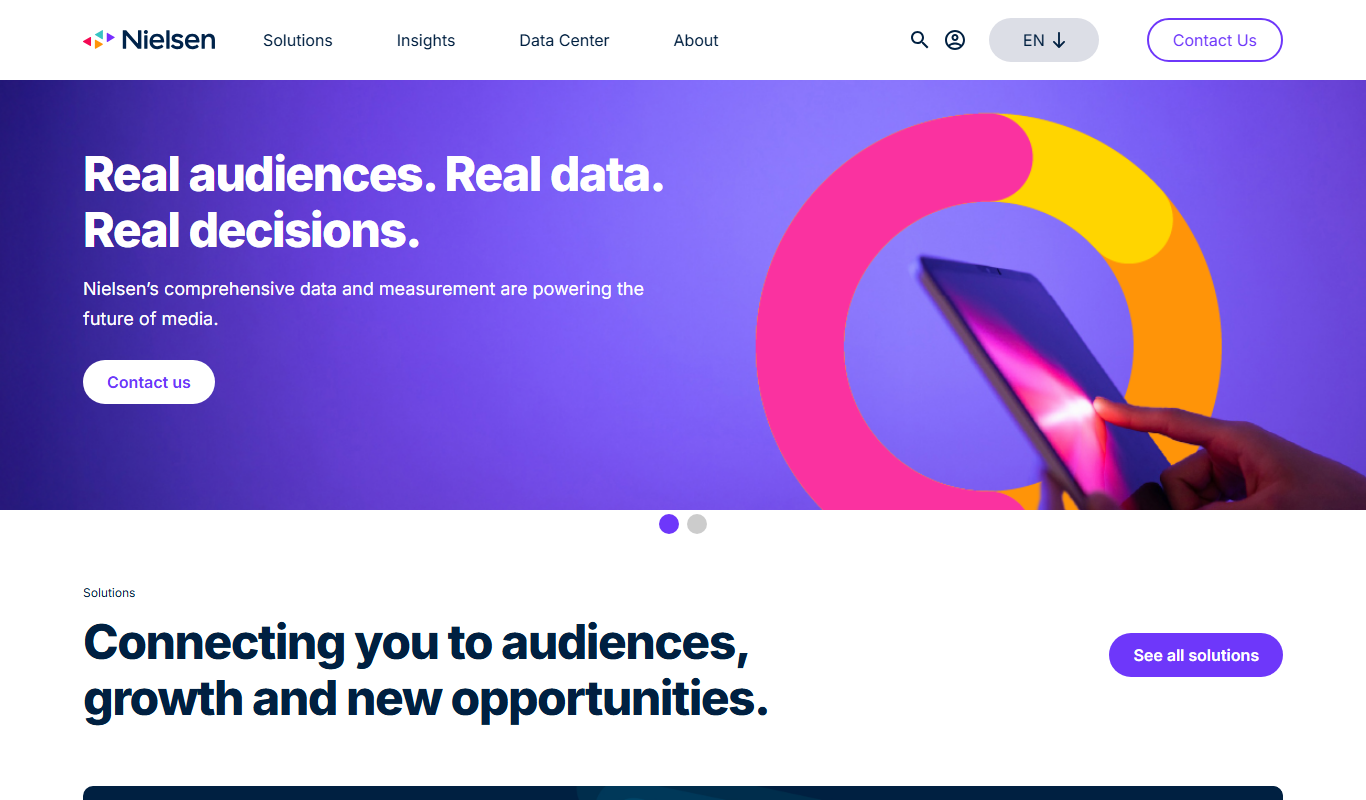
Nielsen Market Research
Nielsen Market Research provides detailed consumer and media data analytics to help businesses understand market trends, measure audience engagement, and optimize marketing strategies.

Coupler.io
Coupler.io is a no-code data integration tool that automates importing and syncing data between apps and data warehouses, enabling scheduled data refreshes and streamlined reporting without coding.

Zindi
Zindi is a free online platform hosting data science and machine learning competitions that connect organizations with a global community of data scientists to solve real-world problems.

Matomo
Matomo is an open-source web analytics platform that provides detailed visitor insights while ensuring full data ownership and privacy compliance, available as self-hosted or cloud solutions.