

From my experience with Wavve AI, it stands out for its straightforward approach to turning audio clips into visually appealing videos, especially useful for podcasters and social media marketers. The platform’s ease of use and customization options make it accessible even for users without video editing skills. However, the free plan’s limitations and watermark can be a drawback for some, and the lack of a desktop or mobile app means you must work within a browser. Overall, if your goal is to quickly create engaging social media videos from audio content, Wavve AI offers a solid, user-friendly solution.
Wavve AI Audio and Video Content Creation Tool for Social Media
Wavve AI is a web-based tool that transforms audio clips into engaging videos with animated waveforms and captions, designed for social media sharing and podcast promotion.
- Best for
- Podcast Promotion
- Key capability
- Audio Waveform Animation


Do you recommend this tool?
What is Wavve AI?
Wavve AI is a web-based platform that enables users to convert audio clips into engaging videos with animated waveforms, captions, and branding elements. It is designed to help podcasters, marketers, and content creators easily produce social media-ready video content from audio files, enhancing audience engagement and reach.
Key features of Wavve AI
Wavve AI offers features such as customizable audio waveforms, video templates, captioning, branding options, and direct social media sharing. Its intuitive interface simplifies the process of turning audio into visually appealing videos optimized for platforms like Instagram, Facebook, and LinkedIn.
Audio Waveform Animation
Visualize audio with customizable animated waveforms that sync with sound.
Captioning and Subtitles
Add and edit captions to make videos accessible and engaging.
Brand Customization
Incorporate logos, colors, and fonts to maintain brand consistency.
Multiple Video Formats
Export videos in various aspect ratios optimized for different social media platforms.
Direct Social Sharing
Publish videos directly to platforms like Instagram, Facebook, and Twitter.
Pros and cons of Wavve AI
Pros
- User-friendly interface suitable for beginners
- Customizable waveforms and branding options
- Supports multiple social media video formats
- Direct sharing to social platforms
Cons
- Limited free plan features and watermarked videos
- No desktop or mobile app, web-only platform
- Caption editing can be improved for accuracy
Key use cases for Wavve AI
Podcast Promotion
Create engaging video clips from podcast audio to share on social media platforms.
Social Media Marketing
Generate visually appealing audio waveforms and videos to boost social media engagement.
Content Repurposing
Transform audio content into shareable video snippets to reach wider audiences.
Brand Awareness
Customize videos with logos, captions, and branding to maintain consistent brand identity.
How Wavve AI works
- 1
Upload Audio
Import your audio file or provide a link to your podcast episode.
- 2
Customize Video
Select waveform styles, add captions, logos, and choose video dimensions.
- 3
Generate Video
Wavve AI processes the audio and creates a video with animated waveforms.
- 4
Download or Share
Download the video or share it directly to social media platforms.
Who is using Wavve AI
Podcasters
Social media marketers
Content creators
Small business owners
Digital marketing agencies
Wavve AI pricing
Free
$0/month
Basic features with limited video exports and watermark on videos.
Pro
$15/month
Unlimited video exports, no watermark, advanced customization options.
Business
$35/month
All Pro features plus priority support and team collaboration tools.
Plans and prices are as published by the vendor and can change. Check the official site before you buy. Open the pricing page (opens in a new tab)
Frequently asked questions about Wavve AI
Yes, Wavve AI is designed with an intuitive interface suitable for beginners.
Wavve AI supports common audio formats like MP3, WAV, and M4A.
Yes, you can upload logos, customize colors, and fonts to match your brand.
Video length limits depend on your subscription plan, with higher tiers allowing longer videos.
It depends on your specific needs and how you plan to use the tool. The official website and documentation are the best sources for the latest details.
Yes, it can help with that use case depending on how you configure it and what features are available. You’ll get the best results with clear inputs and a defined goal.
Pricing depends on the plan and included features. For the most accurate and up-to-date details, check the official pricing page.
Sign in to review this tool.
Sign In to ReviewNo reviews yet
Be the first to share how this tool worked for you.
Ask about pricing, limits, or how it compares — or answer someone else.
Sign In to AskNo questions yet
Have a question about using or paying for this tool? Be the first to ask.
Featured on TiorAI



Alternative Tools
Explore similar AI tools that might fit your needs

Free Trial
Repurpose.io
Repurpose.io is a web-based platform that automates converting long-form videos and podcasts into optimized clips for social media, enabling content creators to save time and expand reach.
More AI Content Creation Tools tools
Other tools in the same category, for when this one is not quite the fit.

Freemium
Swifty
Swifty is an AI writing assistant that helps users create and edit English content quickly with AI-generated suggestions and grammar corrections.
Freemium
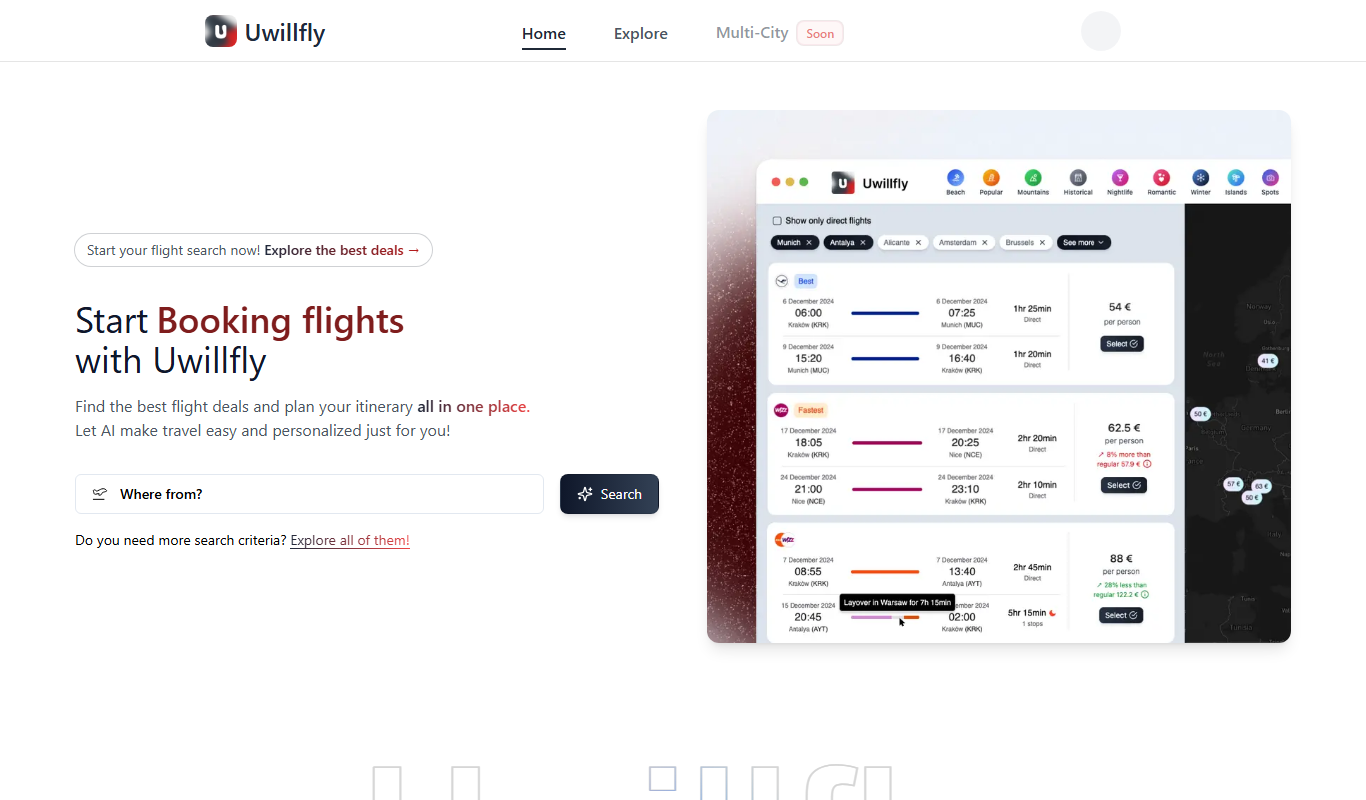
Uwillfly
Uwillfly is an AI-powered writing assistant that generates SEO-optimized articles, marketing copy, and content in English and Chinese to help marketers and writers create content faster.

Freemium
Smart Pineapple
Smart Pineapple is an AI-powered writing assistant designed to generate SEO-friendly content, including blog posts and marketing copy, through an easy-to-use web platform.

Freemium
Explra
Explra is an AI-powered writing assistant designed to help marketers and content creators generate SEO-friendly content quickly and efficiently.
Freemium
Ai & Stuff
Ai & Stuff is a web platform providing multiple AI-powered tools for generating text and images, automating content tasks, and assisting creative workflows.

Free
AI Listify
AI Listify is an AI-driven tool that generates structured lists for content marketing, SEO, and idea organization, helping users create engaging and readable lists quickly.

Freemium
iSamurai
iSamurai is an AI-powered writing assistant that generates SEO-friendly content including blog posts and marketing copy to help businesses and creators save time and improve content quality.
Free
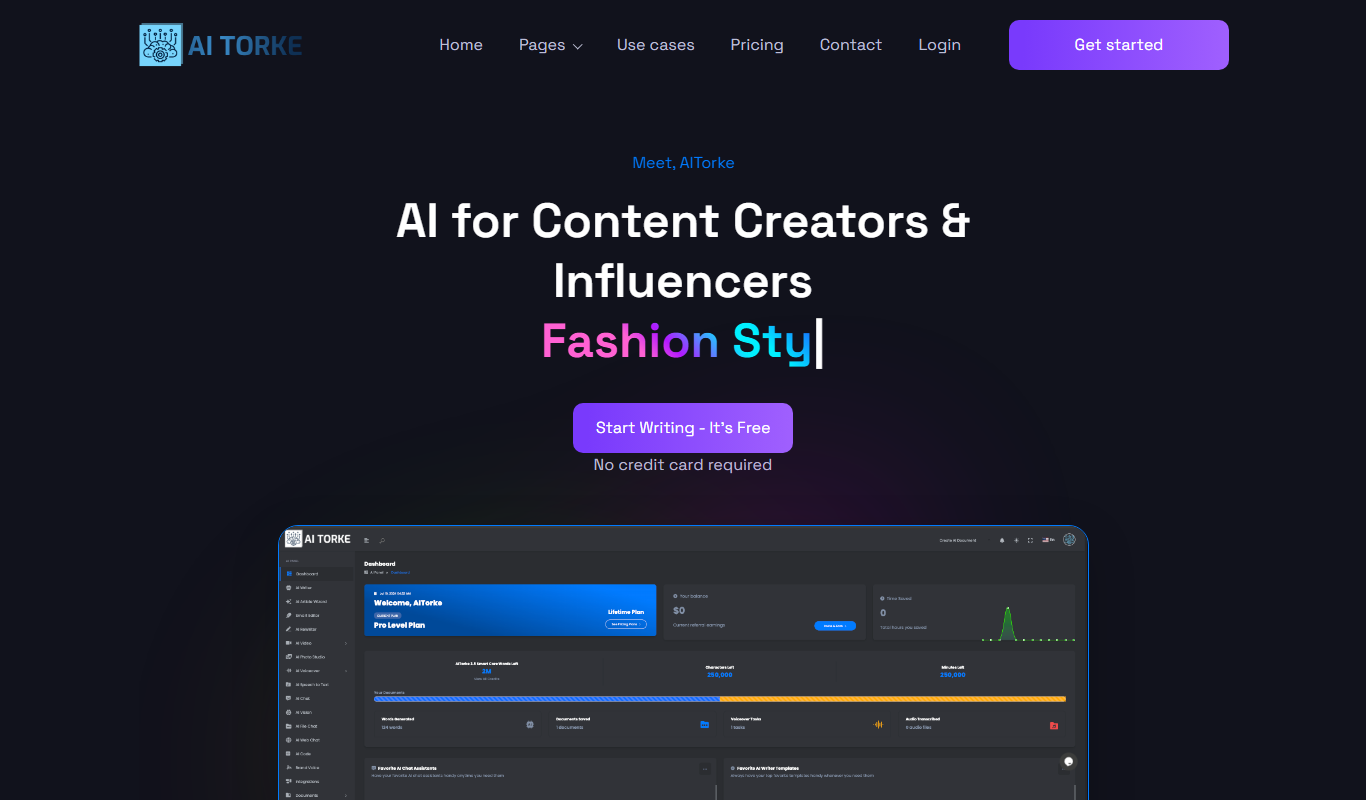
AITorke
AITorke is an AI writing assistant that helps users generate, optimize, and edit content with SEO tools and AI-powered suggestions.