

Wave Invoicing Software for Small Business Accounting and Billing
Wave Invoicing is a free cloud-based software that helps small businesses create invoices, track expenses, accept payments, and manage accounting all in one platform.
- Best for
- Invoice Creation and Management
- Key capability
- Customizable Invoices
Save Wave Invoicing, follow its updates and vote on it — everything stays in your account.
Sign in or create a free account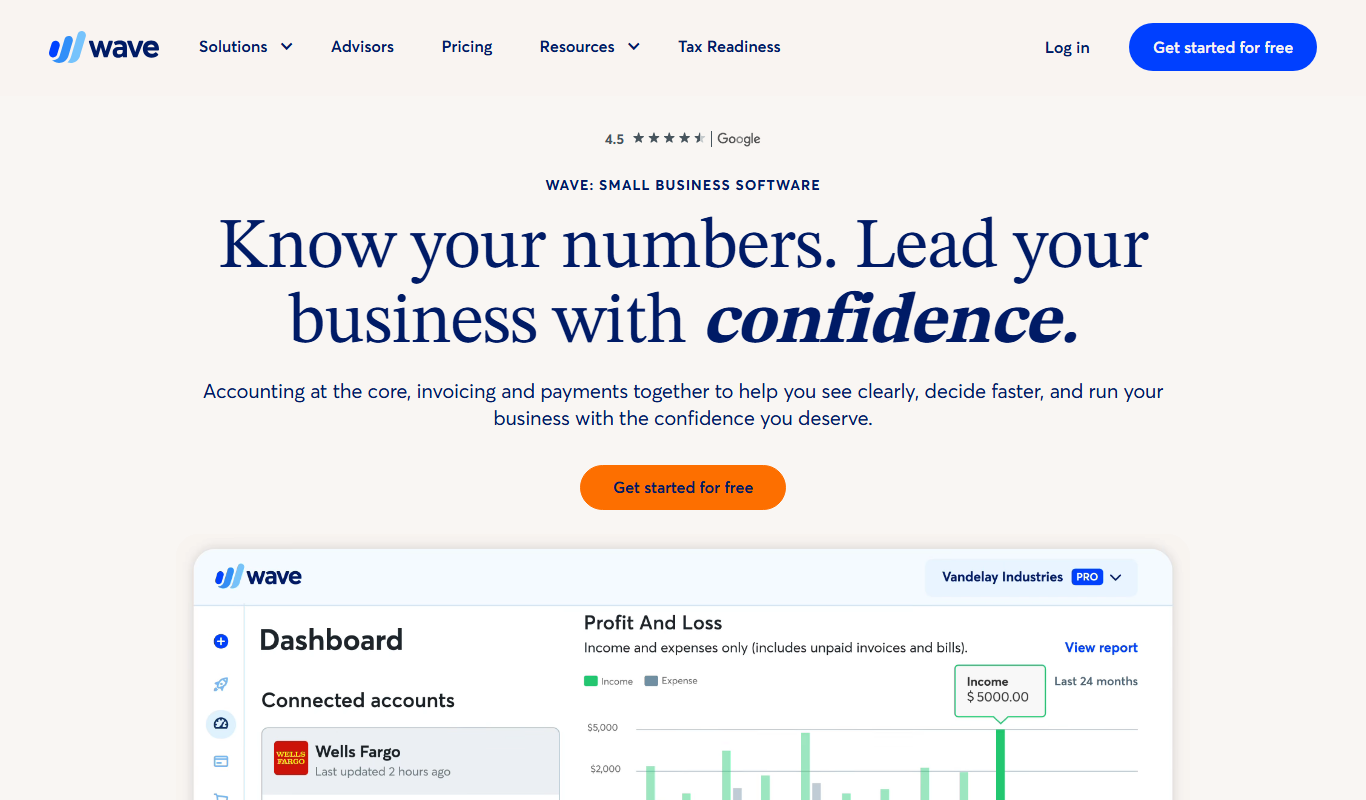
What is Wave Invoicing?
Wave Invoicing is a free cloud-based invoicing and accounting software designed primarily for small businesses and freelancers. It enables users to create and send professional invoices, track expenses, accept payments, and manage their accounting in one integrated platform.
Key features of Wave Invoicing
Wave offers invoice customization, automatic payment reminders, expense tracking, online payment acceptance, and comprehensive financial reporting, all accessible via web and mobile apps.
Customizable Invoices
Design invoices with your branding and personalized fields.
Automatic Payment Reminders
Send automatic notifications to clients for overdue invoices.
Online Payment Integration
Accept credit card and bank payments directly through invoices.
Expense Management
Track and categorize business expenses easily.
Financial Reporting
Generate profit and loss statements, balance sheets, and tax reports.
Pros and cons of Wave Invoicing
Pros
- Free core invoicing and accounting, with a paid Pro plan for auto-import of bank transactions and receipts
- User-friendly interface suitable for beginners
- Integrated payment processing to speed up cash flow
- Mobile apps for managing finances on the go
- Comprehensive financial reports for business insights
Cons
- Payment processing fees can add up for high volume users
- Payroll services are limited to certain countries
- Lacks some advanced features needed by larger businesses
Key use cases for Wave Invoicing
Invoice Creation and Management
Generate professional invoices quickly and track their status to ensure timely payments.
Expense Tracking
Monitor and categorize business expenses to maintain accurate financial records.
Payment Processing
Accept online payments directly through invoices to speed up cash flow.
Accounting and Bookkeeping
Manage your small business accounting with integrated bookkeeping tools.
Financial Reporting
Access detailed reports to understand business performance and prepare for taxes.
How Wave Invoicing works
- 1
Sign Up for Free
Create an account on Waveapps.com using your email address.
- 2
Set Up Your Business Profile
Enter your business details and customize your invoice templates.
- 3
Create and Send Invoices
Generate invoices, add products or services, and send them to clients.
- 4
Track Expenses and Payments
Record expenses and monitor invoice payments in real time.
- 5
Access Reports
Review financial reports to analyze your business health.
Who is using Wave Invoicing
Wave Invoicing pricing
Free
$0/month
Access to invoicing, expense tracking, and accounting features.
Payments
Transaction fees apply
Pay-as-you-go pricing for credit card and bank payment processing.
Payroll
From $25/month
Run payroll for employees or contractors.
Pro
$19/month
Adds auto-import of bank transactions and receipts, plus reminders.
Plans and prices are as published by the vendor and can change. Check the official site before you buy. Open the pricing page (opens in a new tab)
Frequently asked questions about Wave Invoicing
Not completely: a Pro plan at $19/month adds auto-import of bank transactions and receipts, plus reminders.
Yes, Wave allows you to accept credit card and bank payments directly from your invoices with transaction fees.
Yes, Wave supports invoicing and payments in multiple currencies.
Wave is primarily designed for small businesses and freelancers; larger enterprises may require more advanced solutions.
Pricing depends on the plan and included features. For the most accurate and up-to-date details, check the official pricing page.
Yes, it can help with that use case depending on how you configure it and what features are available. You’ll get the best results with clear inputs and a defined goal.
Some tools offer a free plan or trial with limited features. Availability can vary, so confirm on the official website.
Conclusion
Invoices are designed with the business’s branding and personalized fields, then sent to clients, with automatic notifications for overdue invoices. Clients can pay by credit card or bank payment directly from the invoice, with transaction fees on those payments. Business expenses are tracked and categorized in the same place, and financial reporting generates profit and loss statements, balance sheets and tax reports.
Small businesses and freelancers are the primary audience, and the page notes that larger enterprises may need more advanced solutions. Core invoicing stays free, but a Pro plan at $19 per month adds auto-import of bank transactions and receipts, while payroll starts from $25 per month.
Sources
Sign in to review this tool.
Sign In to ReviewNo reviews yet
Be the first to share how this tool worked for you.
Ask about pricing, limits, or how it compares — or answer someone else.
Sign In to AskNo questions yet
Have a question about using or paying for this tool? Be the first to ask.
Featured on TiorAI



More Business Management tools
Other tools in the same category, for when this one is not quite the fit.

Pogo Travel
Pogo Travel is an AI-driven platform that generates personalized travel itineraries based on your preferences, travel dates, and interests, offering collaborative planning and offline access.
BabelOn
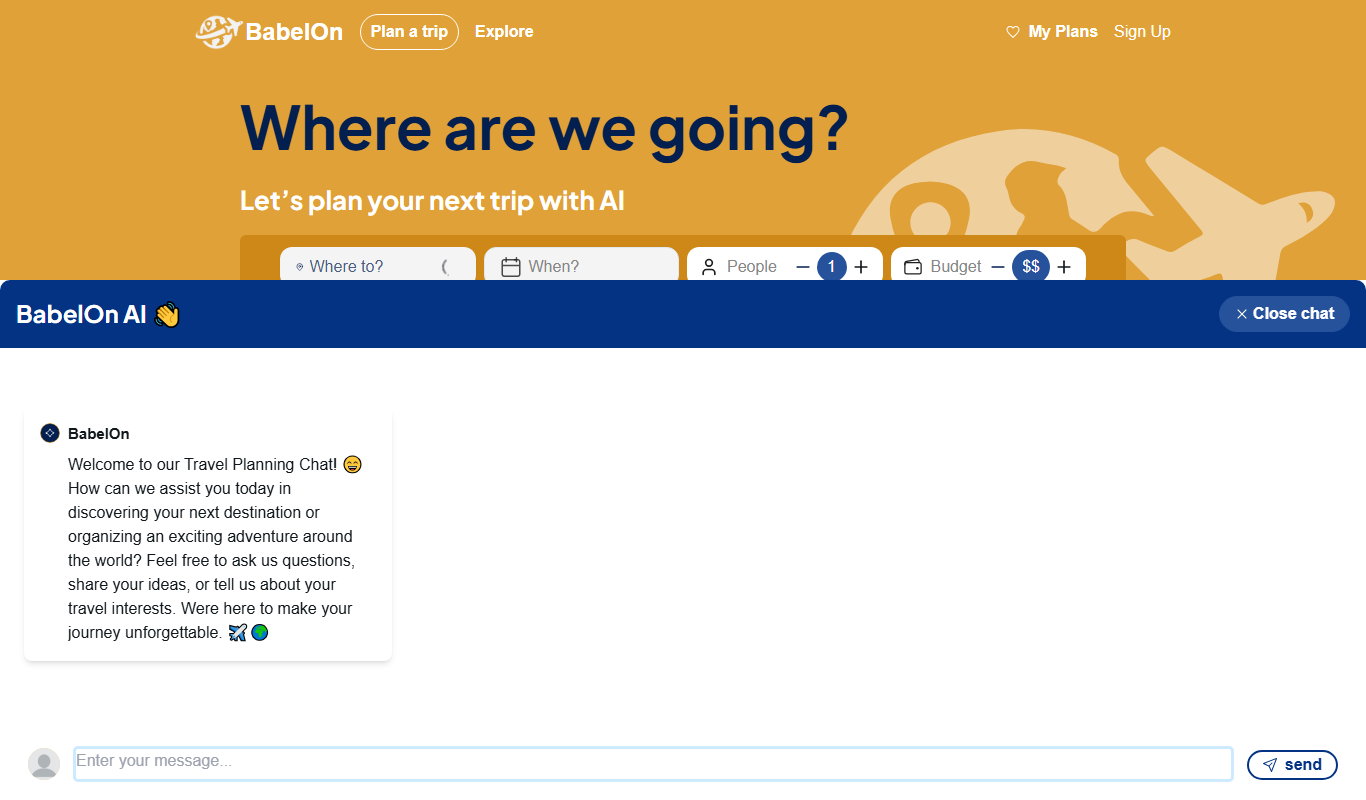
BabelOn is an AI-driven travel planning tool that generates personalized itineraries and helps organize all aspects of your trip in one place.

Furkot
Furkot is a web-based trip planner that helps users create multi-stop routes, optimize travel paths, schedule accommodations and activities, and share itineraries for efficient road trip planning.

Road Trip Navigator
Road Trip Navigator is a web-based tool that helps travelers plan multi-stop road trips by optimizing routes, managing itineraries, and visualizing trips on interactive maps.

Wanderlog
Wanderlog is a travel planning app that helps users create detailed itineraries, optimize travel routes, collaborate with others, and manage travel budgets via web and mobile platforms.

Veraset
Veraset provides privacy-compliant, high-quality location data via API and web platform to support marketing, retail, and urban planning analytics.

Zebra Technologies
Zebra Technologies offers enterprise-grade hardware and software solutions for barcode scanning, RFID, mobile computing, and real-time asset tracking to optimize industrial and supply chain operations.

Cambridge Mobile Telematics
Cambridge Mobile Telematics provides a mobile telematics platform that uses smartphone sensors and AI to analyze driver behavior, enabling insurers and fleet managers to assess risk, improve safety, and reduce accidents.