

From my experience with Voxcreo, it stands out for producing highly realistic AI-generated voices with an intuitive interface that makes voice synthesis accessible even to beginners. The voice cloning feature adds a valuable layer of personalization, which is especially useful for content creators and marketers looking to maintain brand consistency. However, the platform currently supports only English, which may limit its use for multilingual projects. Additionally, advanced features require a paid subscription, so users should evaluate their needs accordingly. Overall, Voxcreo is a solid choice for anyone seeking quality AI voice generation for commercial or creative applications.
Voxcreo AI Voice Generator for Realistic Text-to-Speech Solutions
Voxcreo is an AI text-to-speech platform that creates realistic voiceovers with customizable voices and voice cloning capabilities.
- Best for
- Content Creation
- Key capability
- AI Voice Cloning

What is Voxcreo?
Voxcreo is an AI-powered text-to-speech platform that enables users to create realistic, human-like voiceovers from text input. It offers a range of customizable voice options and supports voice cloning technology to replicate specific voices. The tool is designed to simplify the process of generating high-quality audio content for various applications including media production, accessibility, and customer engagement.
Key features of Voxcreo
Voxcreo provides advanced AI voice synthesis with features such as voice cloning, multiple voice styles, adjustable speech parameters, and easy-to-use web interface. It supports exporting audio files in various formats and integrates seamlessly into content workflows.
AI Voice Cloning
Replicate specific voices by uploading voice samples for personalized speech synthesis.
Multiple Voice Options
Access a diverse library of natural-sounding AI voices across different genders and accents.
Customizable Speech Parameters
Modify pitch, speed, and intonation to tailor the voice output.
High-Quality Audio Output
Generate clear, professional-grade audio files suitable for various media.
User-Friendly Web Interface
Intuitive platform that requires no technical expertise to create voice content.
Pros and cons of Voxcreo
Pros
- Produces highly realistic AI voices
- Supports voice cloning for personalization
- Easy-to-use web platform
- Flexible customization of speech parameters
- Multiple voice options available
Cons
- Limited language support (English only)
- No dedicated mobile app
- Advanced features require paid plans
Key use cases for Voxcreo
Content Creation
Generate natural-sounding voiceovers for videos, podcasts, and presentations.
Accessibility
Provide audio versions of text content to improve accessibility for users with visual impairments.
Customer Support
Create automated voice responses for customer service applications.
E-learning
Produce engaging narrated lessons and educational materials.
Marketing
Develop voice content for advertisements and promotional campaigns.
How Voxcreo works
-
1
Create an Account
Sign up on the Voxcreo website to access the platform.
-
2
Input Text
Enter the text you want to convert into speech.
-
3
Select Voice
Choose from a variety of AI-generated voices or upload a voice sample for cloning.
-
4
Customize Settings
Adjust speech speed, pitch, and style to fit your needs.
-
5
Generate and Download
Produce the audio and download it in your preferred format.
Who is using Voxcreo
Content creators
Marketing professionals
E-learning developers
Accessibility advocates
Customer support teams
Voxcreo pricing
Free Trial
$0
Limited access to core features with usage caps to test the platform.
Standard
$29/month
Full access to voice library, standard voice cloning, and moderate usage limits.
Pro
$79/month
Advanced voice cloning, higher usage limits, and priority support.
Plans and prices are as published by the vendor and can change. Check the official site before you buy. Open the pricing page (opens in a new tab)
Frequently asked questions about Voxcreo
Voxcreo allows voice cloning by uploading voice samples, but quality depends on the sample length and clarity.
You can export audio files in common formats such as MP3 and WAV.
Yes, Voxcreo offers a free trial with limited features and usage.
Yes, commercial usage is permitted under the terms of the paid subscription plans.
It depends on your specific needs and how you plan to use the tool. The official website and documentation are the best sources for the latest details.
Yes, it can help with that use case depending on how you configure it and what features are available. You’ll get the best results with clear inputs and a defined goal.
Sign in to review this tool.
Sign In to ReviewNo reviews yet
Be the first to share how this tool worked for you.
Ask about pricing, limits, or how it compares — or answer someone else.
Sign In to AskNo questions yet
Have a question about using or paying for this tool? Be the first to ask.
Featured on TiorAI



More AI Podcast Tools tools
Other tools in the same category, for when this one is not quite the fit.

Free Trial
Podcustom
Podcustom is an AI-driven podcast editing platform that automates audio cleanup, noise removal, and leveling to help podcasters produce professional-quality episodes efficiently.

Free
Artificial Intelligence Radio
Artificial Intelligence Radio is a free podcast offering expert interviews, AI news, and insights to keep listeners informed about artificial intelligence developments.

Free Trial
ShortCast.ai
ShortCast.ai is an AI tool that transcribes and summarizes podcast episodes, providing users with quick, concise overviews and key highlights to save time.

Free Trial
ListenRobo
ListenRobo is an AI-driven platform that transcribes podcast audio into text and generates episode summaries to enhance accessibility and content repurposing.

Free Trial
Castmagic
Castmagic is an AI-driven platform that transcribes podcast audio, extracts highlights, and generates summaries to streamline podcast editing and content repurposing.
Free
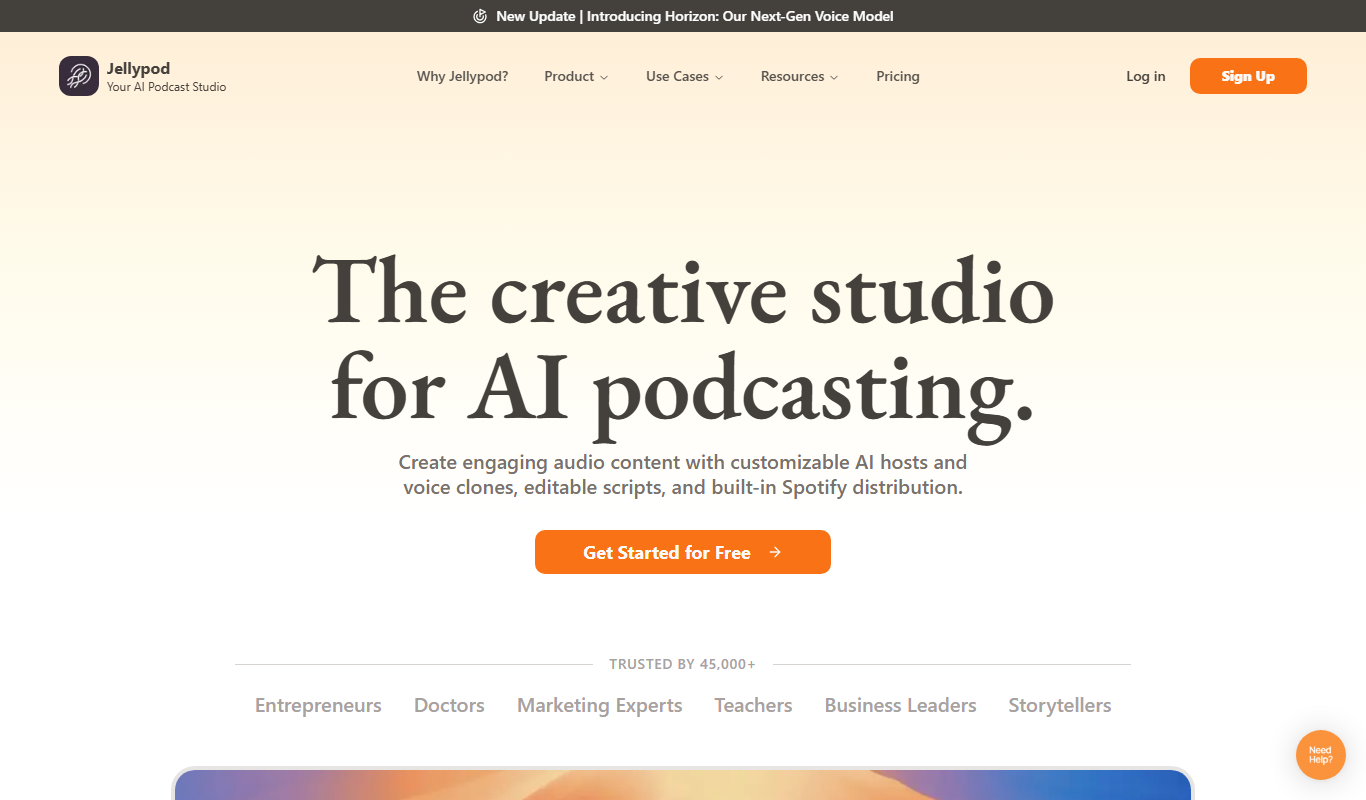
Jellypod
Jellypod is an AI-driven podcast creation and editing tool that automates audio production by converting scripts into natural-sounding podcasts with customizable AI voices and built-in editing features.

Freemium
PodfyAI – The Platform for Creators and Agencies
PodfyAI is a web-based AI podcast editing platform that automates filler word removal, noise reduction, and audio leveling to help creators and agencies produce professional podcast episodes efficiently.

Free Trial
Trieve
Trieve AI is a web-based data analytics platform that uses artificial intelligence to transform business data into actionable insights through customizable dashboards and predictive analytics.