

Vocalo: AI speaking coach for English conversation practice
Vocalo is an AI speaking coach that improves English speaking skills through immersive conversations with an AI teacher, detailed feedback and a personalized curriculum.
- Best for
- Speaking fluency
- Key capability
- Immersive AI conversations
Save Vocalo, follow its updates and vote on it — everything stays in your account.
Sign in or create a free account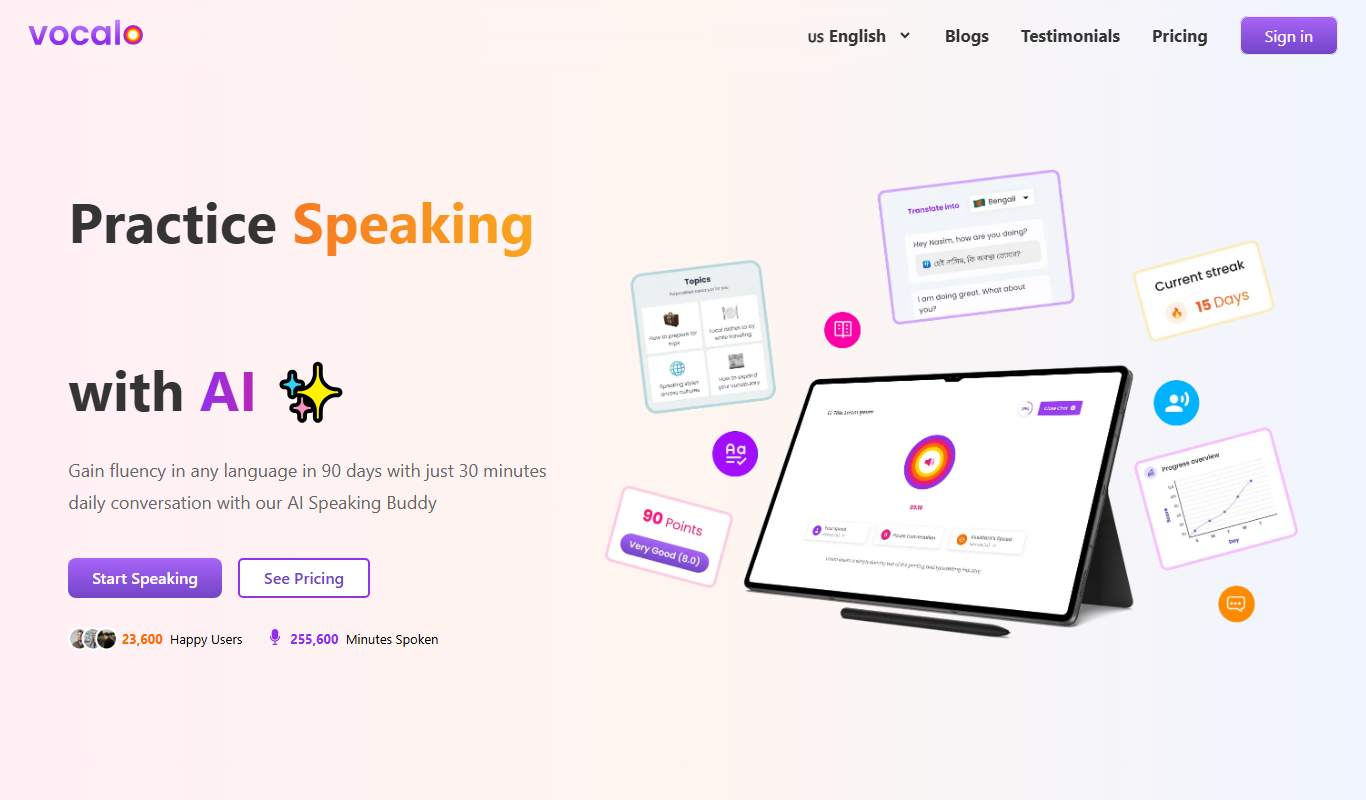
What is Vocalo?
Vocalo is an AI-powered language learning platform that focuses on improving English speaking skills. Learners hold real-life conversations with an AI teacher that listens and responds in real time, then get feedback on grammar, vocabulary, filler words and fluency, along with a personalized curriculum, dynamic exercises, live translation and progress tracking. It works on phone and computer, with a free plan and paid monthly sessions.
Key features of Vocalo
Vocalo offers real-time conversations with an AI teacher, feedback on grammar, vocabulary, filler words and fluency, a personalized curriculum, dynamic exercises, live translation, gamified learning and progress tracking.
Immersive AI conversations
The AI listens and responds in real time as you speak, like a continuous real-life conversation.
Detailed feedback
Feedback on grammar, vocabulary, filler words and fluency after each conversation.
Personalized curriculum
A curriculum based on your current level and learning goals that updates as you progress.
Live translation
Real-time translation of your conversation to understand it and learn new words.
Gamification and progress tracking
Earn points, badges and rewards and see detailed insights on your speaking ability.
Pros and cons of Vocalo
Pros
- Real-time responses and feedback after each conversation
- Personalized curriculum that updates with your level
- Free plan with no credit card required
- Offers free trial to evaluate features
Cons
- Free plan includes one 15-minute speaking session
- Multiple language learning is marked as coming soon
- Subscription pricing may be high for casual users
Key use cases for Vocalo
Speaking fluency
Build English speaking fluency through immersive conversations.
Grammar and vocabulary practice
Find grammar, vocabulary and filler word issues in your speech.
Confidence in speaking
Practice continuous conversations to speak more confidently.
Self-paced practice
Practice anytime on phone or computer instead of fixed tutor schedules.
Marketing and Advertising
Develop branded voice content for ads and promotional materials with consistent tone and style.
How Vocalo works
- 1
Start speaking
Open Vocalo on your phone or computer and start a conversation with the AI teacher.
- 2
Talk in real time
The AI listens and responds as you speak, correcting your language use.
- 3
Review feedback
Get feedback on grammar, vocabulary, filler words and fluency.
- 4
Follow your curriculum
Practice with dynamic exercises based on your conversation history, level and goals.
Who is using Vocalo
Vocalo pricing
Free
$0/month
1 personalized 15-minute speaking session, basic feedback, live translation, gamified learning, progress tracking and conversation history; no credit card required.
Standard
$15/month, billed monthly
30 personalized 15-minute speaking sessions monthly, detailed feedback, smart assessment and a custom curriculum.
Premium
$25/month, billed monthly
60 personalized 15-minute speaking sessions monthly, everything in Standard, early access and premium support.
Plans and prices are as published by the vendor and can change. Check the official site before you buy. Open the pricing page (opens in a new tab)
Frequently asked questions about Vocalo
An AI-powered language learning platform that focuses on improving English speaking skills through real-life conversations and instant feedback.
Feedback on grammar, vocabulary, filler words and fluency, with detailed analysis on paid plans.
Yes. The free plan needs no credit card and includes one personalized 15-minute speaking session with basic feedback.
The platform focuses on English speaking; the site lists 35+ languages, while multiple language learning is marked as coming soon.
On your phone and computer, 24/7.
Pricing depends on the plan and included features. For the most accurate and up-to-date details, check the official pricing page.
Yes, it can help with that use case depending on how you configure it and what features are available. You’ll get the best results with clear inputs and a defined goal.
Yes, it can help with that use case depending on how you configure it and what features are available. You’ll get the best results with clear inputs and a defined goal.
Conclusion
Spoken practice is the focus: learners hold continuous conversations with an AI teacher that listens and responds in real time, much like a session with a tutor. After each conversation, Vocalo breaks down grammar, vocabulary, filler words and fluency. A curriculum built from the learner’s level and goals then shapes the next exercises, with live translation for unfamiliar phrases.
Points, badges and progress insights keep practice going on phone or computer. The free plan is little more than a trial with a single 15-minute session, while paid plans are counted in monthly speaking sessions. Learning other languages is still marked as coming soon.
Sources
Sign in to review this tool.
Sign In to ReviewNo reviews yet
Be the first to share how this tool worked for you.
Ask about pricing, limits, or how it compares — or answer someone else.
Sign In to AskNo questions yet
Have a question about using or paying for this tool? Be the first to ask.
Featured on TiorAI



More AI Education & Learning Tools tools
Other tools in the same category, for when this one is not quite the fit.

knowt.com
Knowt.com is an AI-driven study tool that converts your notes or any text into interactive flashcards and summaries to enhance learning efficiency.

Terrakotta
Terrakotta is the all-in-one prospecting platform for commercial real estate brokers: source leads, make calls and deliver personalized AI voicemails.
plat.ai
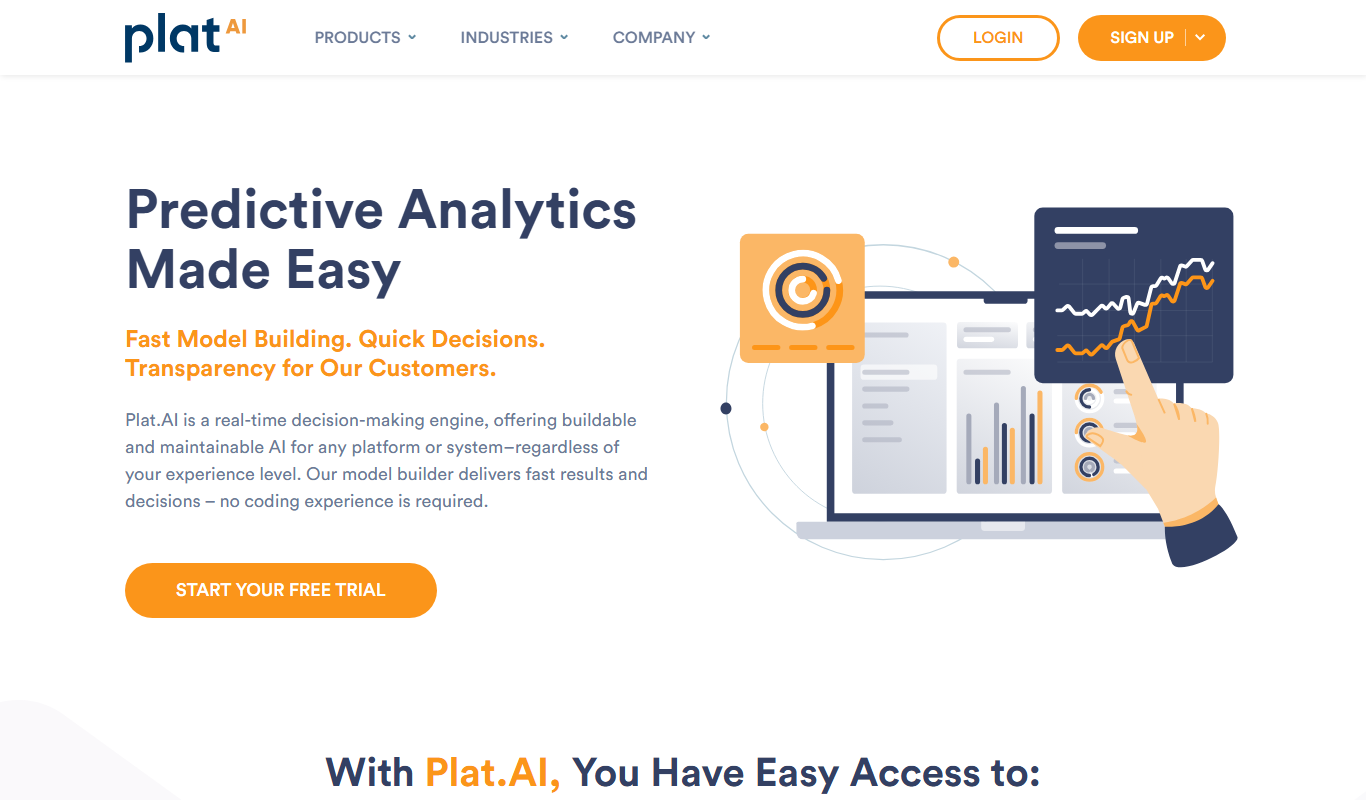
plat.ai is a comprehensive AI development platform that enables users to build, train, deploy, and manage custom machine learning models with scalable infrastructure and API integration.

Quino
Quino is the LMS that marks every exam: courses, lessons, online exams and diplomas, with AI that marks handwritten answers in seconds and writes tests from your notes.

MockTok
MockTok is an AI mock interview app with 50+ interactive questions, follow-up questions, job post analysis, multi-stage interviews, feedback and AI extracted cases.

ModelBench AI
ModelBench compares 180+ models side by side in an interactive playground and turns experiments into testable prompts that run as benchmarks at scale.
Mapify
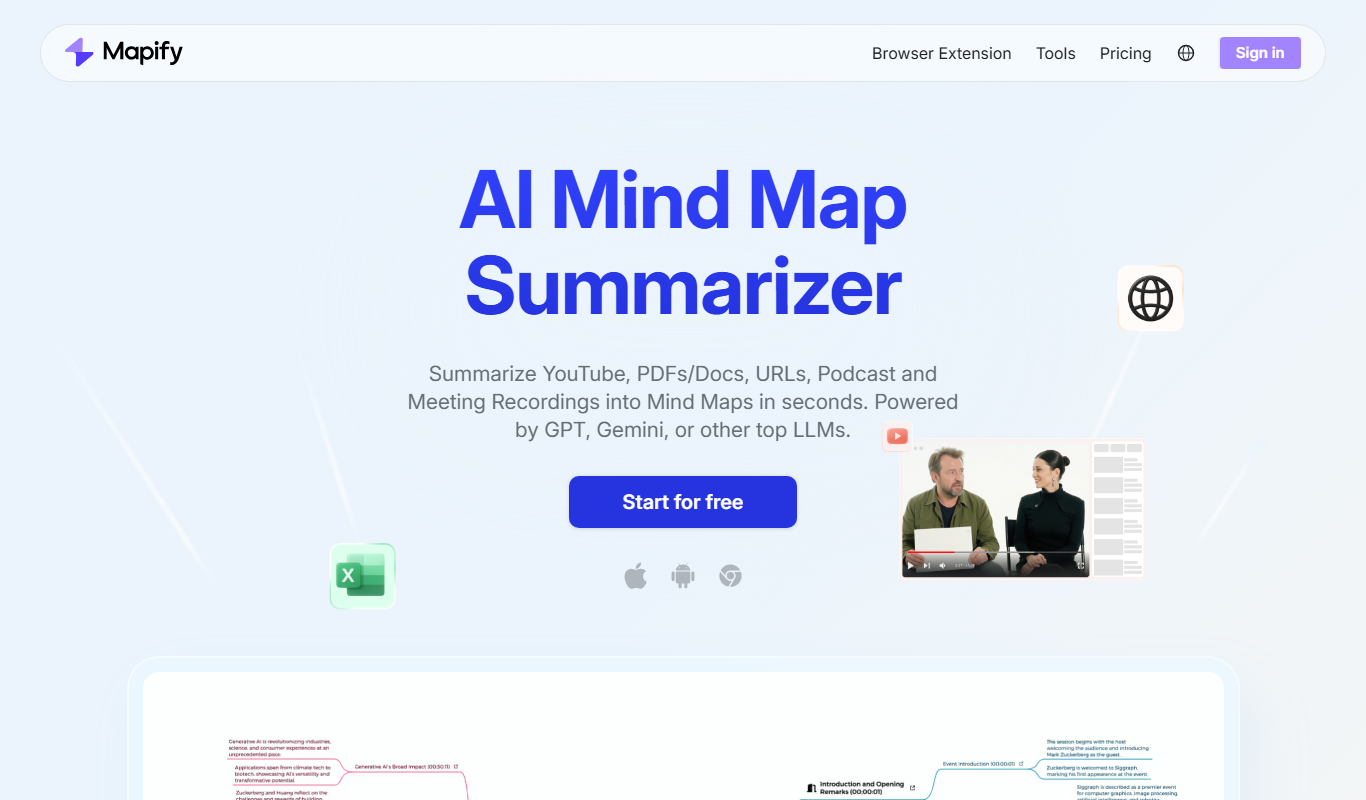
Mapify is an AI mind map summarizer that turns PDFs, YouTube videos, webpages and recordings into structured mind maps.

Heuristica
Heuristica is an AI learning platform that creates concept maps, flashcards, quizzes, summaries and study notes from PDFs, YouTube videos and websites.