
From my experience with VMagic Studio, it stands out for its smooth real-time avatar motion capture using accessible devices like webcams and VR gear. The software is particularly well-suited for VTubers and virtual content creators who want to bring their avatars to life without complex setups. While it is Windows-only and requires some hardware capability, its intuitive interface and integration with platforms like VRChat make it a practical choice. If you need reliable, real-time avatar animation for streaming or virtual interaction, VMagic Studio delivers effective results.
VMagic Avatar Motion Capture Software for Real-Time Virtual Animation
VMagic Studio is a Windows-based real-time avatar motion capture software that uses webcams and VR devices to animate 3D avatars, popular among VTubers and virtual content creators.
What is VMagic?
VMagic Studio is a real-time avatar motion capture software designed to animate 3D avatars using webcam and VR device inputs. It translates user movements and facial expressions into virtual character animations, primarily used by VTubers, streamers, and developers to create engaging virtual personas and interactive experiences.

Key Features of VMagic
Full-Body Motion Capture
Tracks body movements using webcams and VR devices for natural avatar animation.
Facial Expression Recognition
Captures facial expressions to reflect emotions on the avatar in real-time.
Platform Integration
Supports output to VRChat, Unity, and other virtual environments.
Custom Avatar Support
Allows users to import and animate their own 3D avatar models.
Motion Smoothing and Calibration
Provides tools to fine-tune motion capture data for fluid and accurate animations.
Pros and Cons of VMagic
Pros
- Real-time full-body and facial motion capture
- Supports custom avatar models in VRM format
- Integrates well with VRChat and Unity
- User-friendly interface for quick setup
- Affordable subscription pricing
Cons
- Windows-only software, no macOS or Linux support
- Requires decent hardware for smooth performance
- Limited official documentation in English
Key Use Cases for VMagic
VTuber Animation
Enables VTubers to animate their avatars in real-time using motion capture from webcams or VR devices.
Virtual Meetings and Streaming
Allows users to represent themselves with animated avatars during live streams or virtual meetings.
Game Development
Facilitates developers in animating characters within Unity for games or interactive experiences.
Social VR Interaction
Supports avatar motion capture for social VR platforms like VRChat to enhance user presence.
How VMagic Works
-
1
Install and Setup
Download and install VMagic Studio on a Windows PC, then configure your avatar model.
-
2
Connect Input Devices
Use a webcam, VR headset, or controllers to capture your movements and expressions.
-
3
Calibrate Avatar
Adjust settings to align your motions accurately with the avatar’s skeleton.
-
4
Start Real-Time Animation
Animate your avatar live for streaming, virtual meetings, or game integration.
Who's Using VMagic
VTubers and streamers
Game developers using Unity
Virtual reality social users
Content creators needing avatar animation
Educators and presenters using virtual avatars
VMagic Pricing
Free
$0/month
Basic avatar motion capture features with limited customization.
Pro
¥1,980/month (approx. $15)
Full access to advanced features, unlimited avatar models, and priority support.
Frequently Asked Questions About VMagic
It supports webcams, VR headsets, and motion controllers for capturing full-body and facial movements.
Yes, VMagic Studio allows importing custom VRM-format avatars for animation.
Yes, it integrates smoothly with VRChat to animate avatars in real-time.
Currently, it runs on Windows PCs.
It depends on your specific needs and how you plan to use the tool. The official website and documentation are the best sources for the latest details.
Yes, it can help with that use case depending on how you configure it and what features are available. You’ll get the best results with clear inputs and a defined goal.
It depends on your specific needs and how you plan to use the tool. The official website and documentation are the best sources for the latest details.
Share your review
Reviews are limited to one per logged-in user and are published after moderation.
You need an account to review this tool.
0.0
★
★
★
★
★
0 reviews
5 star
0
4 star
0
3 star
0
2 star
0
1 star
0
No reviews yet
Be the first to share how this tool worked for you.
Questions from the community
Read questions and answers about this tool, or ask your own.
No questions yet
Start the conversation by asking the first question about this tool.
Is this tool helpful?
Alternative Tools
Explore similar AI tools that might fit your needs
Free Trial
Luppet
Luppet is an AI avatar generator that creates customizable 3D virtual characters animated in real time using motion capture technology, popular among VTubers and content creators.

Free Trial
Rokoko Vision
Rokoko Vision is a markerless motion capture software that uses AI-powered computer vision to track full-body movements in real-time, enabling animators and developers to capture and stream motion data without suits or markers.

Free
Ainime
Ainime is an AI-powered platform that enables users to create anime-style videos quickly by automating animation with customizable characters and scenes.

Free Trial
Drawings Alive
Drawings Alive is an interactive animation software that allows users to animate drawings and images with interactive hotspots and synchronized audio, ideal for educational and marketing content creation.
Free
Live Portrait AI
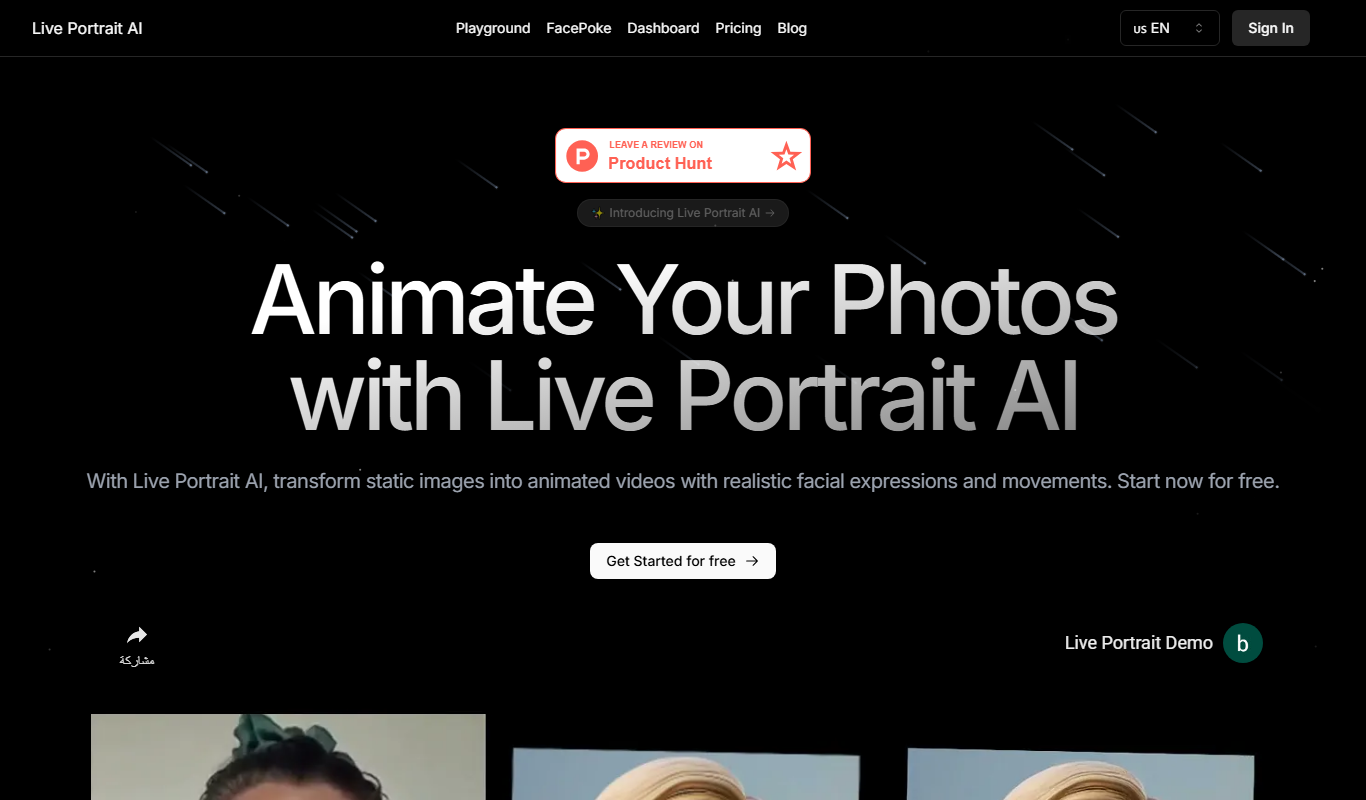
Live Portrait AI is a free web tool that animates static portrait photos using AI to create realistic facial movements like blinking and smiling.

Freemium
lipsyncer.ai
Lipsyncer AI is a web-based tool that uses artificial intelligence to automatically generate lip sync animations from audio, helping video creators and animators produce realistic mouth movements quickly.

Free
Sticker.Show
Sticker.Show is a web-based platform that lets users create and export custom animated stickers for messaging apps like WhatsApp and Telegram, featuring easy-to-use animation tools and templates.

Free
Glorify Animation
Glorify Animation is an online platform that enables users to create animated marketing and social media videos quickly using templates and a drag-and-drop editor.

Free
Mango AI
Mango AI is an AI-assisted 2D animation software by Mango Animate that helps users create animated videos easily using templates, drag-and-drop editing, and voiceover integration.