

From my experience with Vectify, I found it excels at quickly converting text prompts or images into clean, editable SVG vector graphics without needing advanced design skills. The web-based interface is straightforward, making it accessible for designers and marketers who want scalable graphics fast. However, the editing tools are somewhat basic compared to full-featured vector editors, which means complex adjustments might require external software. Overall, if you need rapid AI-powered SVG creation for logos, icons, or illustrations, Vectify offers a practical and affordable solution.
Vectify AI-Powered SVG Art Generator for Scalable Vector Graphics
Vectify is an AI-powered web tool that converts text prompts or raster images into editable SVG vector graphics quickly and easily.
- Best for
- SVG Art Creation
- Key capability
- AI-Powered Vector Generation

Do you recommend this tool?
What is Vectify- AI-Powered SVG Art?
Vectify is a web-based AI-powered tool that transforms text prompts or raster images into scalable vector graphics (SVG). It leverages artificial intelligence to generate clean, editable SVG art, enabling designers and creators to produce high-quality vector illustrations, logos, and icons quickly without manual tracing or complex vector software.
Key features of Vectify- AI-Powered SVG Art
Vectify offers AI-driven SVG generation from text or images, easy editing capabilities, and export options for scalable vector files. It simplifies vector art creation by automating the conversion and design process, making it accessible for users without advanced graphic design skills.
AI-Powered Vector Generation
Automatically create SVG graphics from text descriptions or images using advanced AI algorithms.
Editable Vector Output
Generated SVG files are fully editable, allowing customization in vector design software.
User-Friendly Web Interface
Intuitive platform accessible via web browser without the need for installation.
Fast Conversion and Rendering
Quickly transforms inputs into vector art, reducing manual design time.
Export Options
Download SVG files compatible with popular design tools and workflows.
Pros and cons of Vectify- AI-Powered SVG Art
Pros
- Simplifies vector graphic creation with AI automation
- No software installation needed, accessible via web
- Produces clean, editable SVG files
- Affordable pricing with a free tier
- Fast processing and export options
Cons
- Limited free plan usage may restrict heavy users
- Editing capabilities are basic compared to full vector editors
- Dependent on internet connection and browser performance
Key use cases for Vectify- AI-Powered SVG Art
SVG Art Creation
Generate scalable vector graphics from text prompts or images using AI.
Logo and Icon Design
Create unique logos and icons with AI-generated SVGs for branding purposes.
Graphic Design Prototyping
Rapidly prototype vector-based designs for websites, apps, and print.
Creative Illustration
Produce artistic vector illustrations for digital and print media.
Image Vectorization
Convert raster images into clean, editable SVG vector files.
How Vectify- AI-Powered SVG Art works
- 1
Input Text or Upload Image
Start by entering a descriptive text prompt or uploading a raster image to be vectorized.
- 2
AI Processes Input
The AI engine analyzes the input and generates a clean SVG vector graphic based on the content.
- 3
Edit and Customize
Use the built-in editor to tweak shapes, colors, and paths to refine the vector artwork.
- 4
Export SVG
Download the final scalable vector graphic in SVG format for use in design projects.
Who is using Vectify- AI-Powered SVG Art
Graphic designers
Logo and icon creators
Marketing professionals
Web and app designers
Content creators needing scalable graphics
Vectify- AI-Powered SVG Art pricing
Free
$0/month
Limited access with basic features and a cap on SVG generations.
Pro
$9/month
Unlimited SVG generations, priority processing, and access to advanced editing tools.
Plans and prices are as published by the vendor and can change. Check the official site before you buy. Open the pricing page (opens in a new tab)
Frequently asked questions about Vectify- AI-Powered SVG Art
Vectify supports common raster image formats like PNG and JPEG for conversion to SVG.
Yes, SVG files produced by Vectify can be opened and edited in most vector graphic editors.
The free plan has a daily limit on SVG generations to manage server resources.
No, Vectify is fully web-based and accessible through modern browsers.
It depends on your specific needs and how you plan to use the tool. The official website and documentation are the best sources for the latest details.
Yes, it can help with that use case depending on how you configure it and what features are available. You’ll get the best results with clear inputs and a defined goal.
Some tools offer a free plan or trial with limited features. Availability can vary, so confirm on the official website.
Yes, it can help with that use case depending on how you configure it and what features are available. You’ll get the best results with clear inputs and a defined goal.
Sign in to review this tool.
Sign In to ReviewNo reviews yet
Be the first to share how this tool worked for you.
Ask about pricing, limits, or how it compares — or answer someone else.
Sign In to AskNo questions yet
Have a question about using or paying for this tool? Be the first to ask.
Featured on TiorAI



Alternative Tools
Explore similar AI tools that might fit your needs
Free
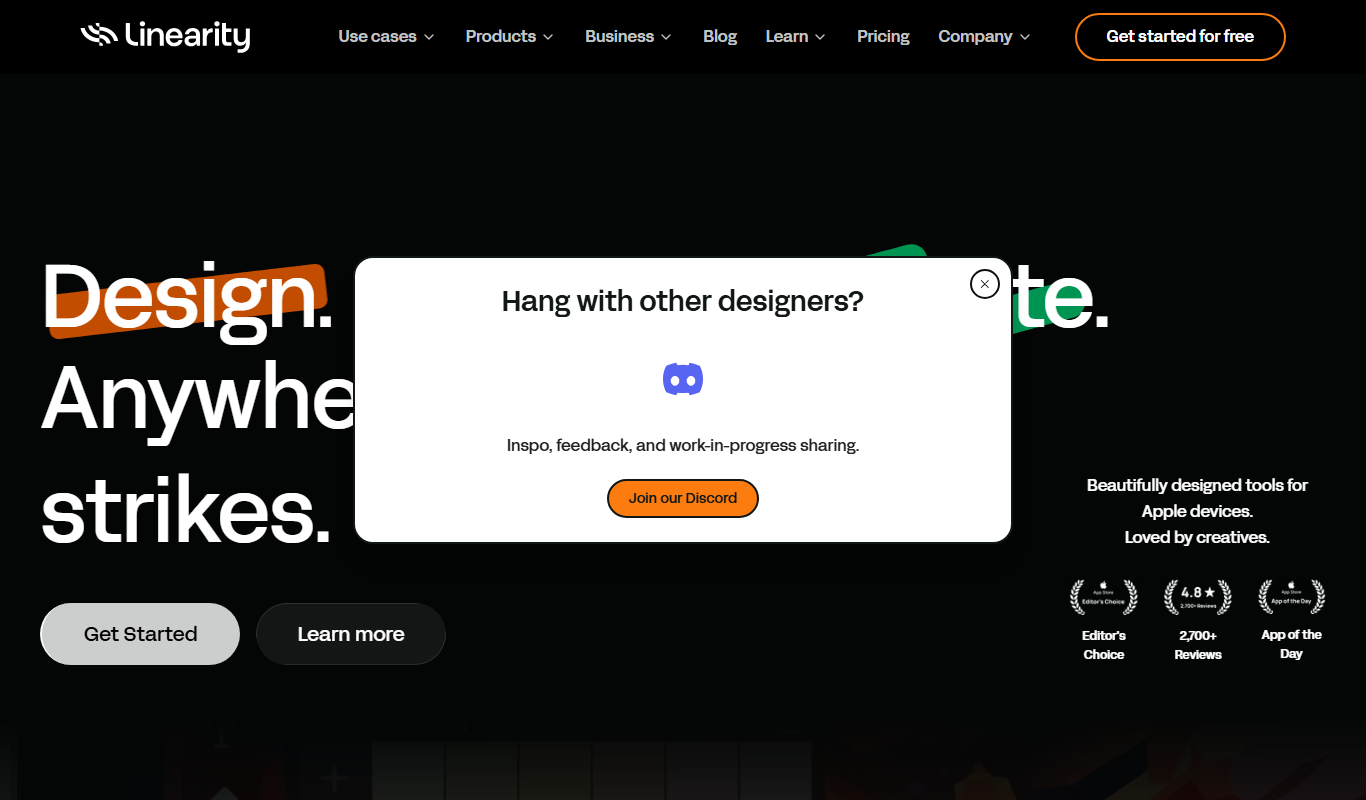
Vectornator
Vectornator is a free vector graphic design software for Apple devices that offers professional tools for illustration, UI design, and logo creation with full Apple Pencil support.
Free
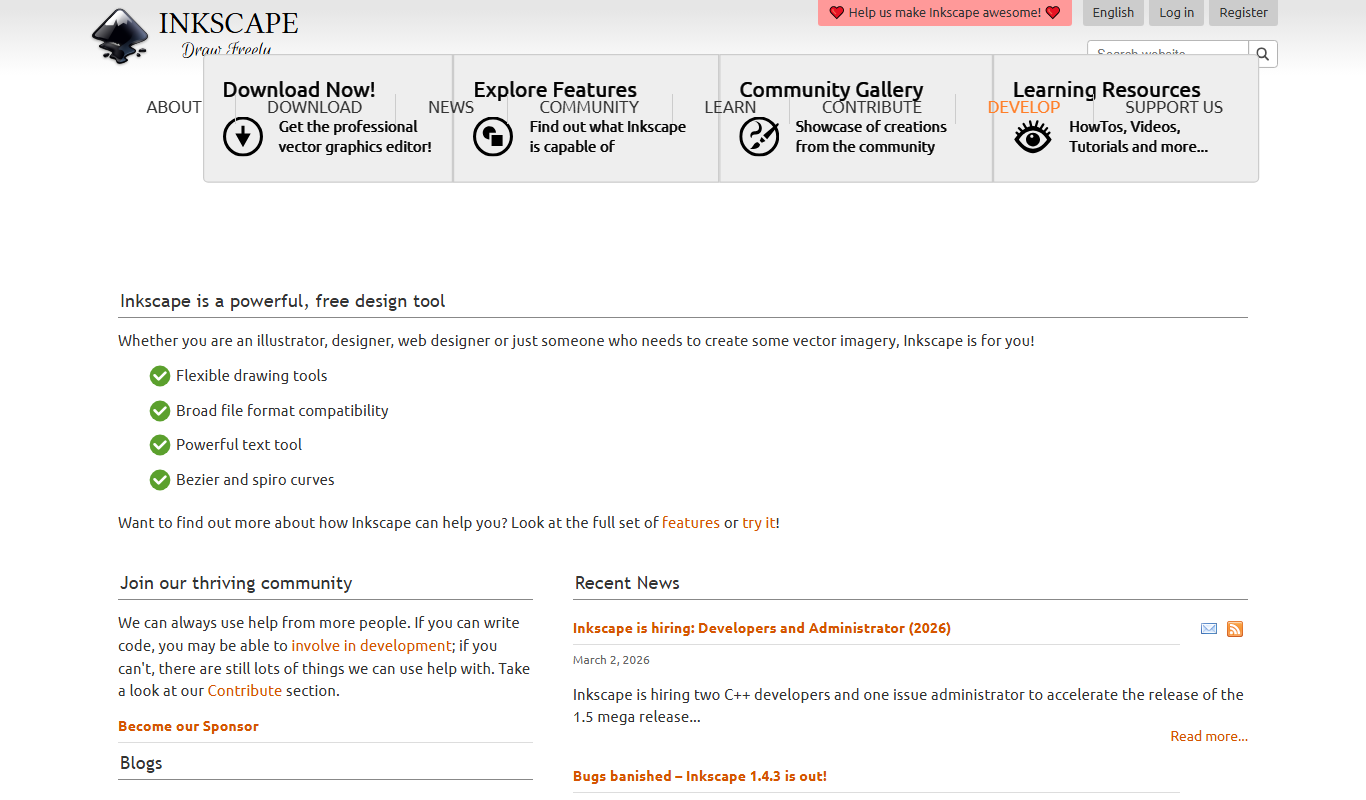
Inkscape
Inkscape is a free and open source vector graphics editor used for creating and editing scalable vector images with advanced tools for illustration and graphic design.