

From my experience with the Value Proposition Canvas, I found it excels at visually clarifying the relationship between customer needs and product offerings, which is crucial for effective business model innovation. Spending time with the tool, I noticed it is particularly well-suited for entrepreneurs, product managers, and innovation teams aiming to achieve strong product-market fit. However, the tool’s learning curve can be steep for those new to strategic frameworks, and the free plan is somewhat limited. Overall, if you want a structured, collaborative approach to designing customer-centric value propositions, this tool delivers practical and actionable insights.
Value Proposition Canvas Tool for Business Model Innovation and Customer Insights
The Value Proposition Canvas is a visual tool that helps businesses design and test value propositions by mapping customer needs alongside products and services to achieve better product-market fit.
- Best for
- Business Model Development
- Key capability
- Visual Canvas Interface

Do you recommend this tool?
What is Value Proposition Canvas?
The Value Proposition Canvas is a strategic management tool developed by Strategyzer that helps businesses design, test, and iterate their value propositions to better meet customer needs. It visually maps customer segments’ jobs, pains, and gains alongside the products and services designed to address them, facilitating a clear understanding of product-market fit and customer-centric innovation.
Key features of Value Proposition Canvas
The tool offers a visual canvas divided into two parts: the Customer Profile and the Value Map. It enables users to systematically identify customer jobs, pains, and gains, and align these with corresponding products, pain relievers, and gain creators. It supports collaboration, hypothesis testing, and iterative refinement of business models.
Visual Canvas Interface
Intuitive drag-and-drop canvas to map customer insights and value propositions side-by-side.
Customer Profile Detailing
Tools to capture customer jobs, pains, and gains in a structured format.
Value Map Alignment
Helps align products, pain relievers, and gain creators directly with customer needs.
Collaboration Tools
Supports team collaboration for joint business model innovation.
Integration with Business Model Canvas
Seamlessly connects with Strategyzer’s Business Model Canvas for comprehensive strategy design.
Pros and cons of Value Proposition Canvas
Pros
- Clear visual framework for customer-centric innovation
- Supports iterative testing and refinement
- Facilitates team collaboration
- Integrates with broader business modeling tools
Cons
- Limited free plan features
- Primarily web-based, no offline app
- Learning curve for beginners unfamiliar with business model concepts
Key use cases for Value Proposition Canvas
Business Model Development
Helps entrepreneurs and companies design and test value propositions aligned with customer needs.
Customer Segmentation
Enables detailed profiling of customer jobs, pains, and gains to better understand target audiences.
Product-Market Fit Analysis
Assists teams in validating how their products or services create value and solve customer problems.
Innovation Workshops
Used in collaborative settings to brainstorm and refine business ideas with visual tools.
Marketing Strategy
Supports crafting messaging and campaigns that resonate with customer motivations and challenges.
How Value Proposition Canvas works
- 1
Define Customer Segment
Identify and describe the specific customer group you want to understand.
- 2
Map Customer Jobs, Pains, and Gains
Detail what customers are trying to achieve, their challenges, and desired benefits.
- 3
Outline Products and Services
List your offerings that aim to address the customer’s needs.
- 4
Identify Pain Relievers and Gain Creators
Specify how your products alleviate pains and create gains for customers.
- 5
Test and Iterate
Use feedback and data to refine the value proposition and improve product-market fit.
Who is using Value Proposition Canvas
Entrepreneurs and startups
Product managers
Business consultants
Marketing professionals
Innovation teams
Value Proposition Canvas pricing
Free
$0/month
Access to basic Value Proposition Canvas features with limited projects.
Pro
$25/month
Full access including unlimited projects, collaboration, and integration features.
Plans and prices are as published by the vendor and can change. Check the official site before you buy. Open the pricing page (opens in a new tab)
Frequently asked questions about Value Proposition Canvas
It is used to design and test value propositions by understanding customer needs and aligning products accordingly.
Yes, Strategyzer offers a free tier with basic features and limited projects.
Yes, the tool supports team collaboration and sharing.
Yes, it integrates seamlessly with the Business Model Canvas and other Strategyzer products.
Yes, it can help with that use case depending on how you configure it and what features are available. You’ll get the best results with clear inputs and a defined goal.
Yes, it can help with that use case depending on how you configure it and what features are available. You’ll get the best results with clear inputs and a defined goal.
Some tools offer a free plan or trial with limited features. Availability can vary, so confirm on the official website.
Yes, it can help with that use case depending on how you configure it and what features are available. You’ll get the best results with clear inputs and a defined goal.
Sign in to review this tool.
Sign In to ReviewNo reviews yet
Be the first to share how this tool worked for you.
Ask about pricing, limits, or how it compares — or answer someone else.
Sign In to AskNo questions yet
Have a question about using or paying for this tool? Be the first to ask.
Featured on TiorAI



Alternative Tools
Explore similar AI tools that might fit your needs

Free
Lean Canvas
Lean Canvas is a web tool that helps startups and entrepreneurs quickly create and validate business models using a simple one-page framework based on lean startup principles.
More AI Content Generator tools
Other tools in the same category, for when this one is not quite the fit.
Custom Pricing
Ion Interactive
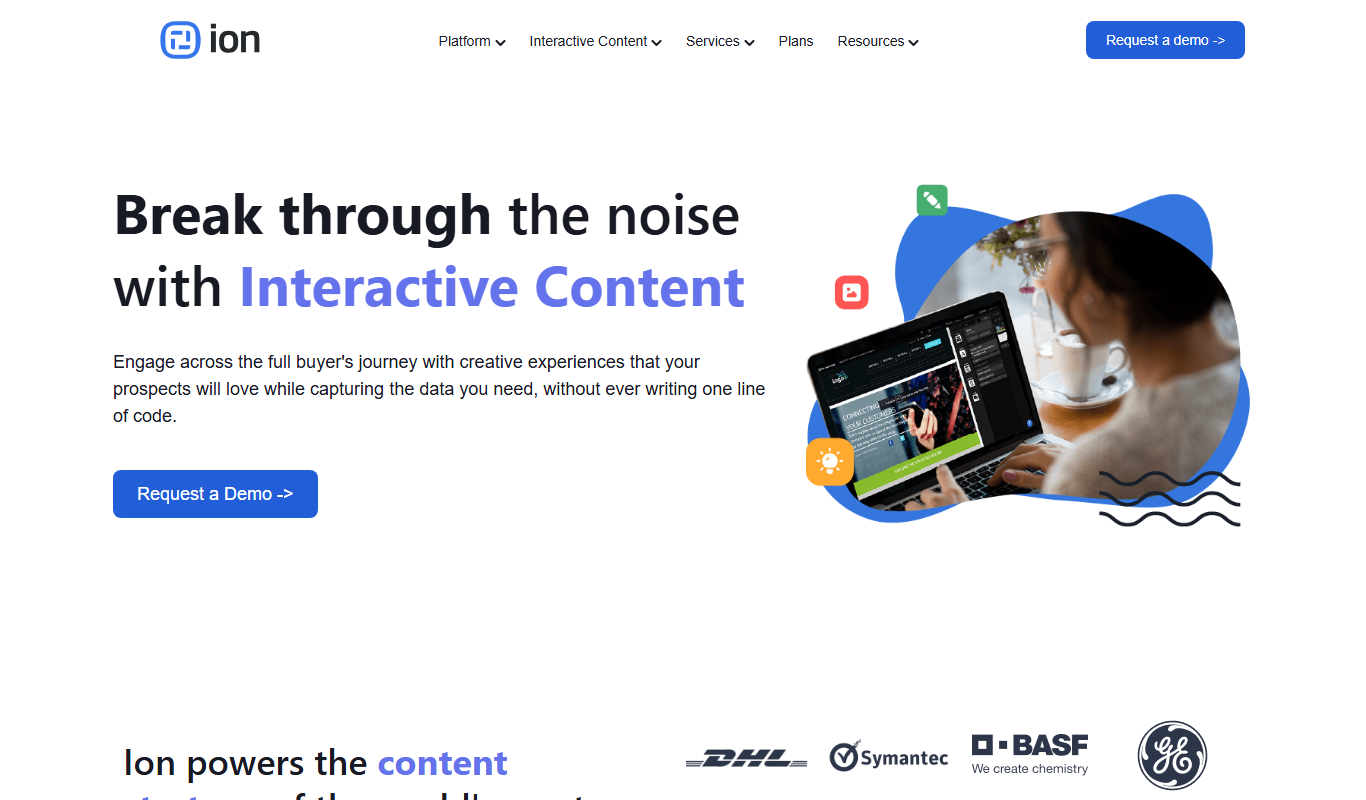
Ion Interactive is a web-based platform that enables marketers to create interactive content like quizzes and assessments to engage audiences and generate leads without coding.
Freemium
简道云内容助手
Jiandaoyun Content Assistant is an AI writing tool embedded in a no-code platform that helps users generate and automate content creation, primarily for Chinese language users.

Free
写作猫AI
写作猫AI is a Chinese-language AI writing assistant that supports content generation, creative writing, and text refinement through a web platform.

Free
Internet Archive
Internet Archive is a free nonprofit digital library offering millions of books, audio, video, and archived websites accessible online through its web platform and the Wayback Machine.

Freemium
Simpleclub
Simpleclub is an educational platform providing interactive video lessons and personalized learning tools primarily for secondary school students, helping them understand school subjects and prepare for exams.

Free
Calmly Writer
Calmly Writer is a minimalist writing app designed to help users focus by providing a distraction-free interface, Markdown support, autosave, and export options. It is available as a free web app and a paid desktop app for offline use.

Free
Fighting Fantasy
Fighting Fantasy is a web-based interactive story platform that lets users play and create branching narrative gamebooks inspired by the classic Fighting Fantasy series, incorporating RPG elements like dice rolls and character stats.

Free
Spreadsheeto
Spreadsheeto is an online platform offering detailed Microsoft Excel tutorials and courses to help users from beginners to advanced professionals improve their spreadsheet skills.