

From my experience with UXSniff, I found it excels at providing straightforward visual insights into user behavior through heatmaps and session recordings. The platform is intuitive and easy to set up, making it accessible for UX professionals and business owners alike. After spending time with UXSniff, I can say it’s particularly well-suited for small to medium businesses looking to optimize website usability without complex setups. However, the tool has limited integrations and advanced segmentation features, which might be a drawback for larger enterprises needing deeper analytics. Overall, if you need a simple yet effective way to understand visitor interactions and improve conversions, UXSniff delivers solid results.
UXSniff User Experience Analytics Tool for Website Behavior Insights
UXSniff is a web-based analytics tool that captures user interactions through heatmaps and session recordings to help improve website usability and conversions.
- Best for
- Website User Behavior Analysis
- Key capability
- Click and Scroll Heatmaps
Your actions
Save uxsniff.com, follow its updates and vote on it — everything stays in your account.
Sign in or create a free account
What is uxsniff.com?
UXSniff is a web-based user experience analytics tool that helps website owners and UX professionals understand visitor behavior through heatmaps, session recordings, and detailed analytics. It provides insights into how users interact with website elements, enabling data-driven improvements to enhance usability and increase conversions.
Key features of uxsniff.com
UXSniff offers features such as click and scroll heatmaps, session recordings, user journey tracking, and detailed analytics dashboards. These tools help identify user engagement patterns, usability bottlenecks, and areas for optimization.
Click and Scroll Heatmaps
Visualize where users click and how far they scroll on your pages to identify popular and ignored areas.
Session Recordings
Replay individual user sessions to observe real user behavior and detect usability problems.
User Journey Tracking
Track the paths users take through your website to understand navigation patterns and drop-off points.
Detailed Analytics Dashboard
Access comprehensive reports and metrics to measure user engagement and website performance.
Pros and cons of uxsniff.com
Pros
- Easy to install and use with minimal setup
- Provides clear visualizations of user behavior
- Affordable pricing with a free tier
- Helpful for identifying UX issues and improving conversions
Cons
- Limited integrations with other marketing or analytics platforms
- Feature set is focused primarily on heatmaps and recordings without advanced segmentation
Key use cases for uxsniff.com
Website User Behavior Analysis
Track and analyze how visitors interact with your website to identify usability issues and optimize user flow.
Conversion Rate Optimization
Use heatmaps and session recordings to understand user engagement and improve conversion funnels.
UX Research and Testing
Gather qualitative and quantitative data on user interactions to inform design decisions and enhance user experience.
Bug and Issue Identification
Detect unexpected user behaviors or errors by reviewing session replays to quickly address website problems.
How uxsniff.com works
- 1
Sign Up and Install Tracking Code
Create an account on UXSniff and add the provided JavaScript tracking code to your website.
- 2
Collect User Interaction Data
UXSniff automatically records visitor interactions including clicks, scrolls, and mouse movements.
- 3
Analyze Heatmaps and Session Recordings
Access visual heatmaps and session replays to see exactly how users navigate and engage with your site.
- 4
Make Data-Driven UX Improvements
Use insights from the analytics to optimize website design, fix usability issues, and improve conversion rates.
Who is using uxsniff.com
UX designers and researchers
Digital marketers
Small to medium business owners
Product managers
Web developers
uxsniff.com pricing
Free
$0/month
Basic access with limited session recordings and heatmaps.
Pro
$29/month
Extended session recordings, advanced analytics, and priority support.
Plans and prices are as published by the vendor and can change. Check the official site before you buy. Open the pricing page (opens in a new tab)
Frequently asked questions about uxsniff.com
No, installing UXSniff only requires adding a small JavaScript snippet to your website’s code.
Yes, UXSniff supports tracking multiple websites under one account.
UXSniff anonymizes user data to protect visitor privacy and complies with relevant data protection regulations.
Currently, UXSniff focuses on core analytics features and does not offer extensive third-party integrations.
It depends on your specific needs and how you plan to use the tool. The official website and documentation are the best sources for the latest details.
It depends on your specific needs and how you plan to use the tool. The official website and documentation are the best sources for the latest details.
Some tools offer a free plan or trial with limited features. Availability can vary, so confirm on the official website.
Yes, it can help with that use case depending on how you configure it and what features are available. You’ll get the best results with clear inputs and a defined goal.
Sign in to review this tool.
Sign In to ReviewNo reviews yet
Be the first to share how this tool worked for you.
Ask about pricing, limits, or how it compares — or answer someone else.
Sign In to AskNo questions yet
Have a question about using or paying for this tool? Be the first to ask.
Featured on TiorAI



Alternative Tools
Explore similar AI tools that might fit your needs

Free Trial
Crazy Egg
Crazy Egg is a web analytics tool that provides heatmaps, session recordings, and A/B testing features to help businesses understand user behavior and optimize their websites for better engagement and conversions.

Free
FullStory
FullStory is a digital experience analytics platform that captures user interactions on websites and apps, providing session replay, heatmaps, and AI-driven insights to help businesses optimize user experience and increase conversions.
More AI Data & Analytics Tools tools
Other tools in the same category, for when this one is not quite the fit.
Free Trial
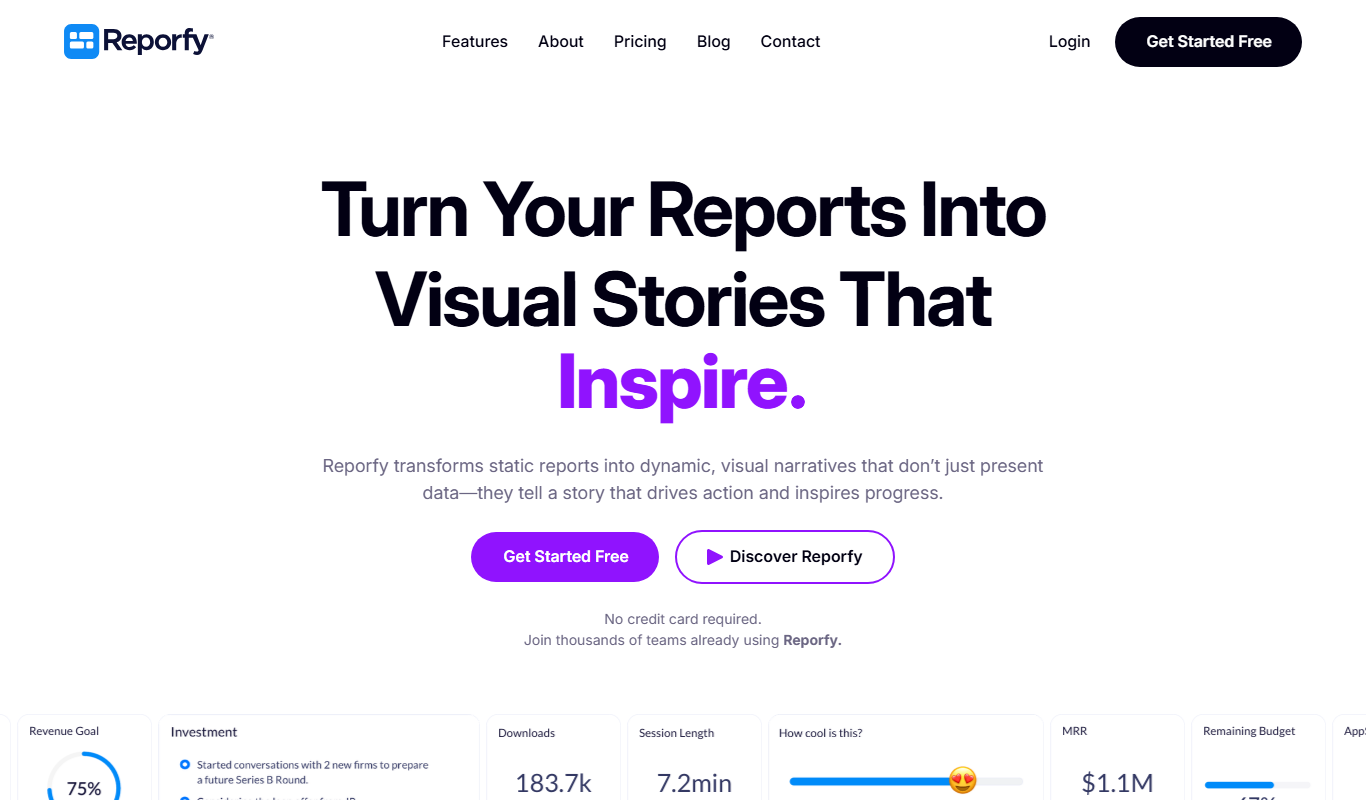
Reporfy
Reporfy is an AI-powered platform that automates business report generation by analyzing data and creating insightful, customizable reports to support decision-making.

Custom Pricing
PIXTA AI – AI/ML Training data service
PIXTA AI is a service that provides custom annotated datasets and data labeling solutions to help train AI and machine learning models effectively.

Custom Pricing
Planck Data
Planck Data is an AI platform focused on commercial insurance underwriting.

Custom Pricing
tredence.com
Tredence is a data science and AI company providing customized analytics solutions to help enterprises leverage data for better decision-making and operational efficiency.

Custom Pricing
sentiance.com
Sentiance is an AI-driven platform that converts smartphone and IoT sensor data into actionable behavioral insights, enabling businesses to understand user context and personalize experiences.

Custom Pricing
Meiro
Meiro is a Customer Data Platform that helps businesses unify customer data from multiple sources, perform advanced analytics, and manage data governance to improve marketing personalization and compliance.

Custom Pricing
squirro.com
Squirro is an Enterprise GenAI platform for search and knowledge, with custom pricing.

Freemium
AI Lens For Power BI
Power BI AI Lens is an AI-powered tool that integrates with Microsoft Power BI to provide automated data insights, natural language querying, and enhanced reporting capabilities.